Files exported from cameras, scanners, or software often come with an auto-generated prefix that isn't useful once you're organizing the files yourself — things like "IMG_", "SCAN_", or a timestamp code at the start of the filename. Stripping a fixed number of characters from the beginning of every filename cleans this up across an entire batch in one step.
This is different from Find & Replace, since it doesn't require knowing the exact text to remove — it simply trims a set number of characters from the start, which works even when the leading text varies slightly between files as long as the length is consistent.
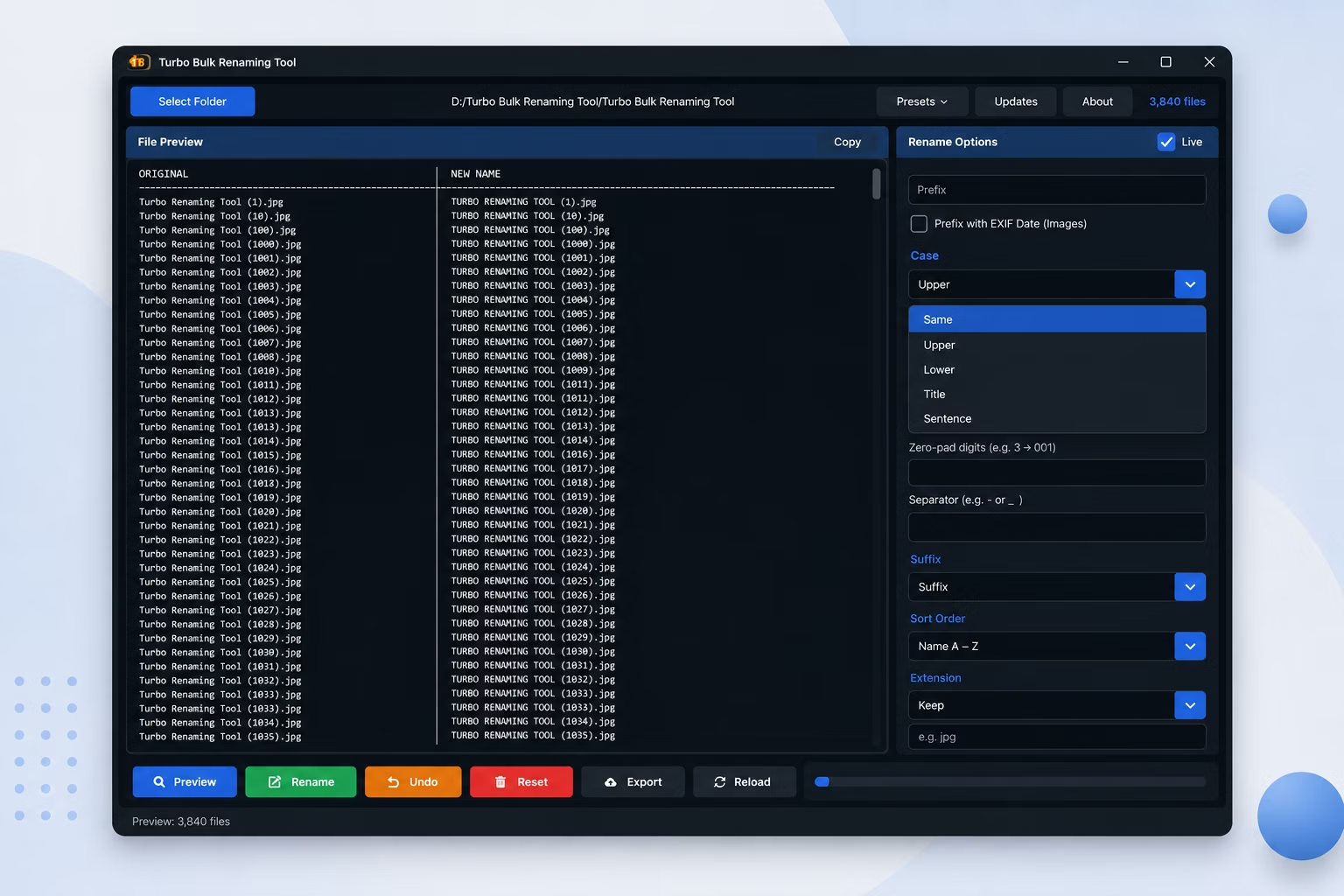
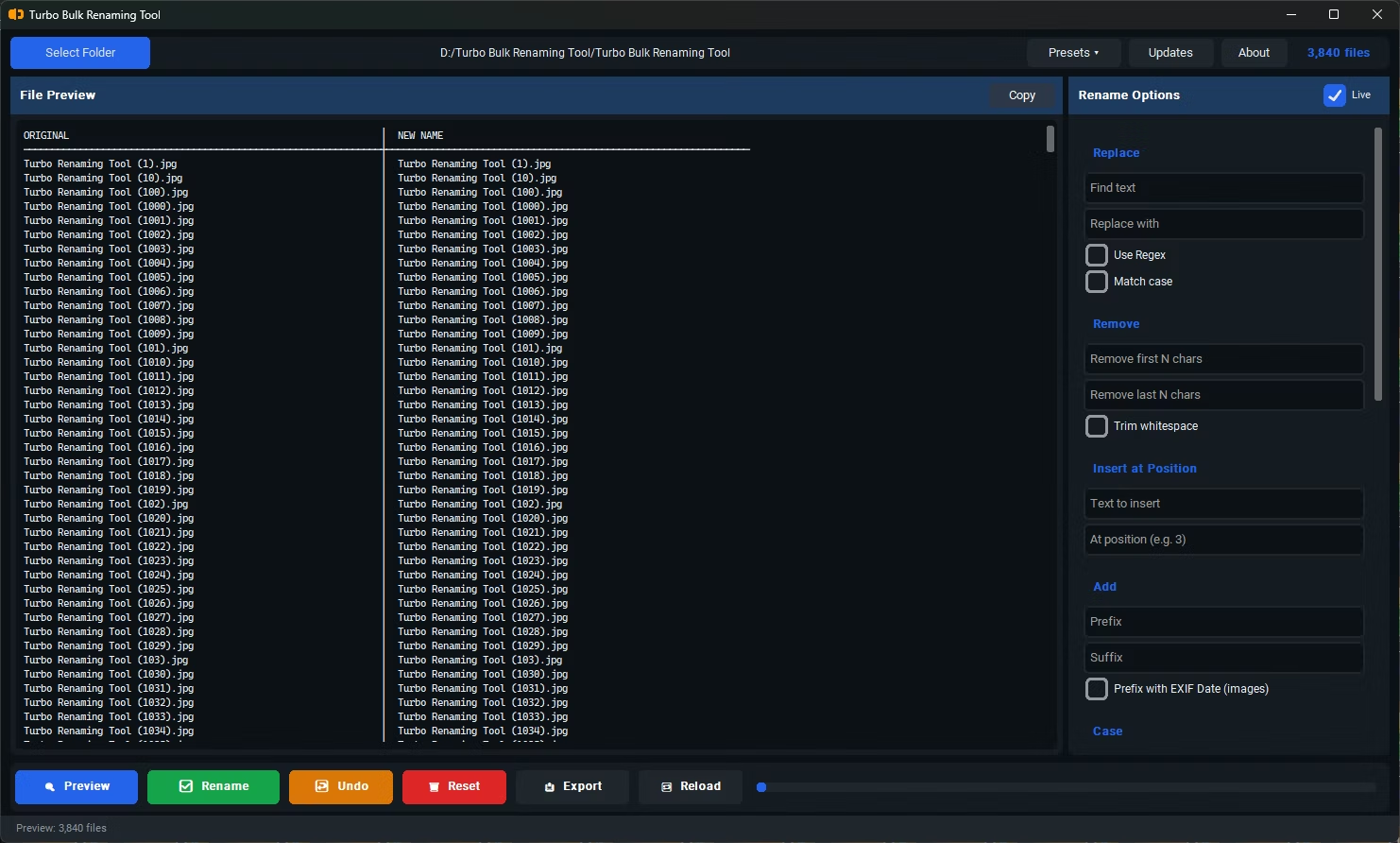
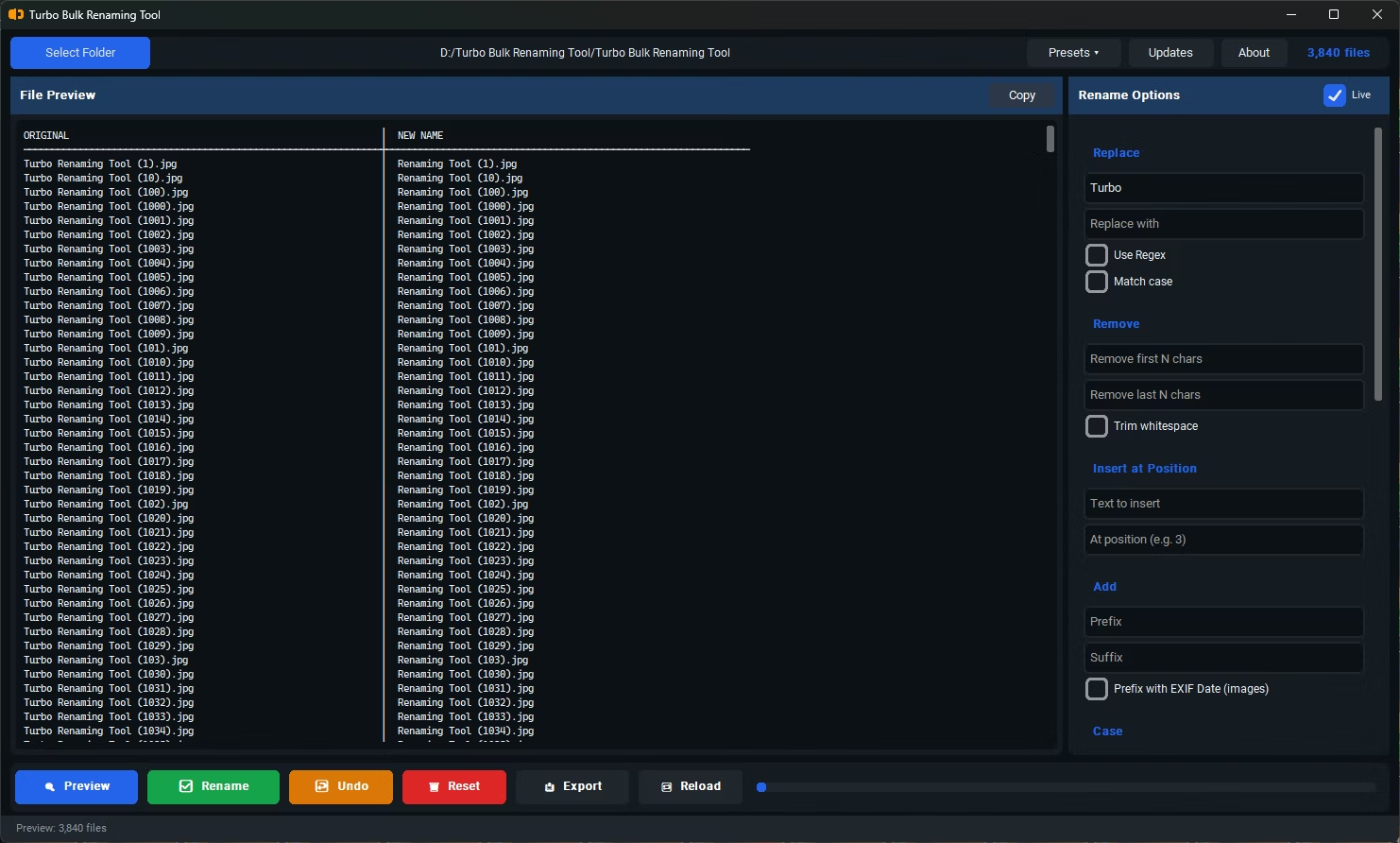
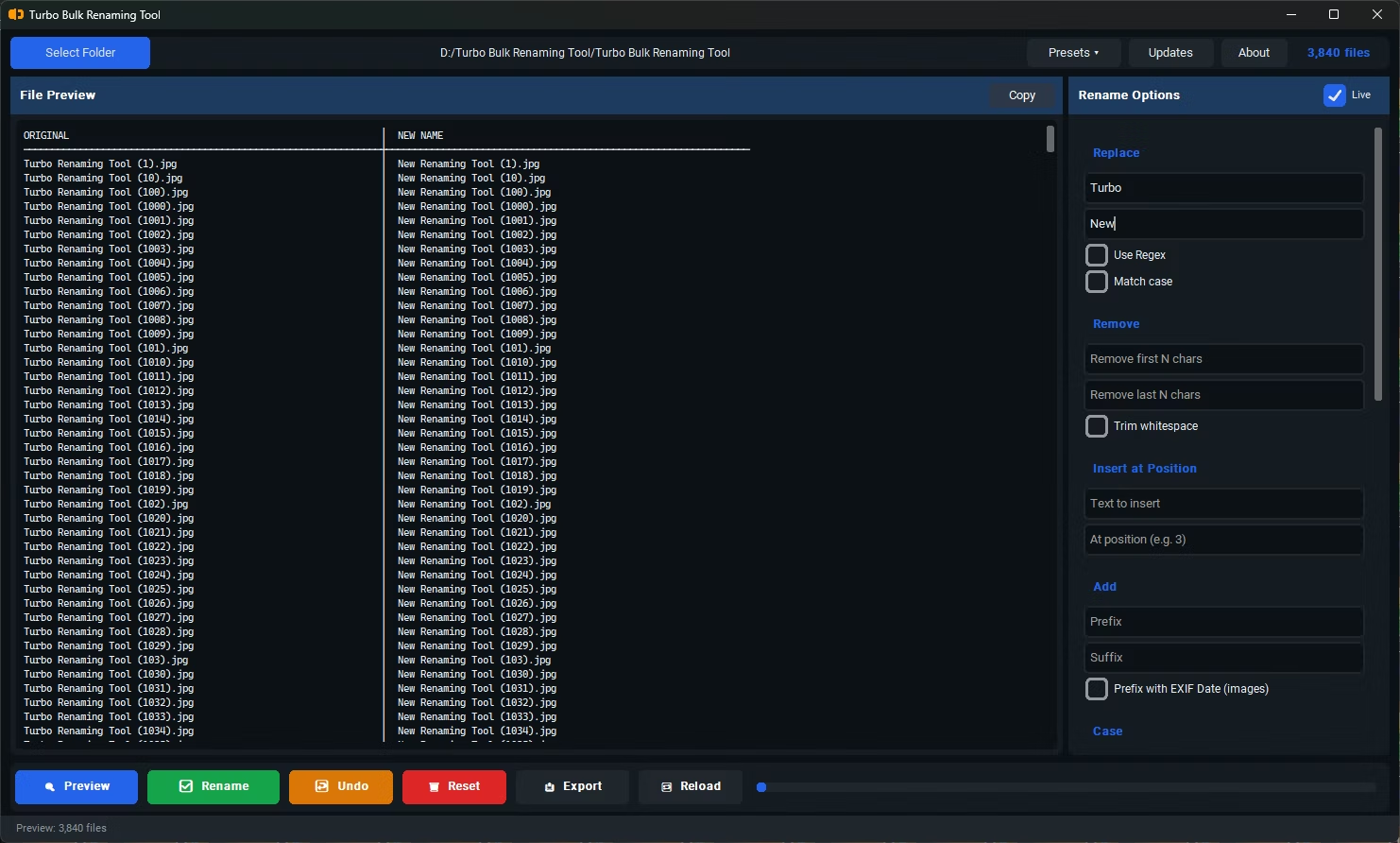
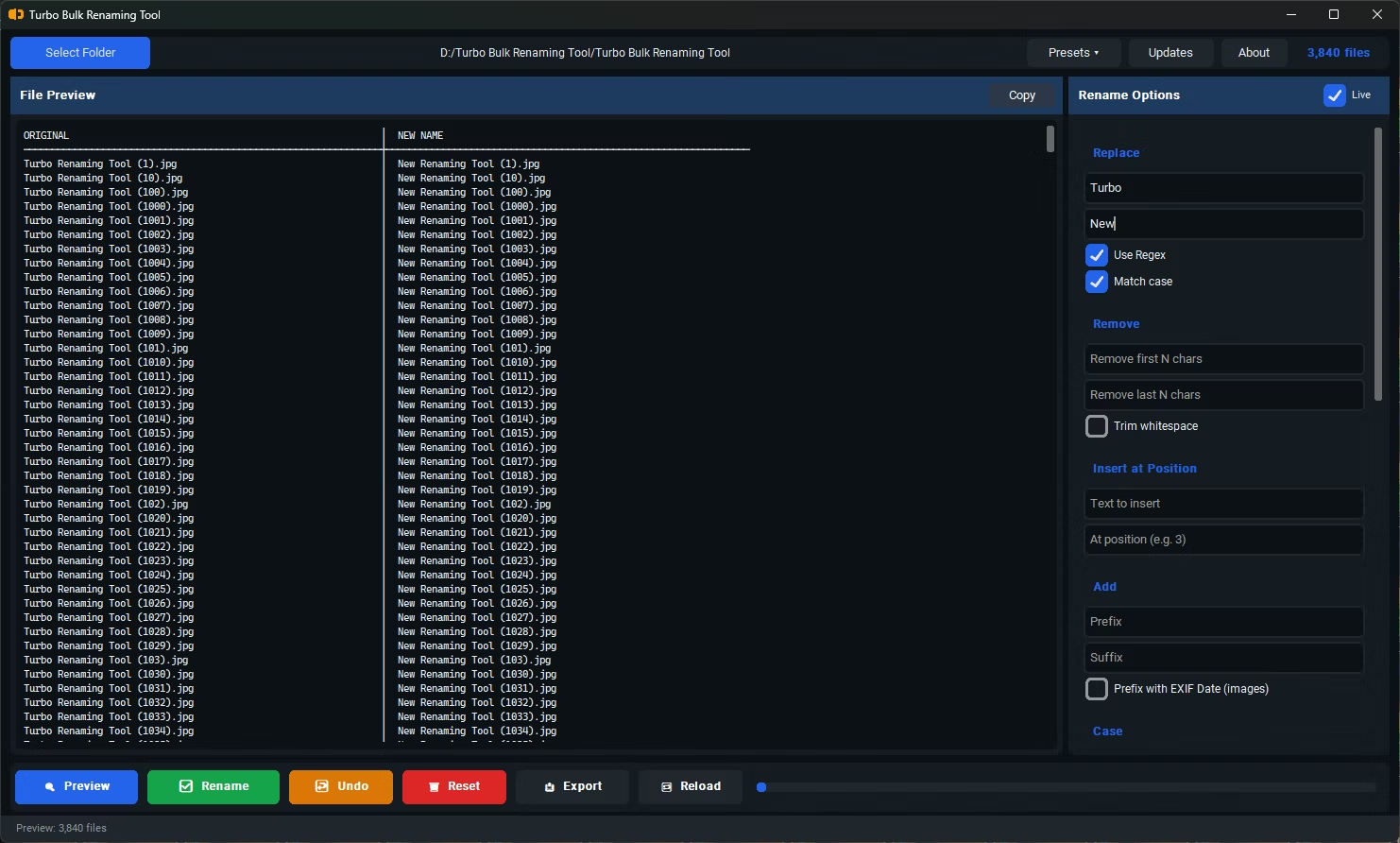
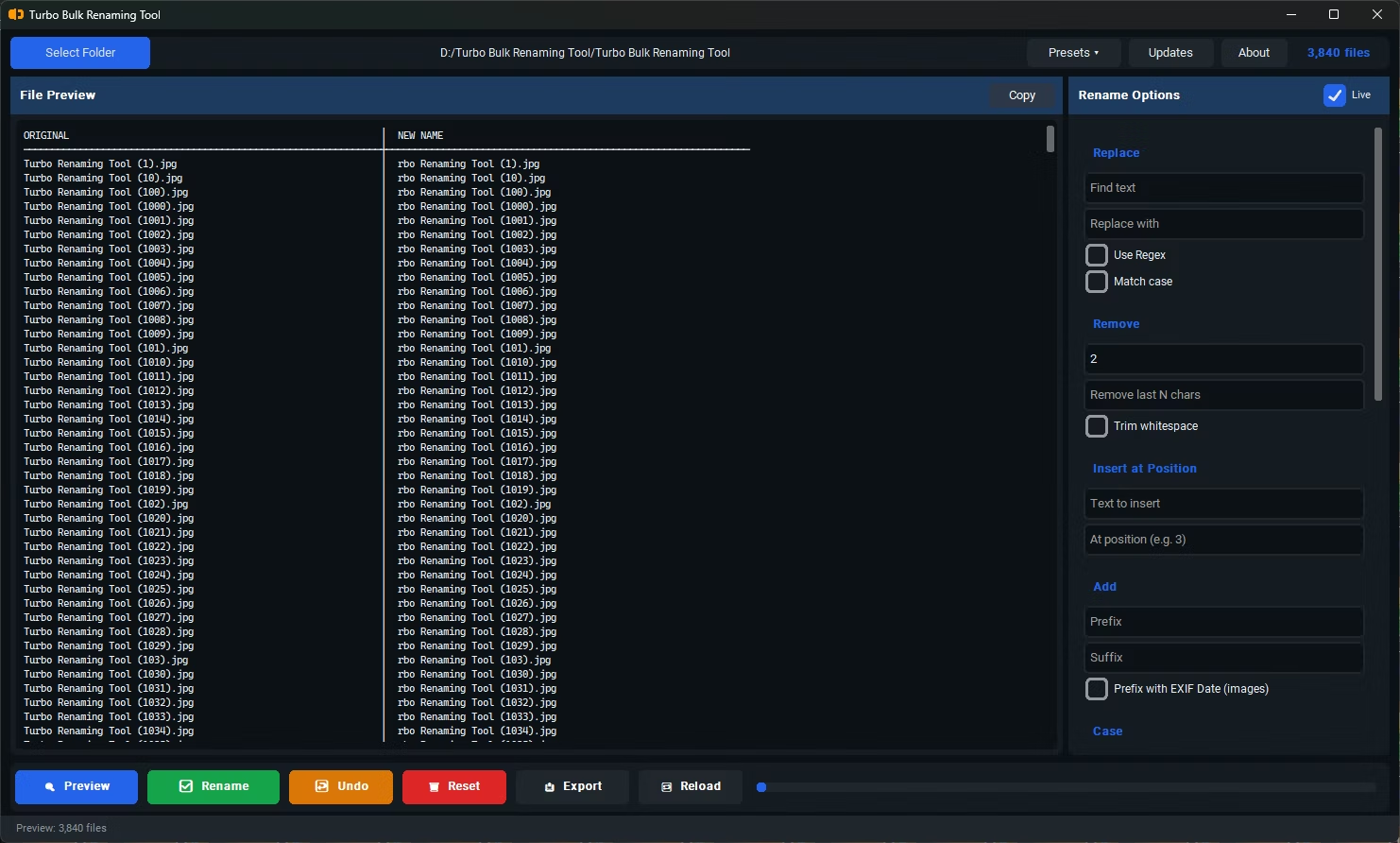
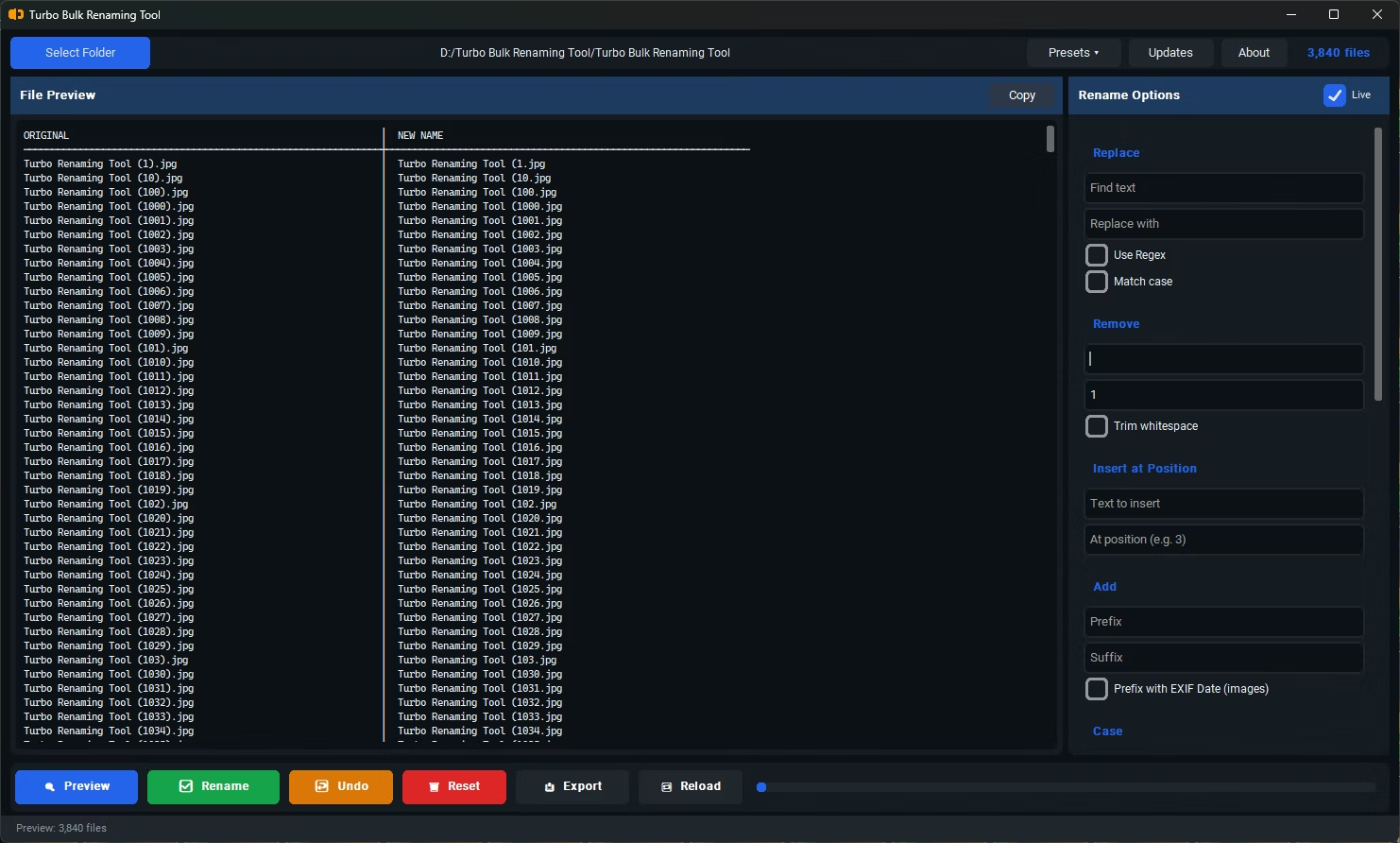
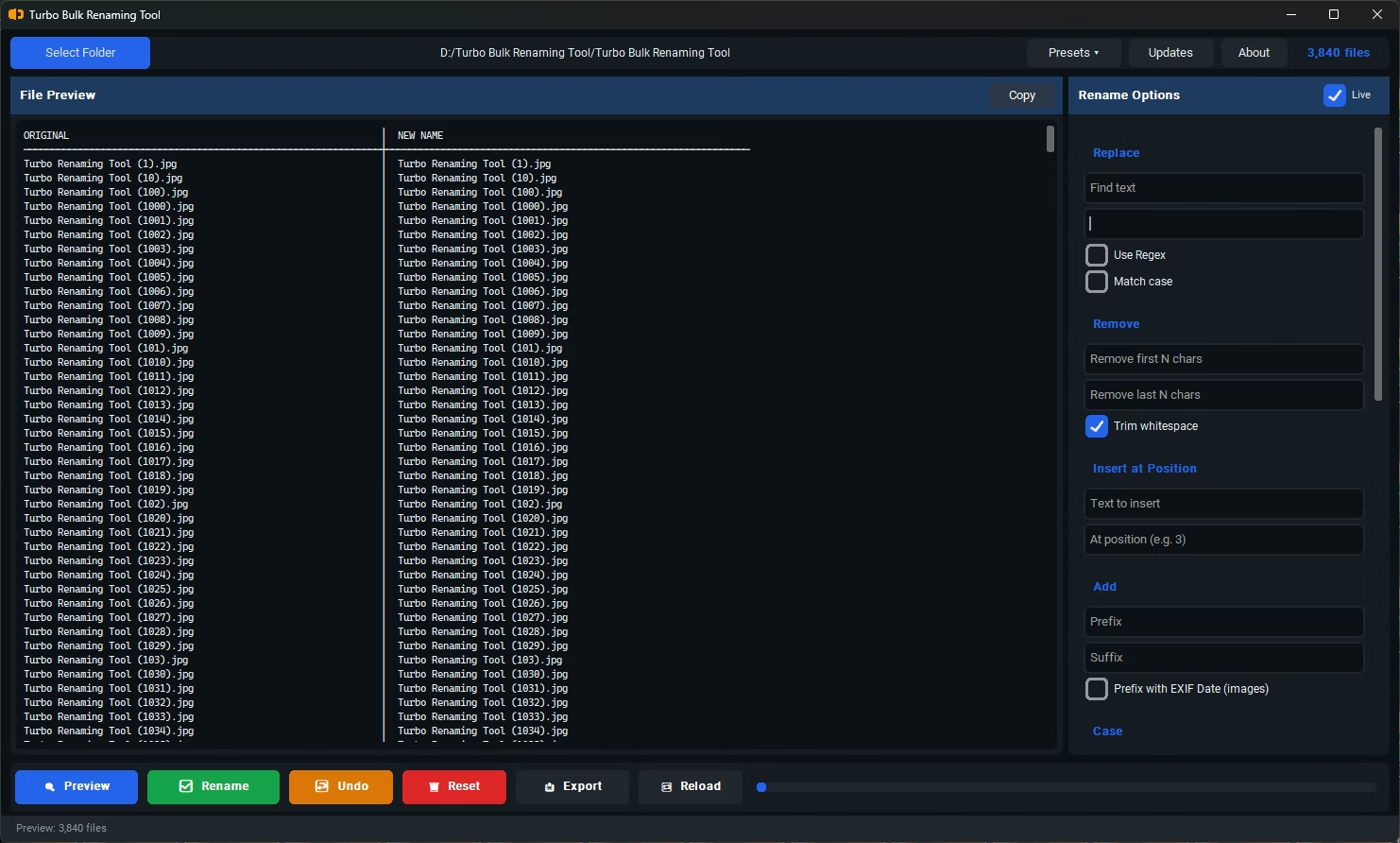
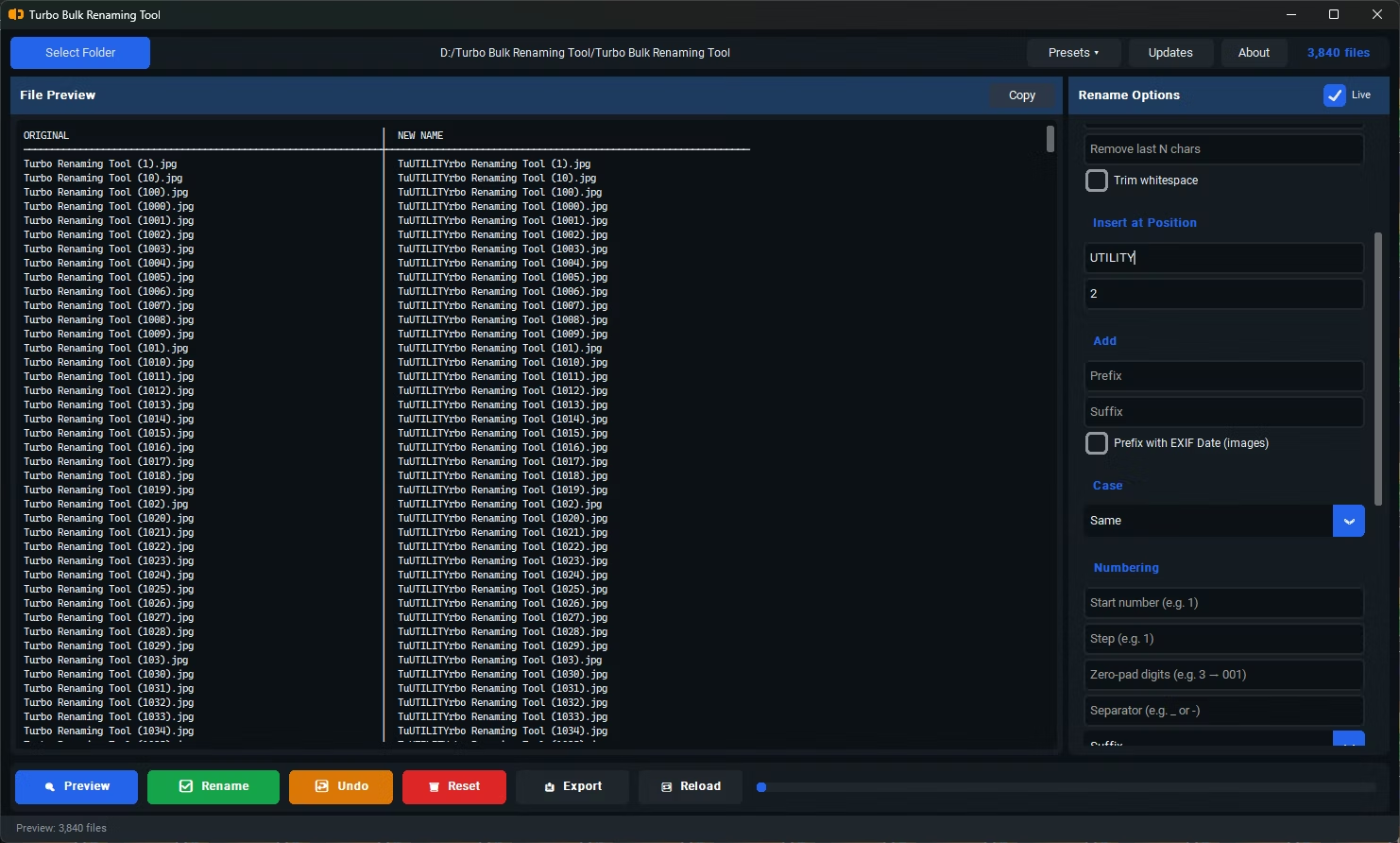
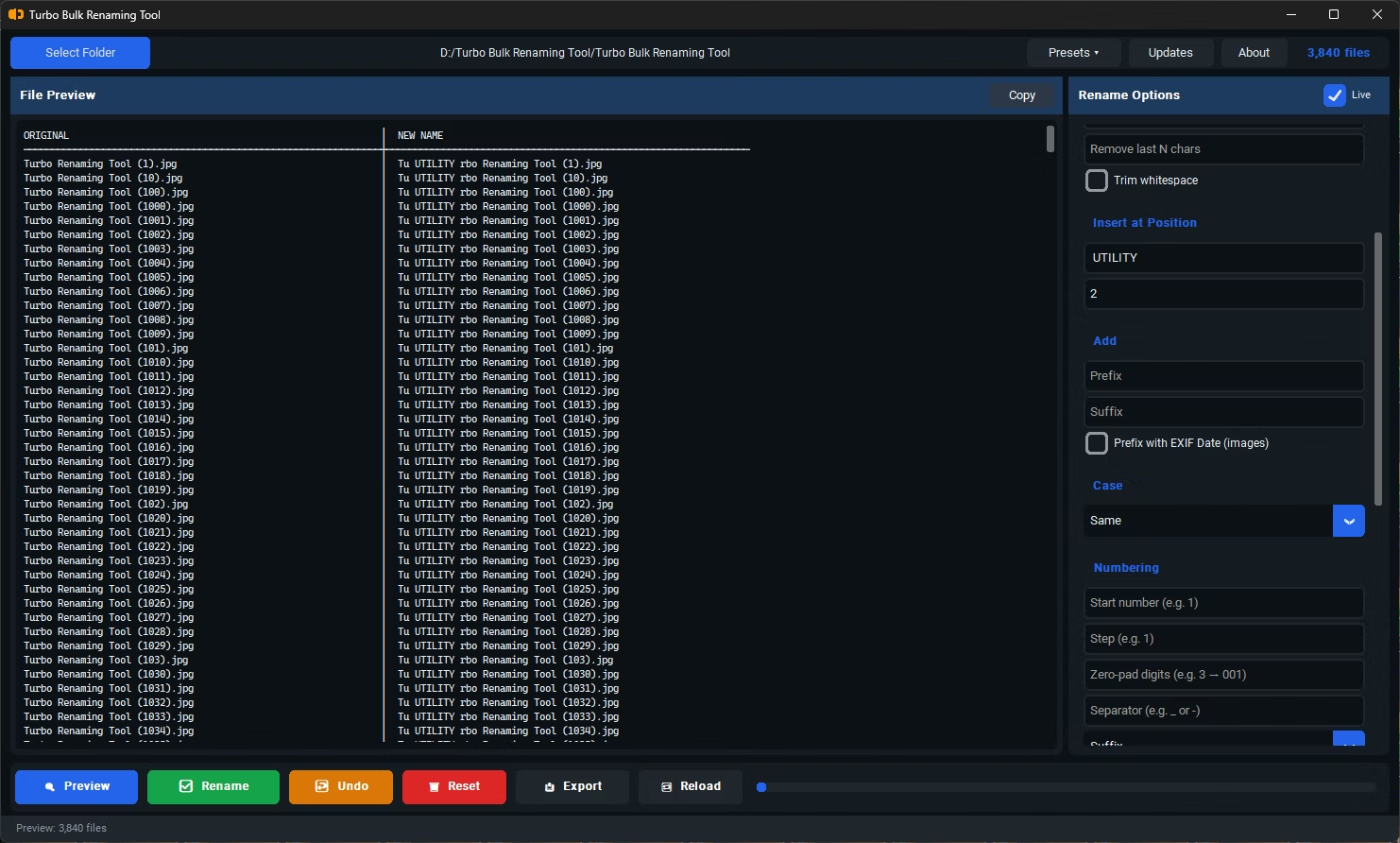
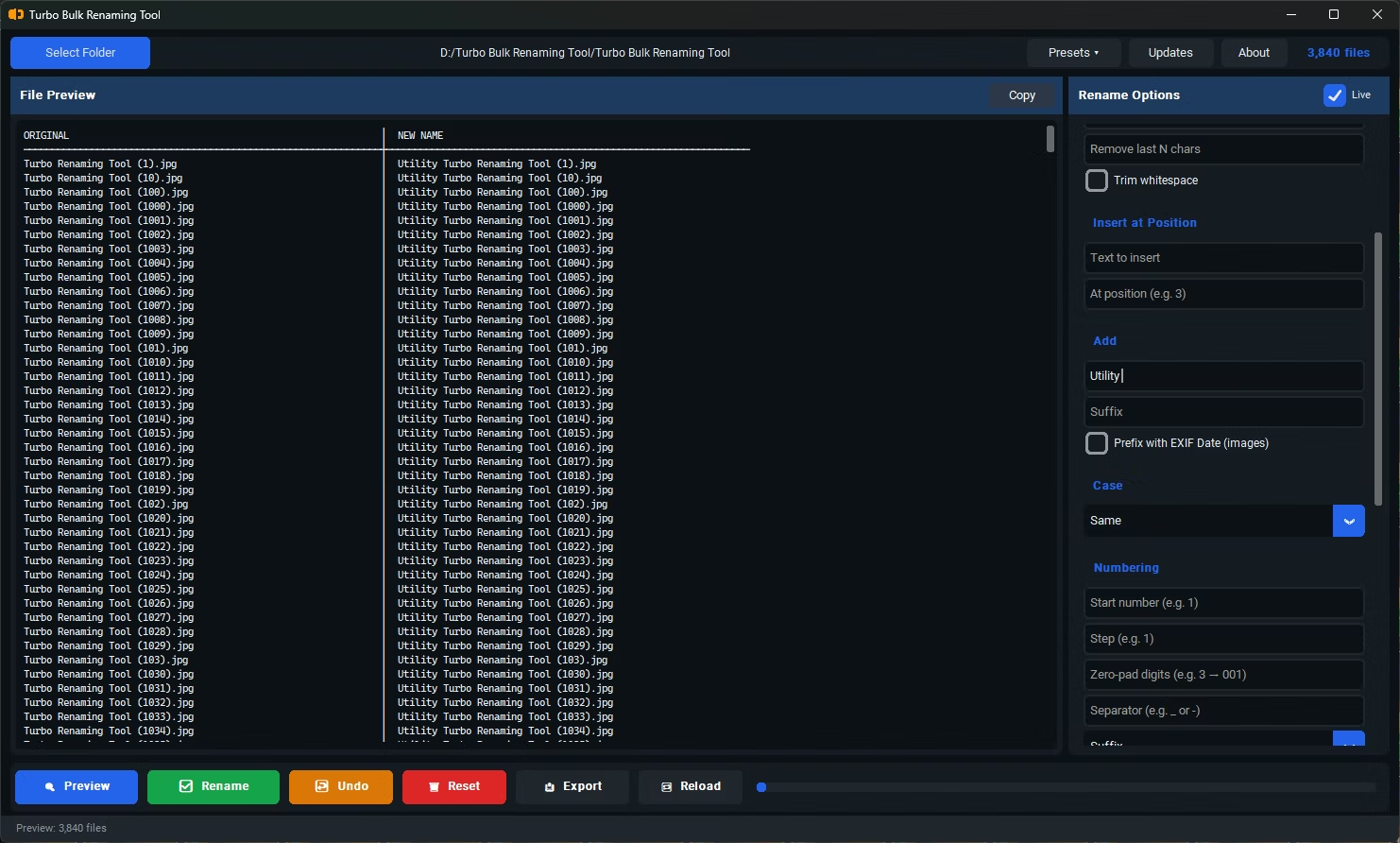
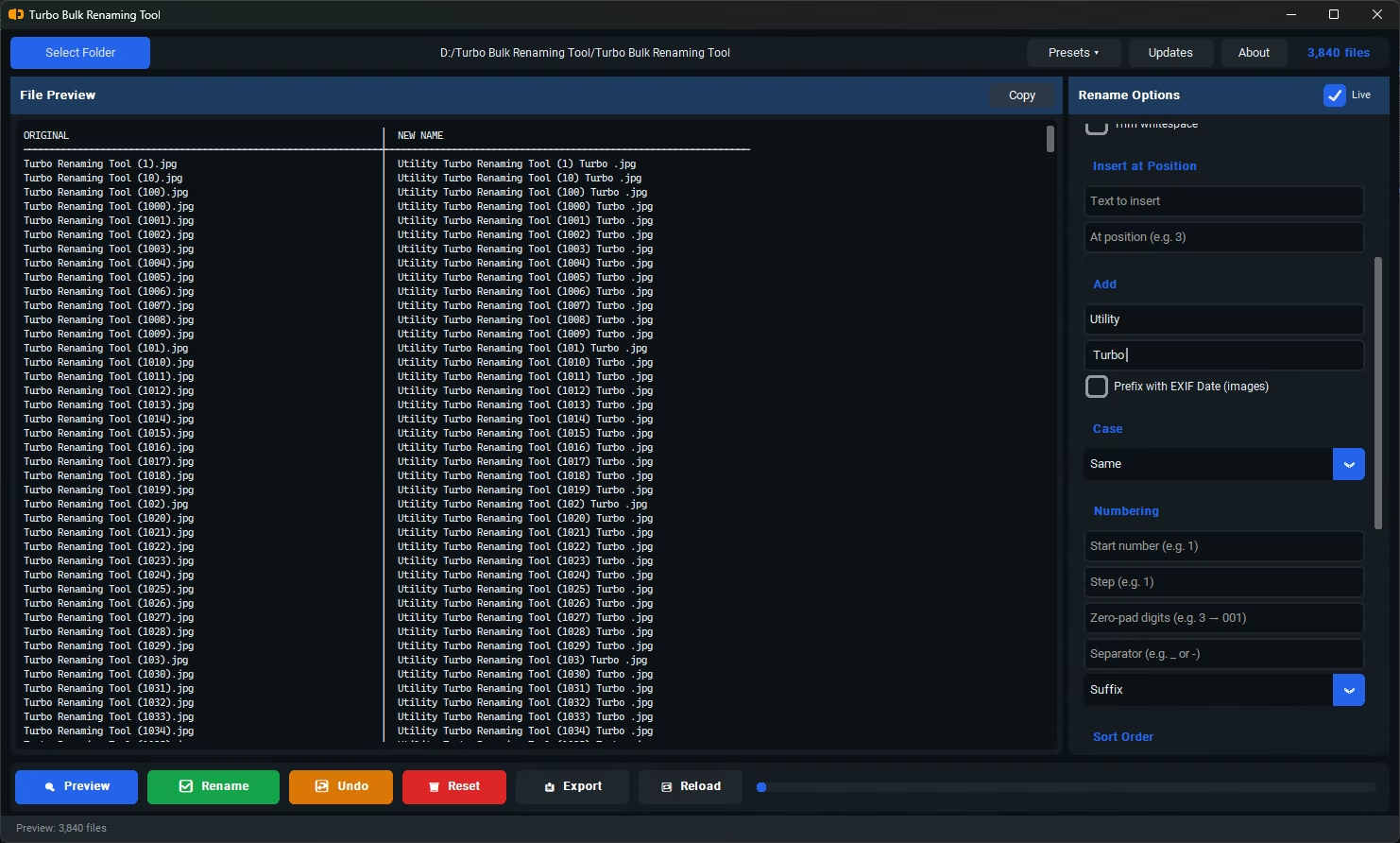
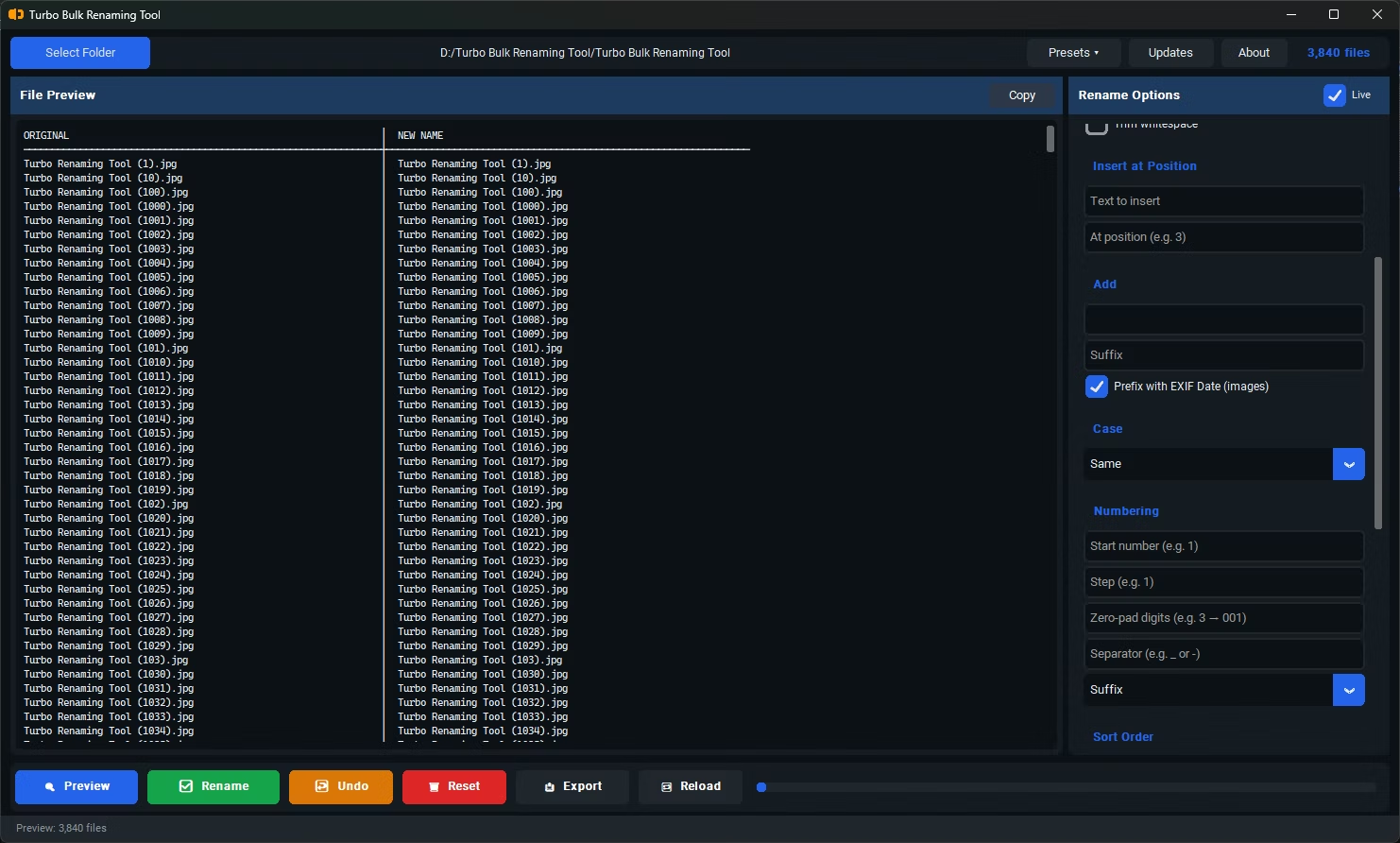
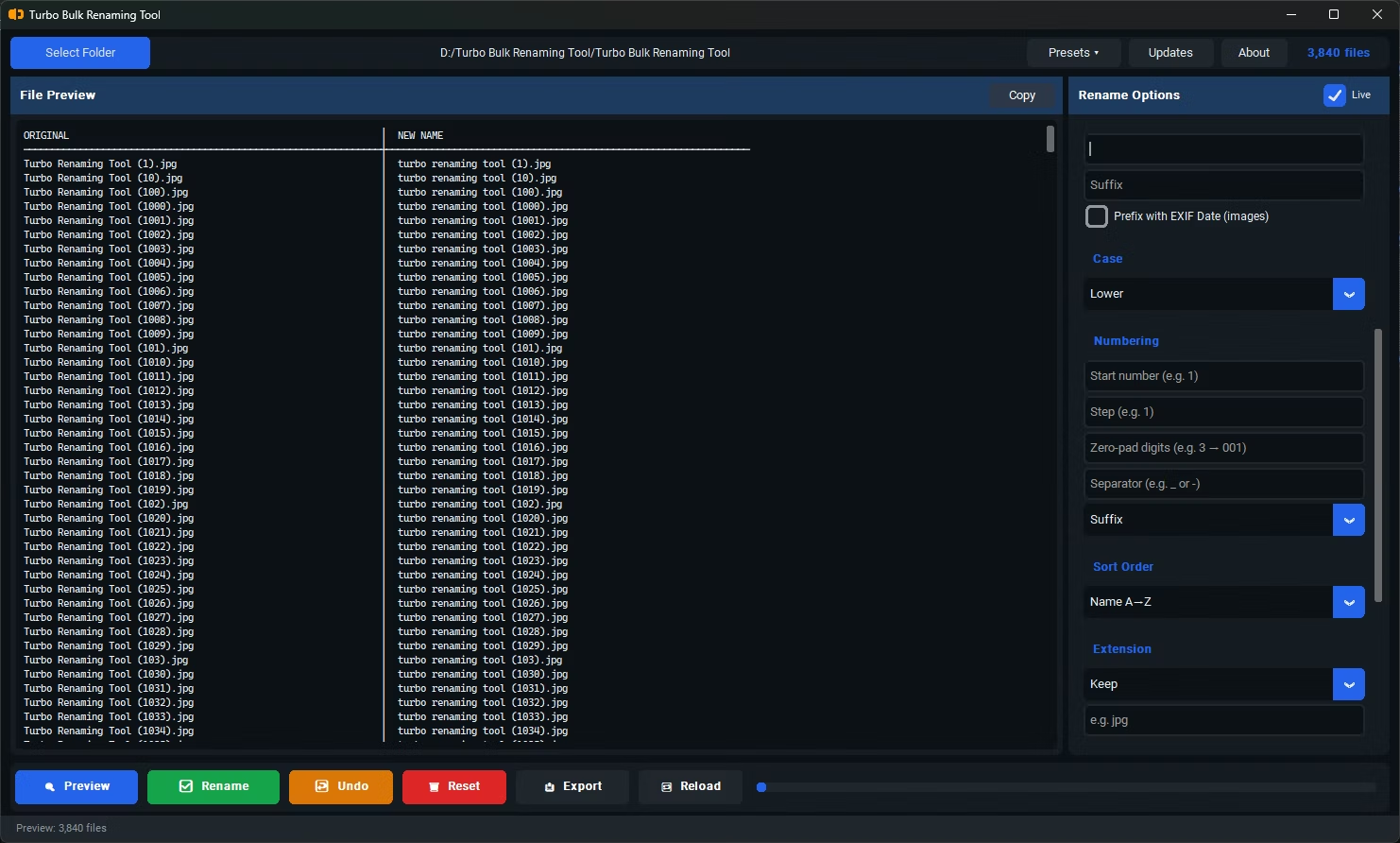
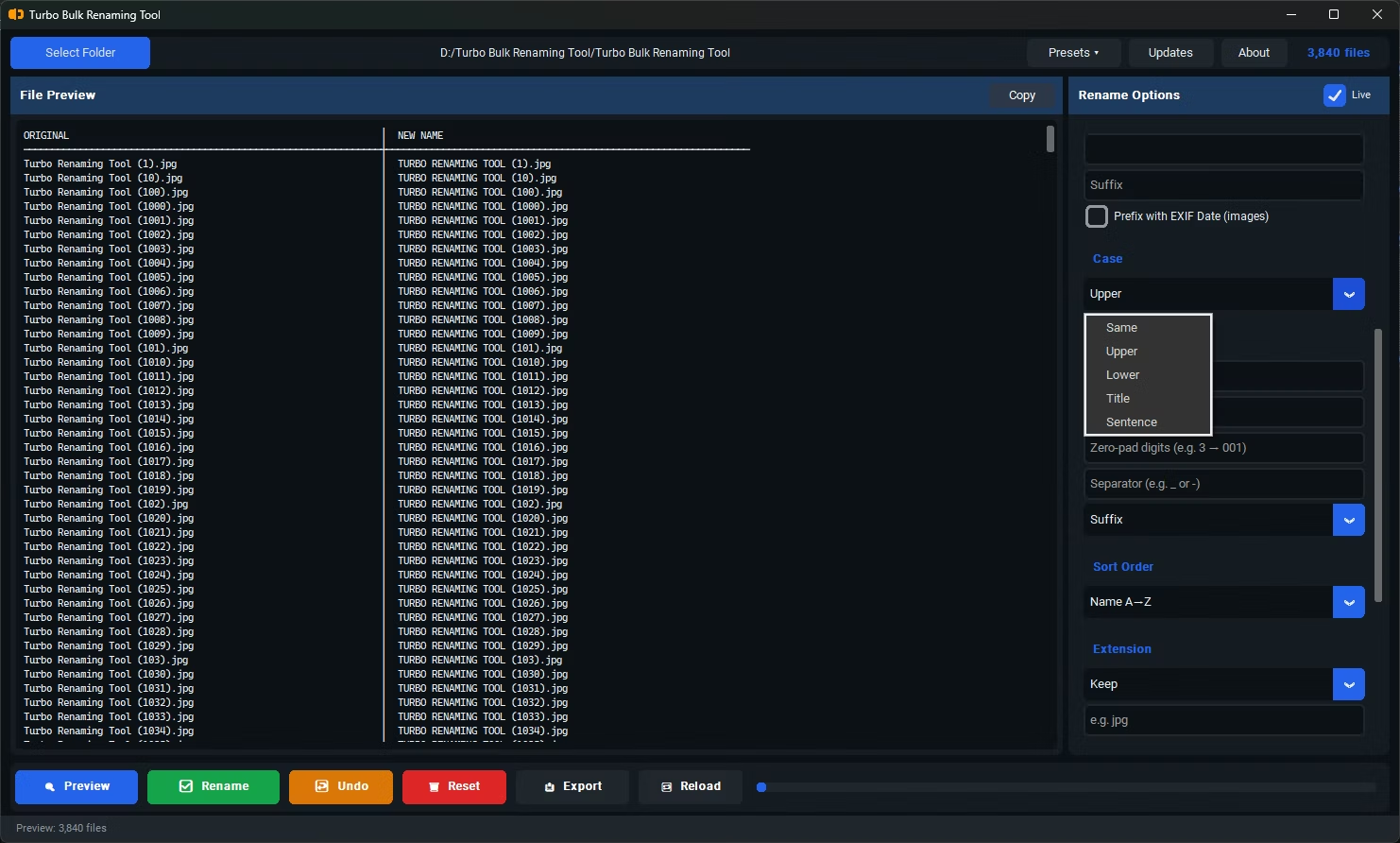
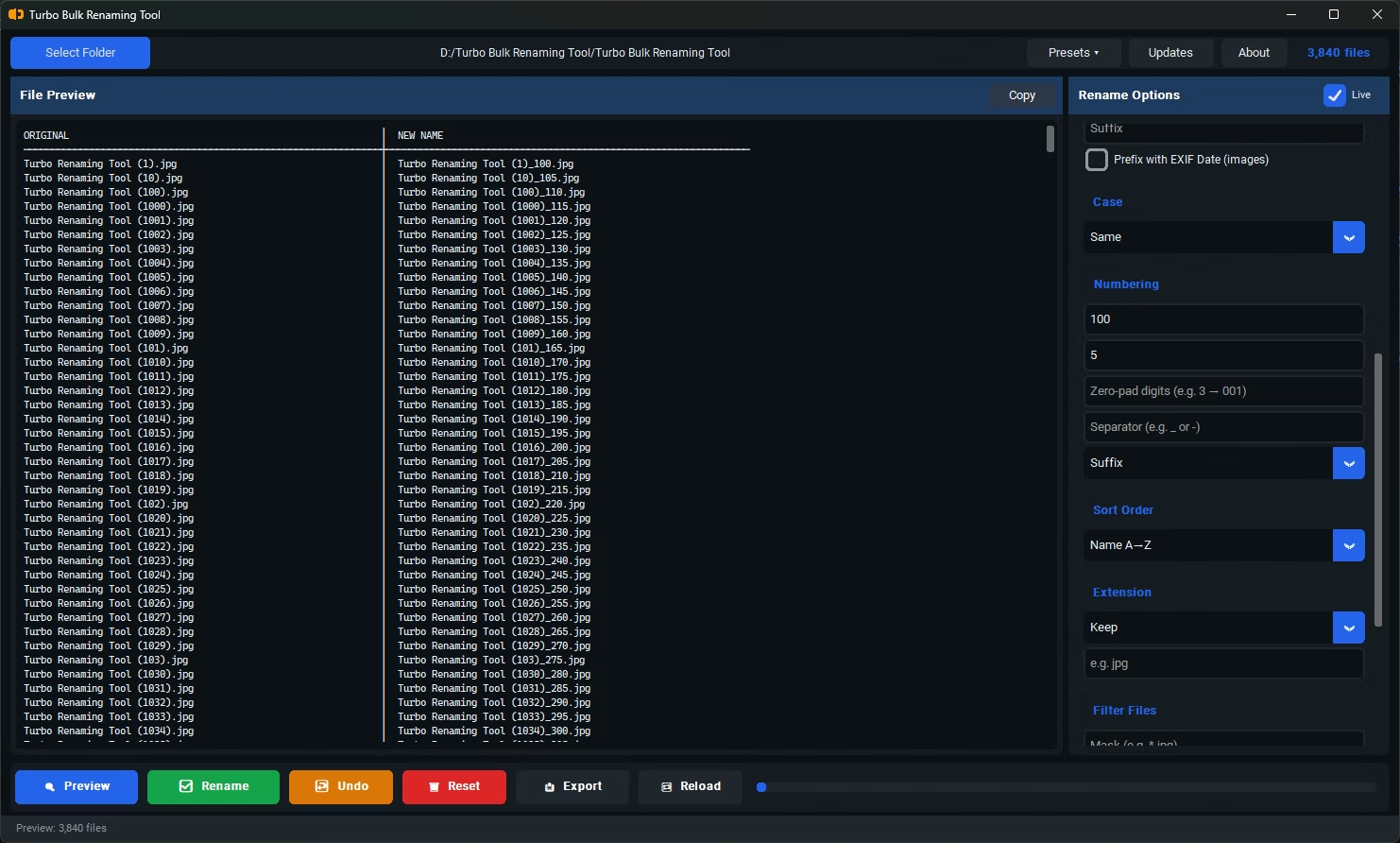
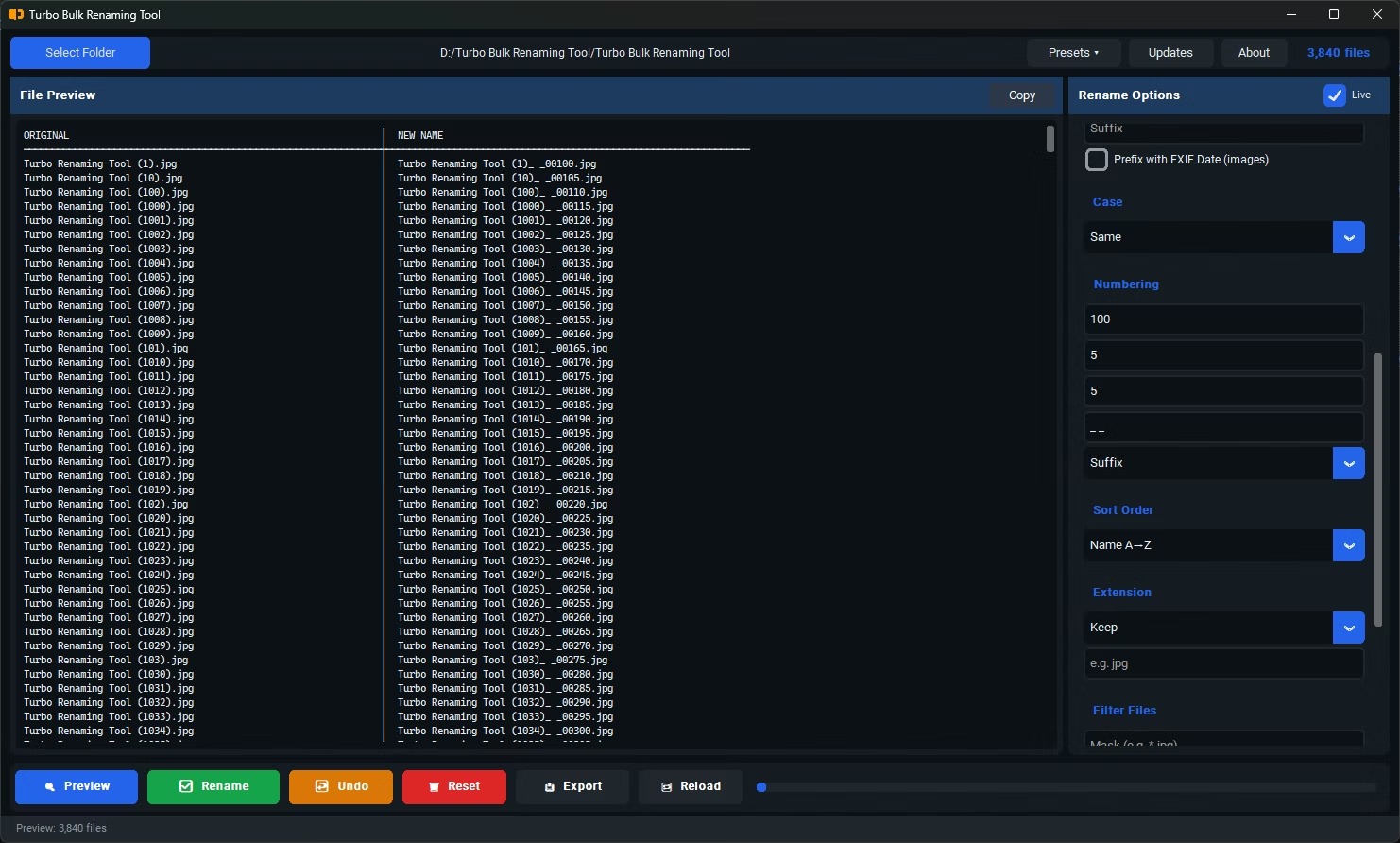
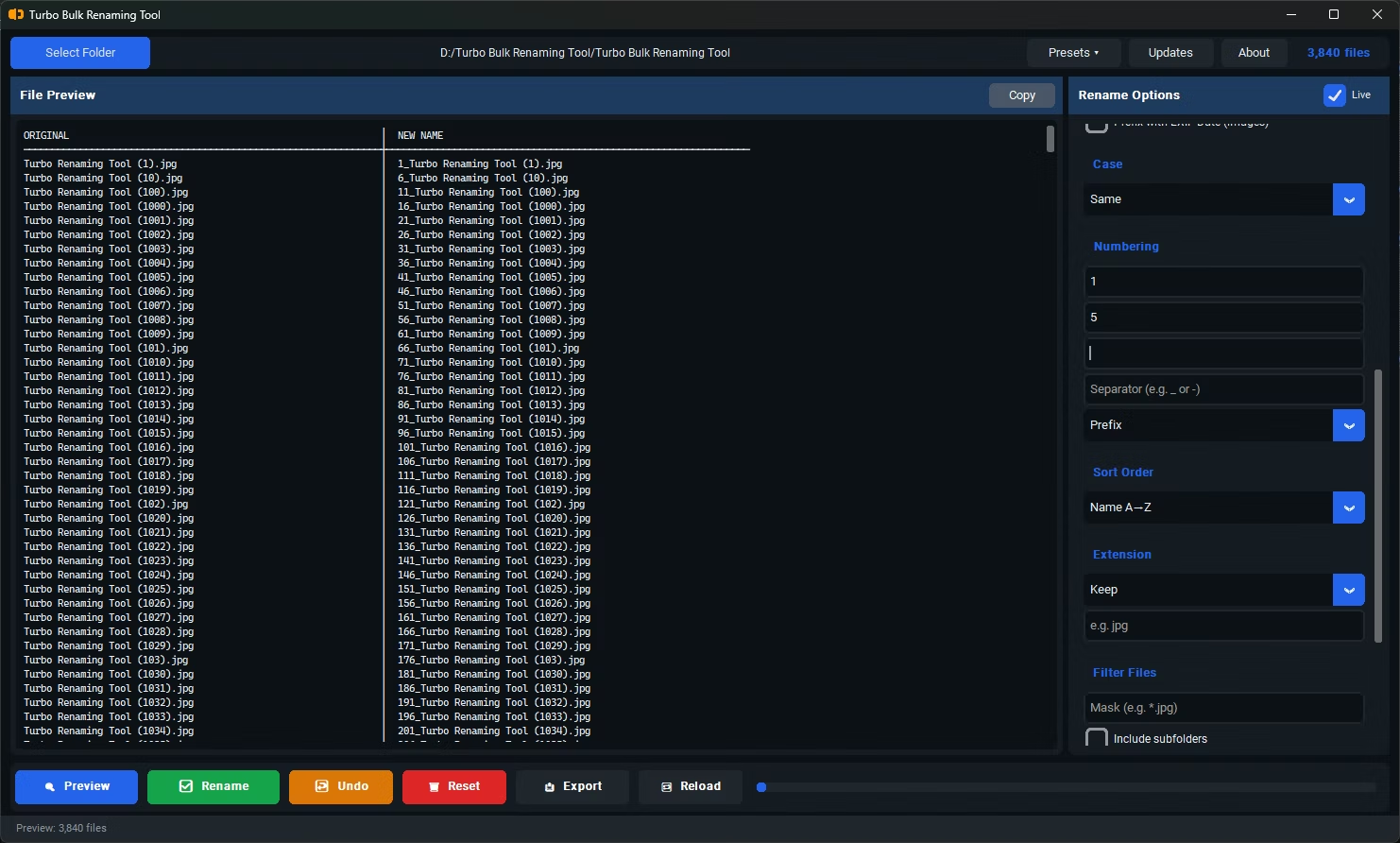
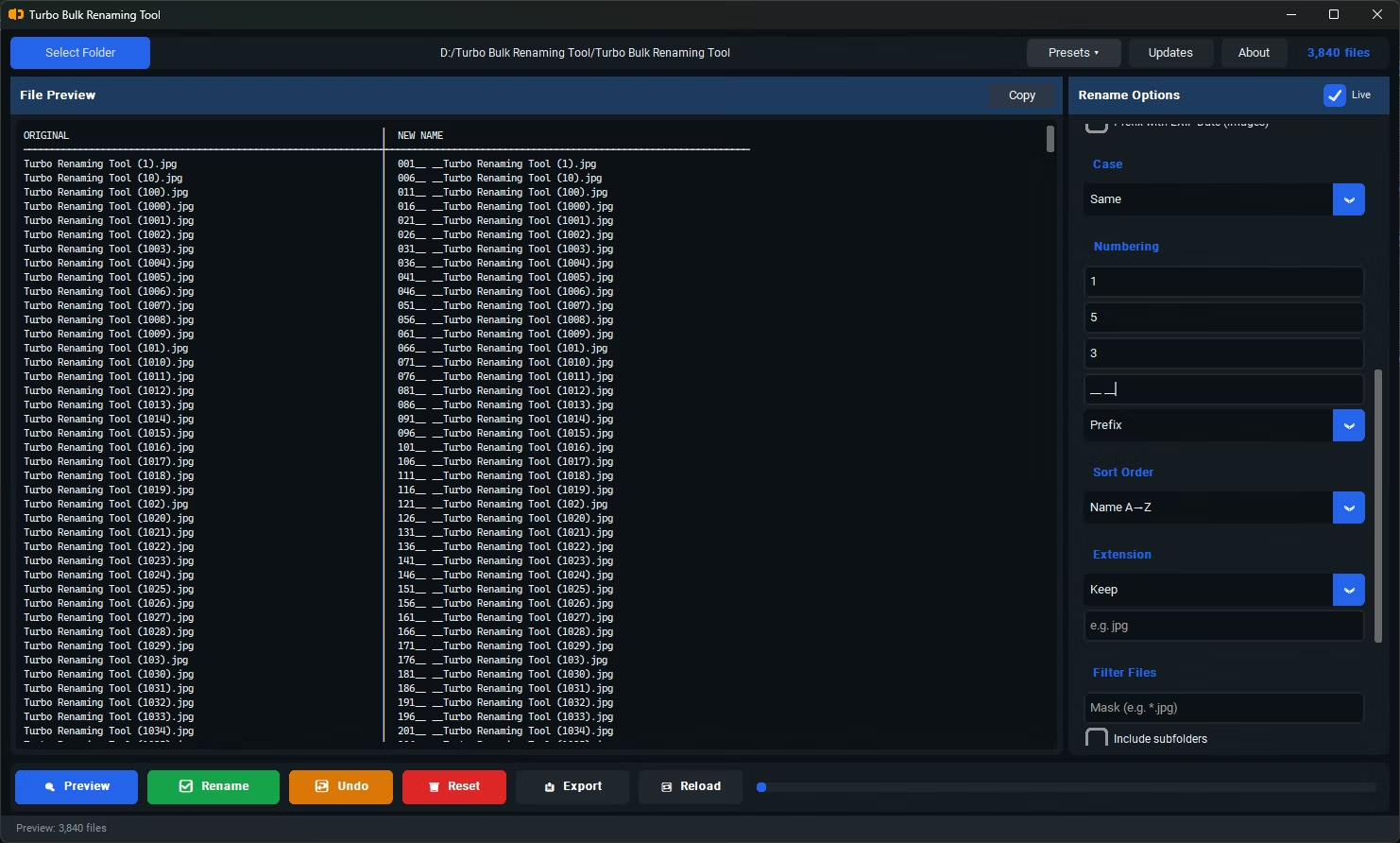
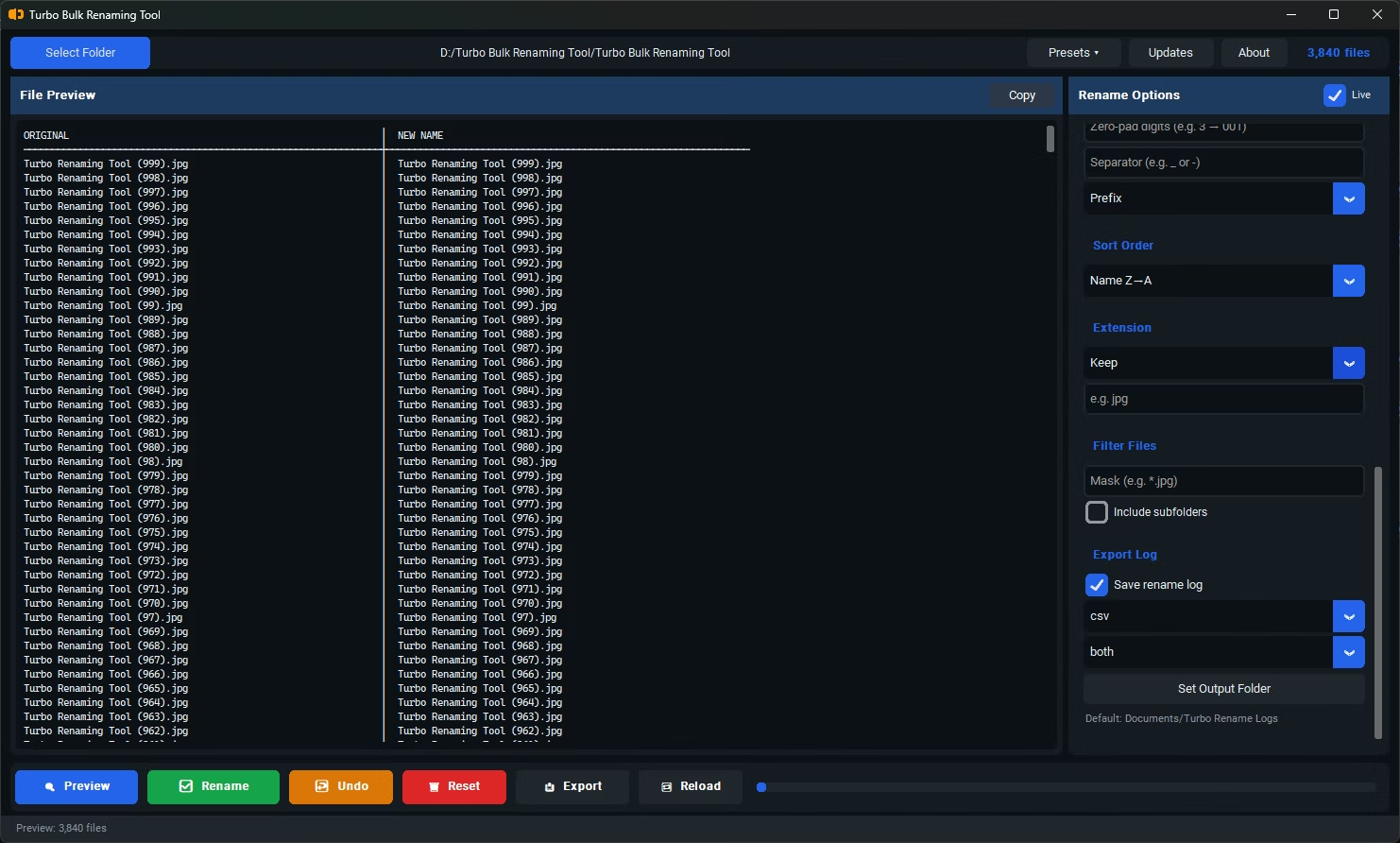
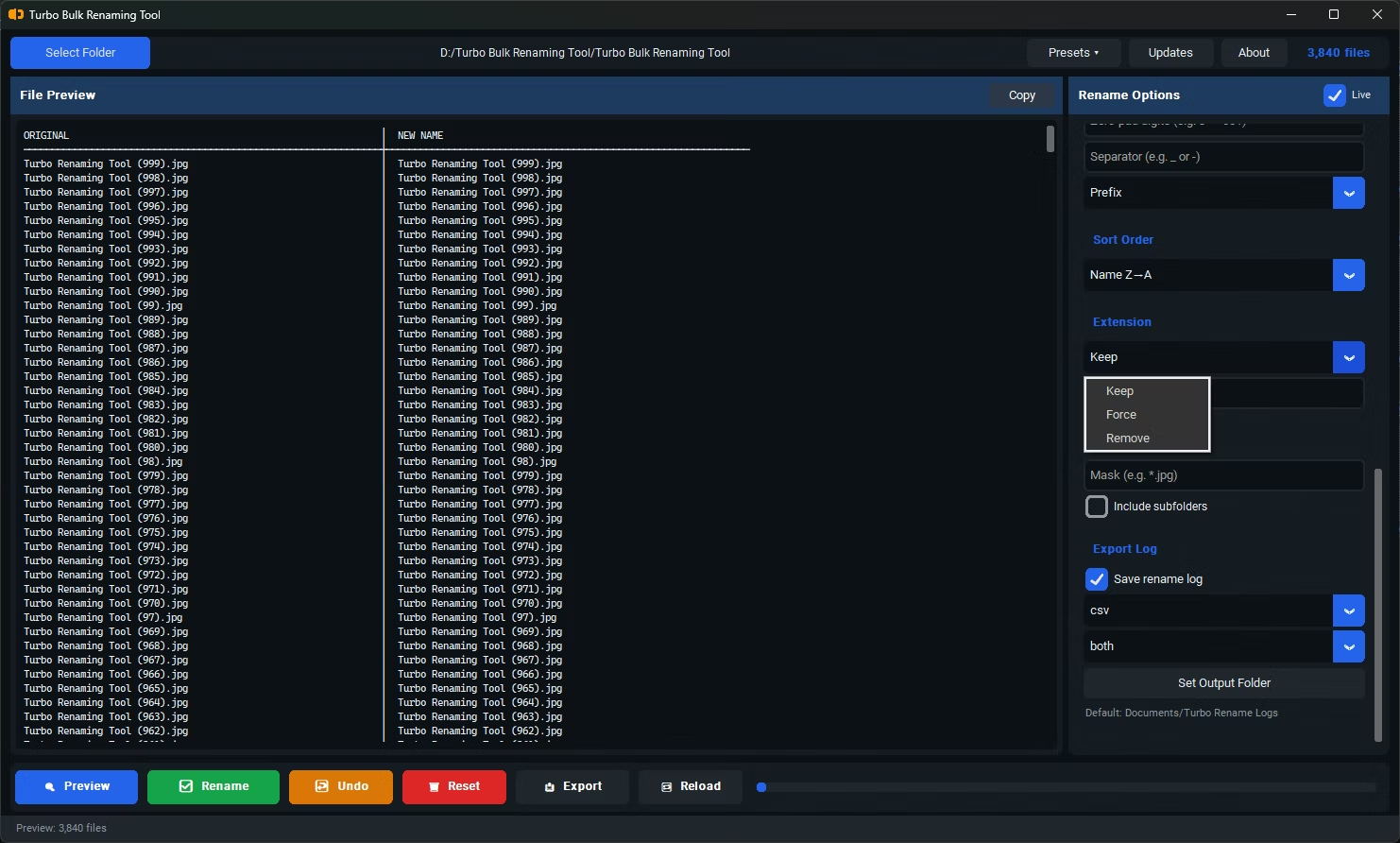
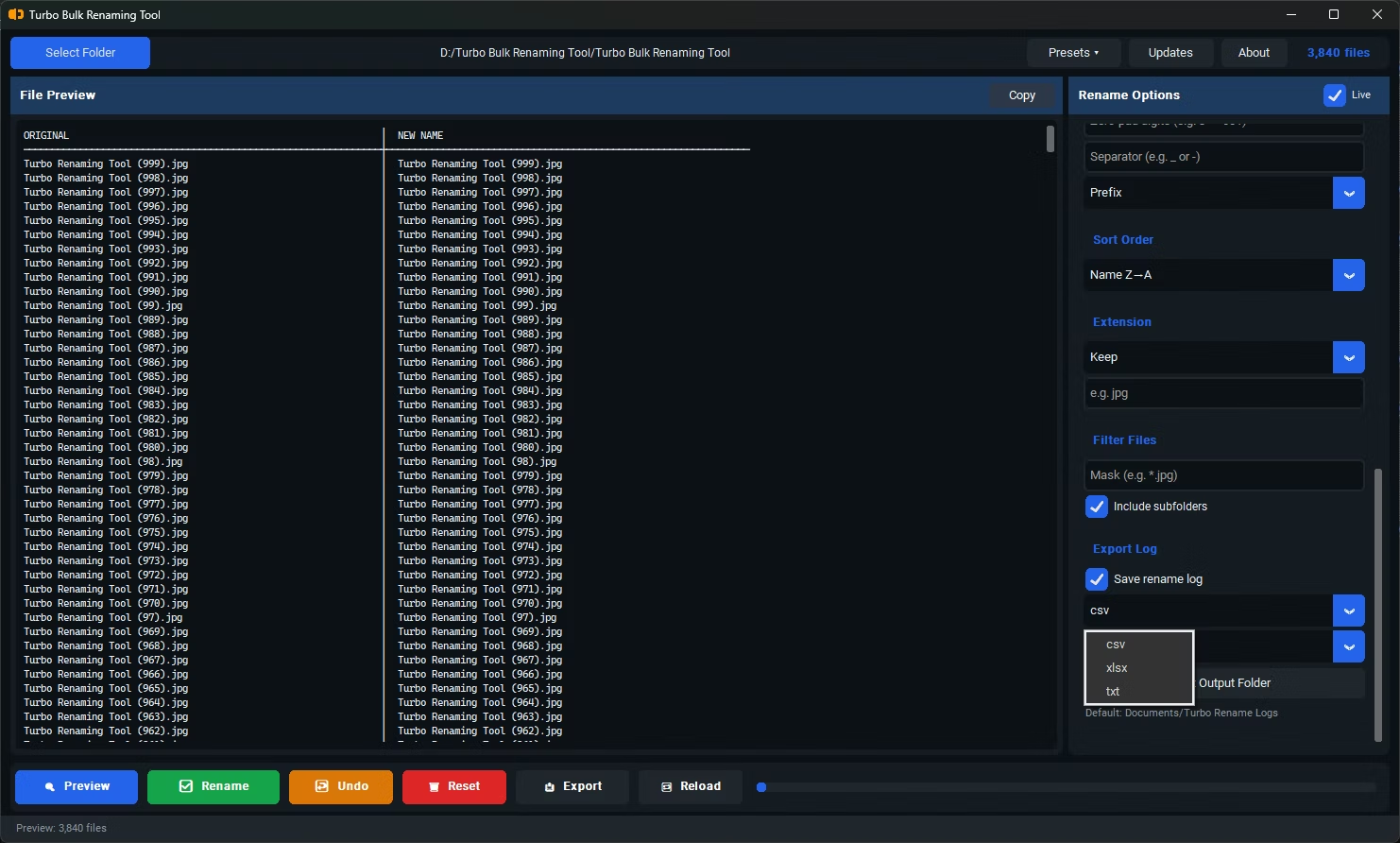
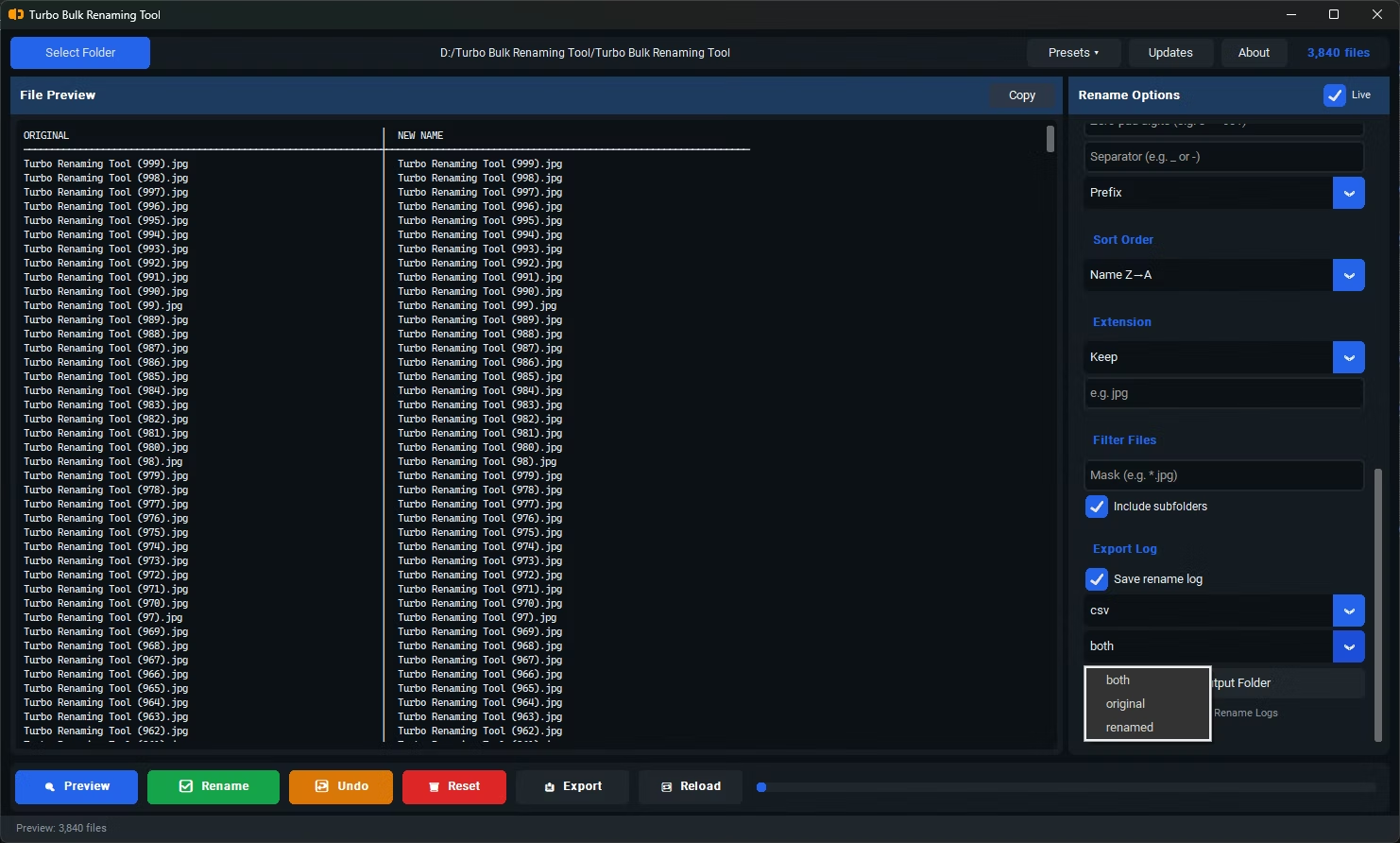
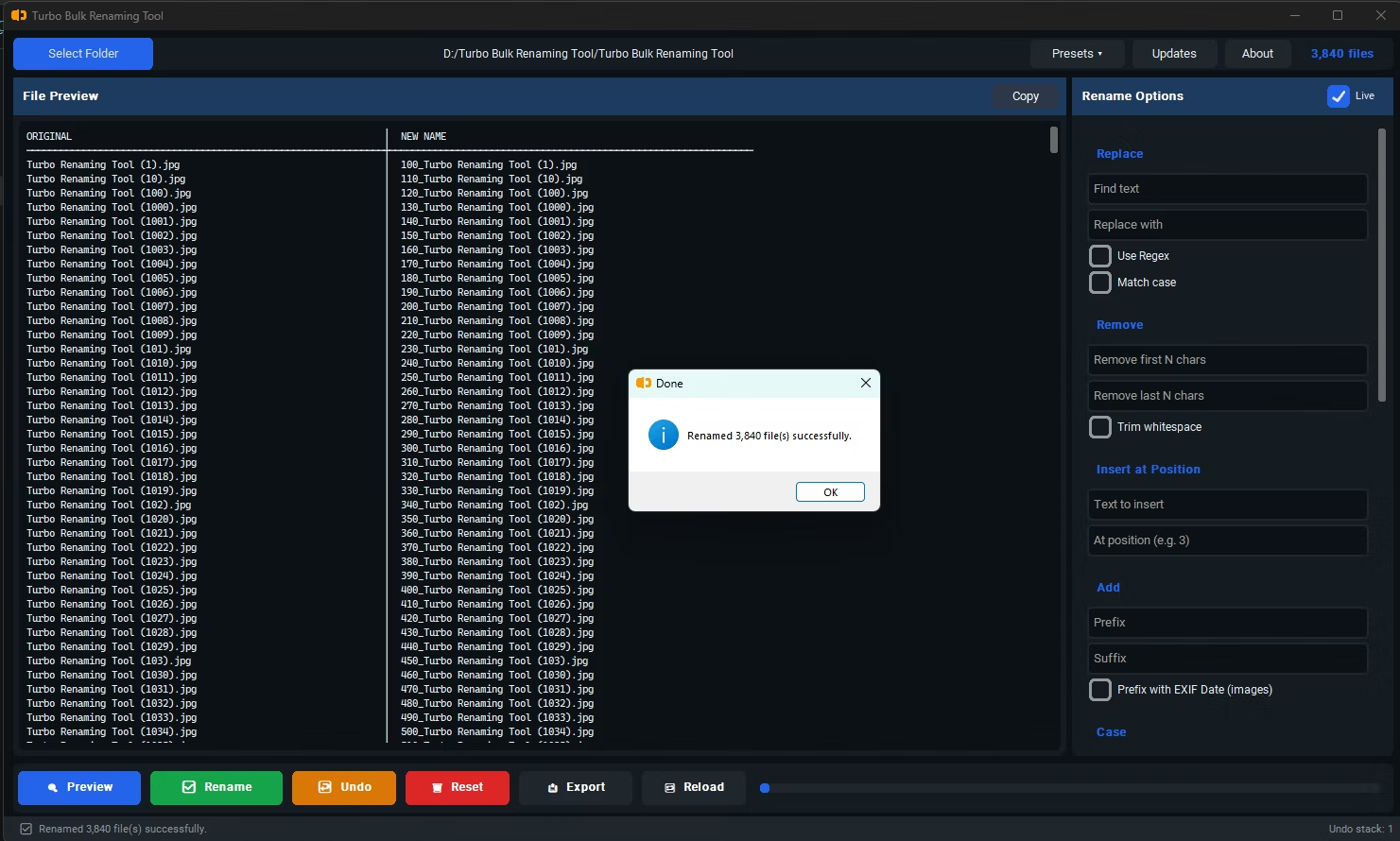
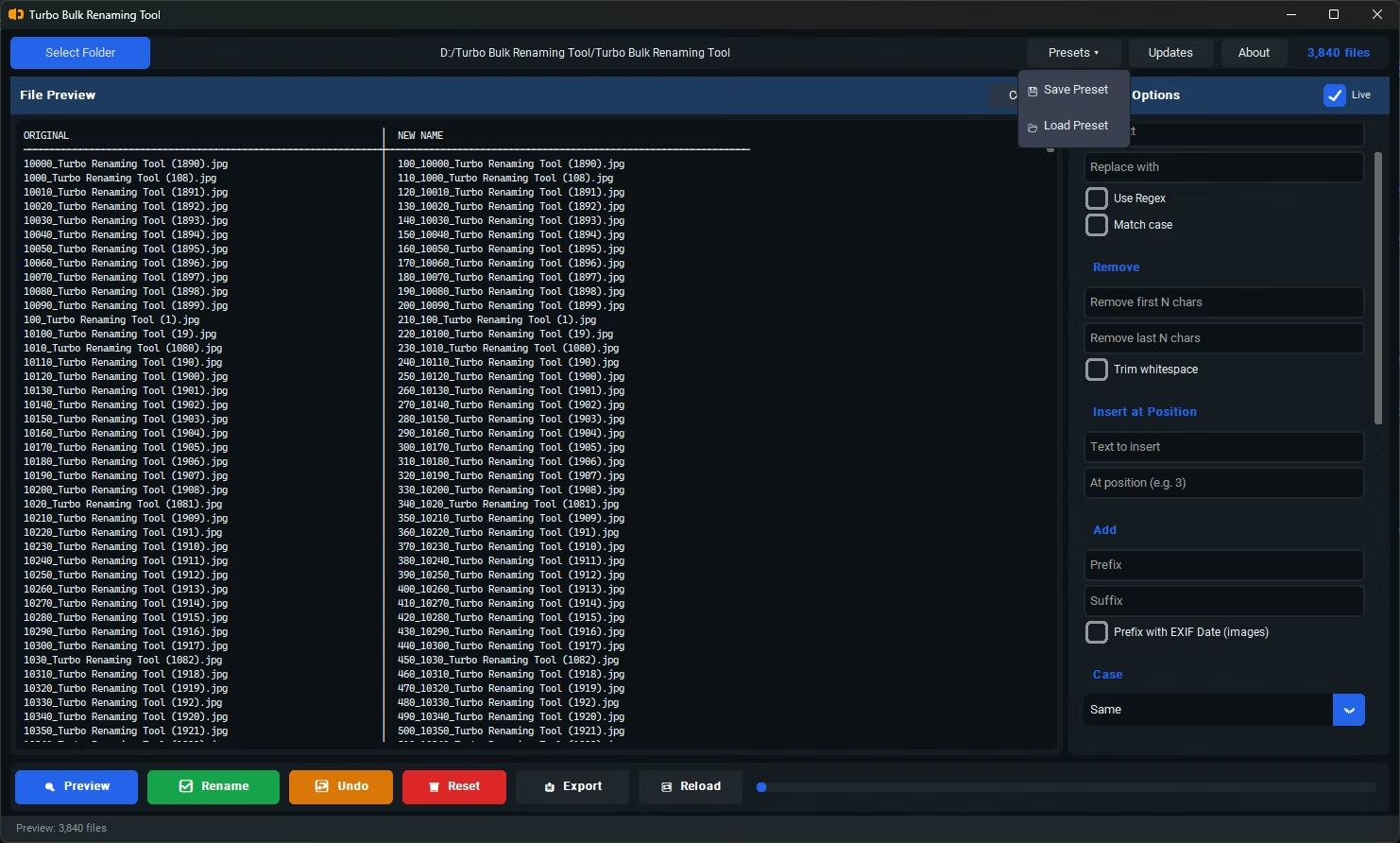
- Install Turbo Batch File Rename Tool on your Windows PC.
- Open the app and load the folder containing the files you want to clean up.
- Select the Remove First N Characters renaming rule.
- Enter the number of characters to remove from the beginning of each filename.
- Check the live preview to confirm the correct portion is being trimmed from each name.
- Click Rename to apply the change across every selected file.
- Removes a precise character count from the start of every filename
- Works even when the leading text isn't identical across all files, as long as the length matches
- Live preview shows the exact result before any files are renamed
- Can be combined with other rules, like adding a new prefix afterward
- Recursive sub-folder support for cleaning up nested file structures
- Conflict detection warns if trimming would create duplicate filenames
What happens if a filename is shorter than the number of characters I want to remove?
The live preview will show you the result for every file, so you can spot and adjust for any filenames that are too short before committing the rename.
Does this rule affect the file extension?
No, the character count applies to the filename portion only, leaving the file extension intact.
Can I combine this with adding a new prefix afterward?
Yes, you can apply Remove First N Characters and then a Prefix rule in sequence to both strip unwanted text and add your own labeling.
Ready to rename your files in bulk, offline, with full privacy?