Renaming speed depends on a few practical factors: whether the tool processes files locally or relies on a remote service, how efficiently it scans folders and sub-folders, and whether the preview and rename steps are optimized to avoid unnecessary disk operations. For very large folders, the difference between a well-optimized renamer and a sluggish one becomes obvious quickly.
Unlike image or video conversion, renaming itself is a lightweight operation — the real bottleneck is usually folder scanning and the live preview calculation, especially across deeply nested sub-folders with thousands of files.
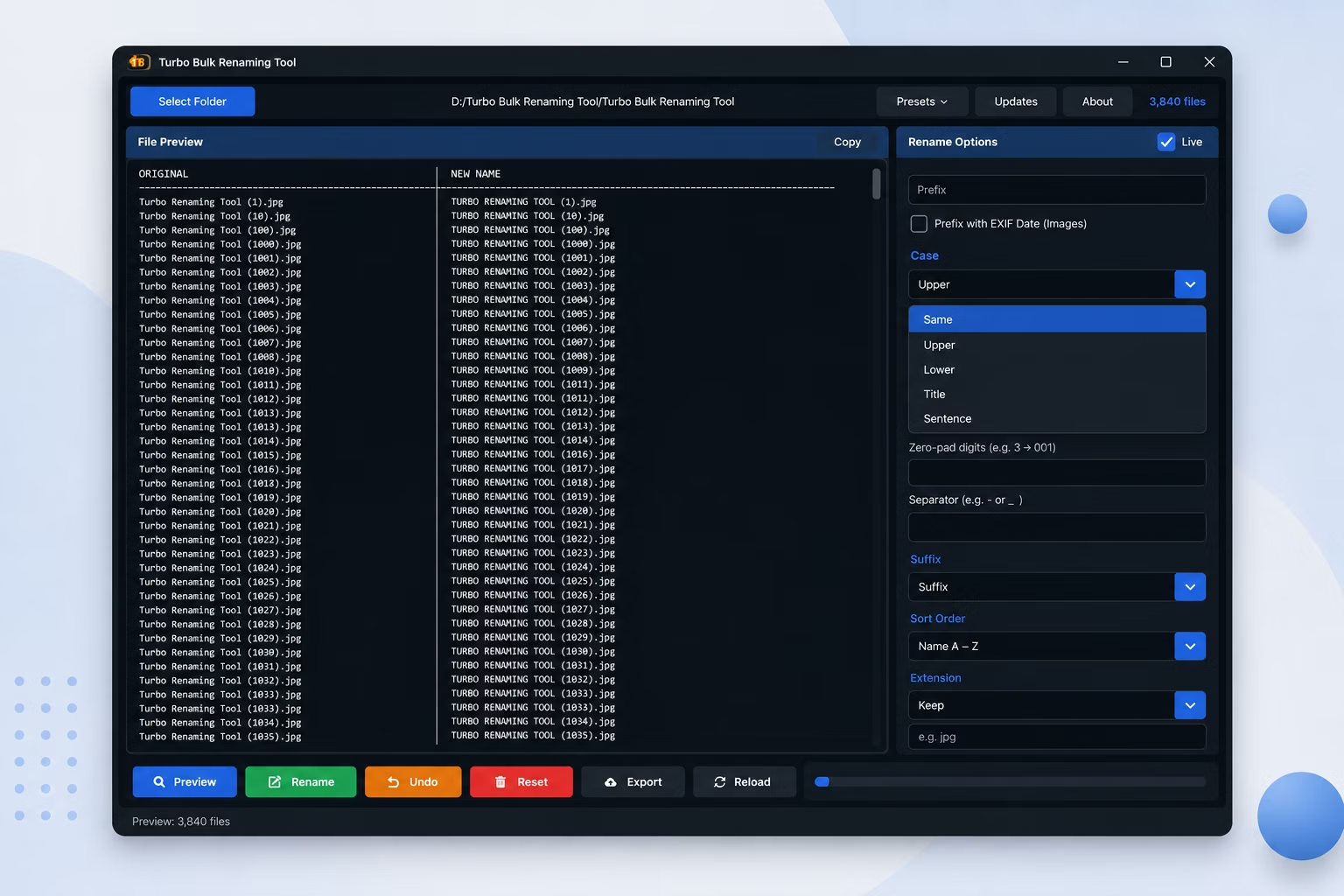
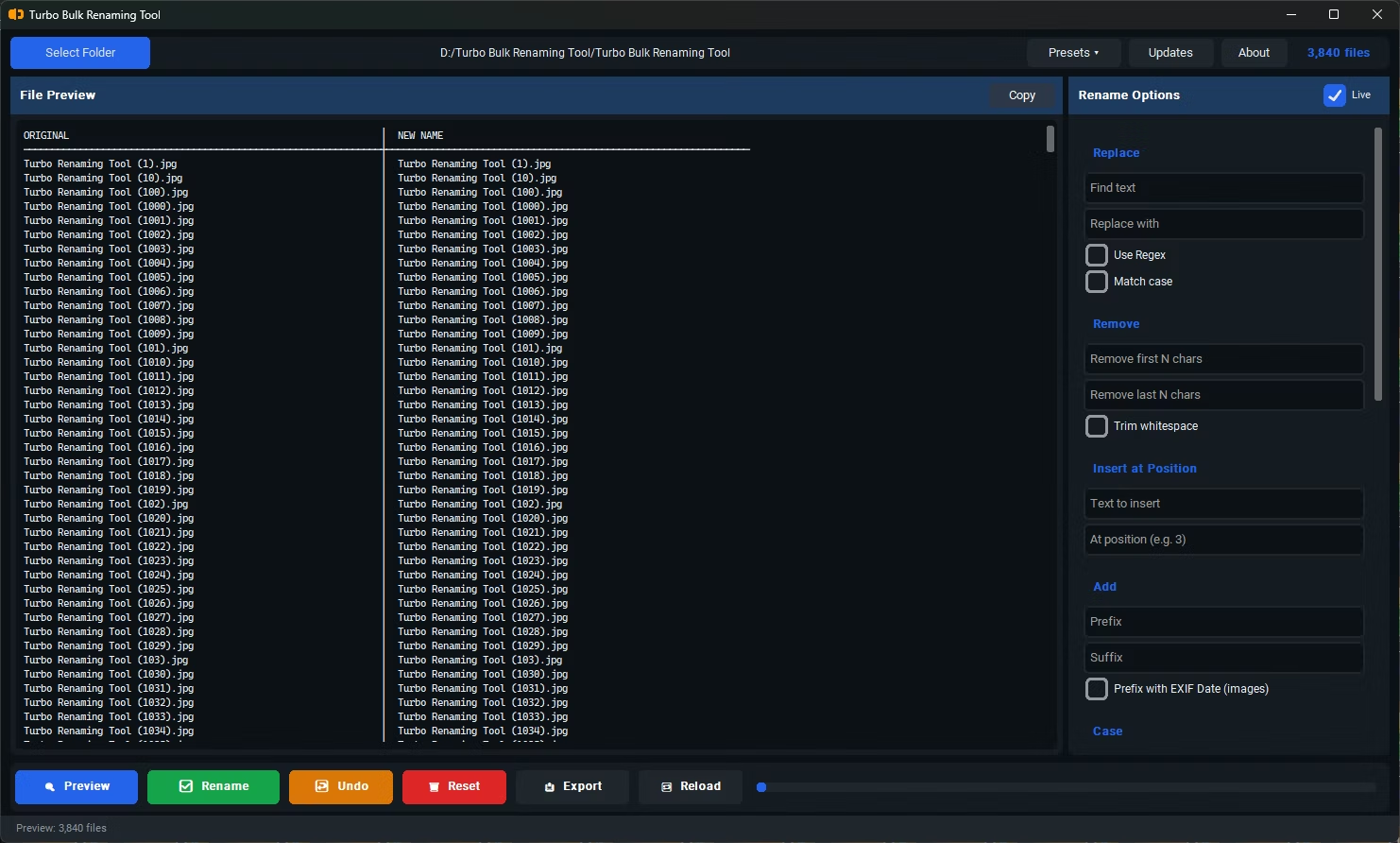
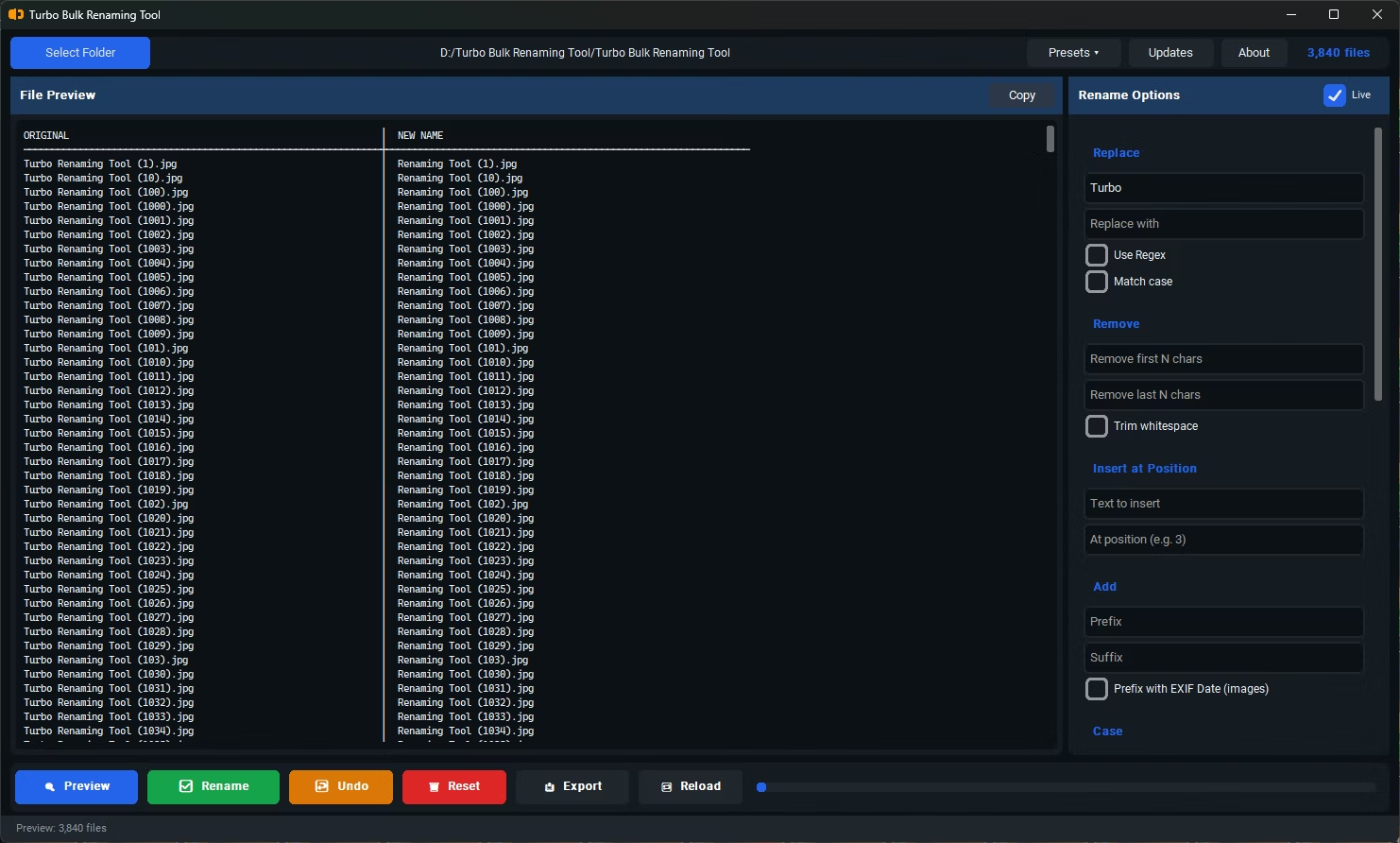
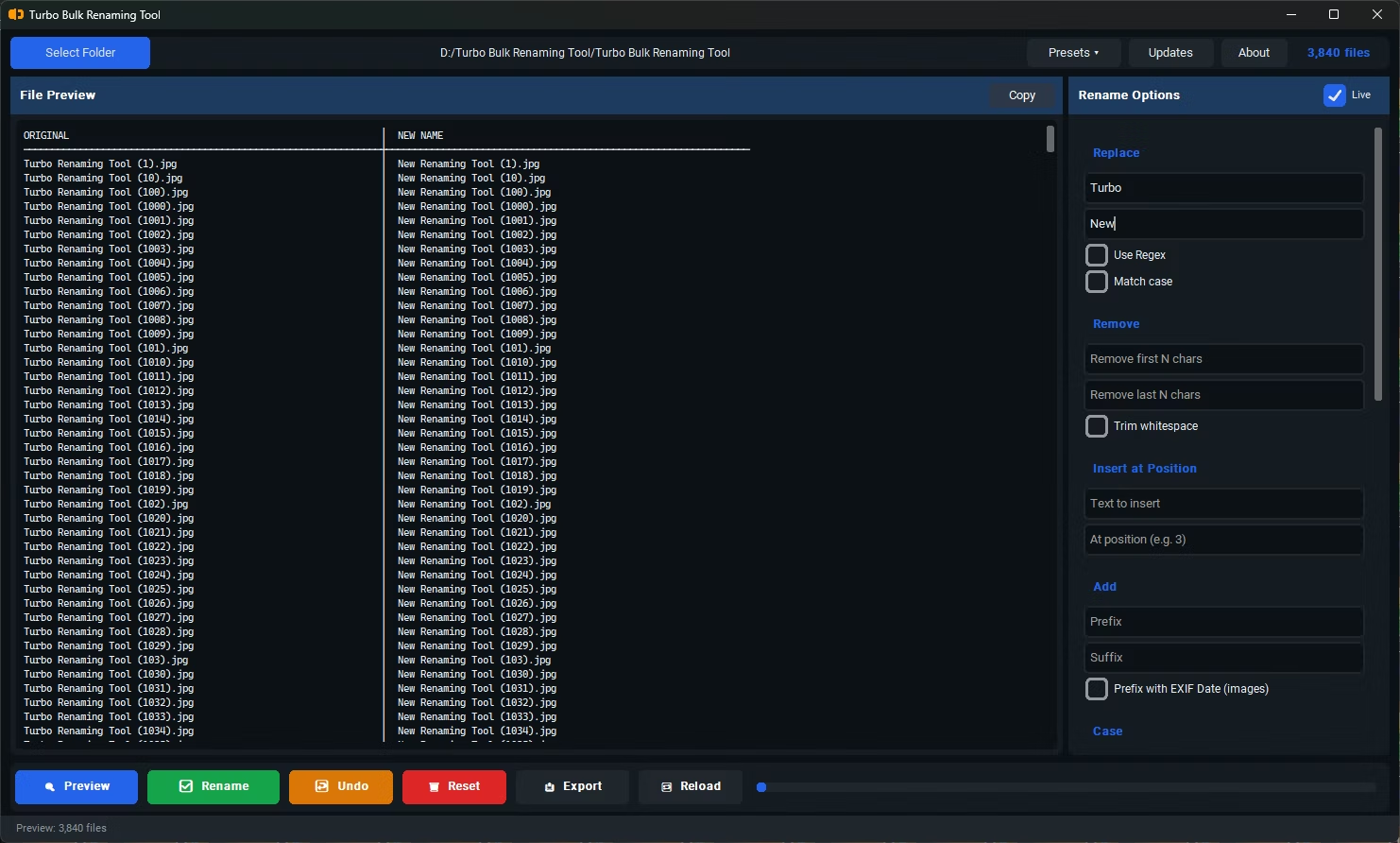
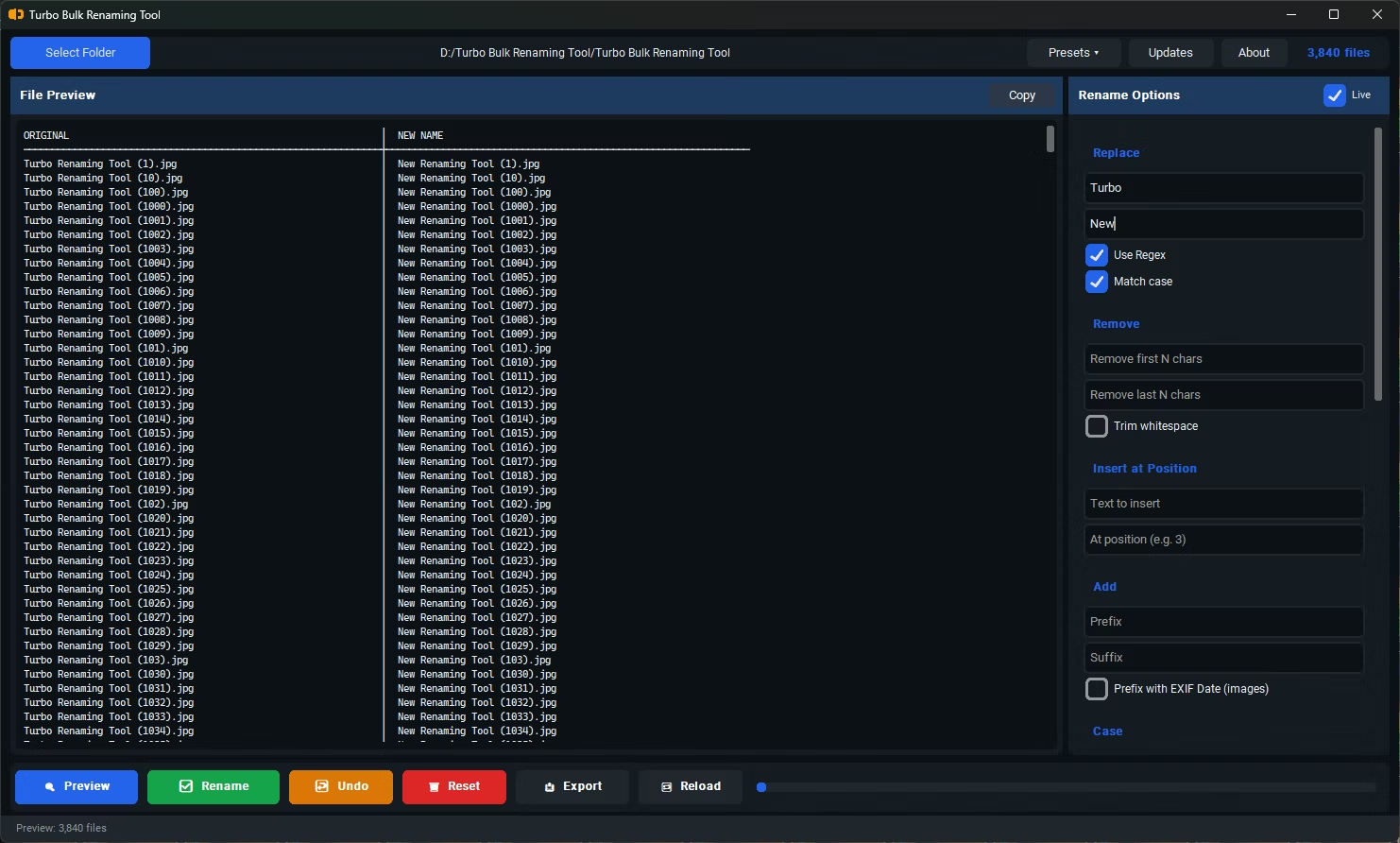
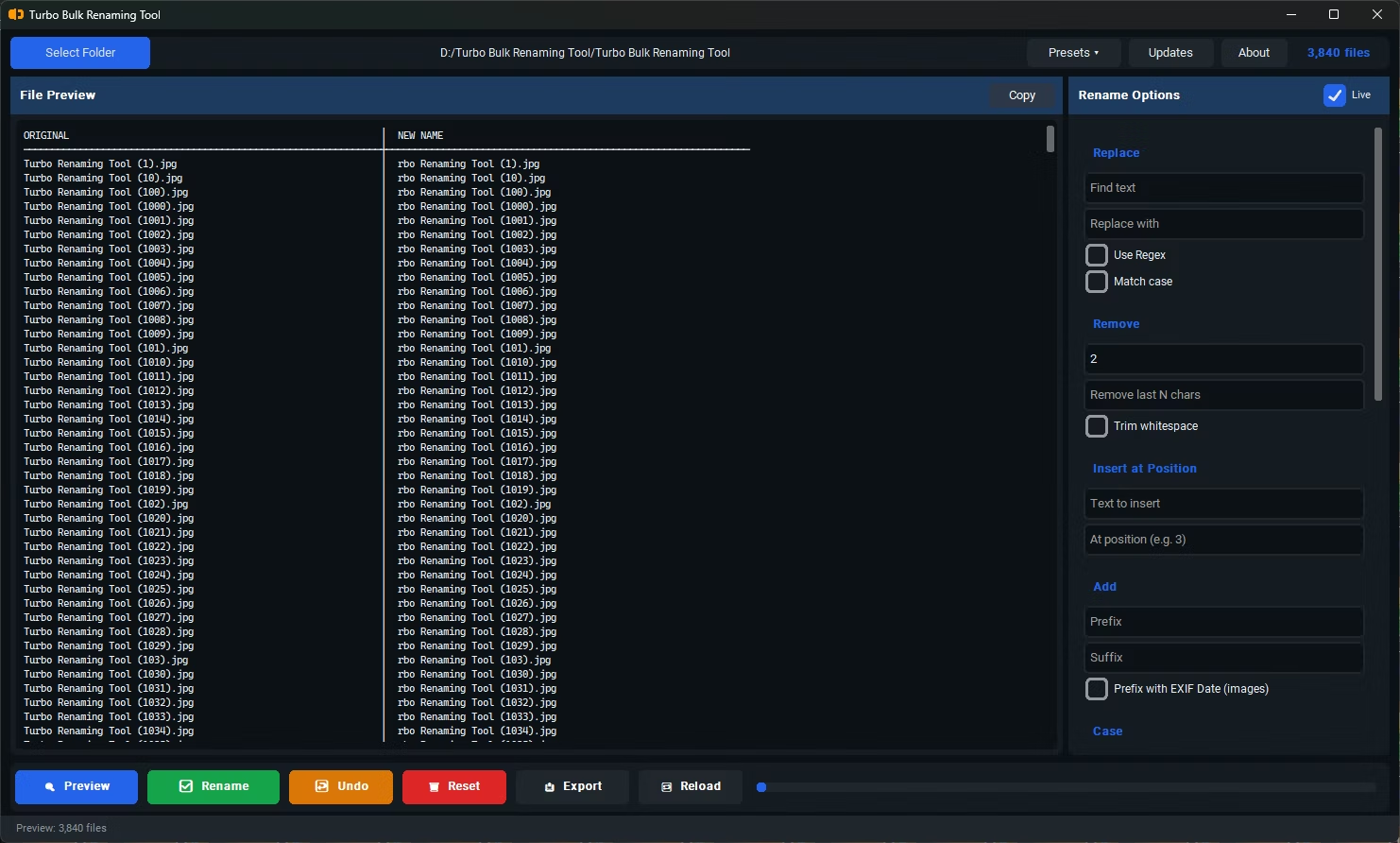
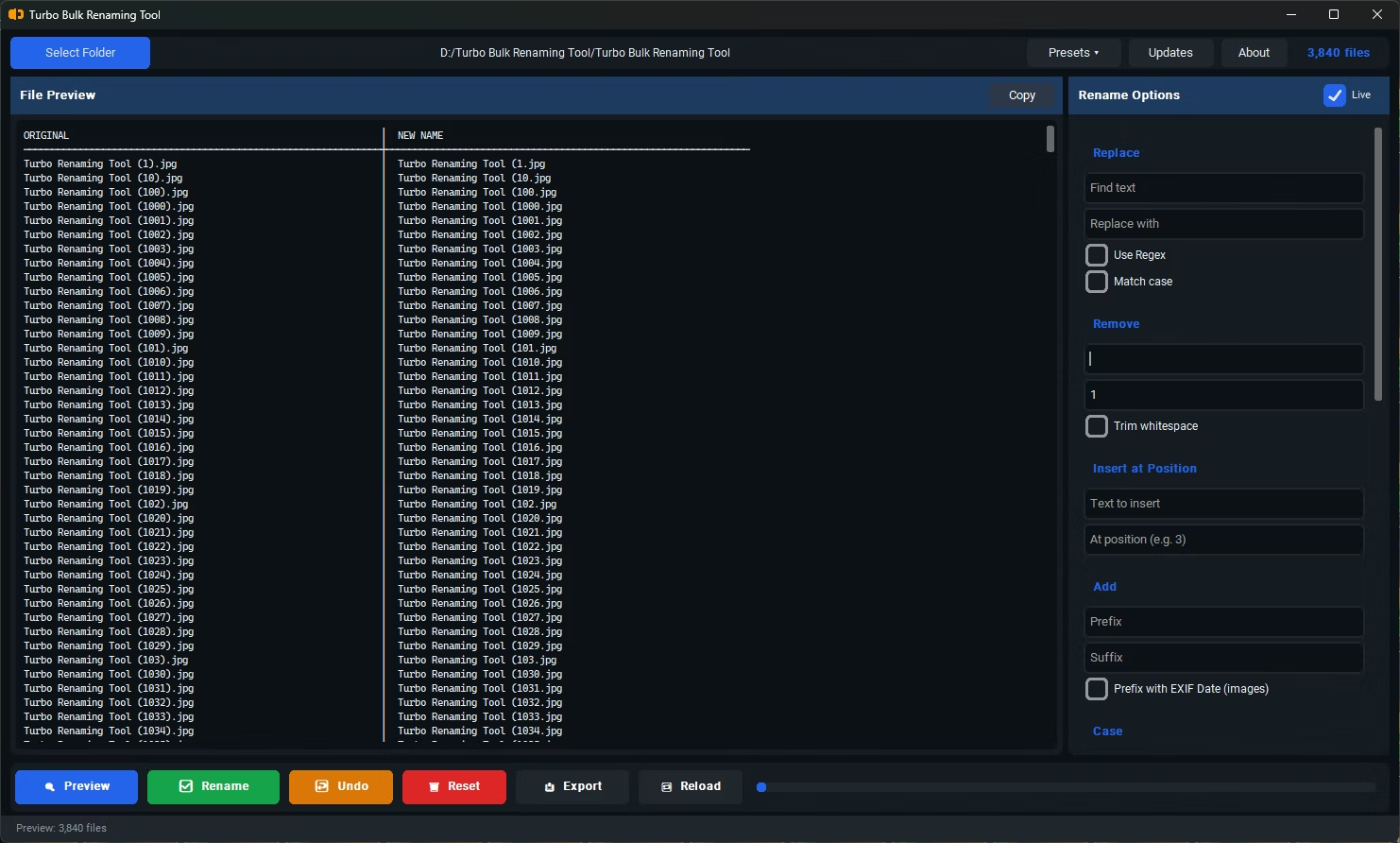
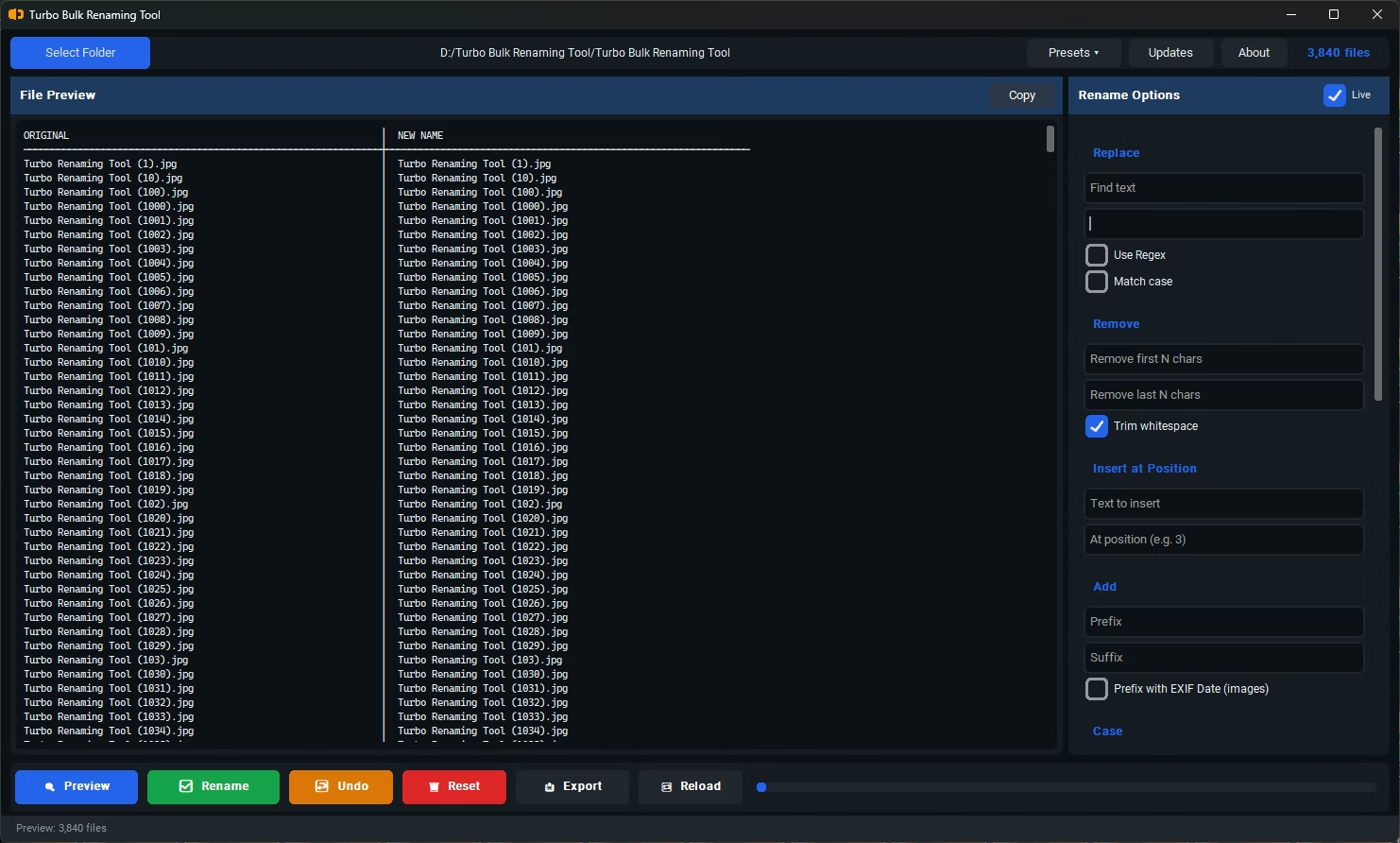
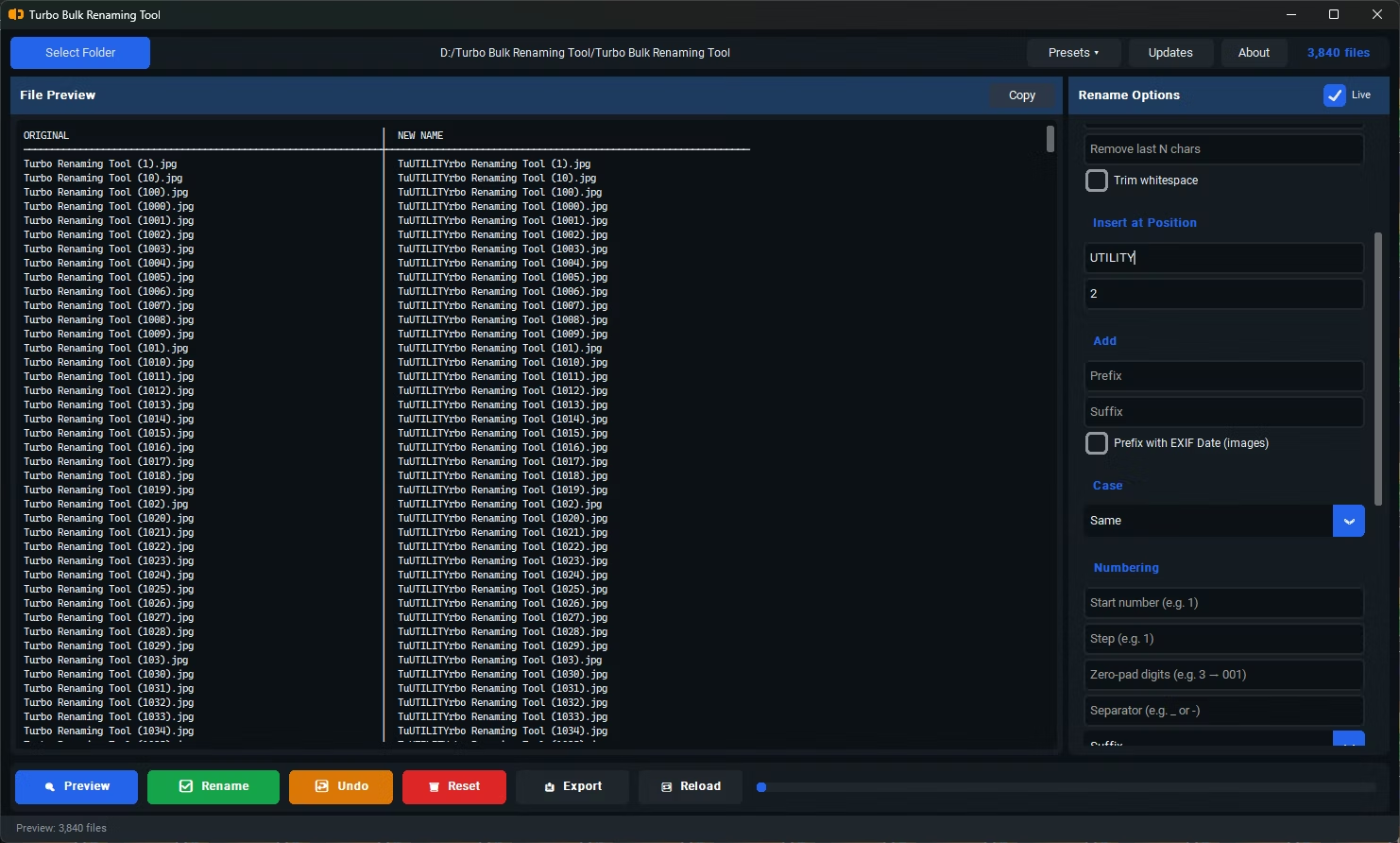
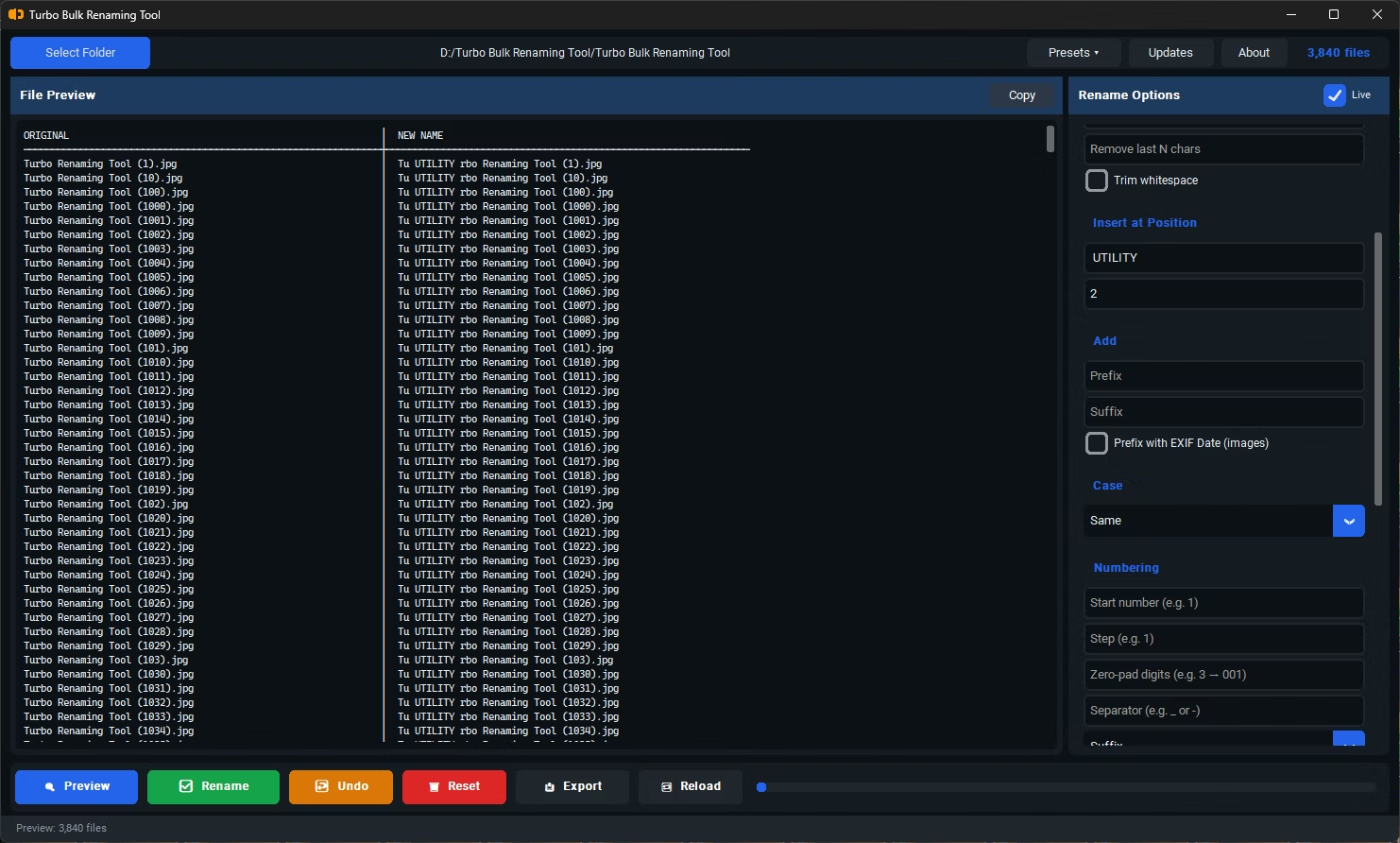
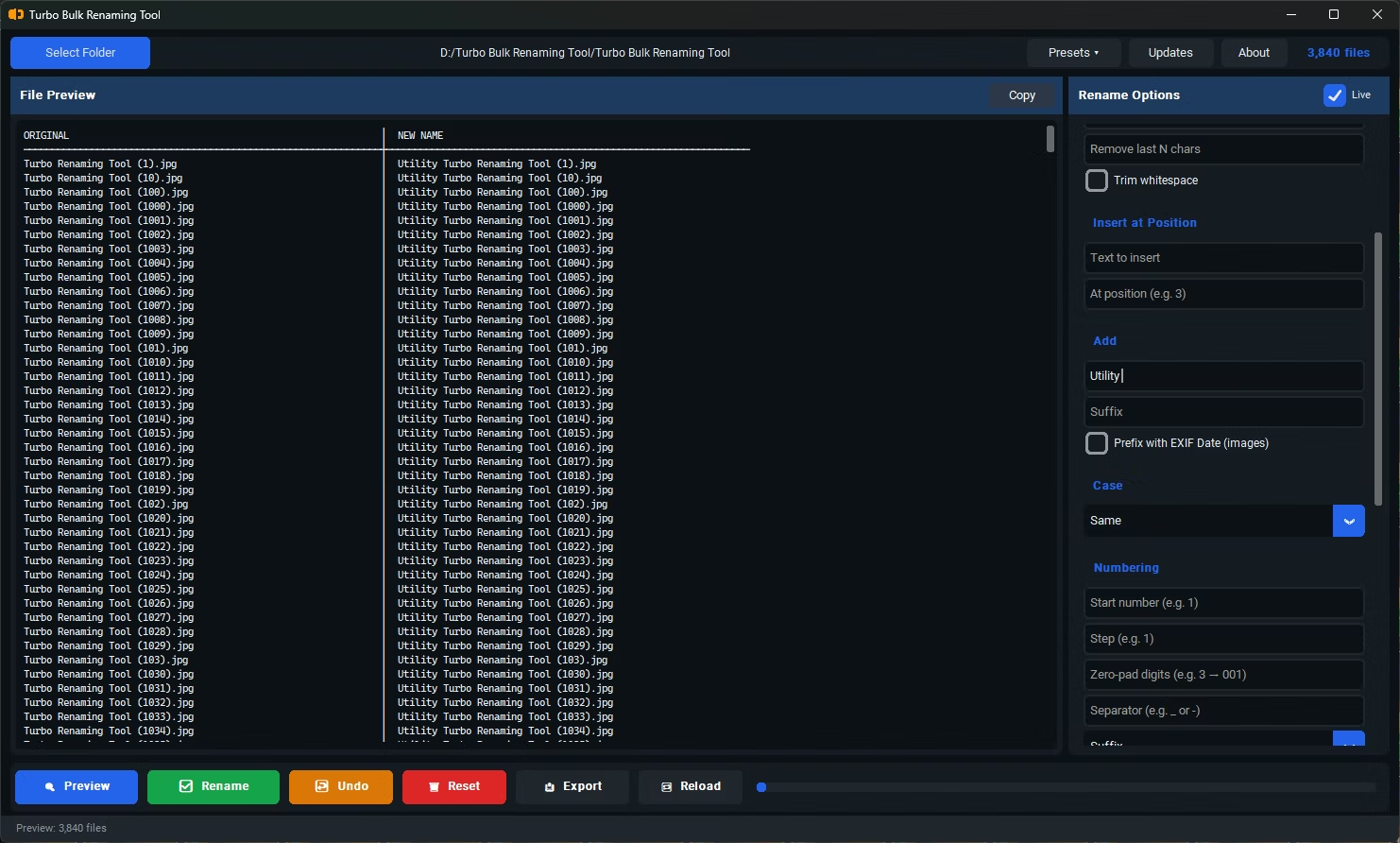
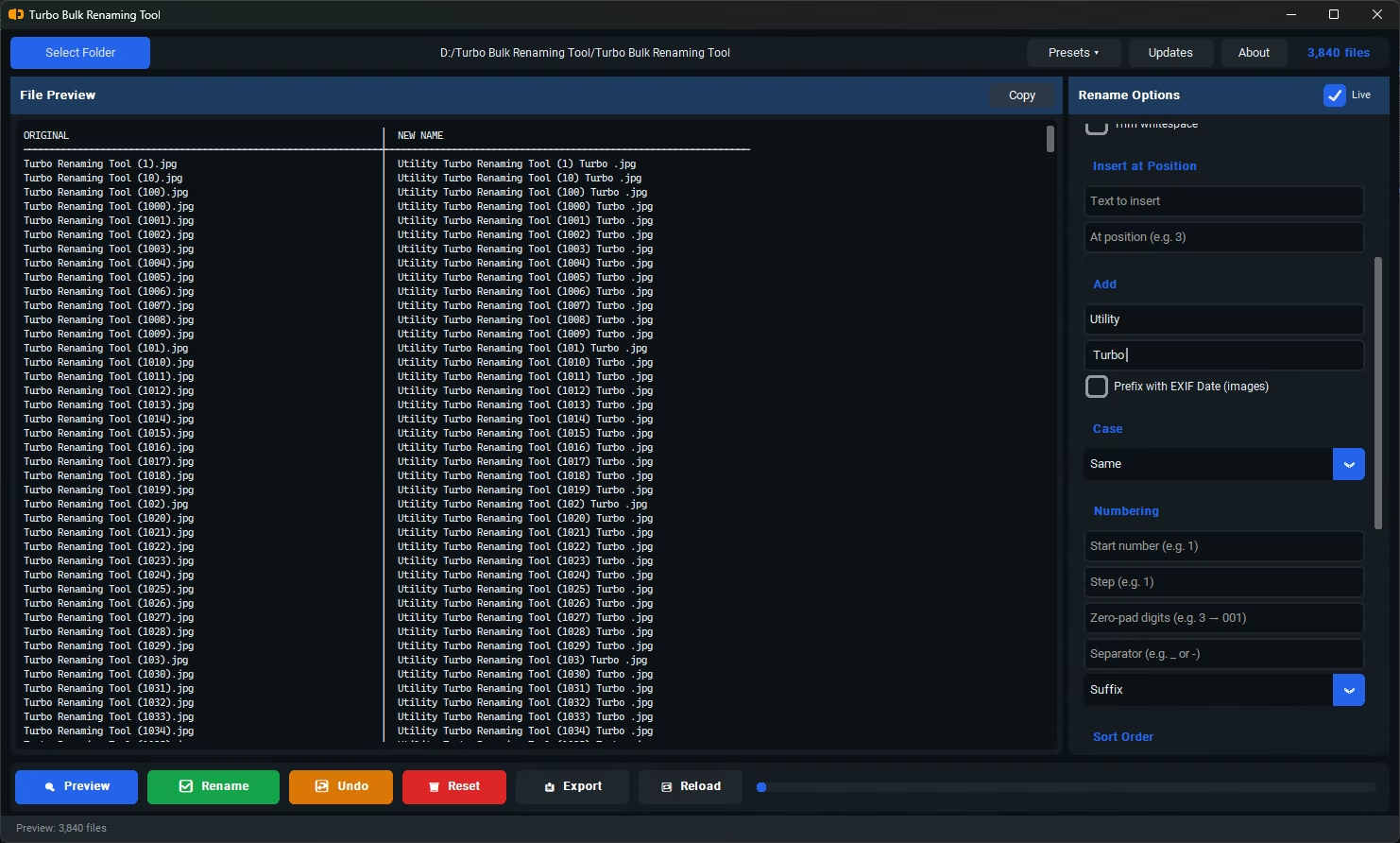
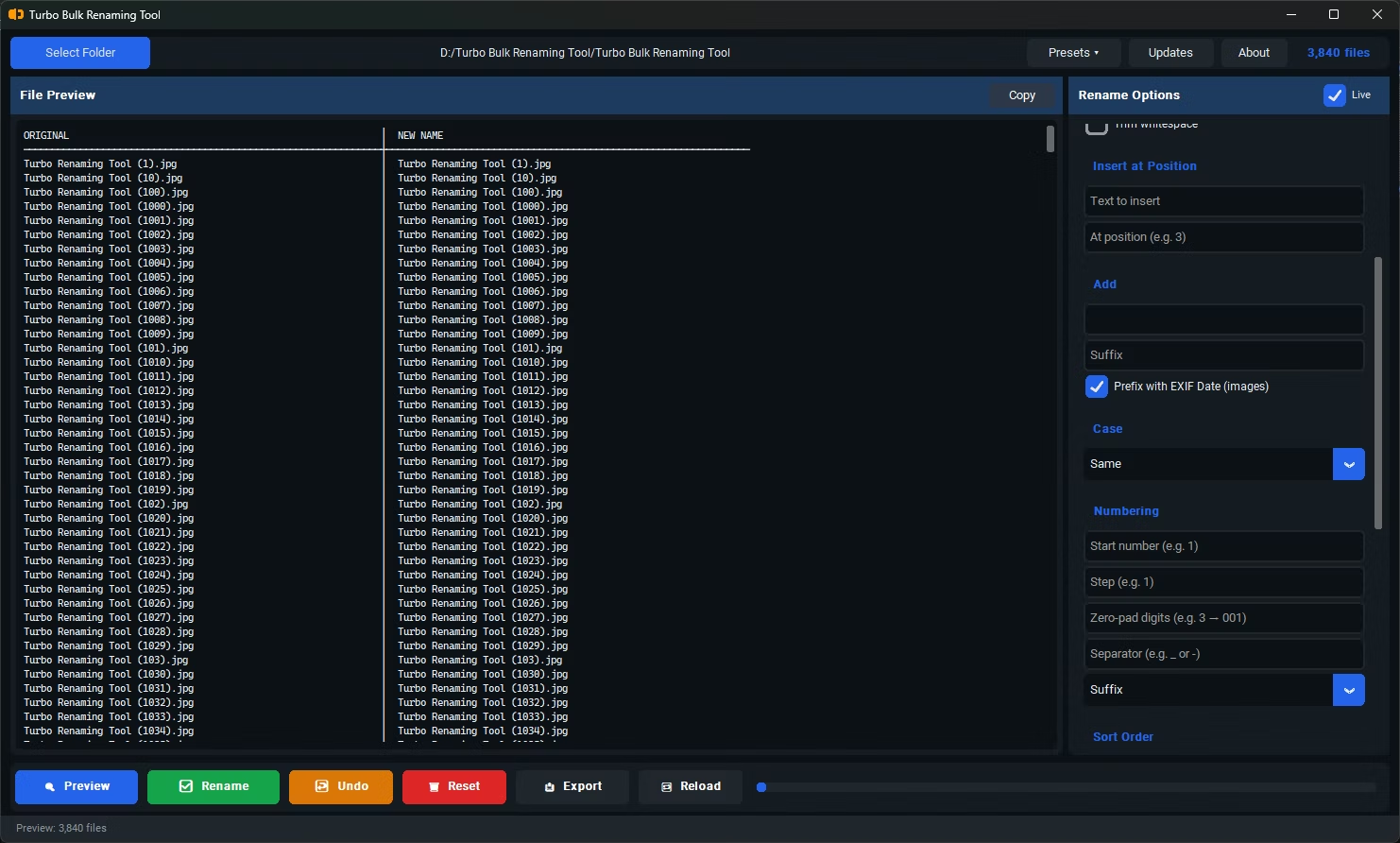
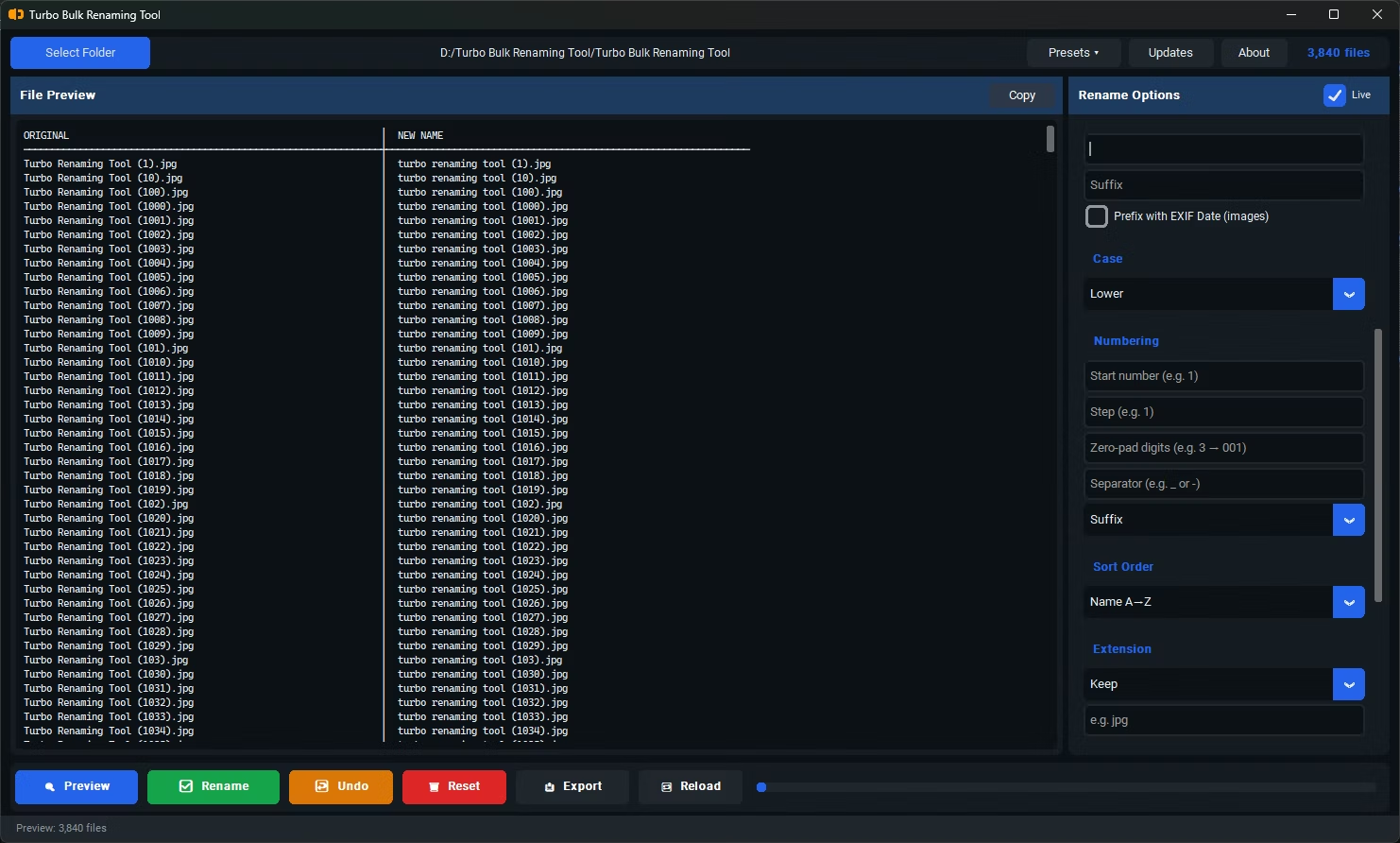
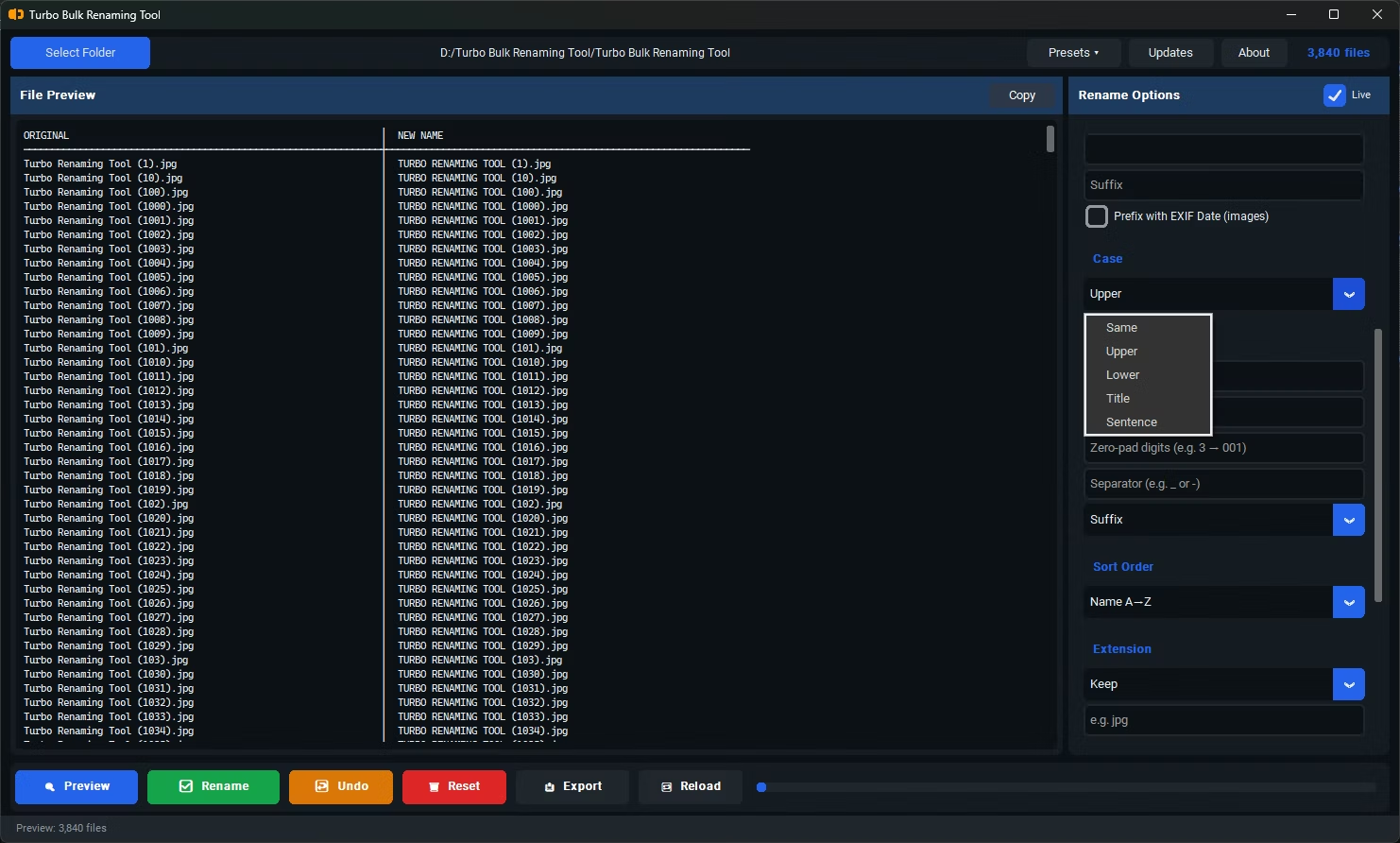
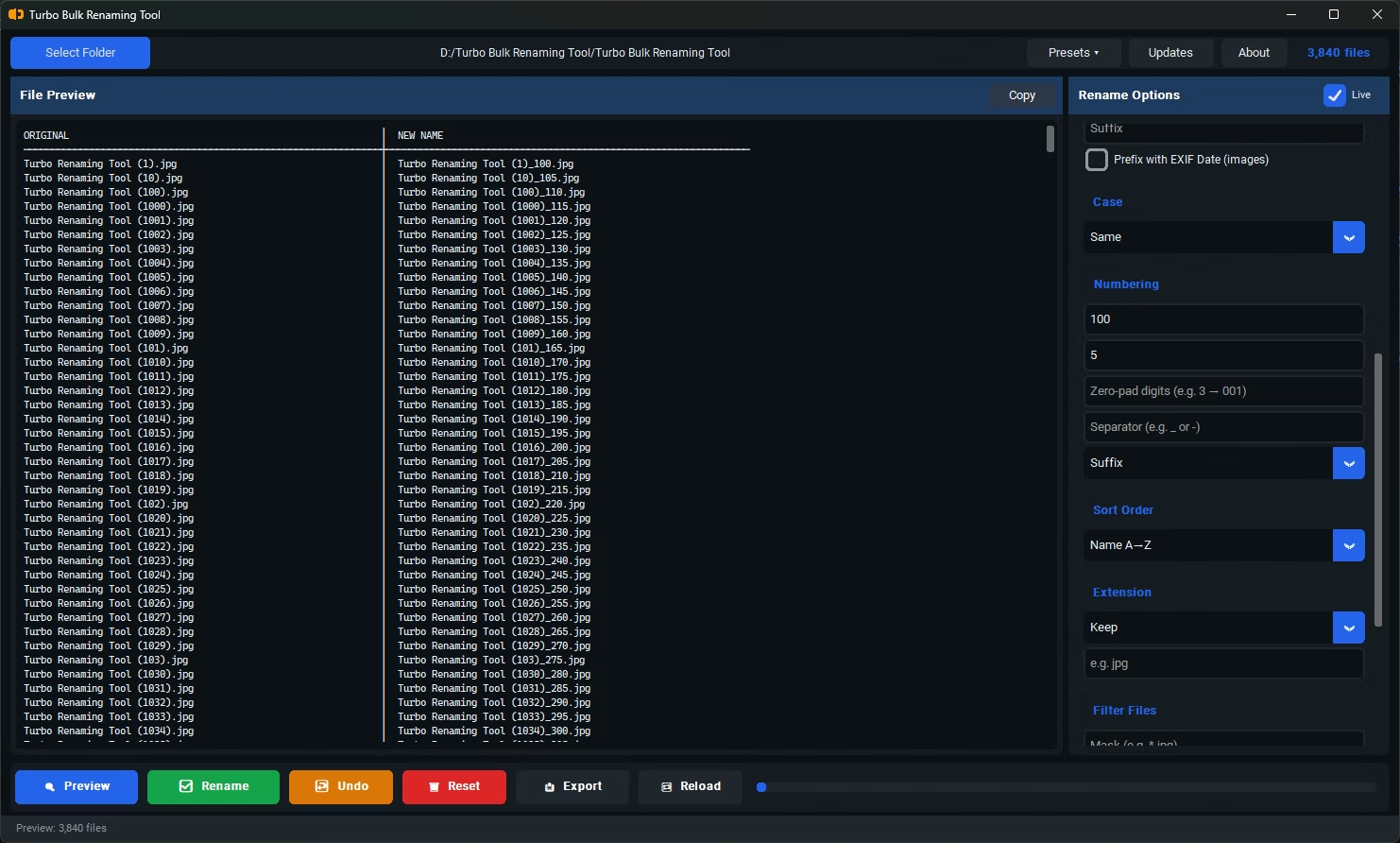
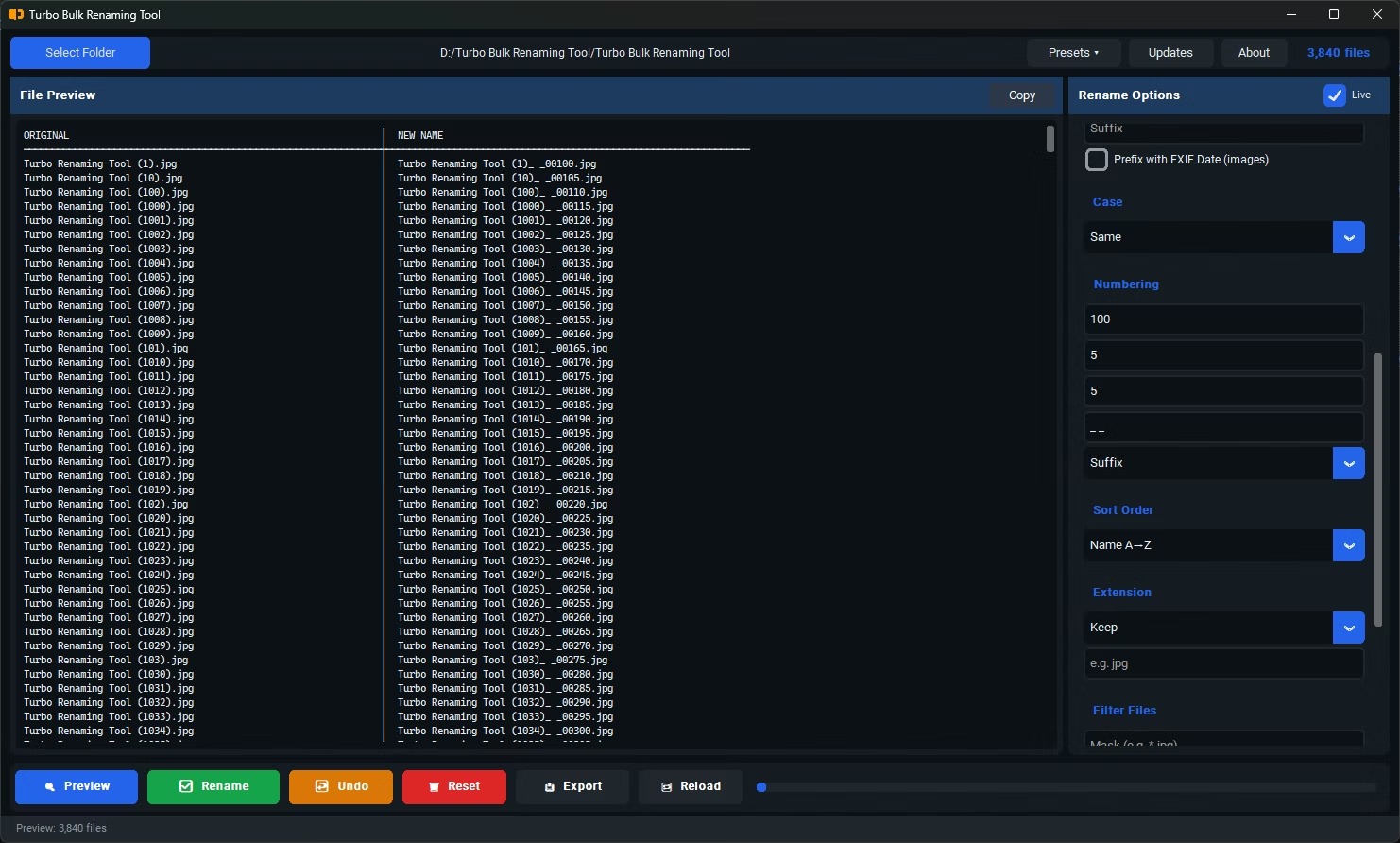
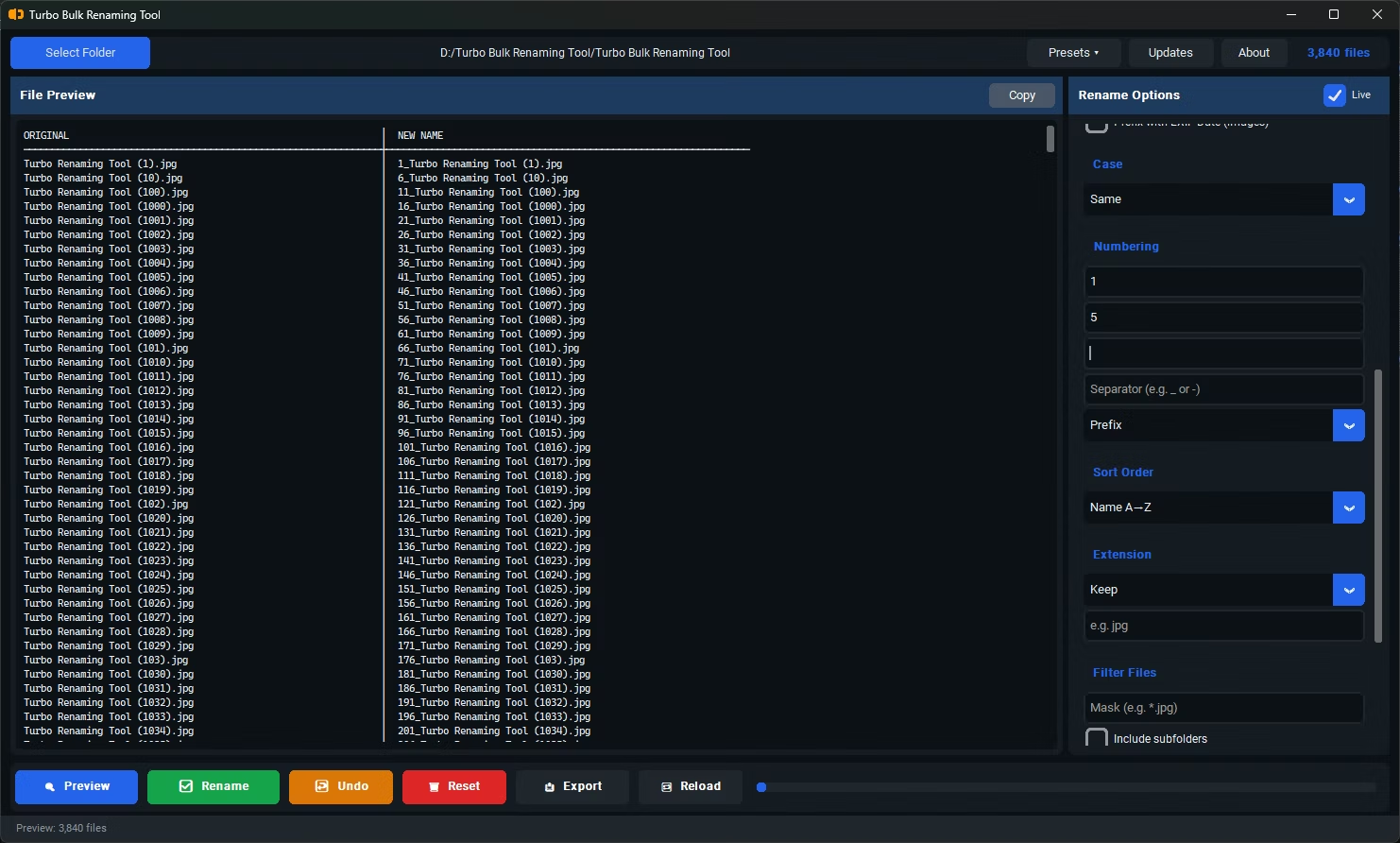
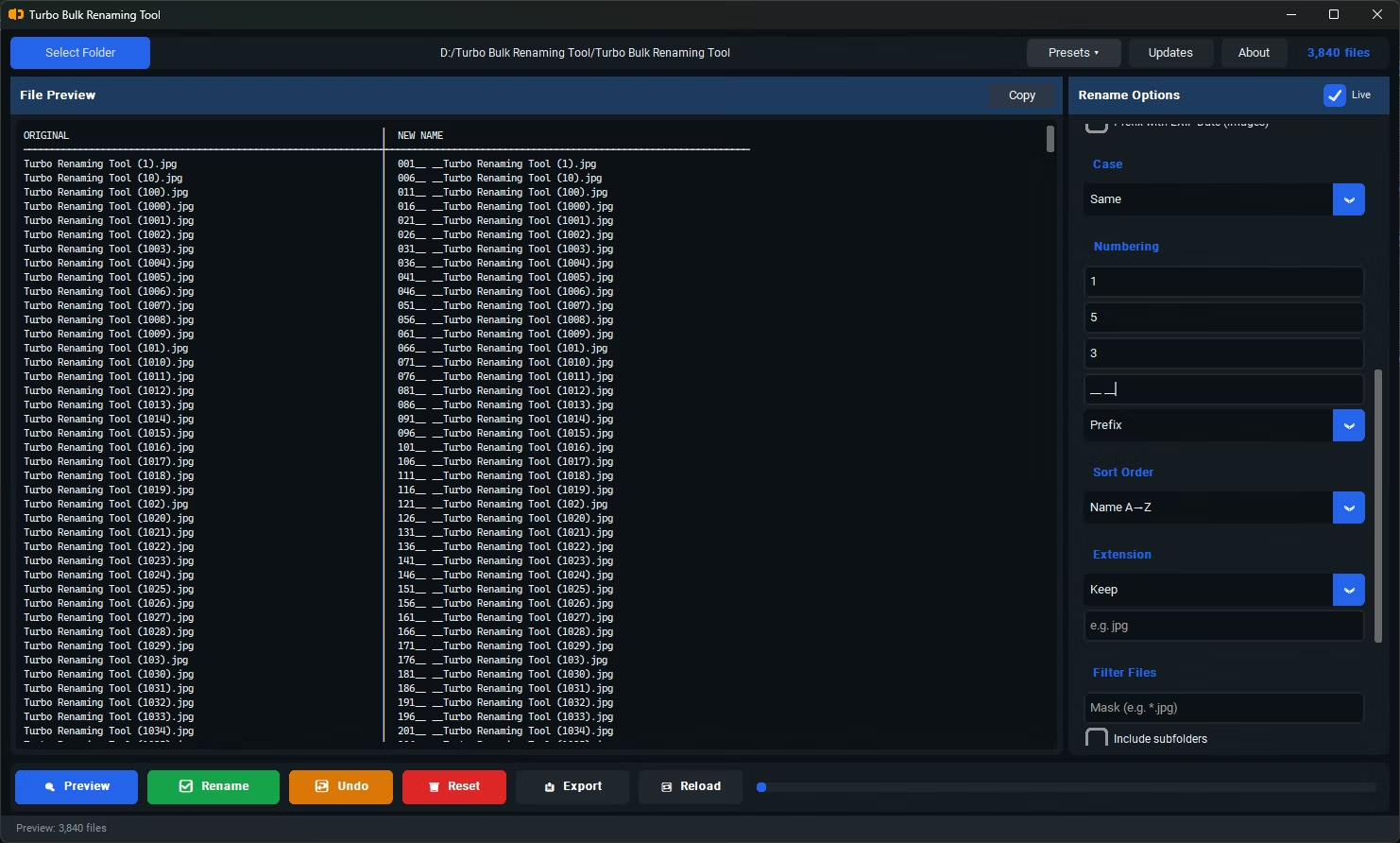
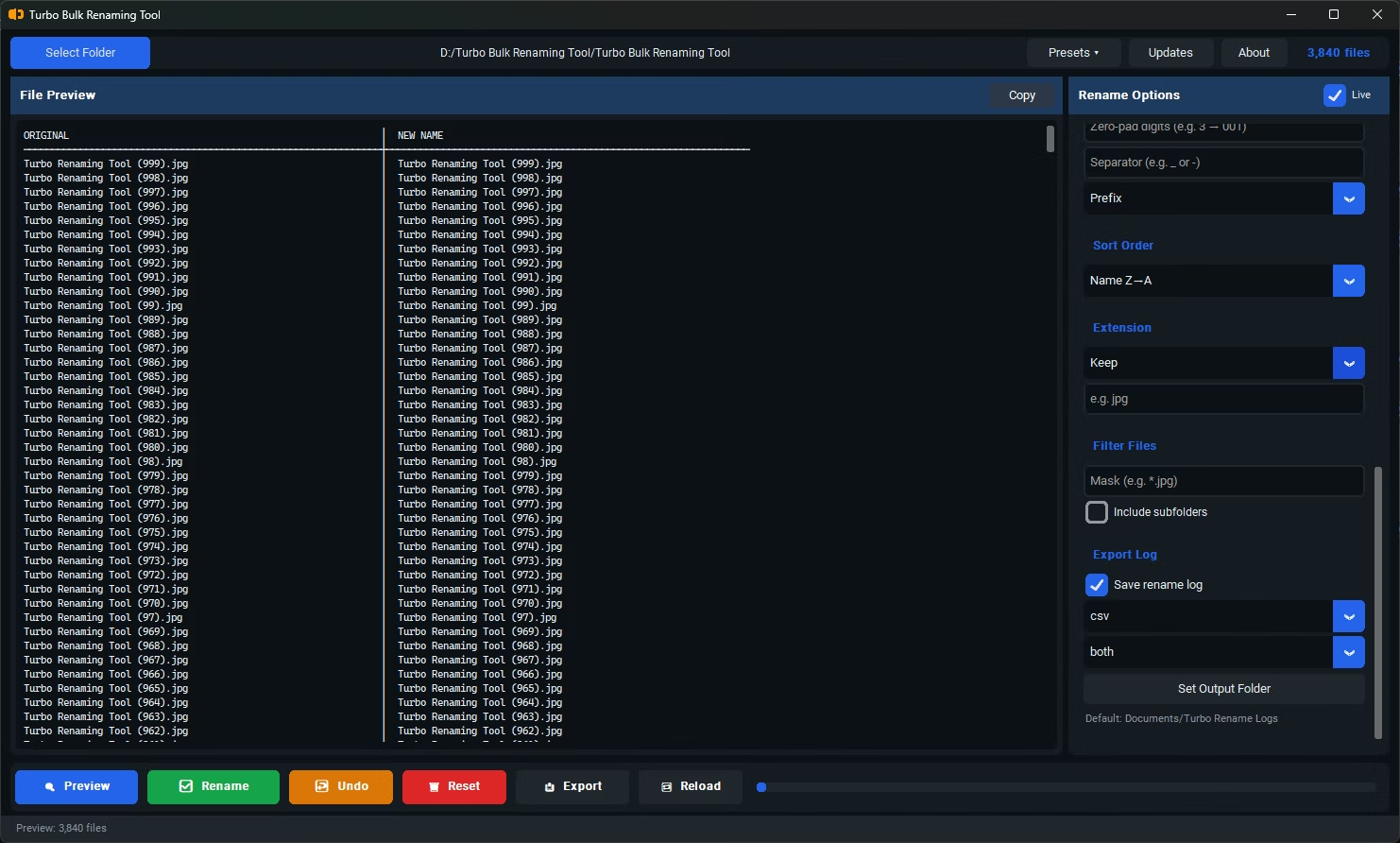
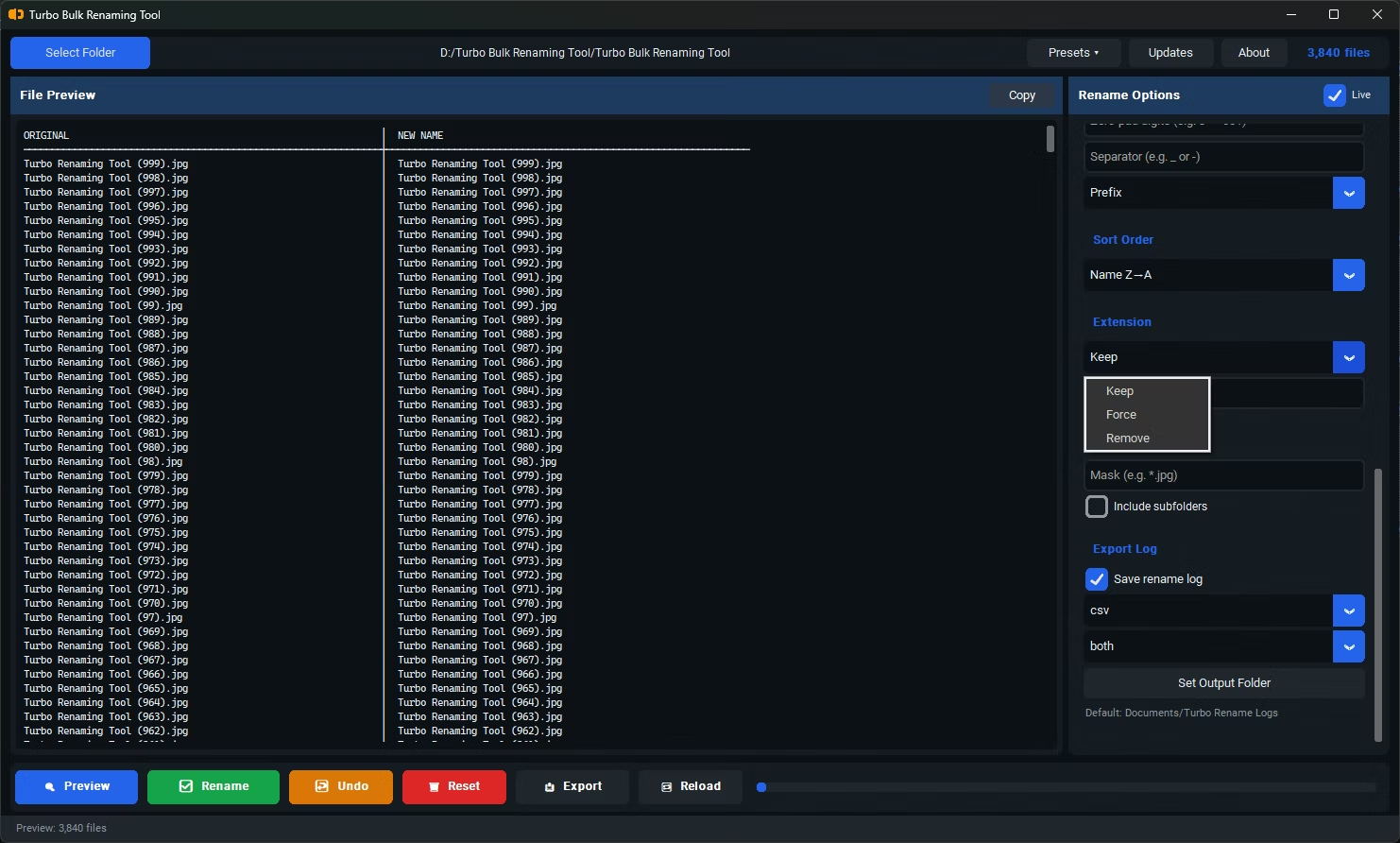
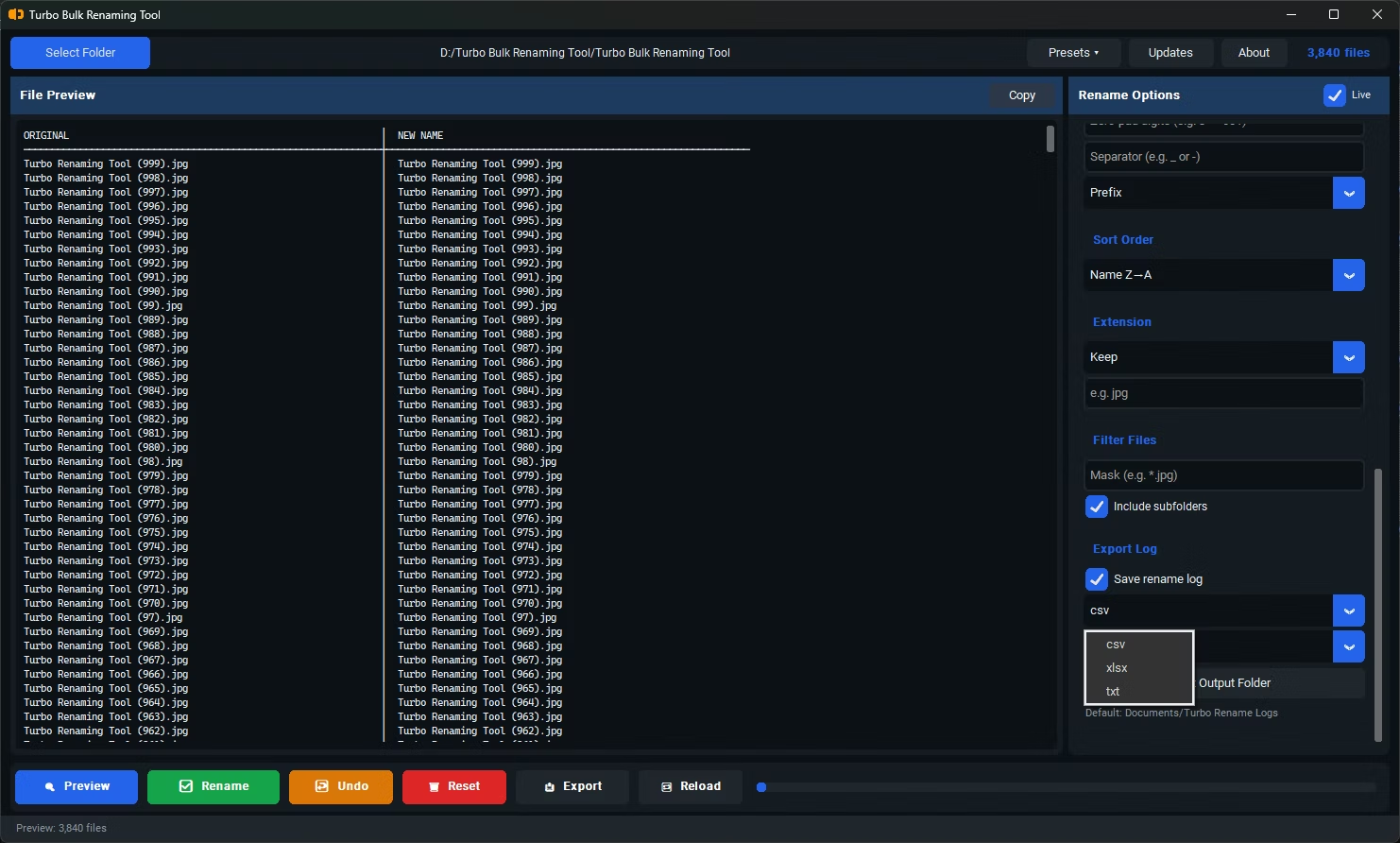
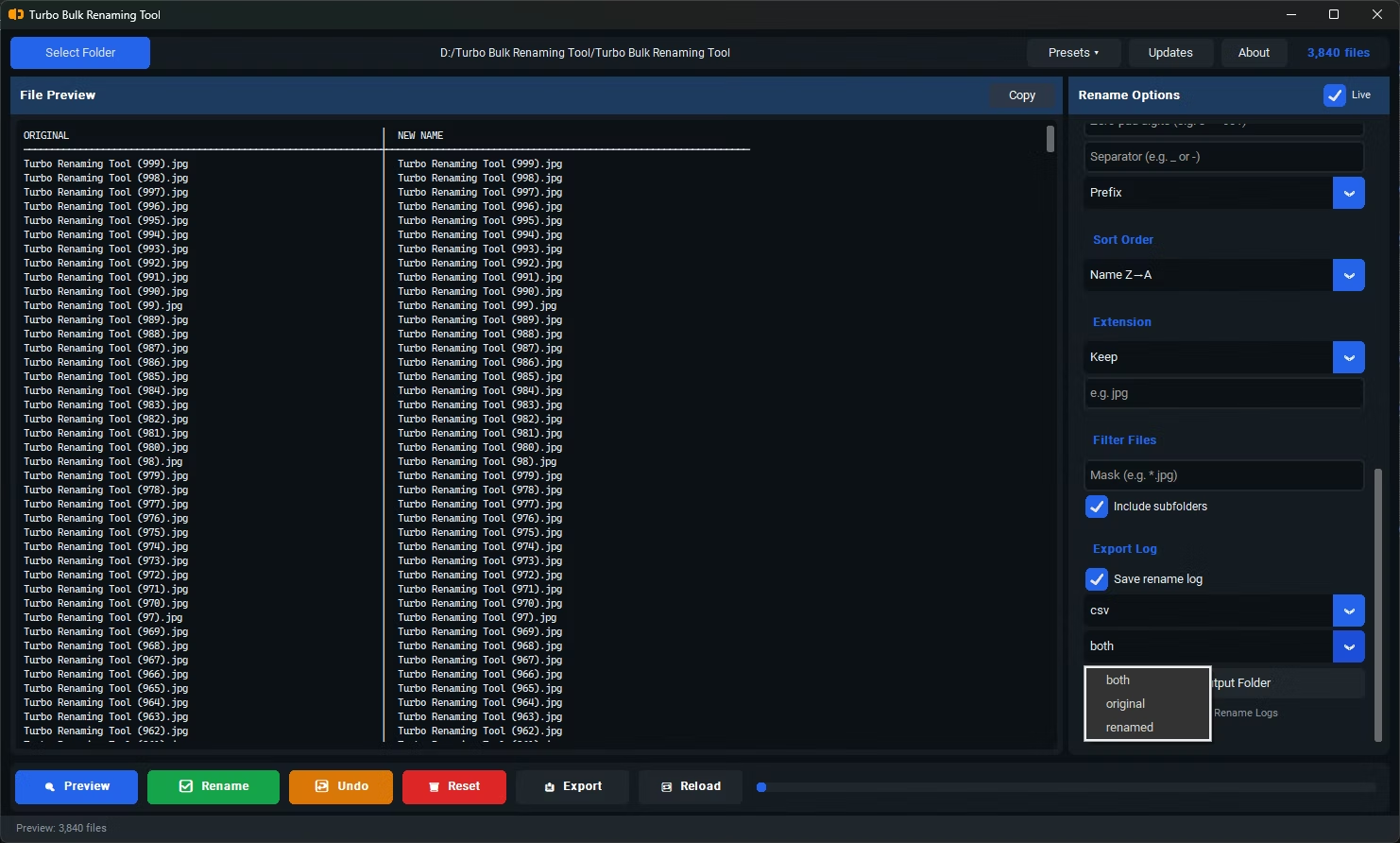
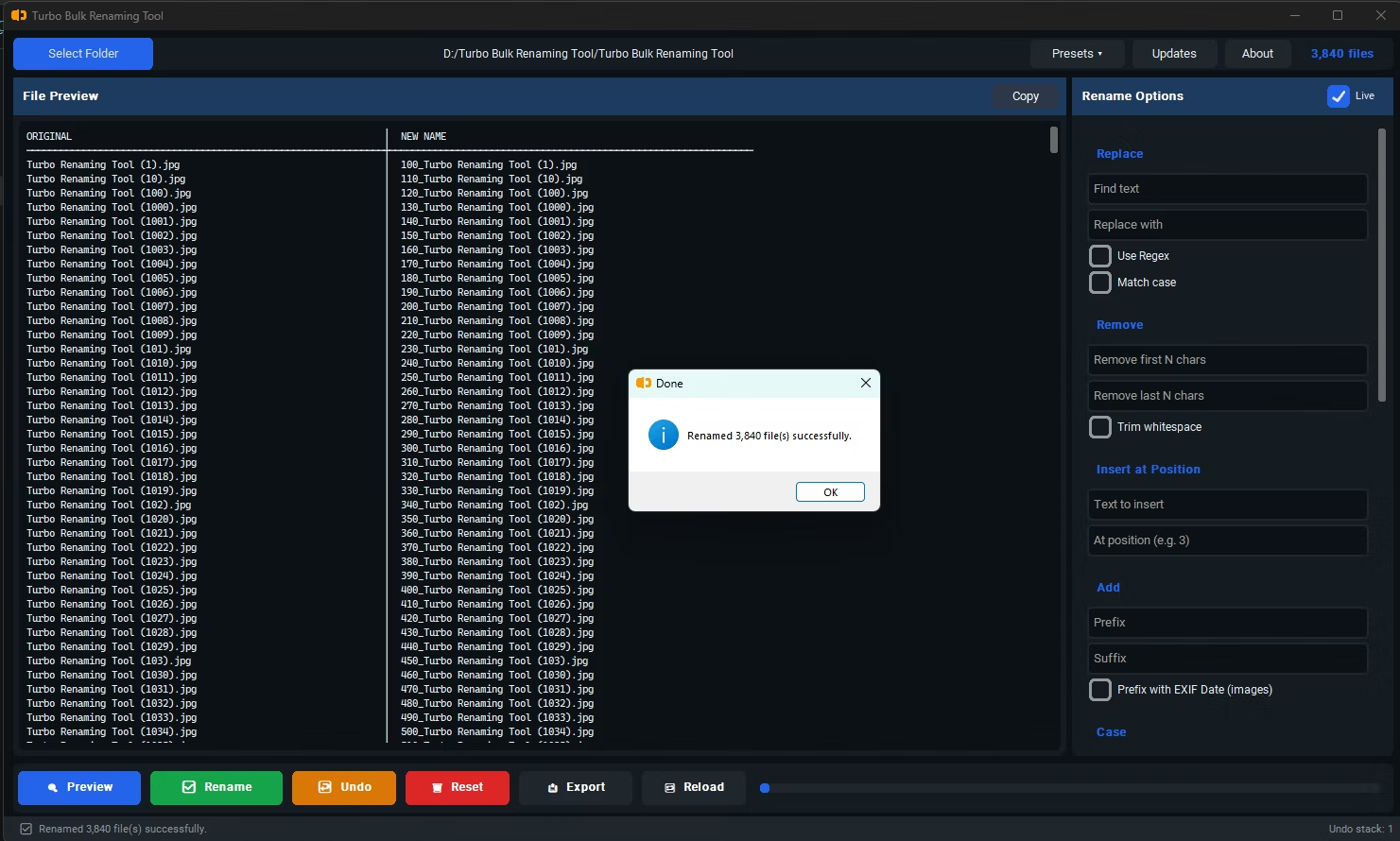
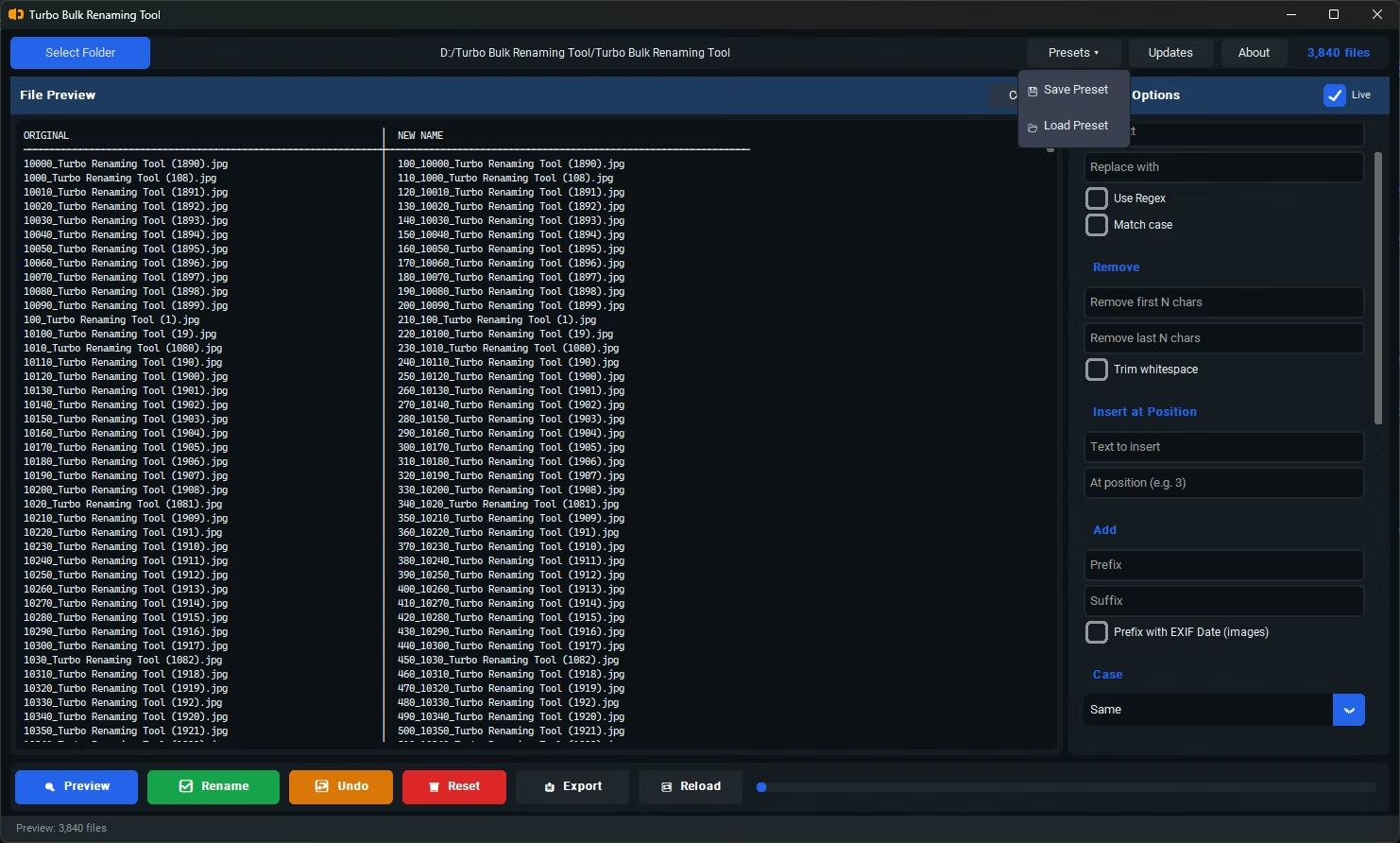
- Local, offline processing — no network round-trip for any file operation
- Efficient recursive folder scanning that doesn't slow down on deep nesting
- Debounced live preview updates that don't recalculate on every keystroke
- Batch-applied rename operations rather than renaming files one at a time with delays
- Lightweight conflict detection that runs alongside the preview without adding noticeable lag
Turbo Batch File Rename Tool runs entirely offline, so there's no network delay at any point in the rename process. Its live preview uses debouncing, meaning it doesn't recalculate the entire file list on every single keystroke while you're adjusting a rule, which keeps the interface responsive even with large folders loaded. Recursive sub-folder scanning is built to handle nested directory structures without requiring manual navigation into each one.
For very large photo folders, the app disables EXIF preview generation above 100 files specifically to avoid slowdown during preview, while EXIF-based renaming still applies fully once you commit the actual rename — a deliberate tradeoff that keeps the interface fast without sacrificing the final result.
Why does the live preview sometimes feel slower with huge folders?
Calculating a preview for thousands of files takes some processing time, which is why well-built tools use debouncing and selective previews to keep the interface responsive.
Is renaming itself a CPU-intensive operation?
Not particularly — renaming a file is a quick filesystem operation. The more demanding part is usually folder scanning and live preview generation across very large or deeply nested folders.
Does recursive sub-folder renaming slow things down significantly?
It adds some overhead compared to renaming a single flat folder, but efficient recursive scanning keeps that overhead minimal even across nested directory structures.
Ready to rename your files in bulk, offline, with full privacy?