Search for the "best" renaming utility and you'll find plenty of opinions, but the honest answer is that it depends on what you're actually trying to do. A photographer organizing a memory card full of RAW files has different needs than an office worker cleaning up a shared drive full of inconsistently named documents. The market includes everything from single-purpose tools that only add a number, to full-featured utilities that handle dozens of renaming scenarios.
Instead of picking based on marketing claims, the more useful approach is to identify the specific renaming problems you run into repeatedly, then check whether a given utility actually solves them well, rather than just technically supporting them.
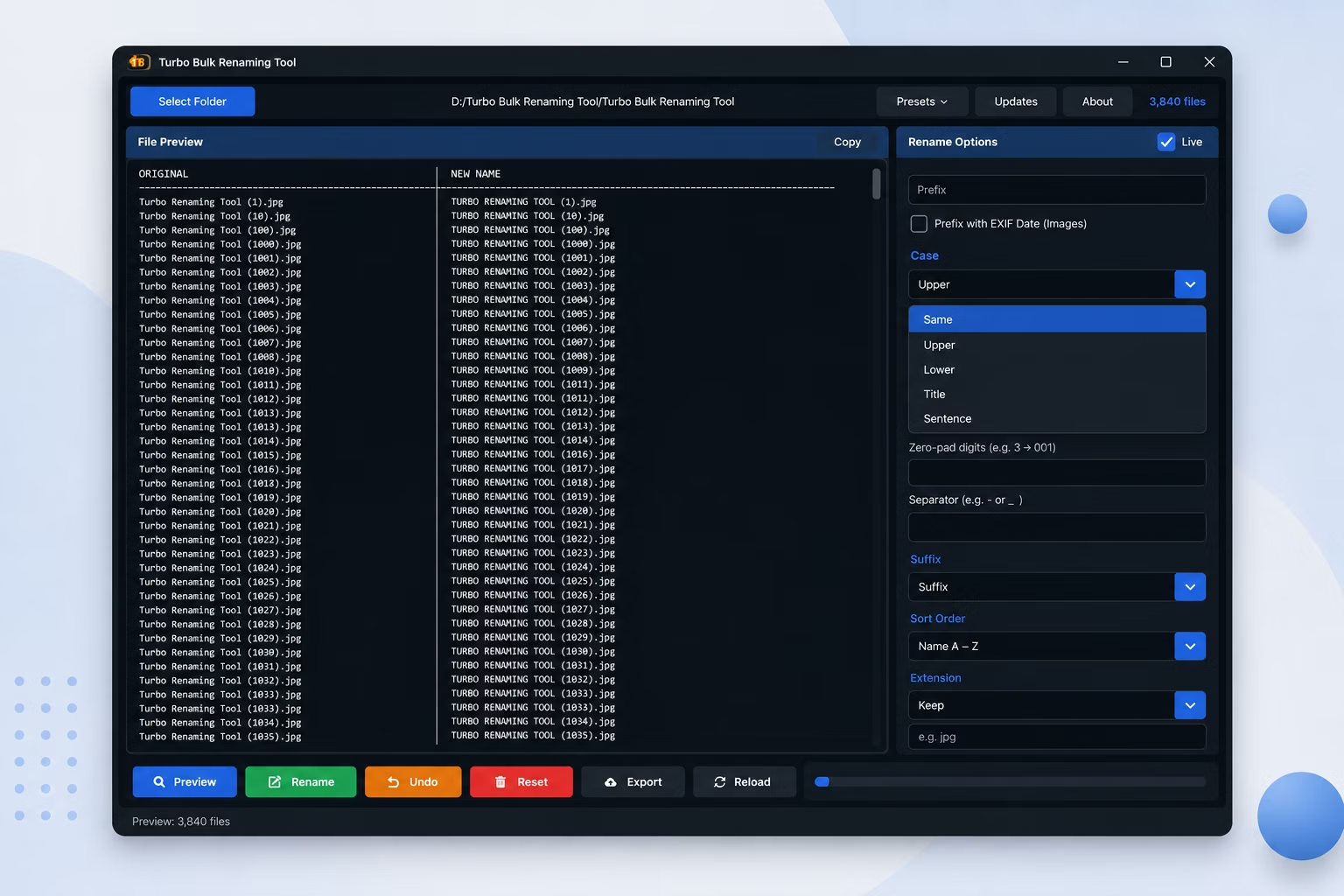
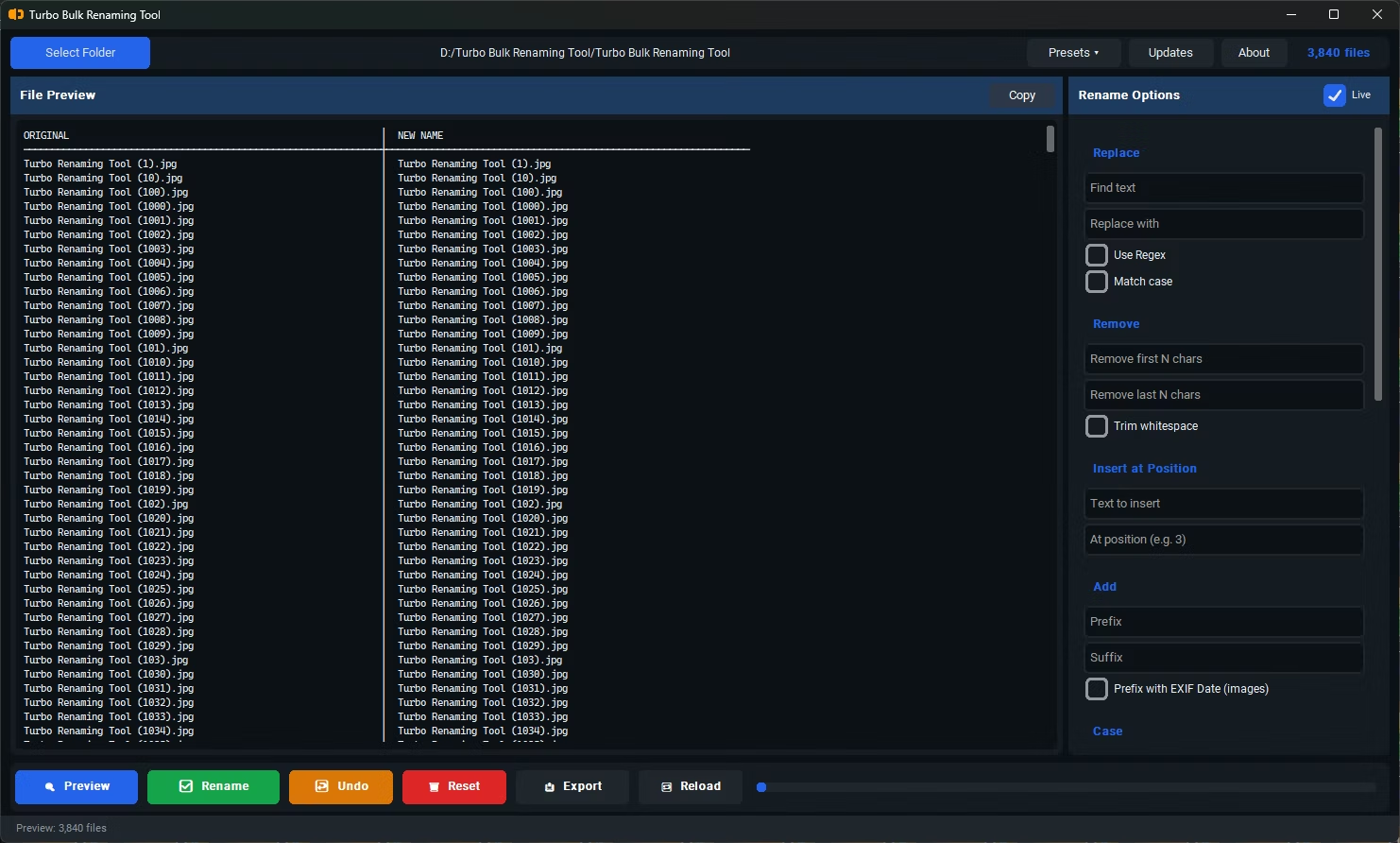
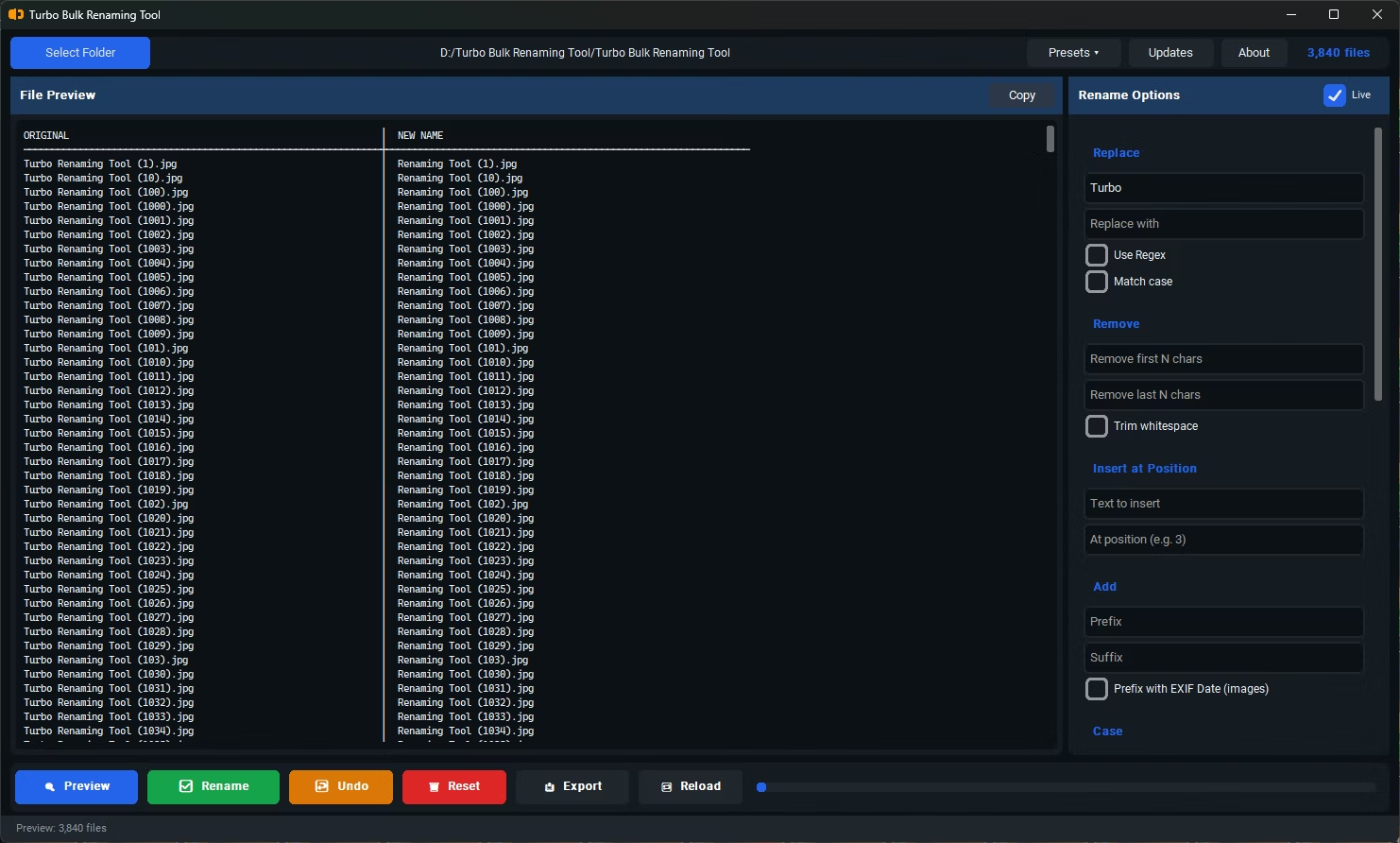
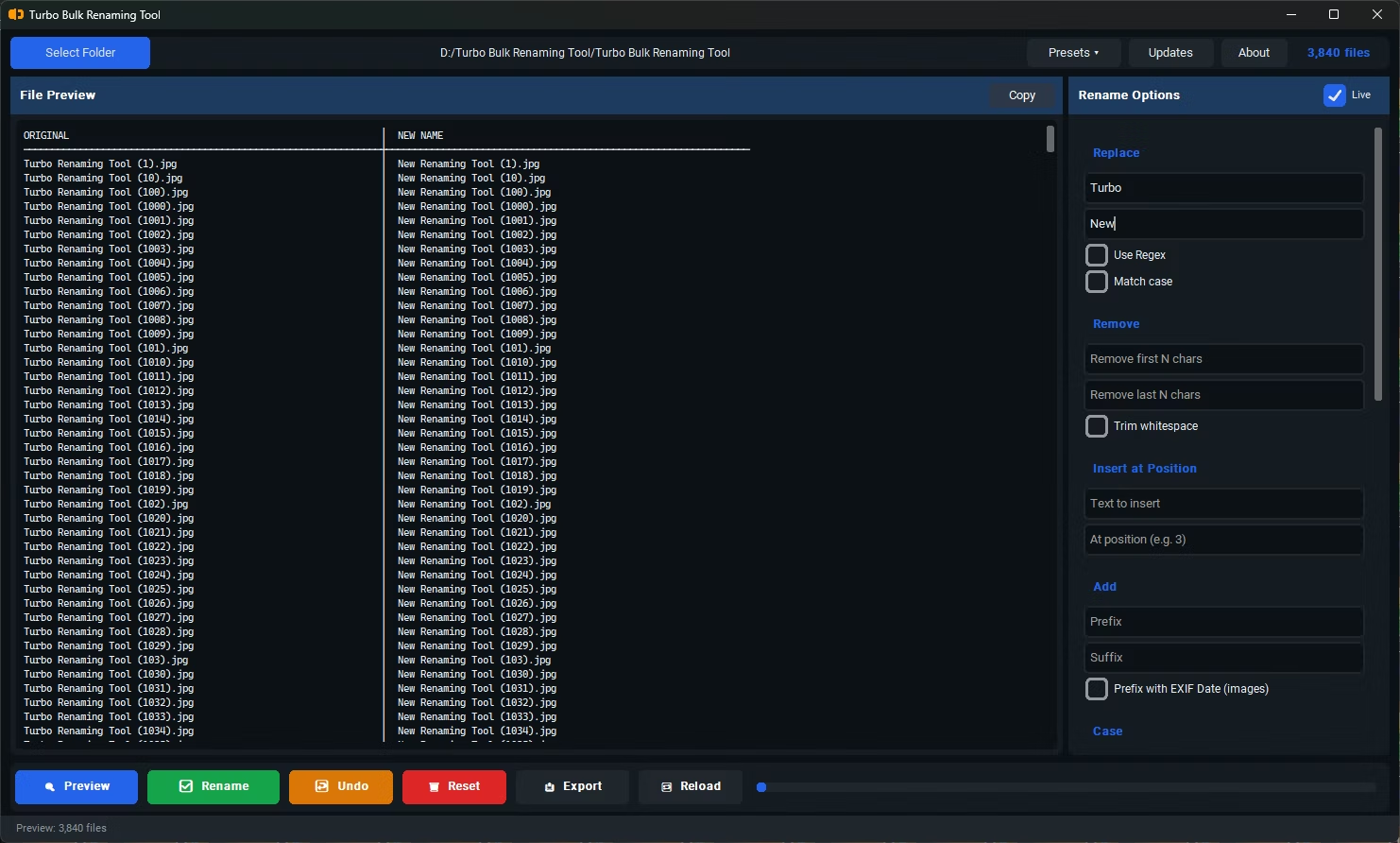
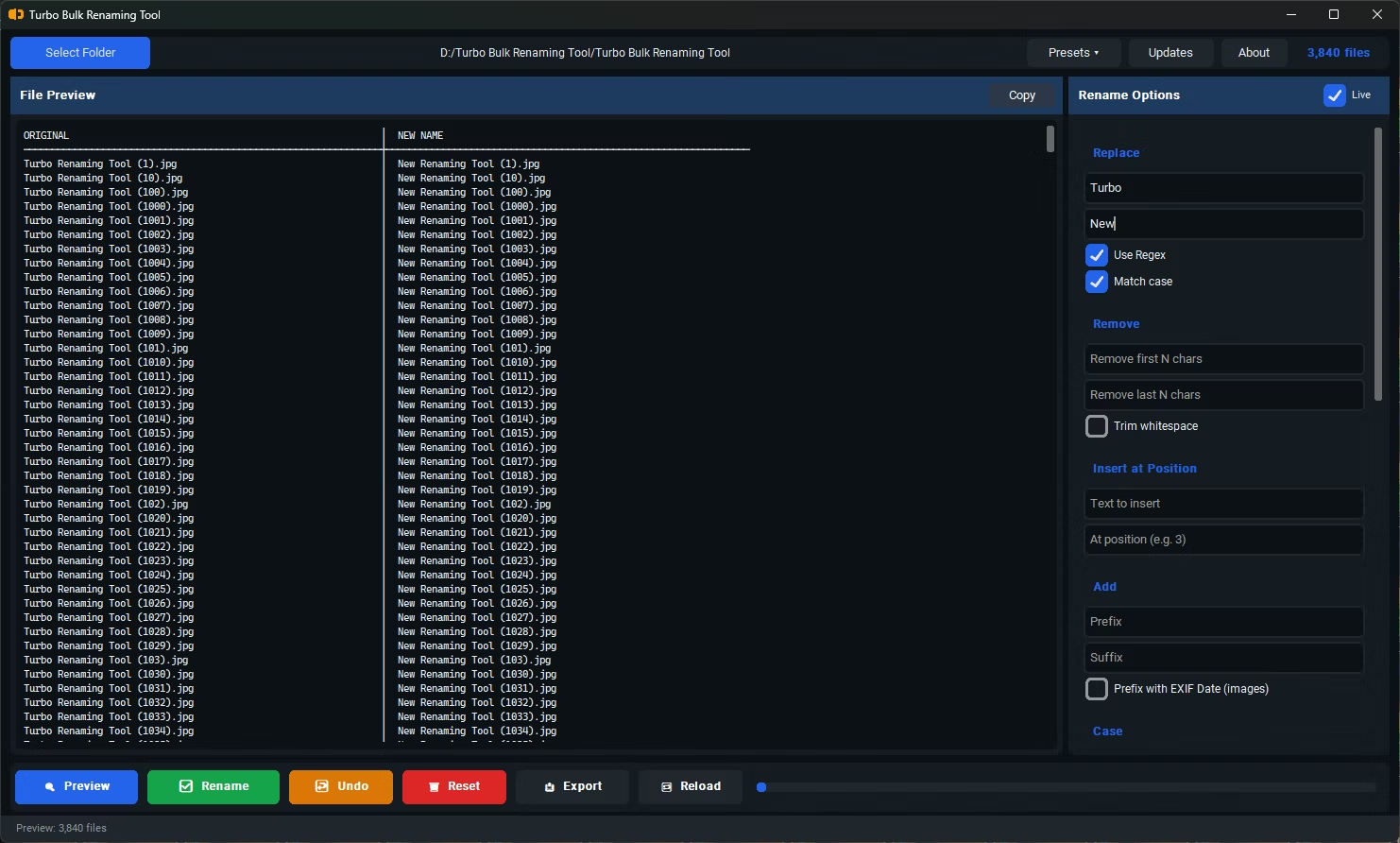
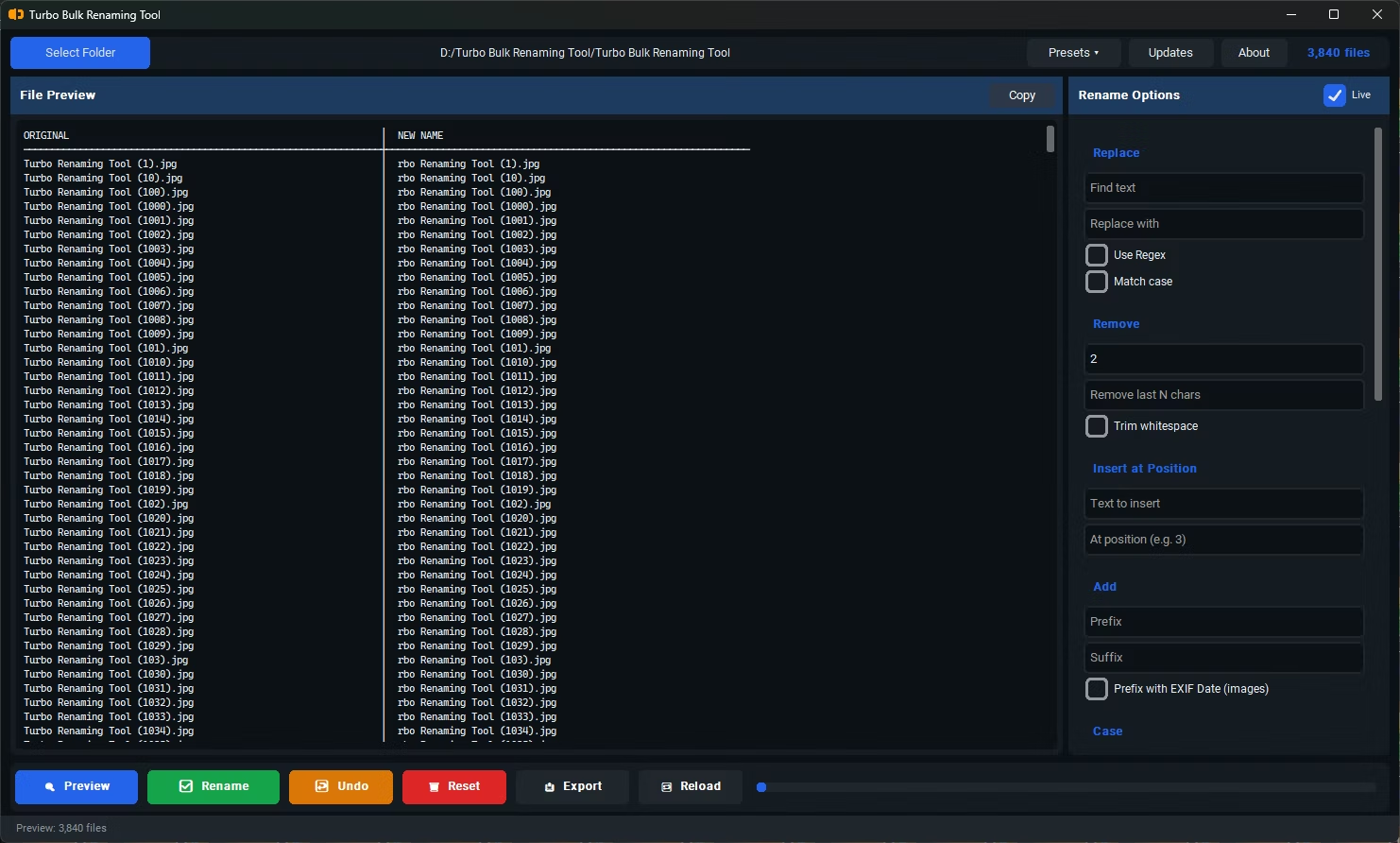
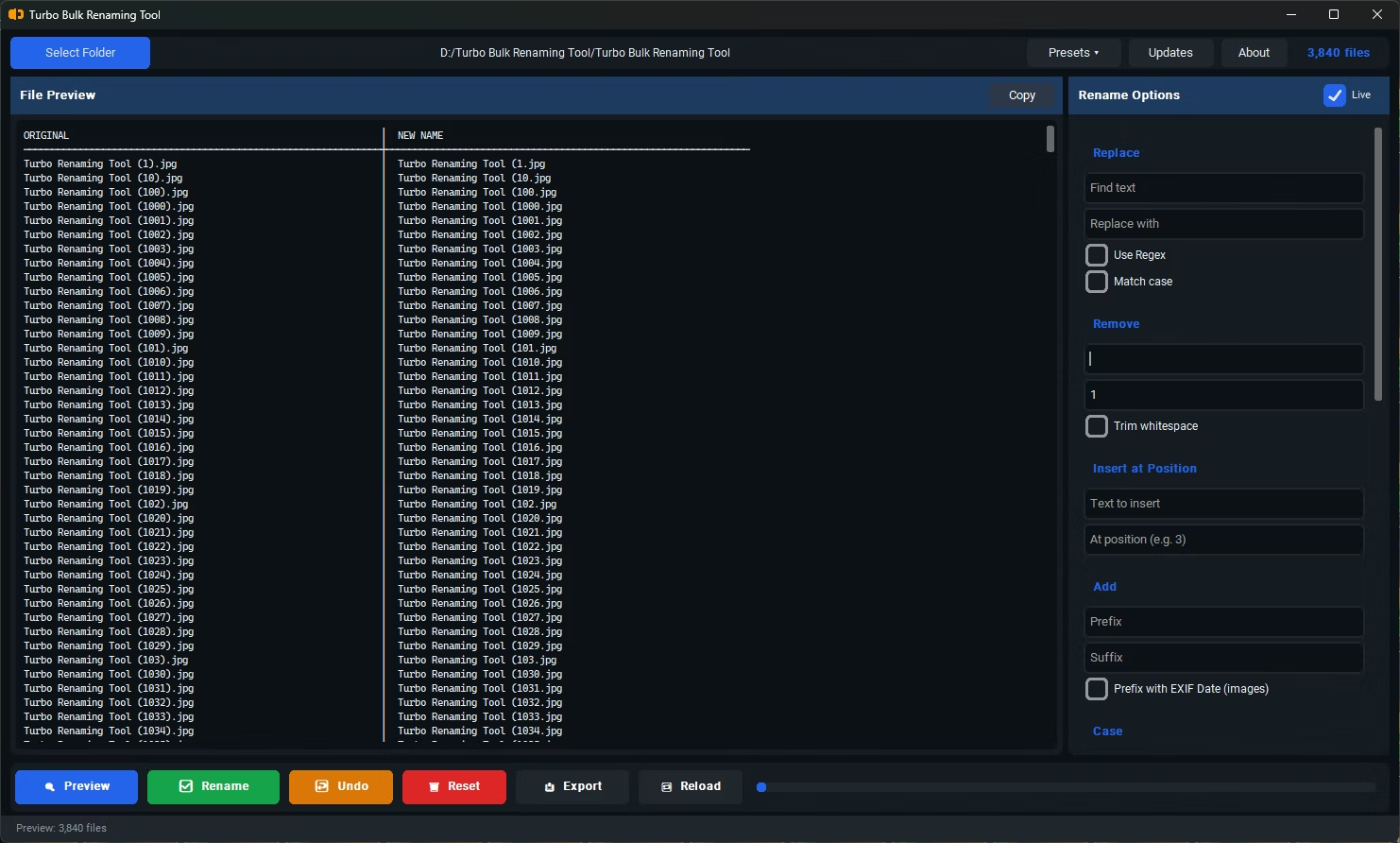
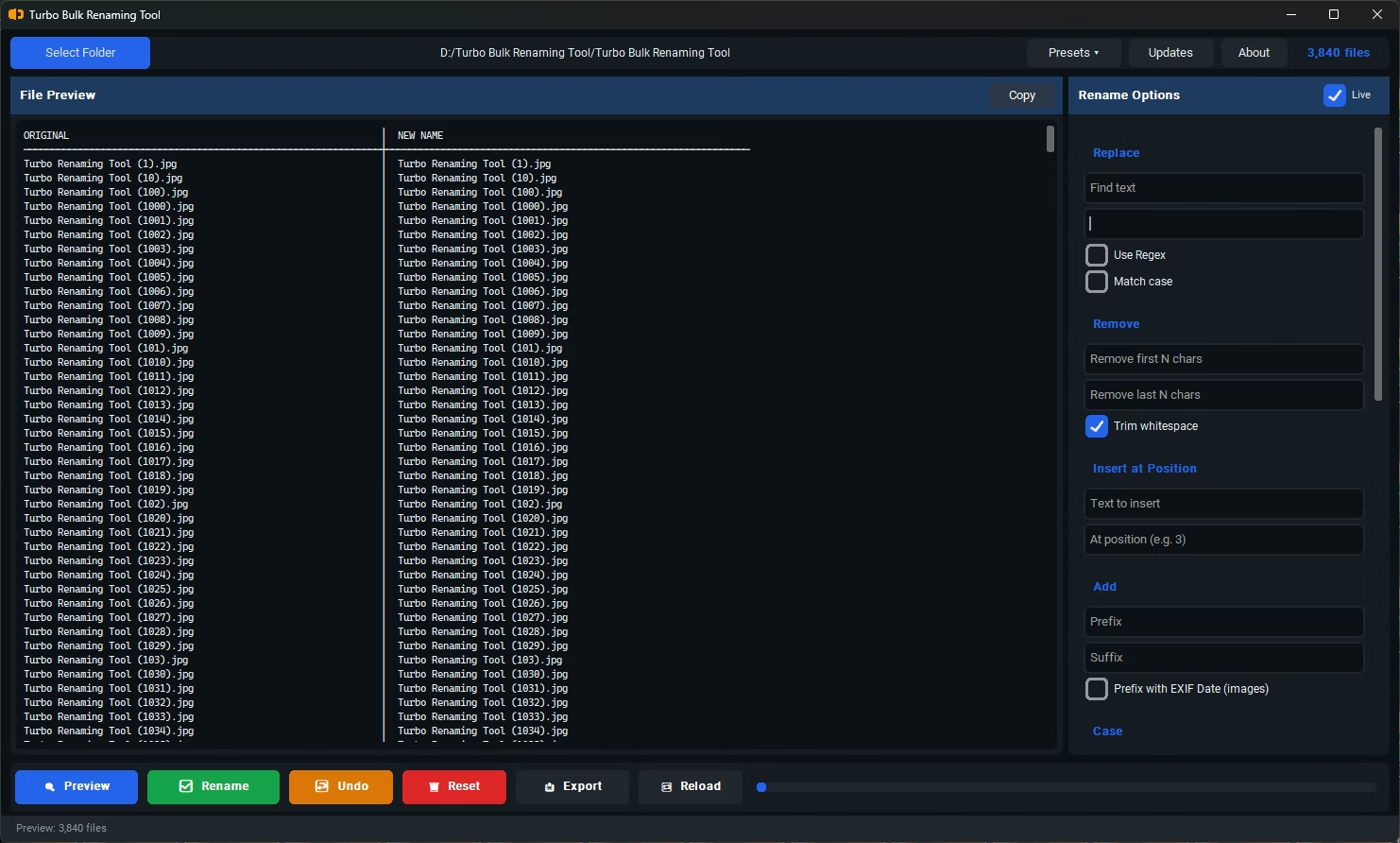
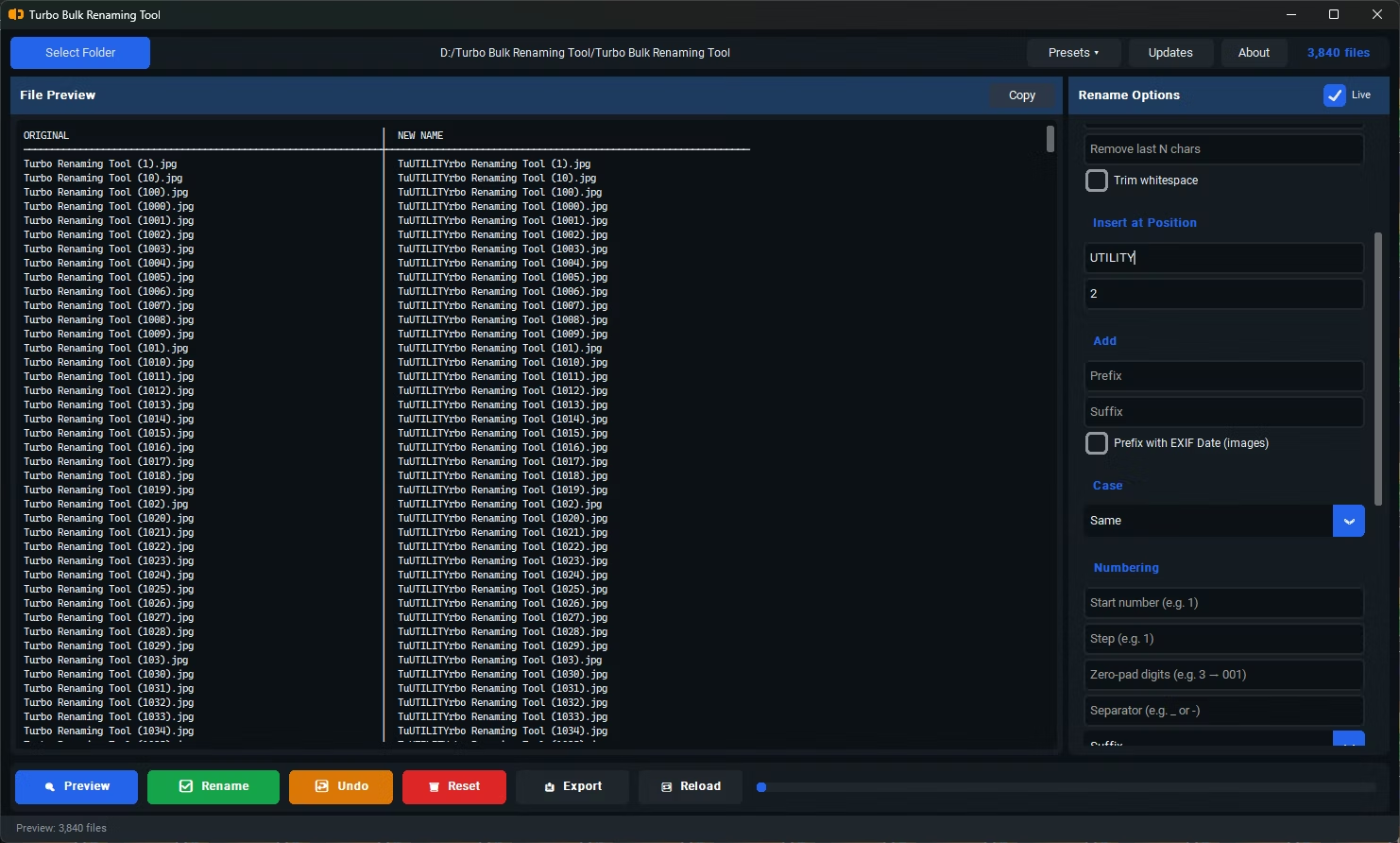
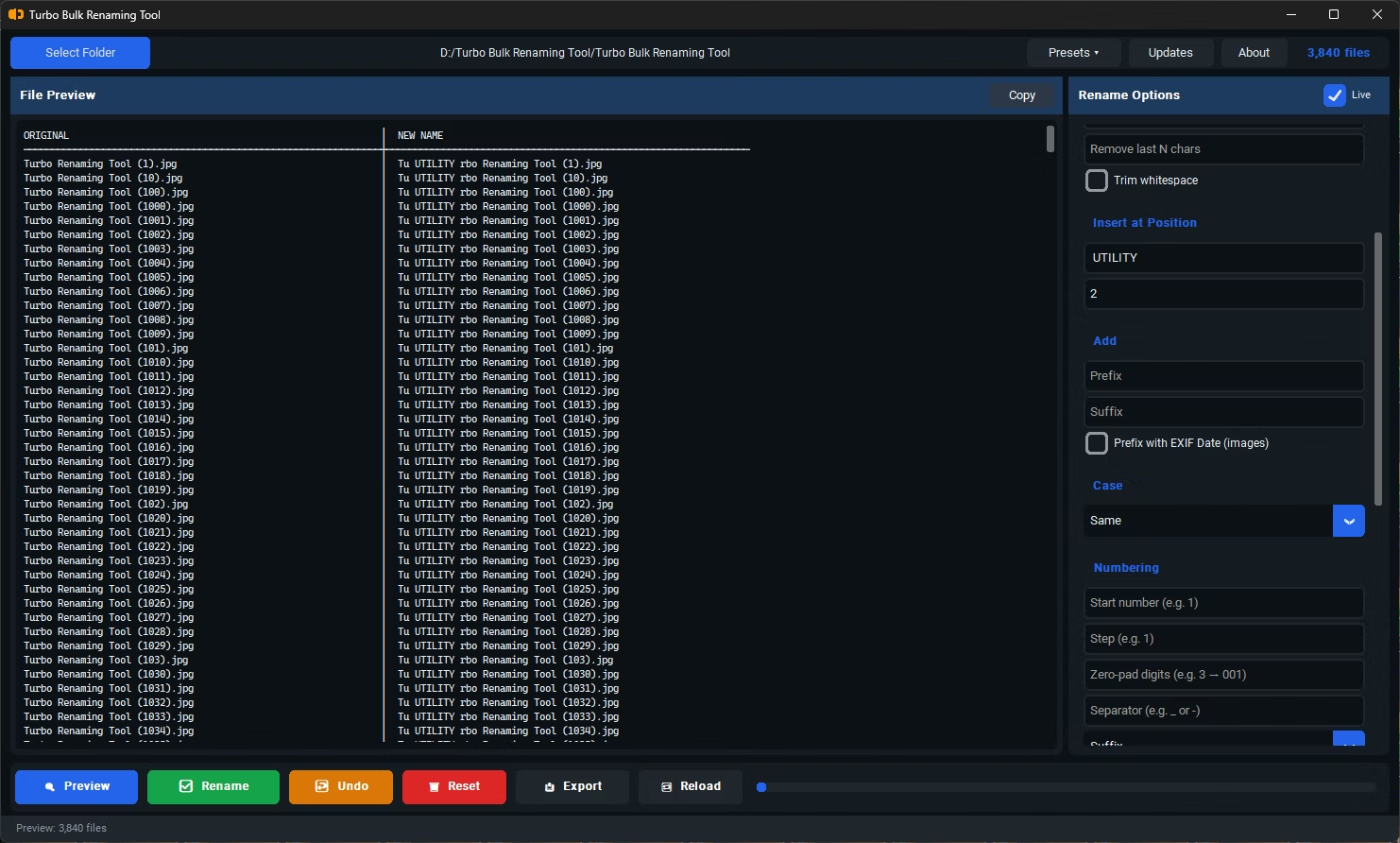
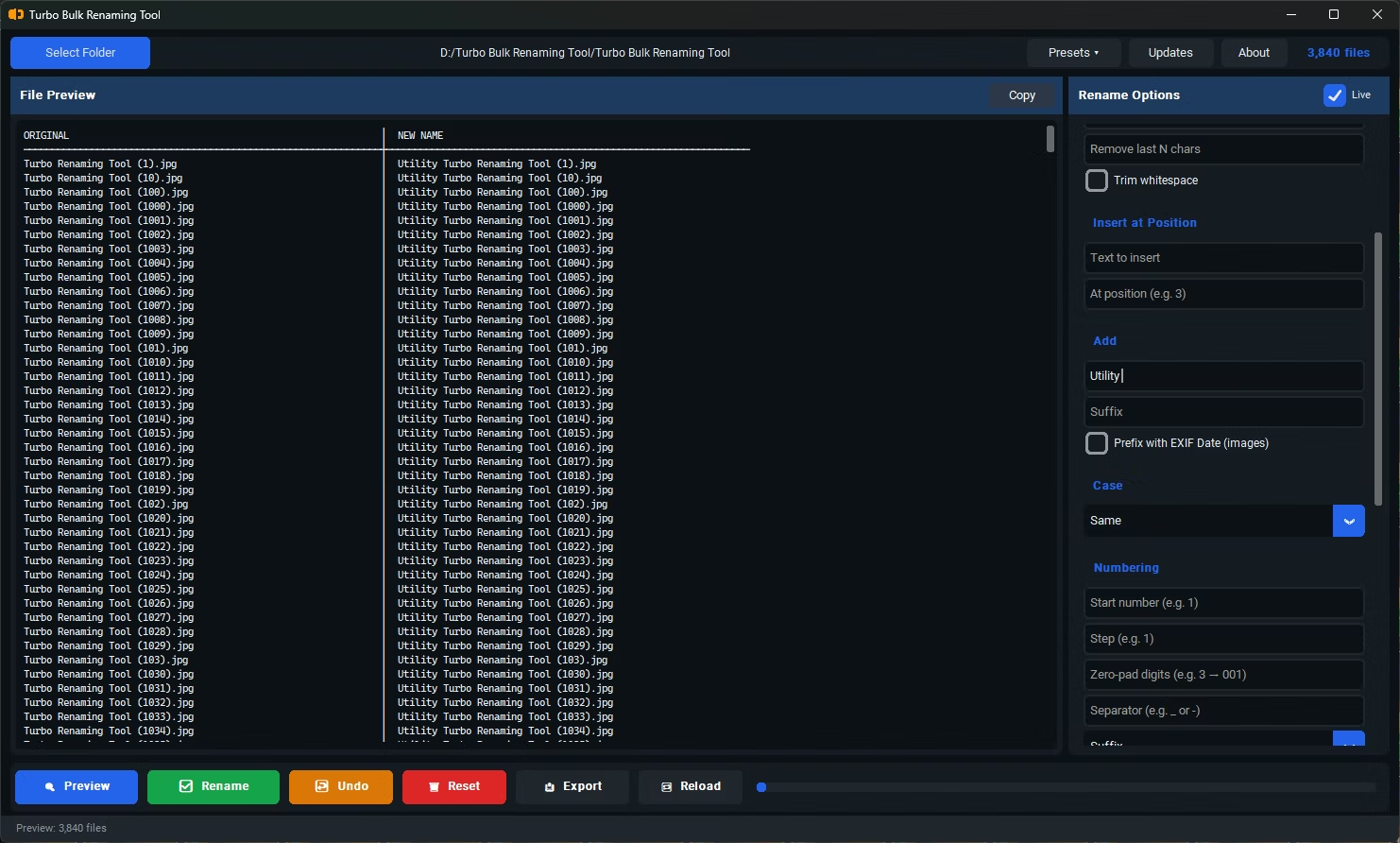
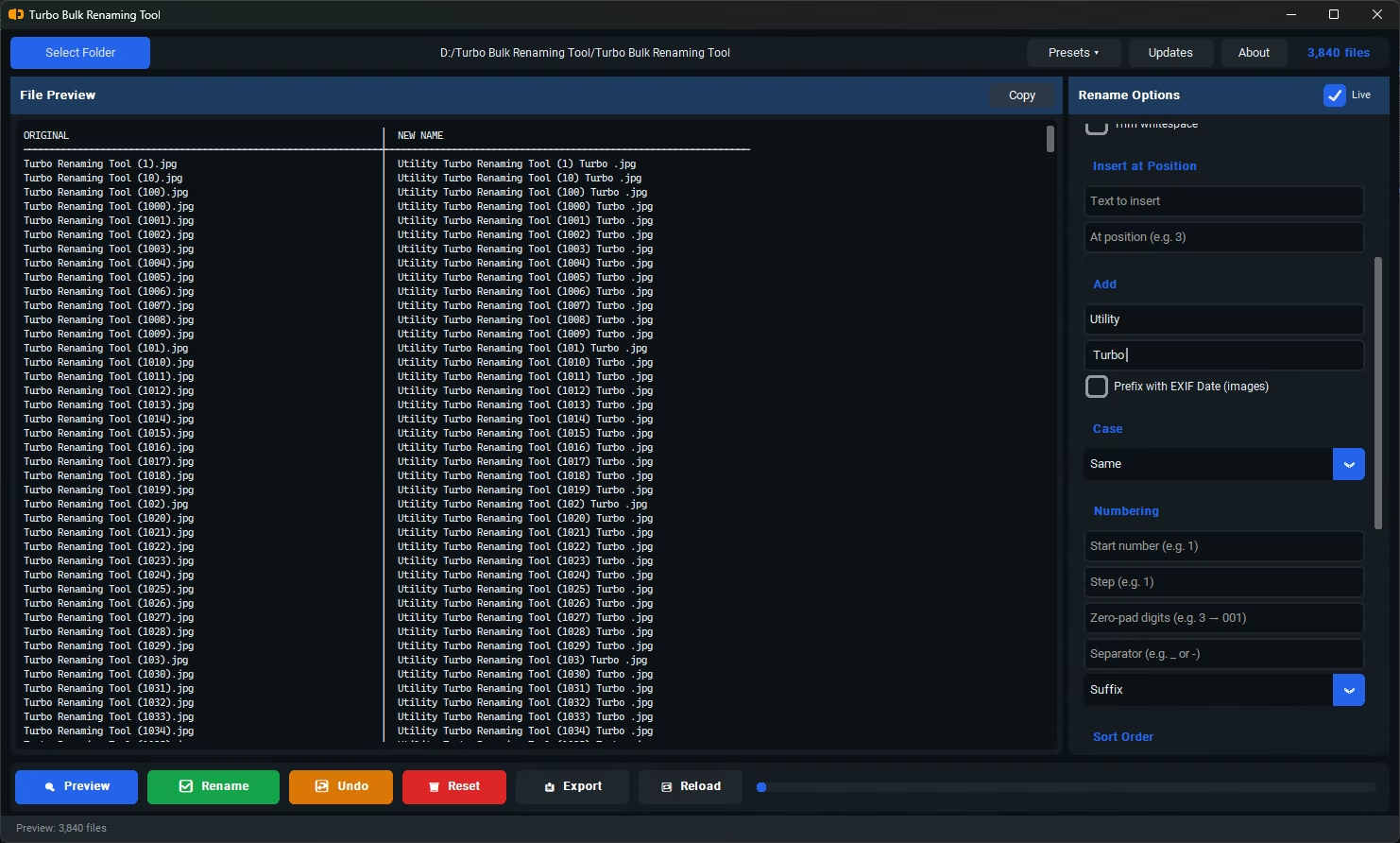
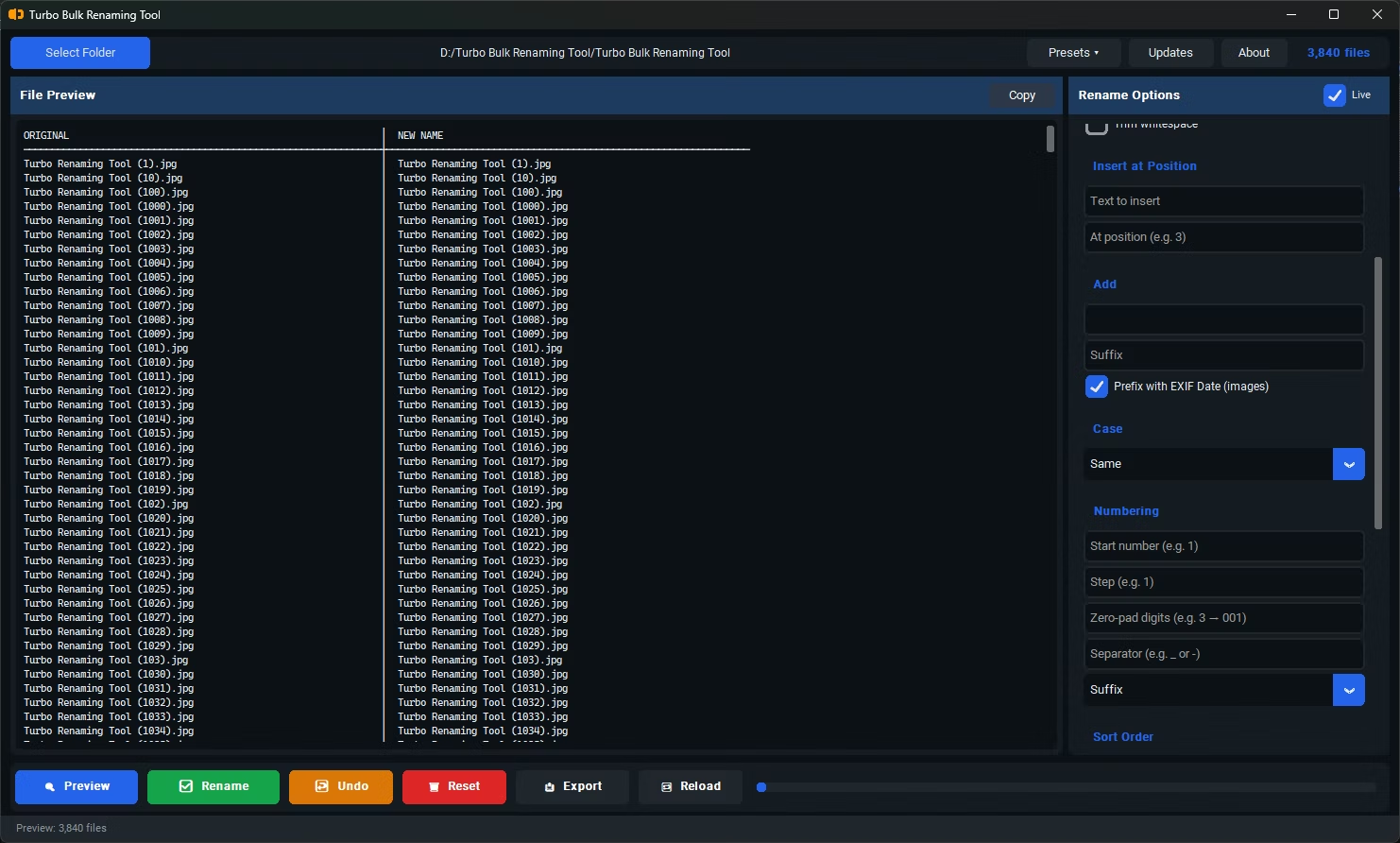
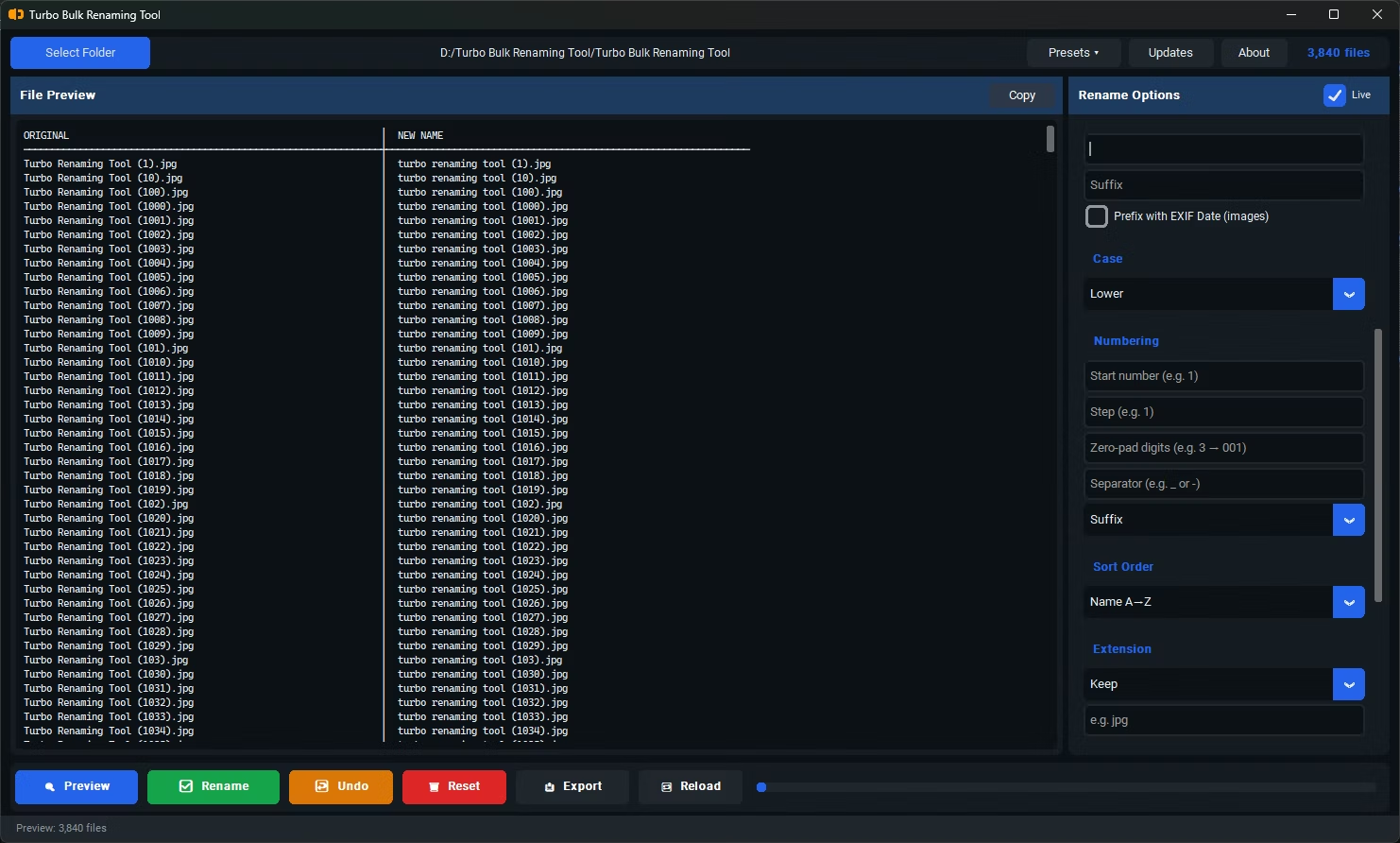
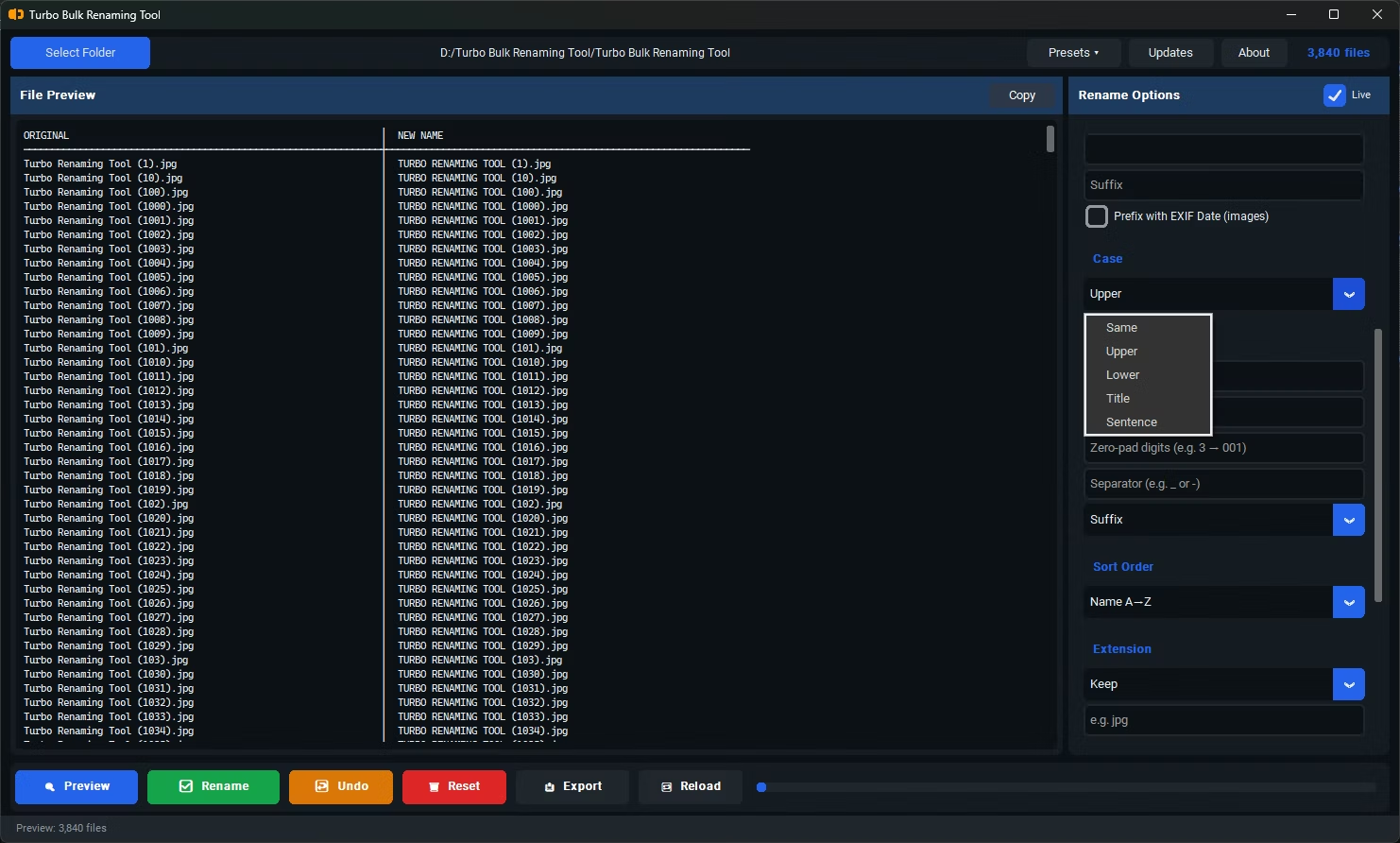
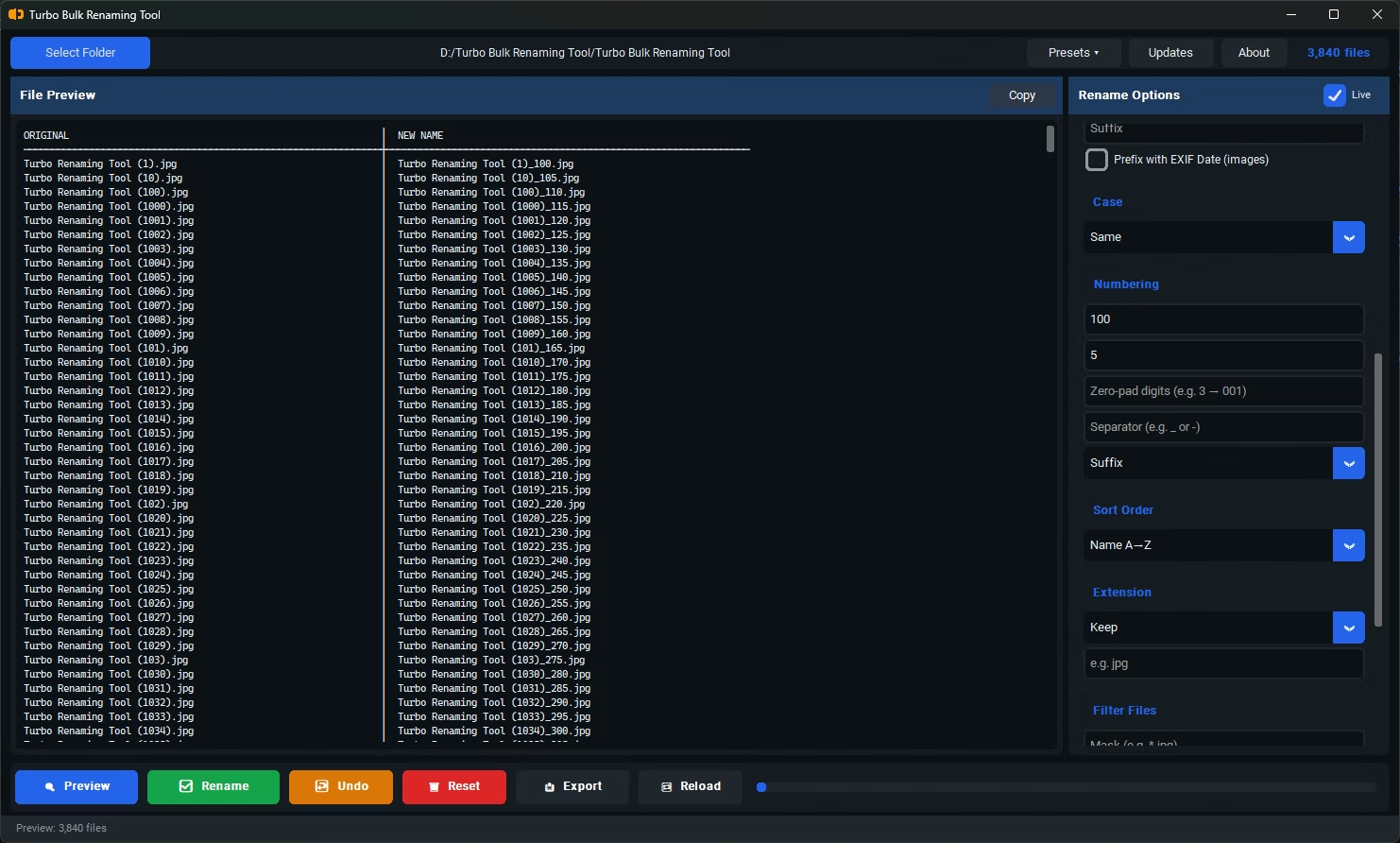
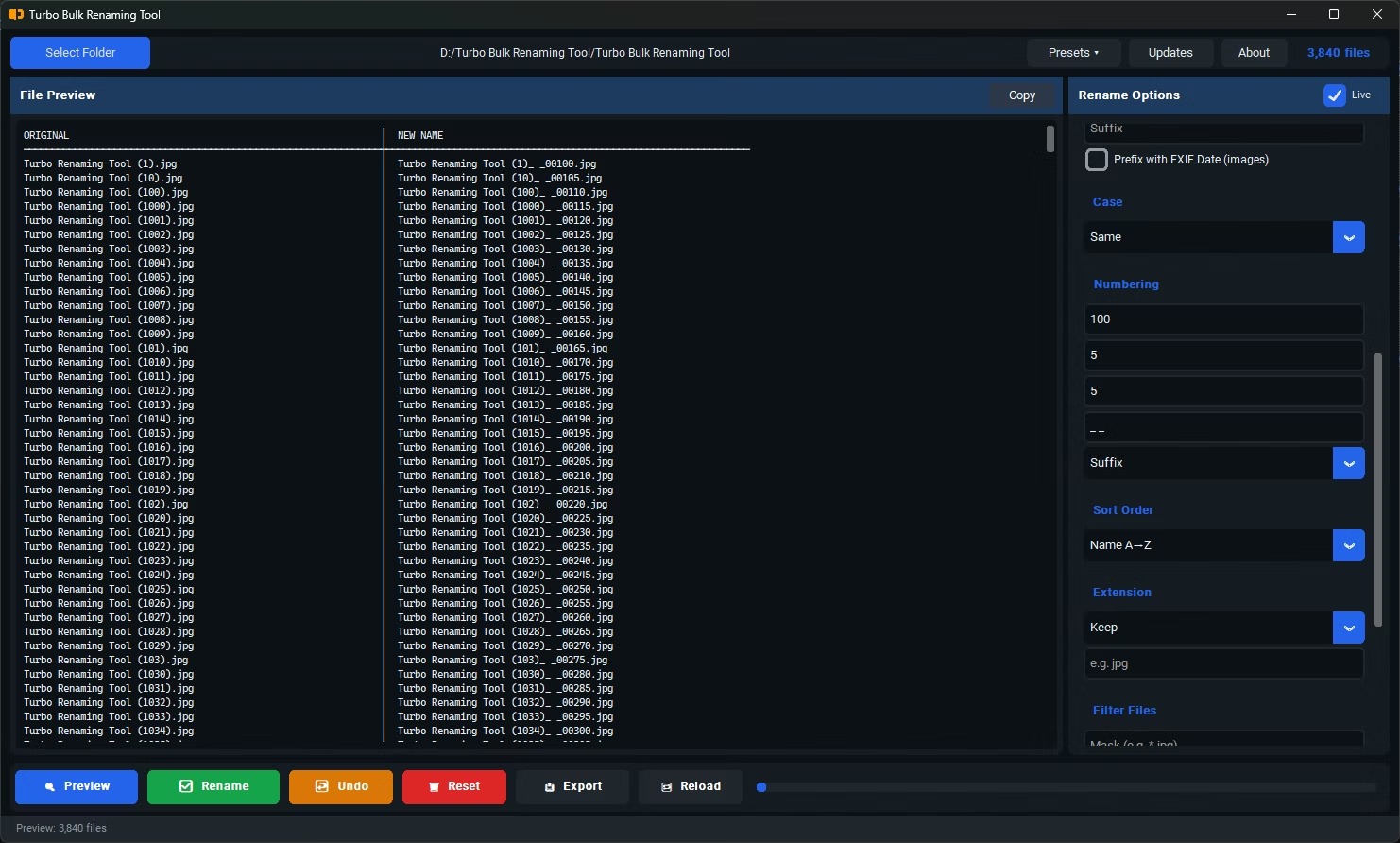
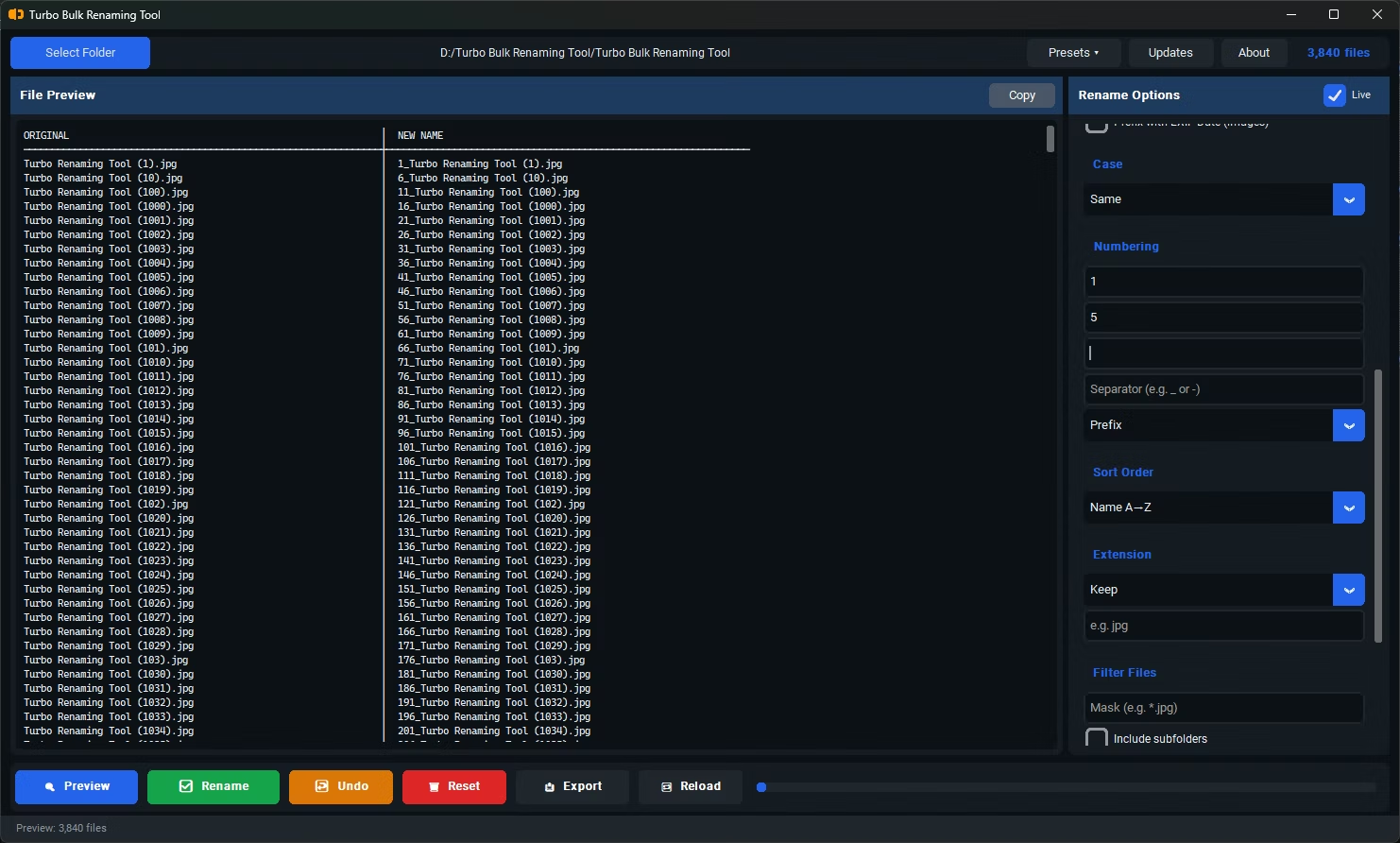
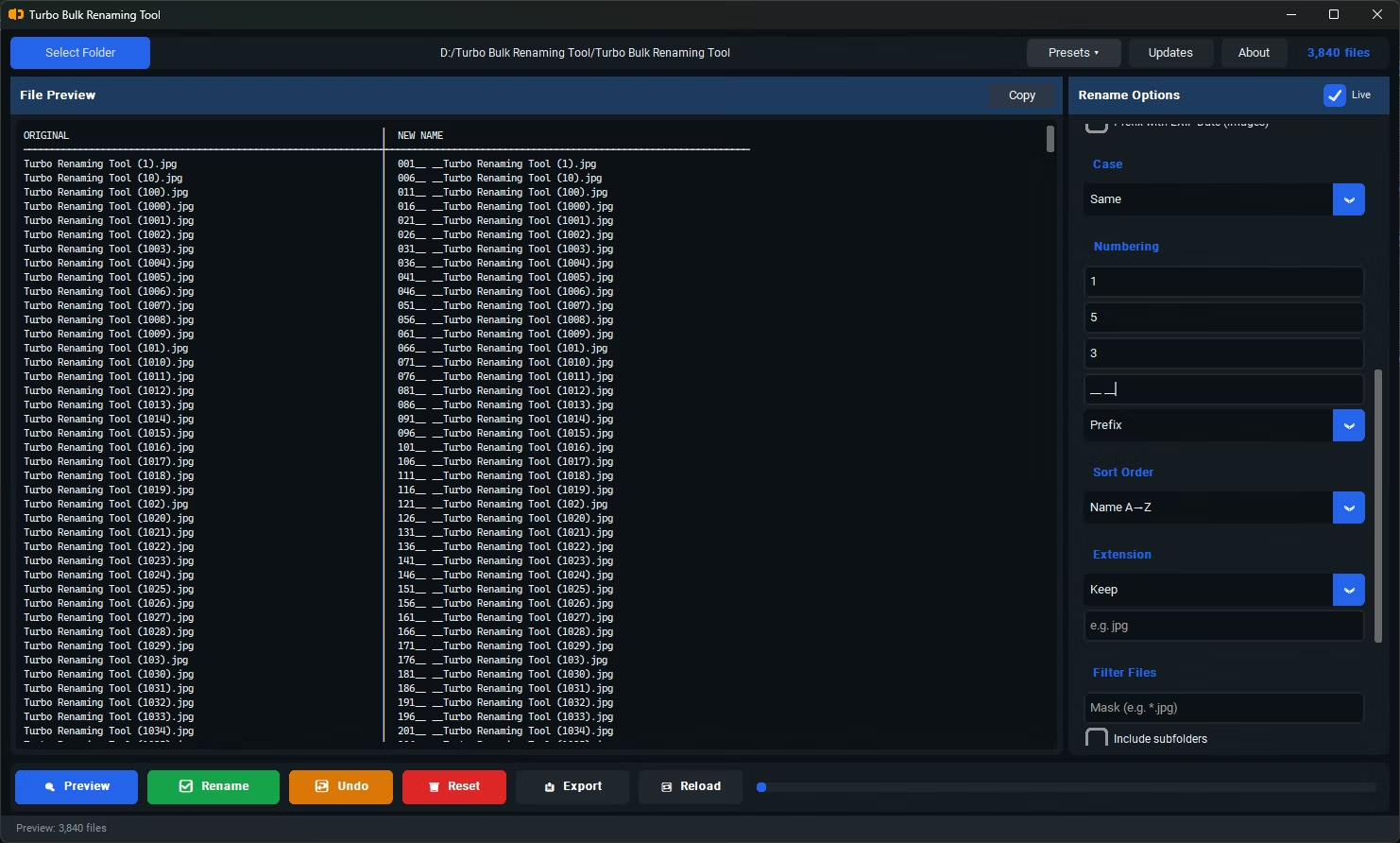
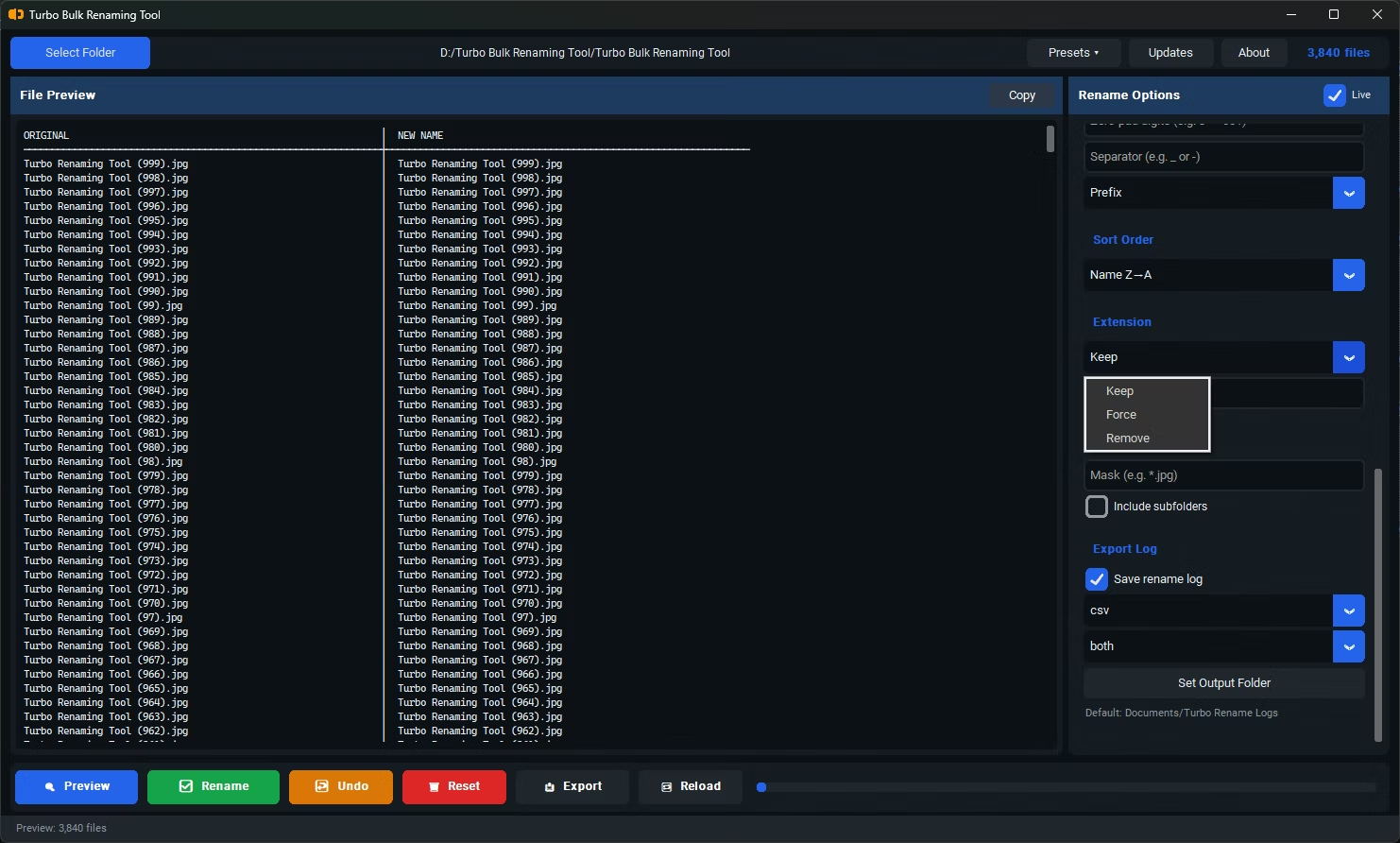
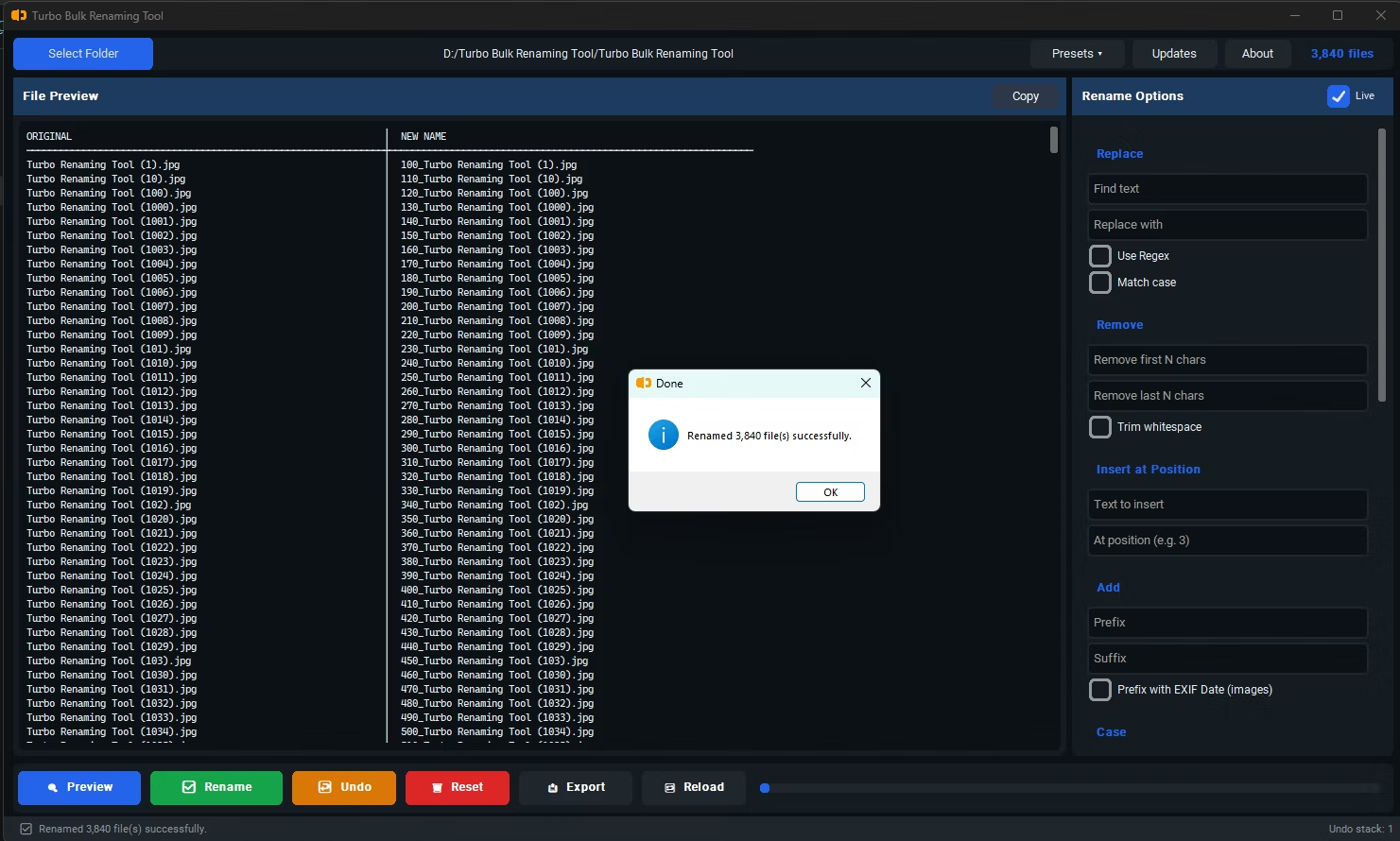
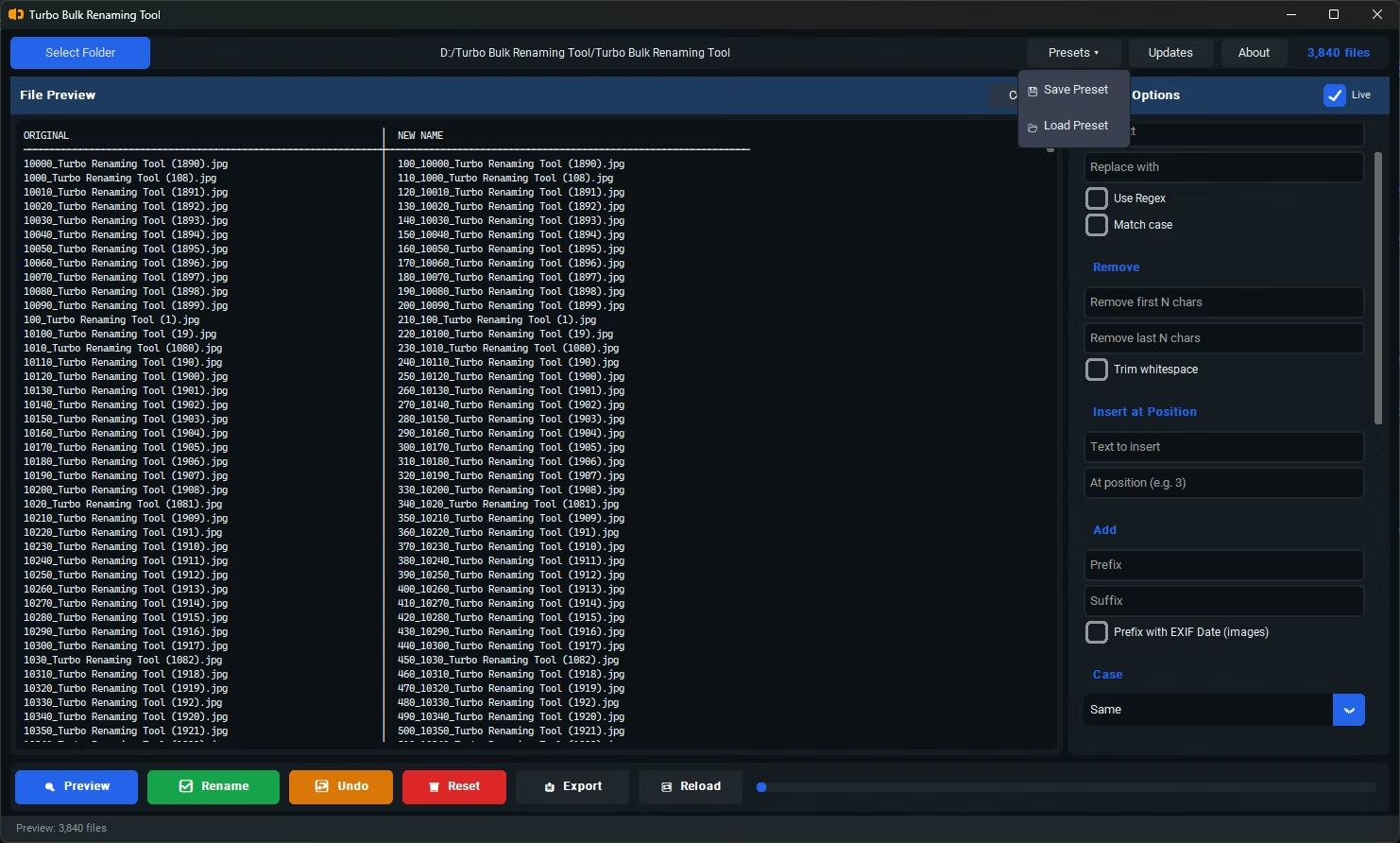
- Whether it shows a live preview, or makes you guess and check after the fact
- Whether it warns you about naming conflicts before creating duplicate files
- Whether it can undo a mistake without you needing a backup first
- Whether it handles your specific file types, like EXIF-based renaming for photos
- Whether it works on entire folder trees, not just one folder at a time
- Whether it runs locally, or requires uploading your files somewhere first
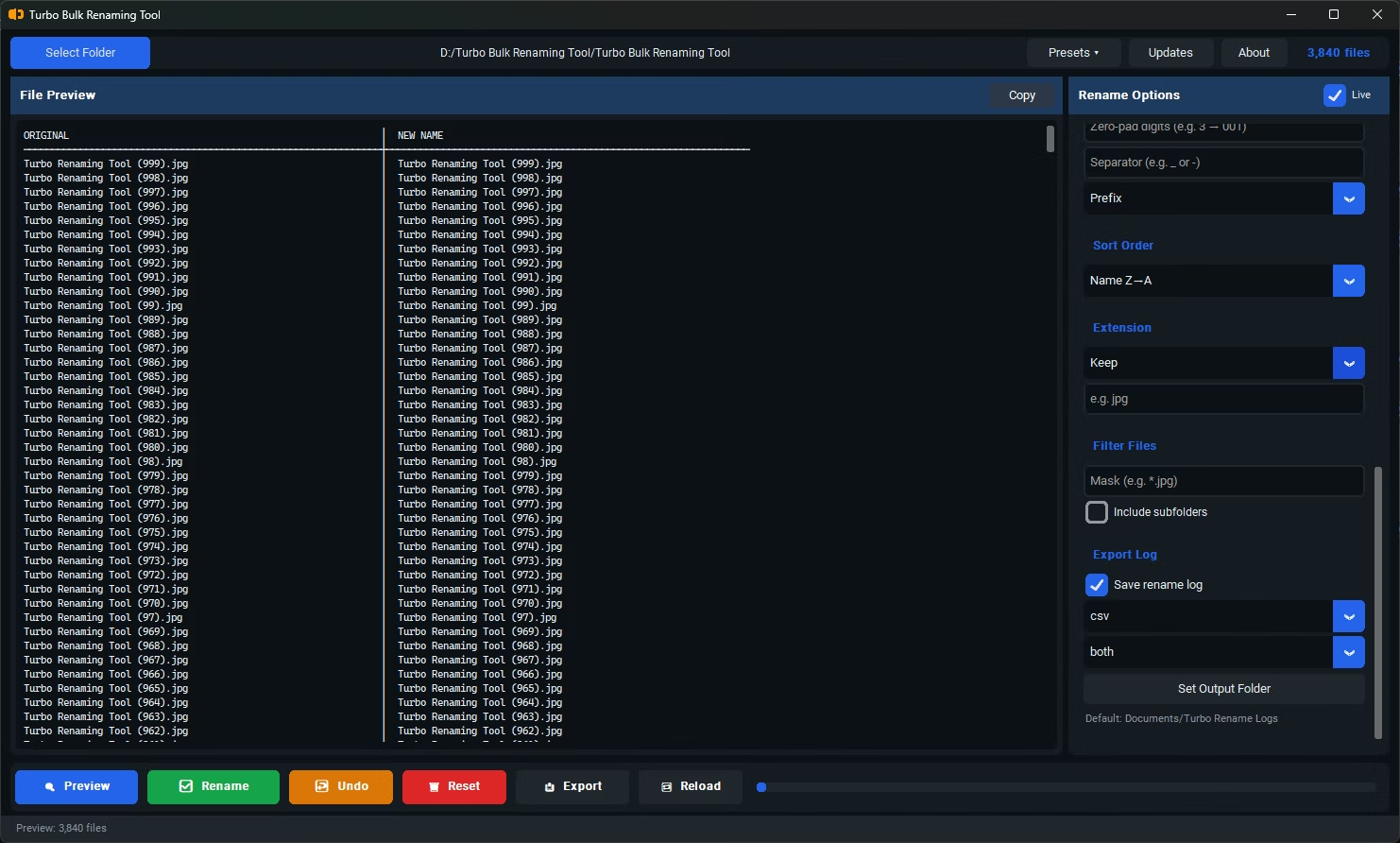
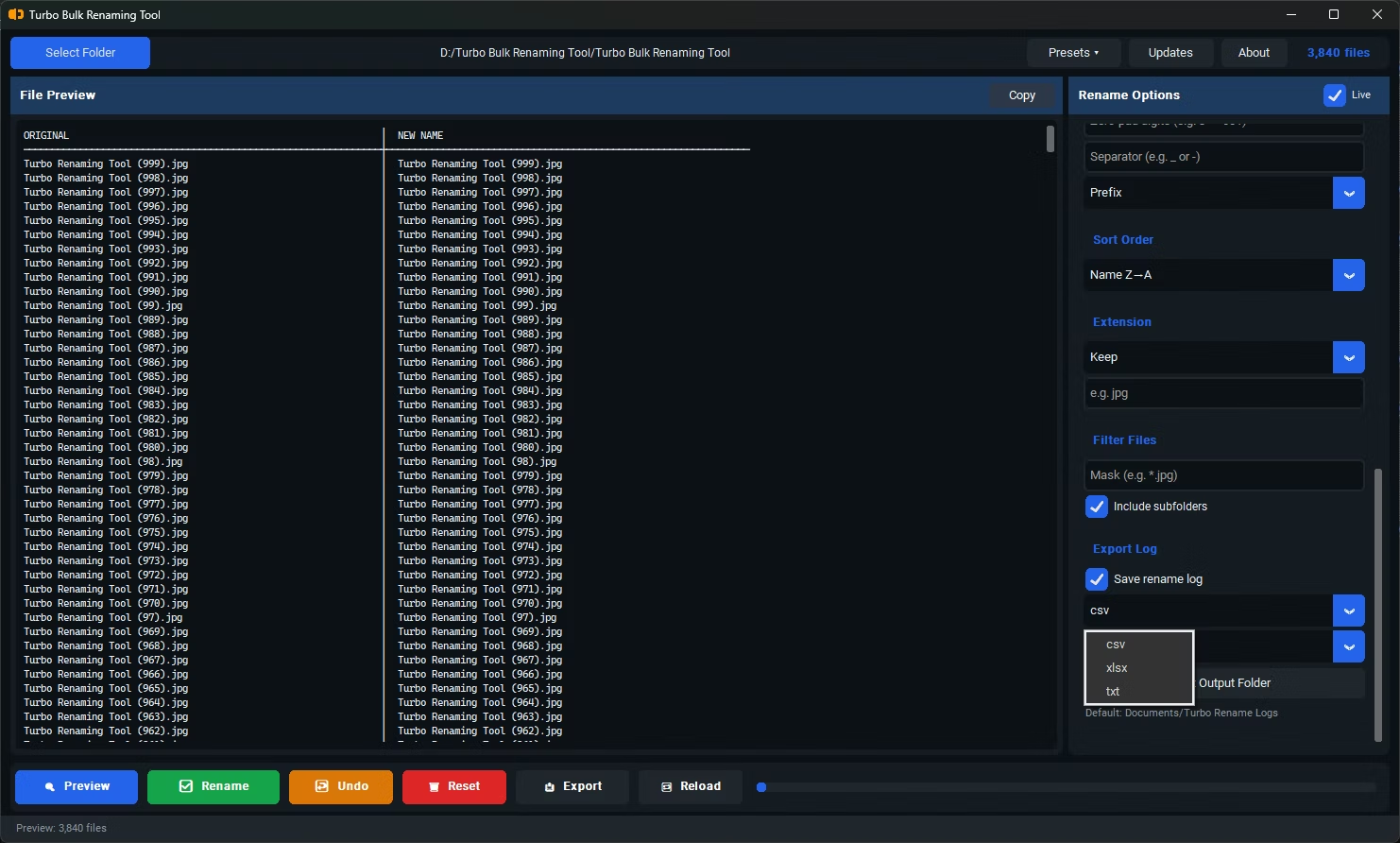
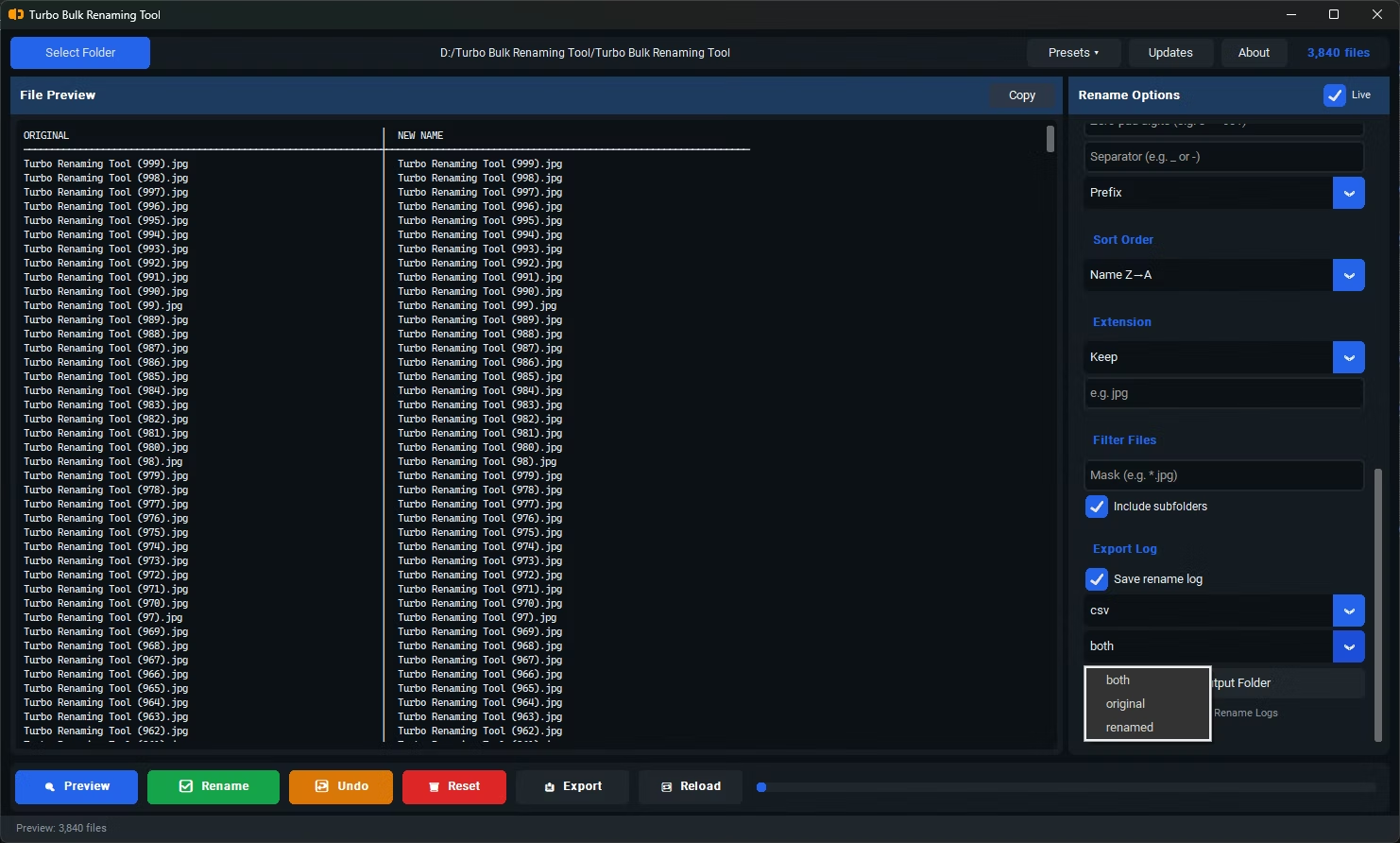
Turbo Bulk Renaming Tool covers each of those practical factors directly. Every one of its 15 renaming rules shows a live preview before anything changes on disk, conflict detection flags potential duplicate filenames in advance, and a one-click Undo reverses the most recent batch if something doesn't look right. It includes EXIF Date Prefix renaming for photo collections, recursive sub-folder support for working across nested directory structures, and runs entirely offline so your files never leave your computer.
Whether it's the right fit ultimately depends on your own renaming needs, but it's built to handle the everyday situations that matter most — bulk numbering, cleanup, and organization — without unnecessary friction.
Is a free renaming tool worse than a paid one?
Not inherently — quality depends on the specific implementation rather than price. Some free tools are excellent, while some paid tools are limited; checking the actual feature set matters more than the price tag.
What should I check first before choosing a renaming utility?
Start with the renaming task you run into most often, then confirm the tool handles that specific case well, including a preview step so you can verify the result before committing.
Does a utility need a lot of rules to be considered good?
Not necessarily — a tool with fewer rules that are reliable and well-implemented can be more useful day to day than one with many rules that are clumsy to configure.
Ready to rename your files in bulk, offline, with full privacy?