"Batch" renaming implies more than just doing many files at once — it usually means applying a consistent, repeatable naming convention across a structured set of files, often as part of a larger workflow like document management, photo archiving, or preparing files for handover. In that context, the software's job isn't just to change filenames quickly, but to apply your naming standard predictably every time, with a record of what changed if needed.
This shifts the evaluation slightly from pure speed toward consistency, auditability, and how well the tool fits into a recurring process rather than a one-off cleanup.
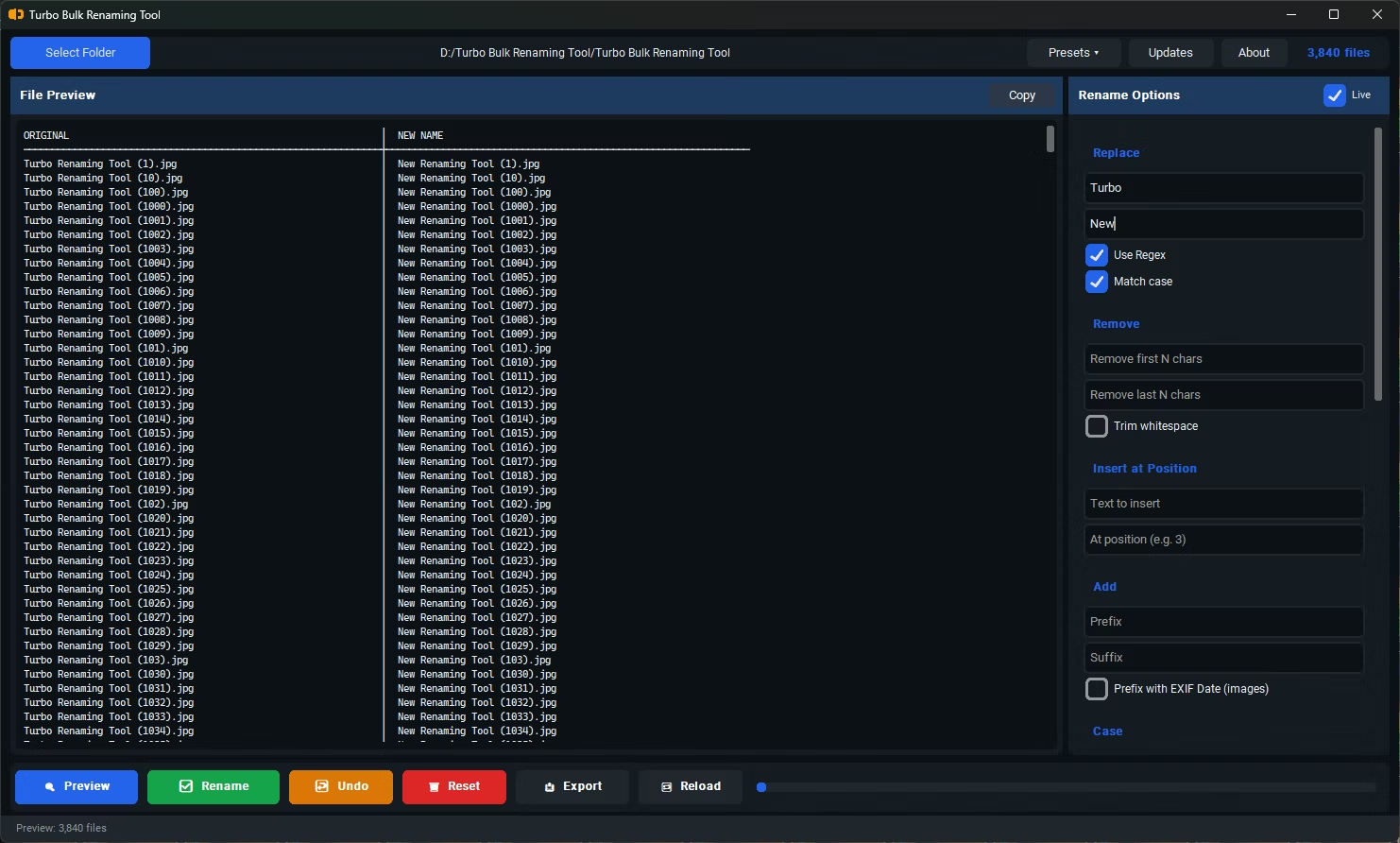
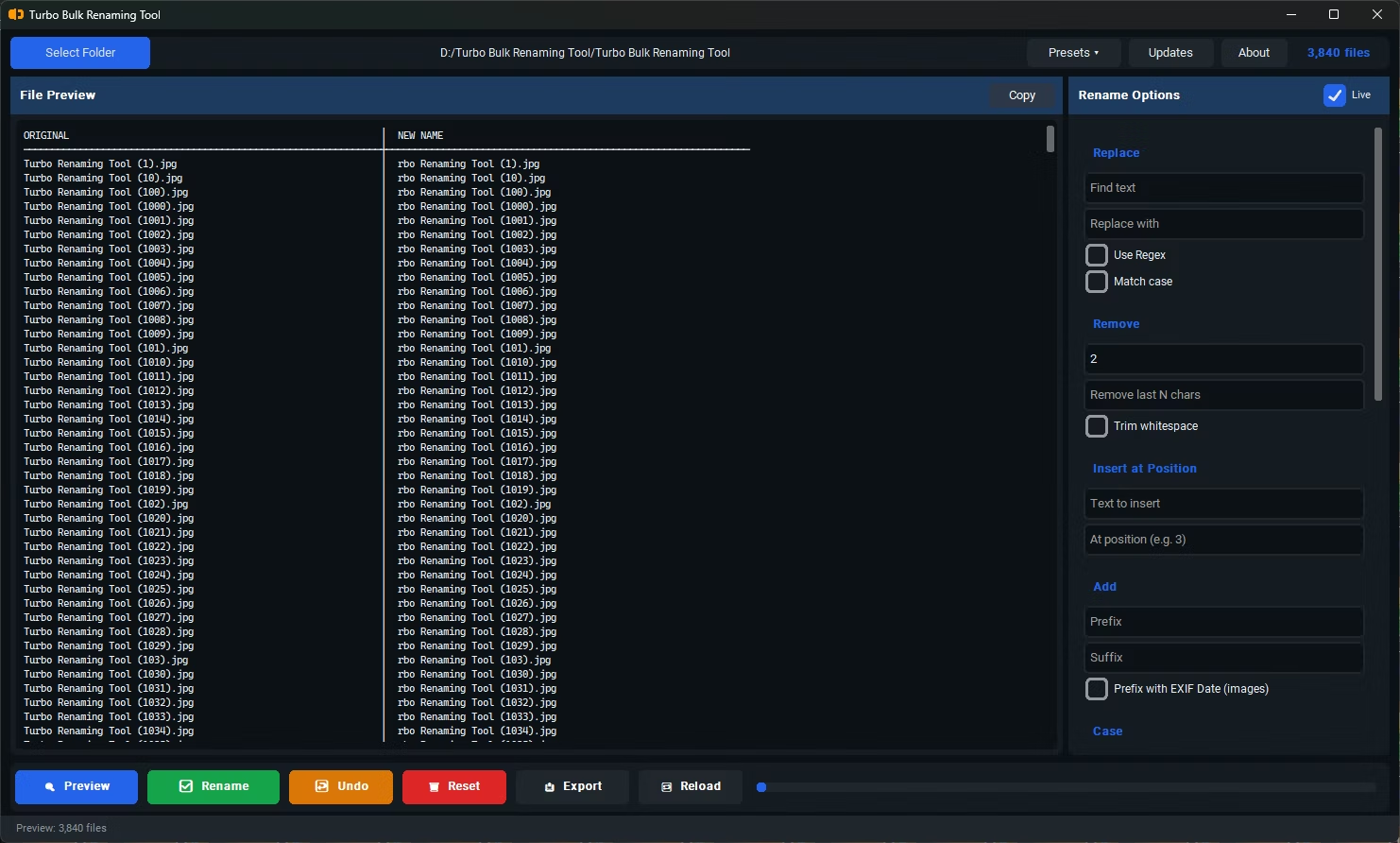
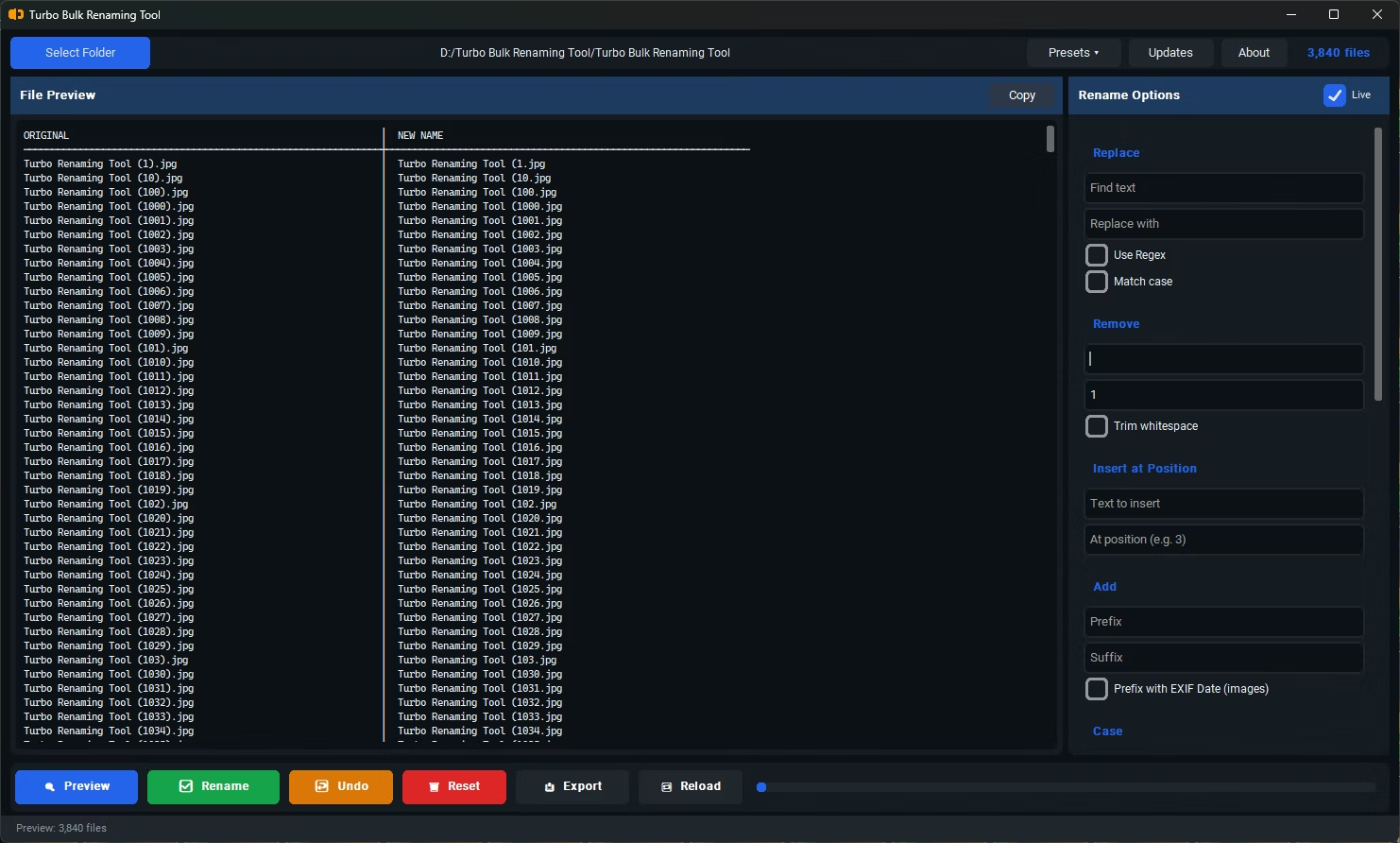
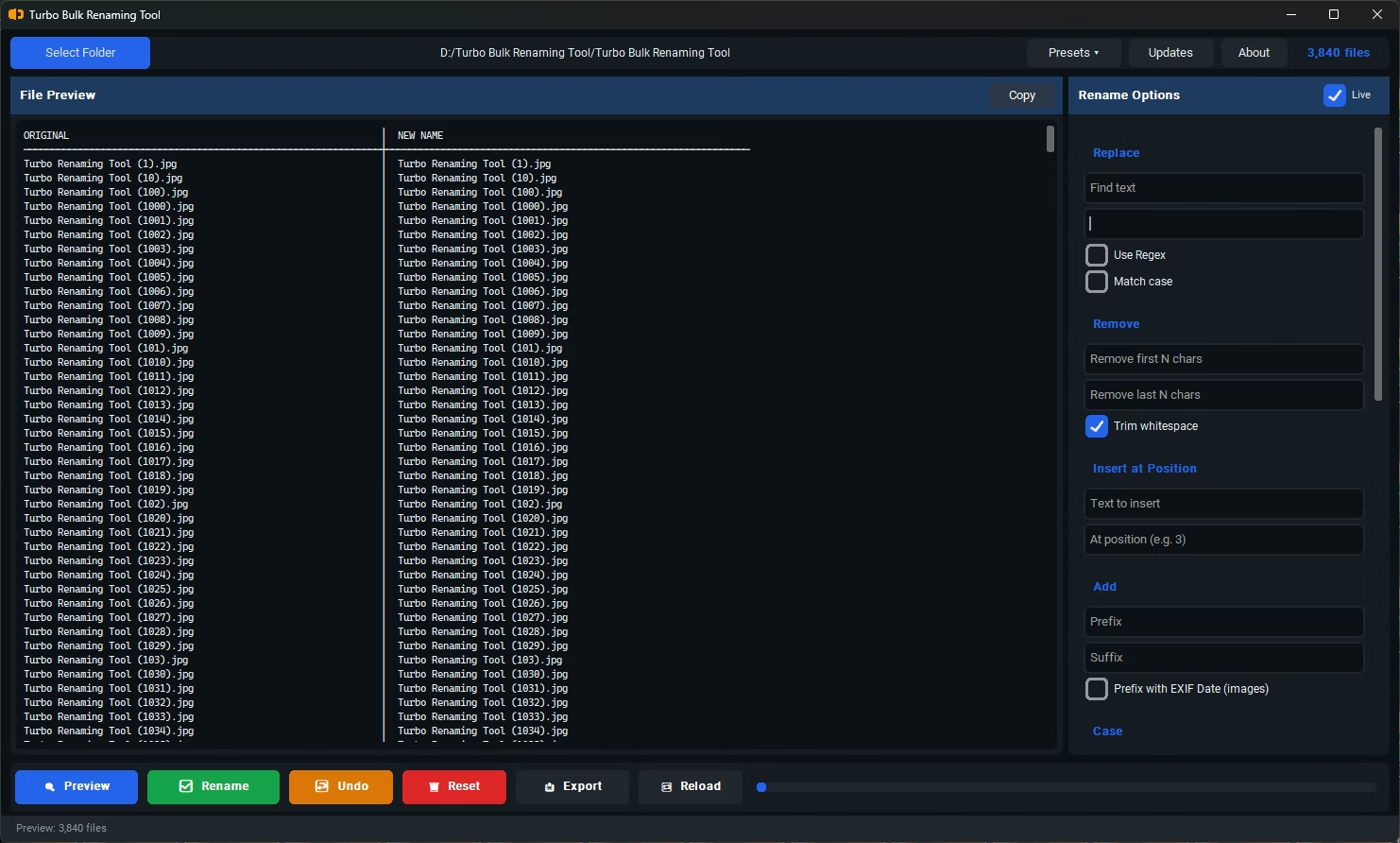
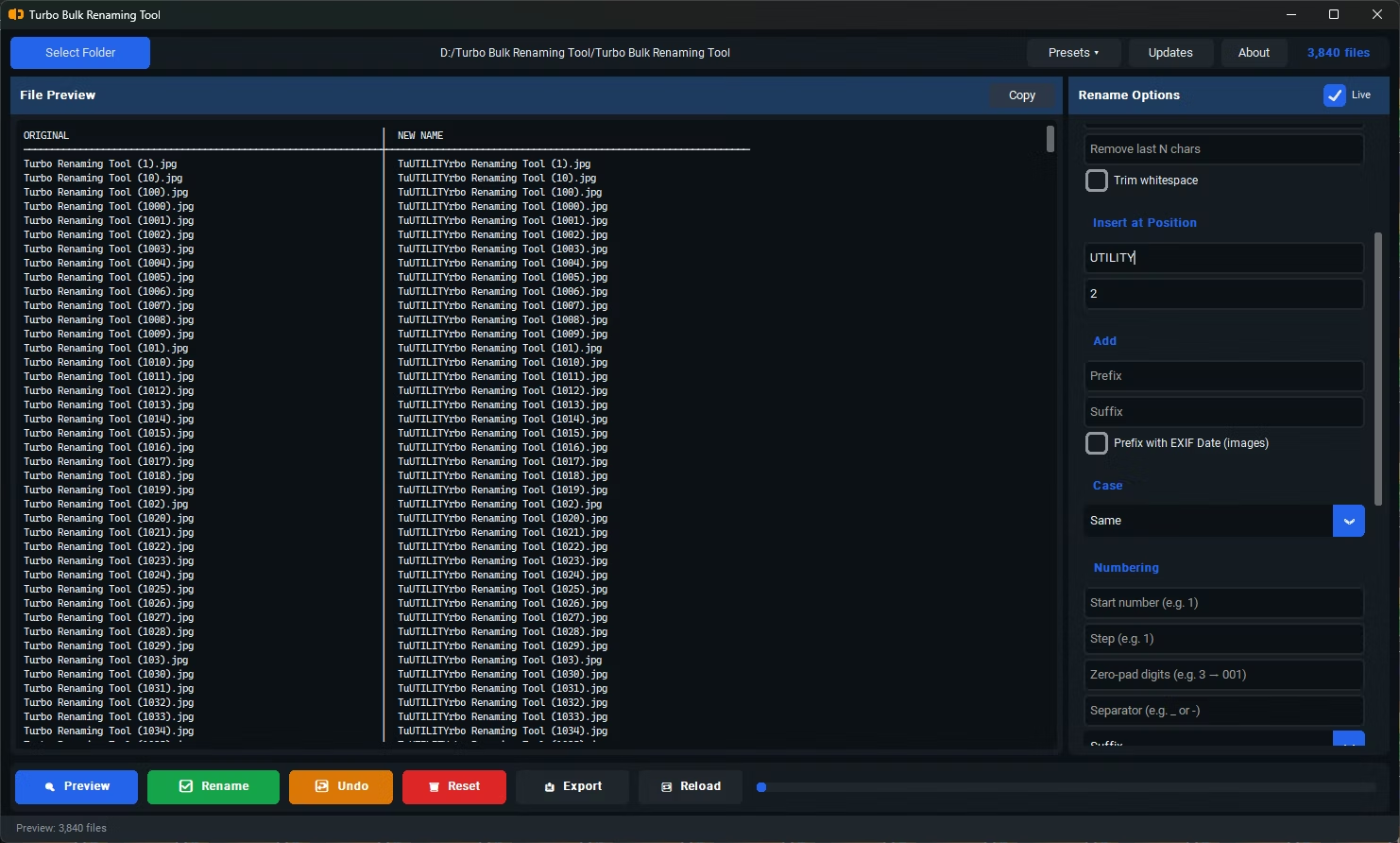
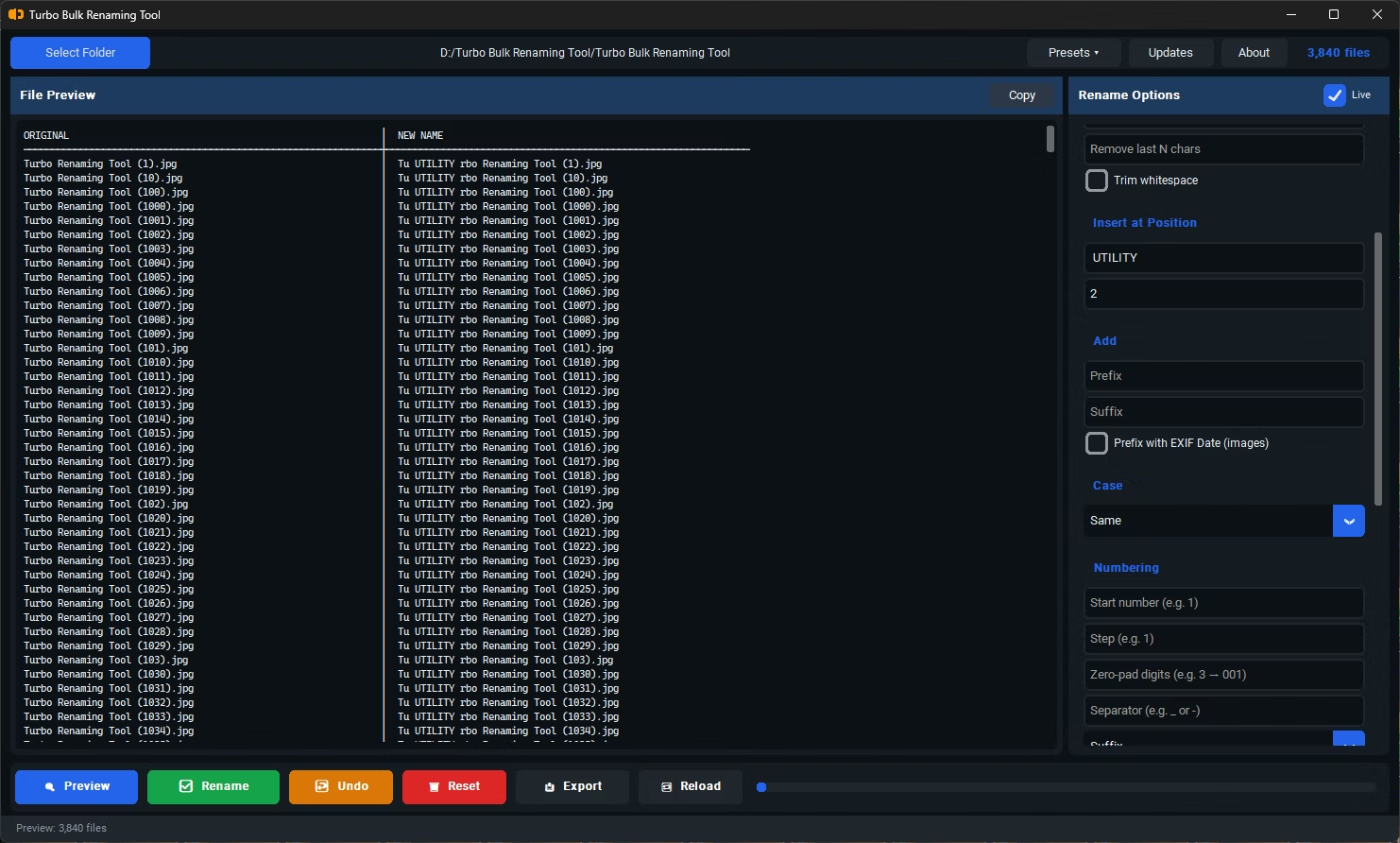
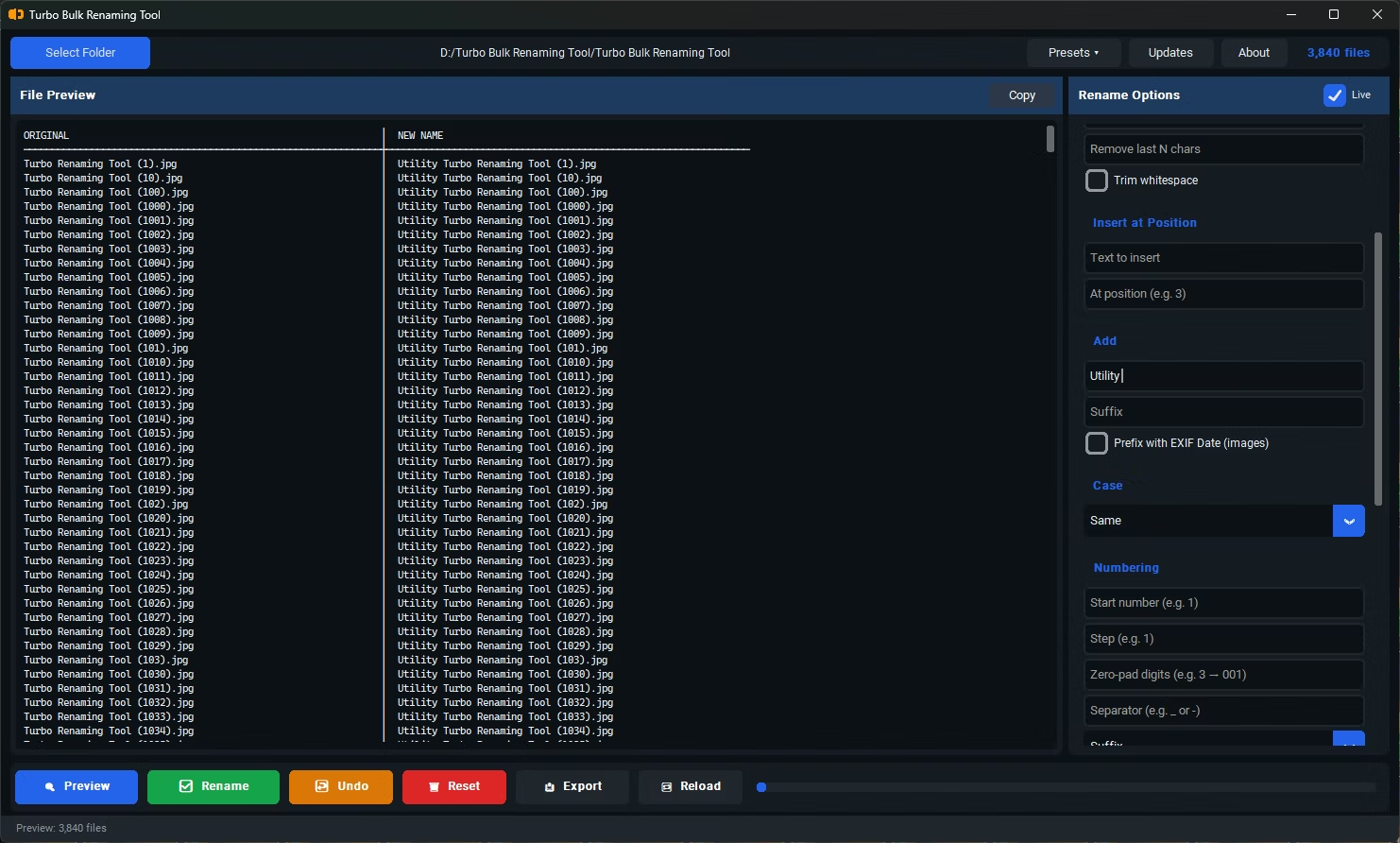
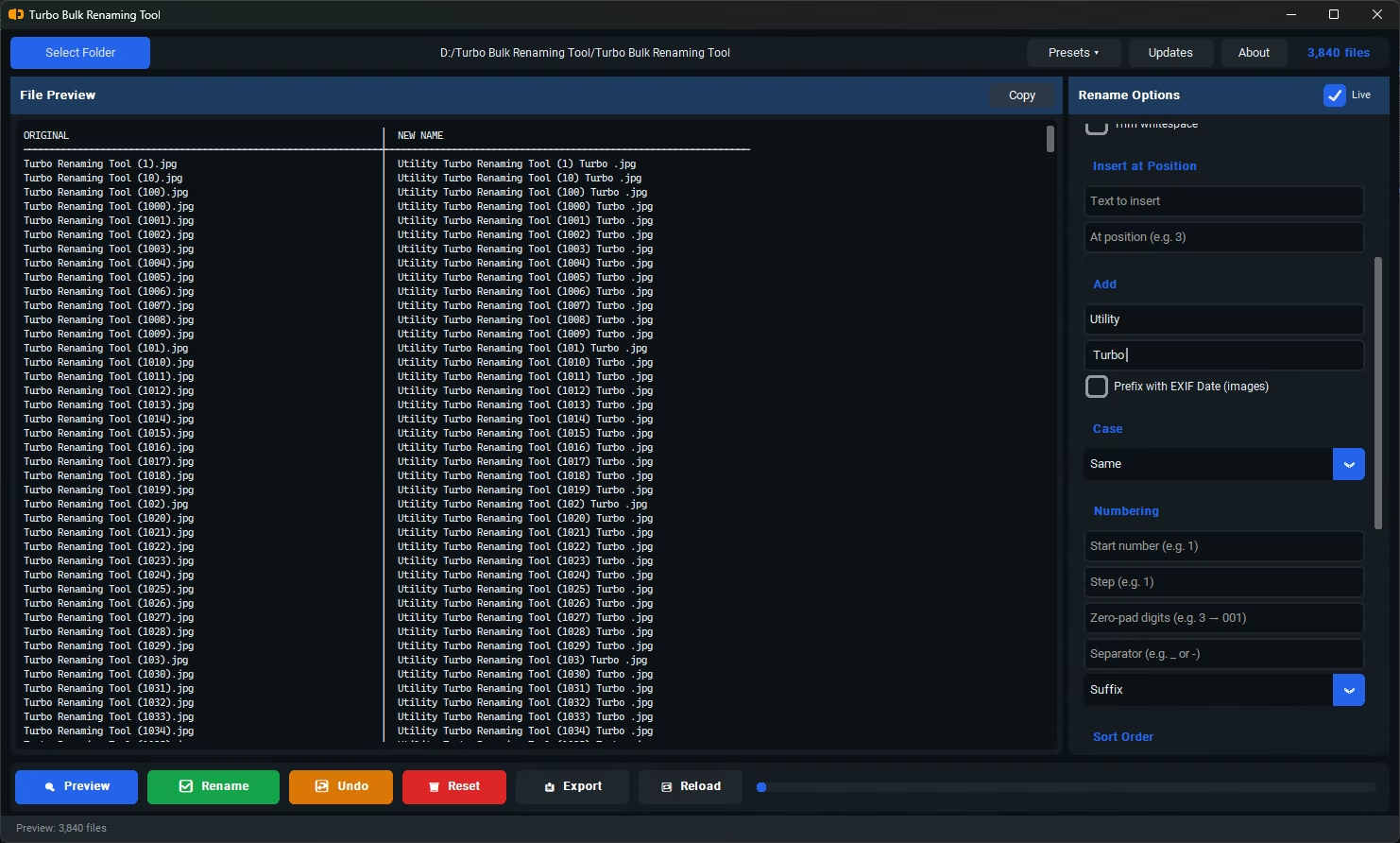
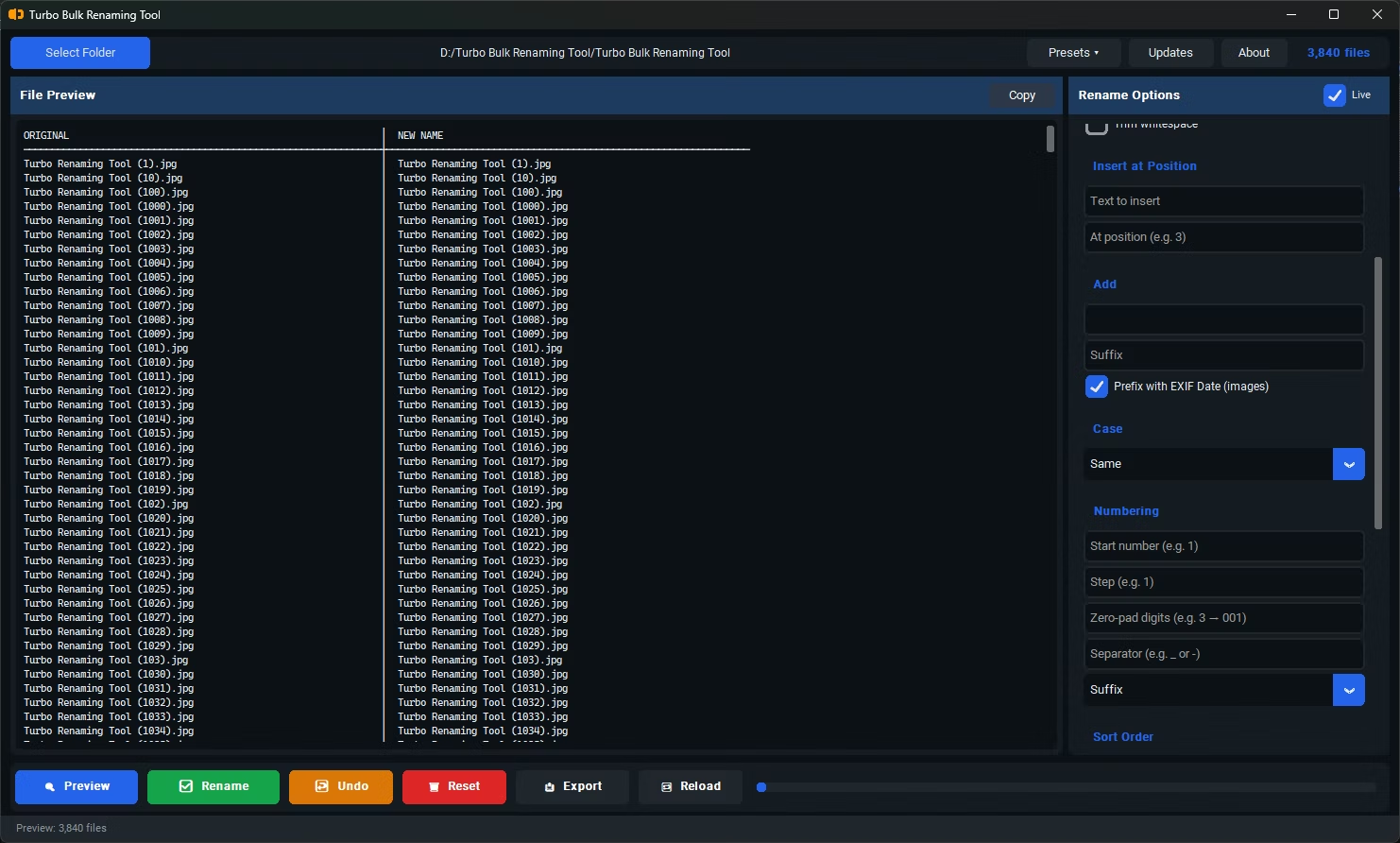
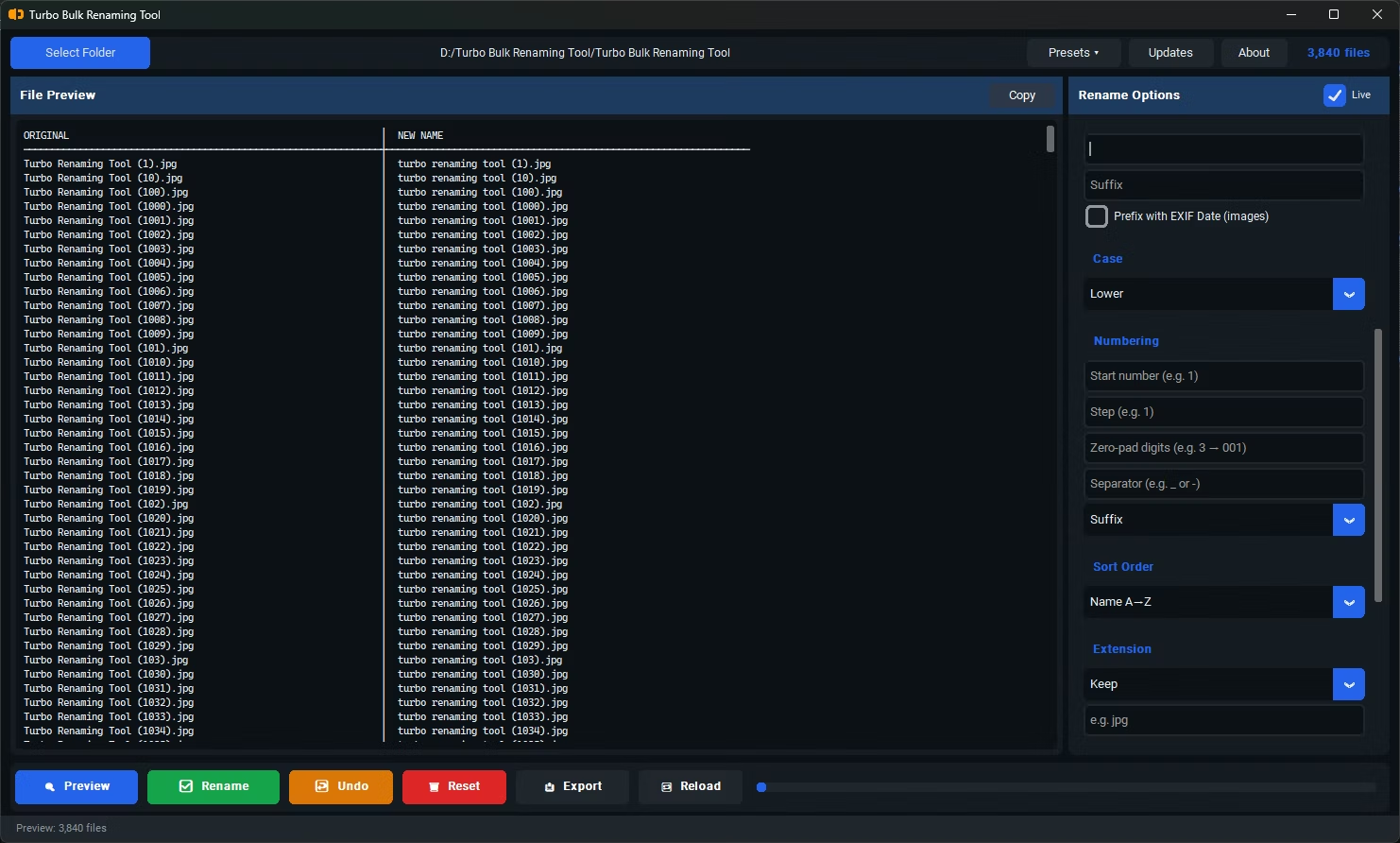
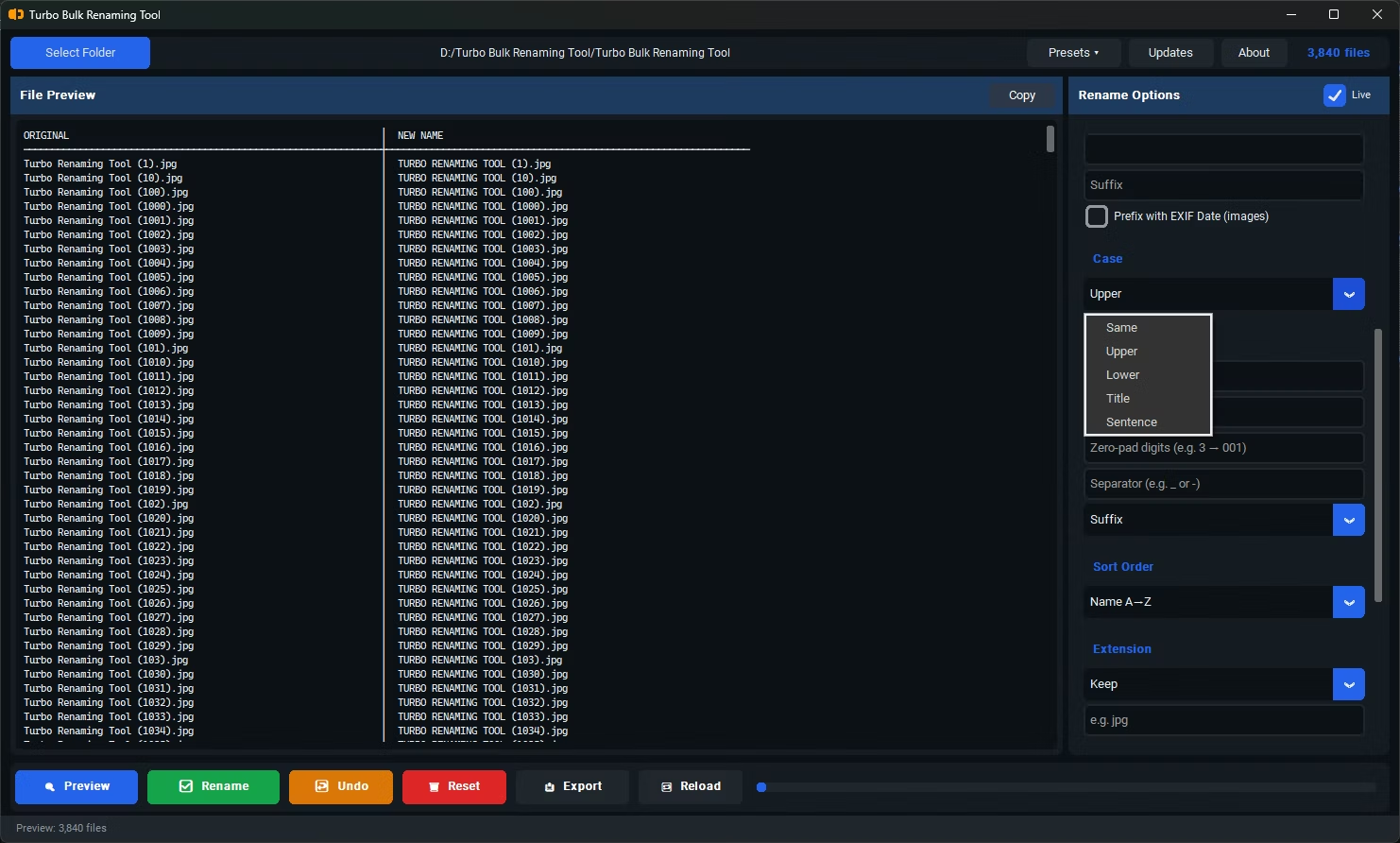
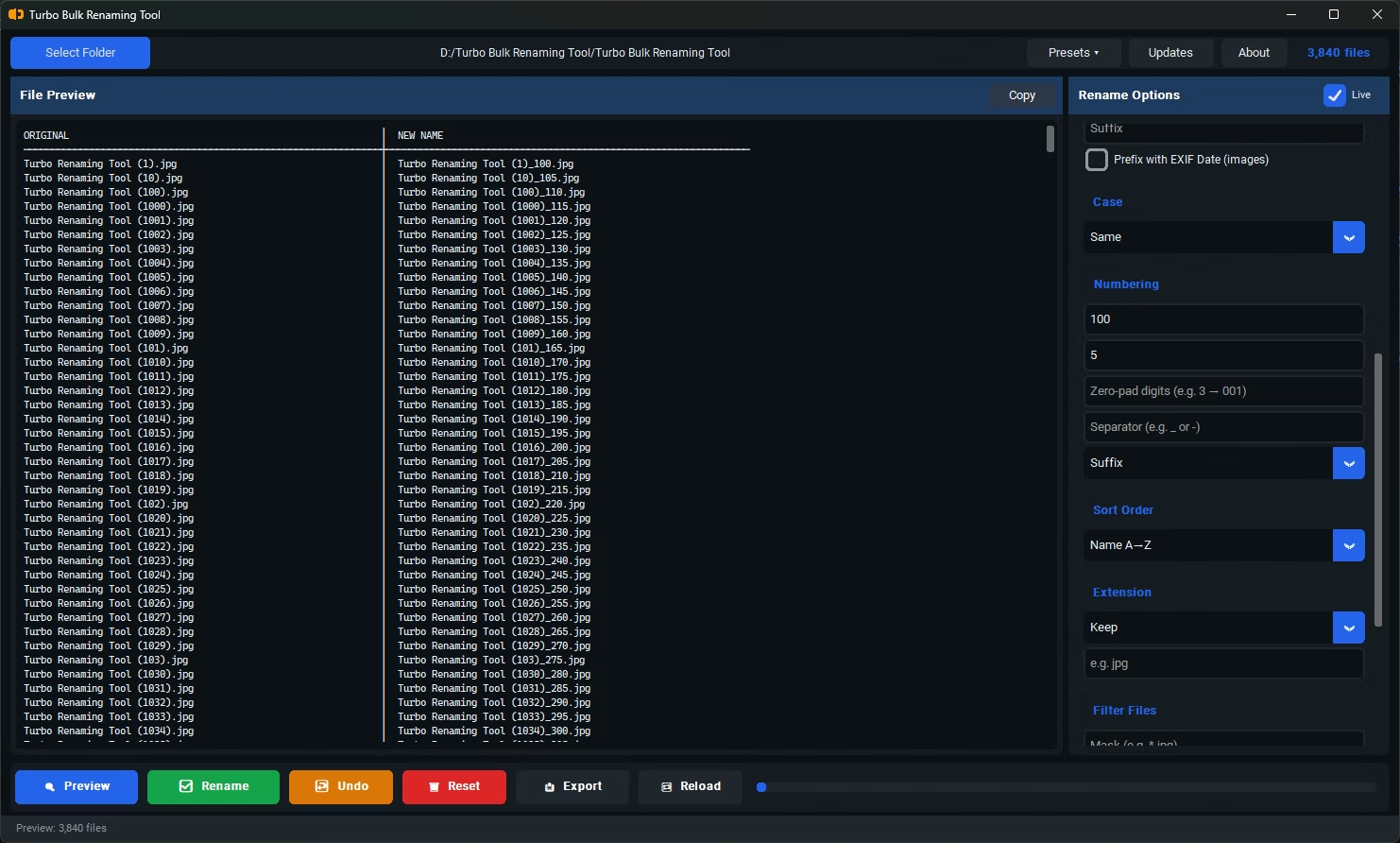
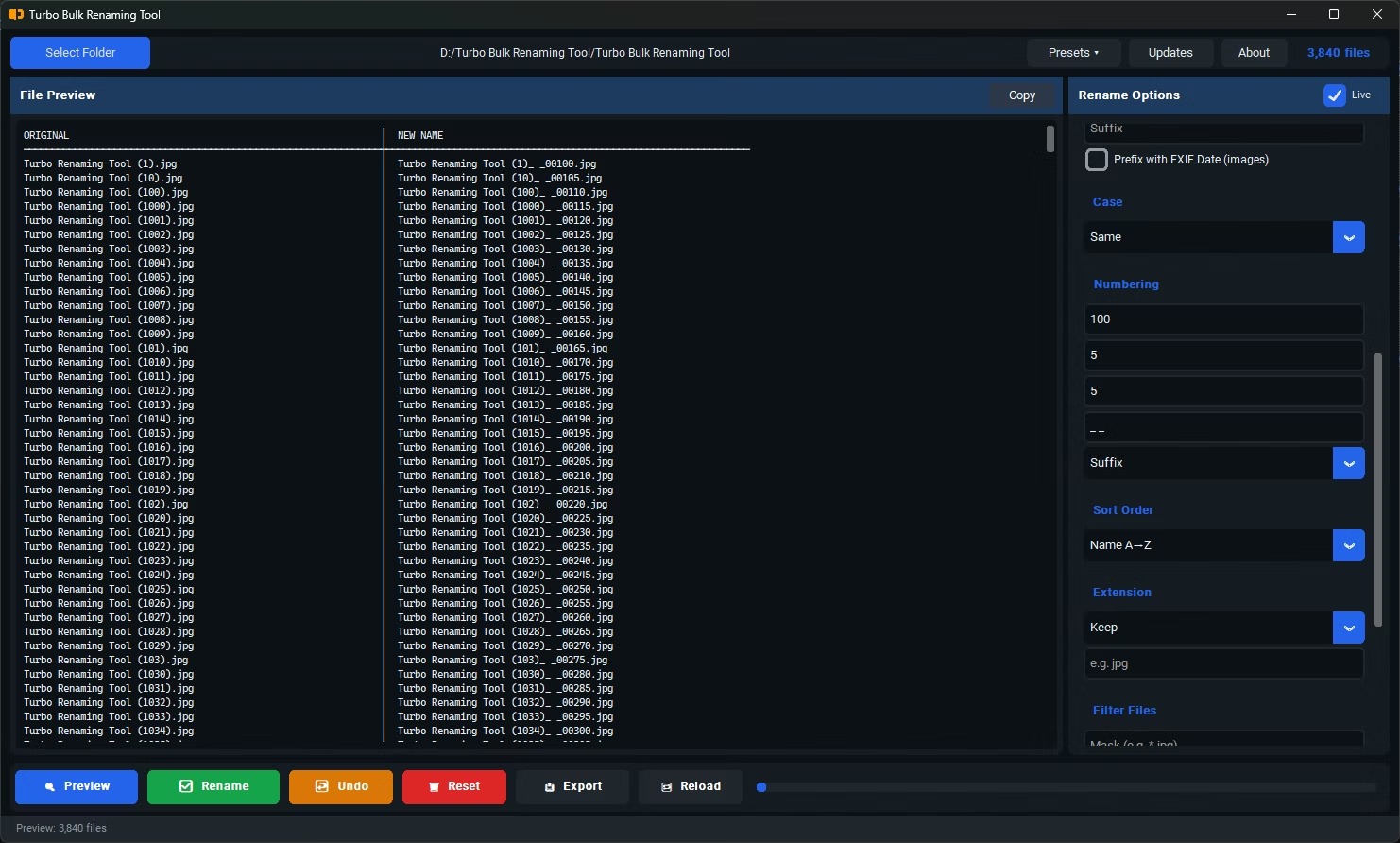
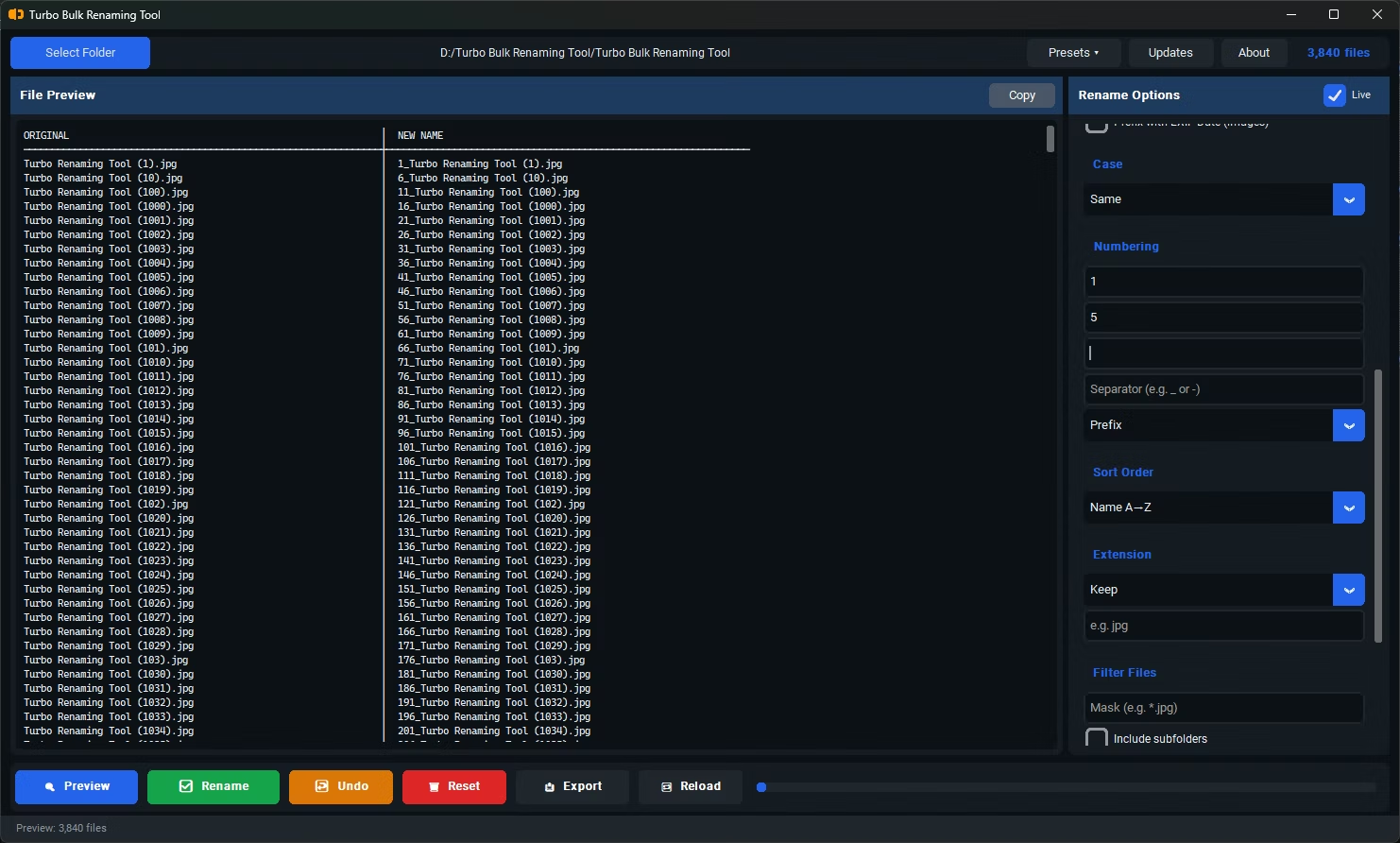
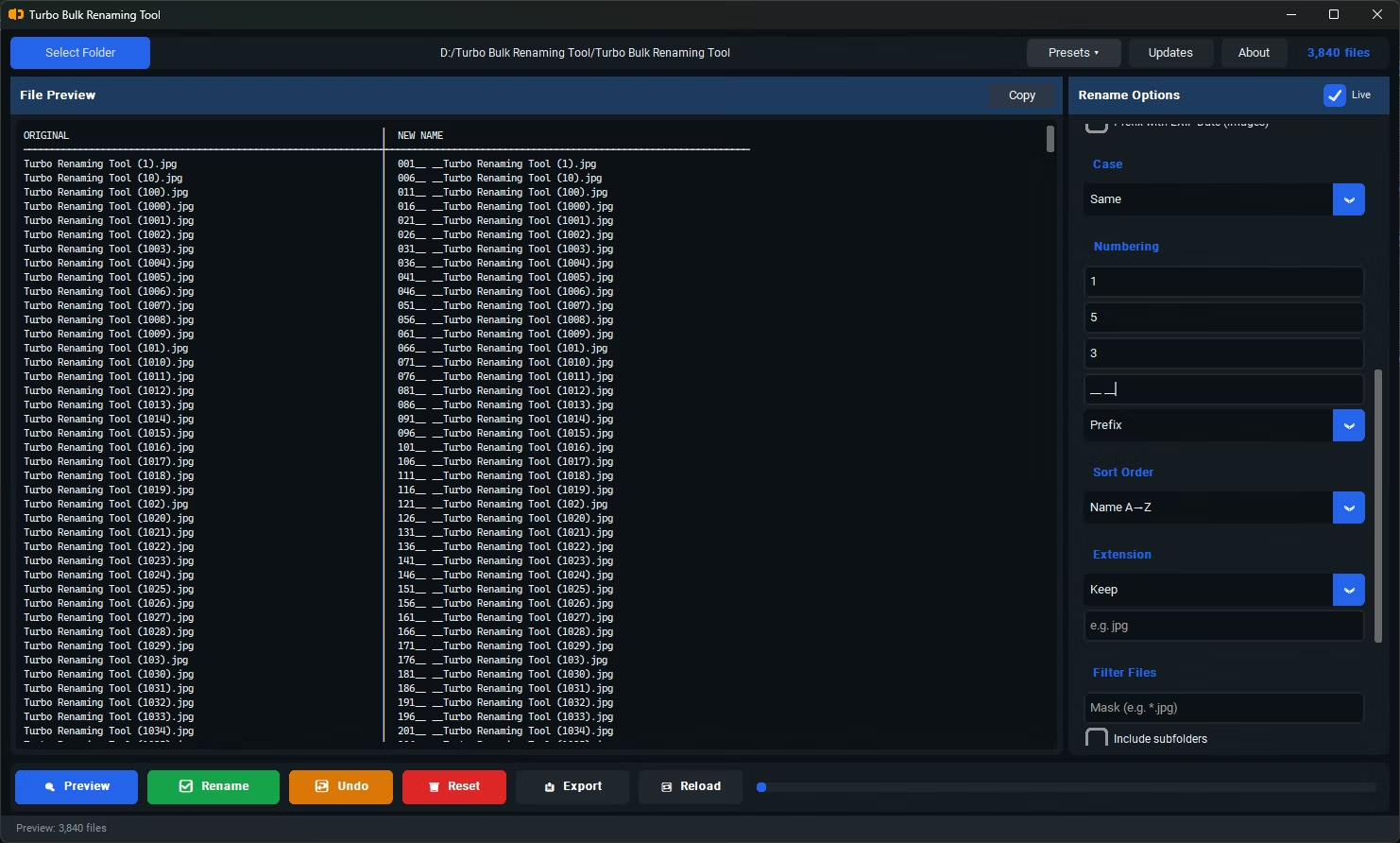
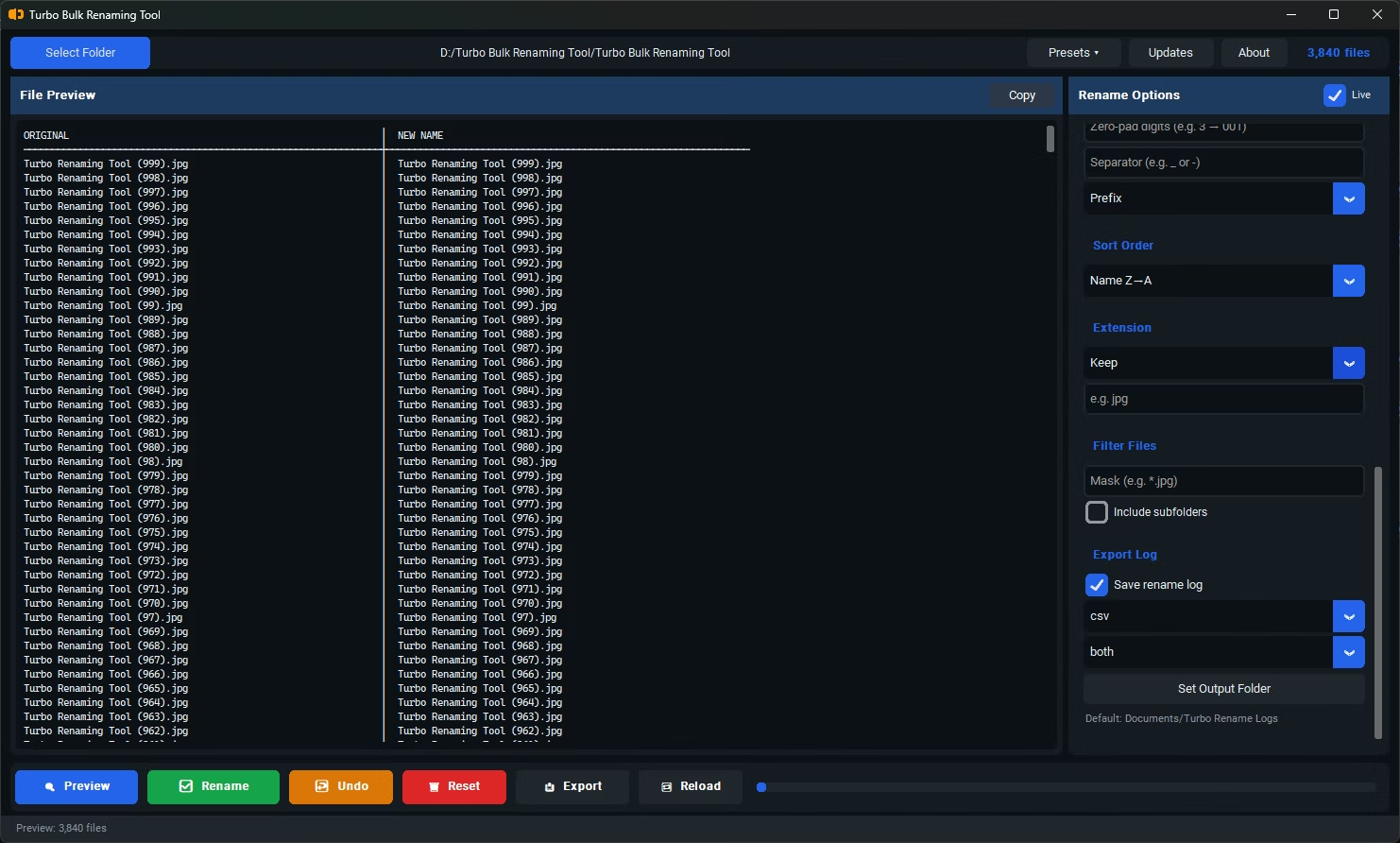
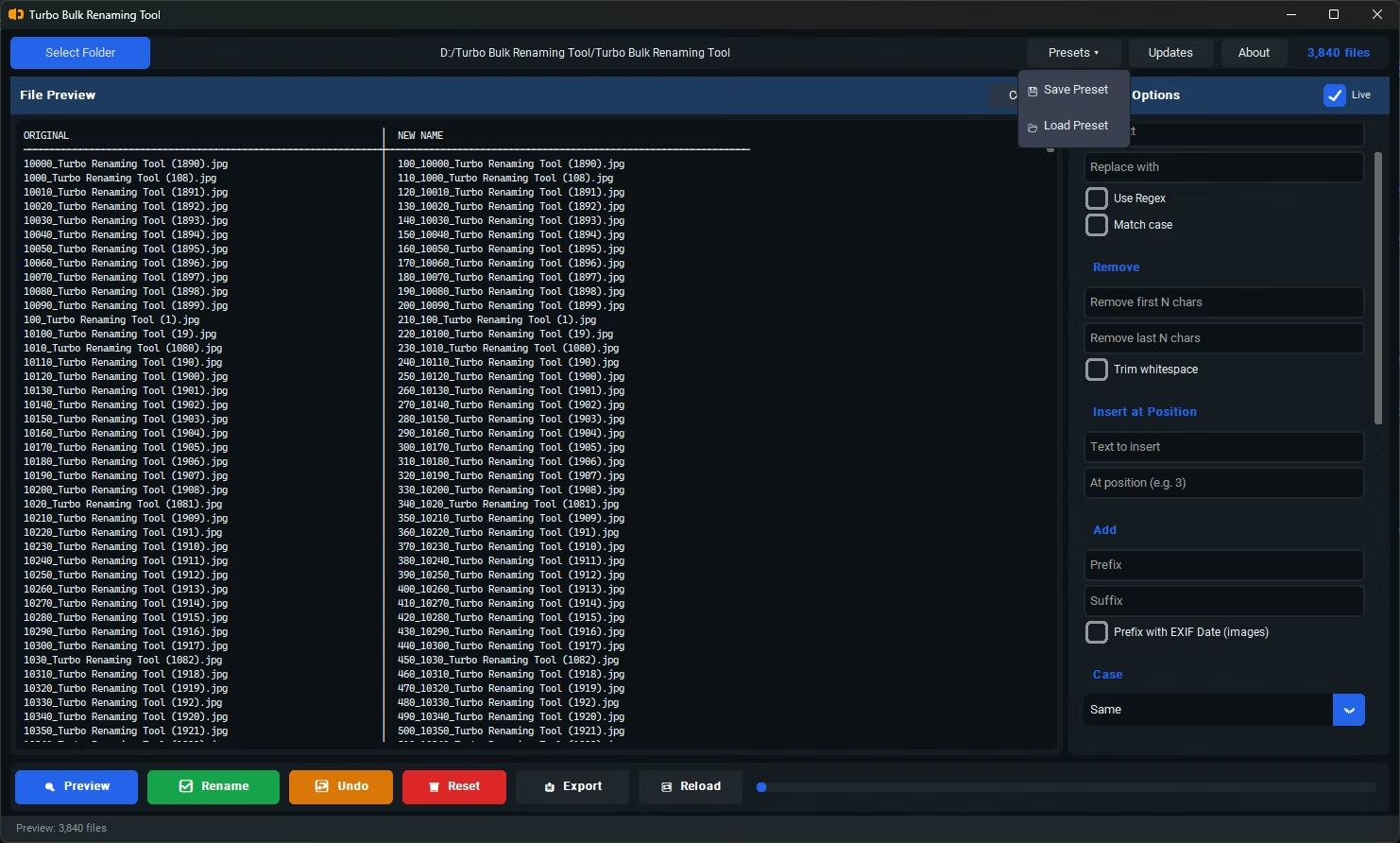
- Predictable, rule-based renaming rather than ad-hoc manual edits
- The ability to document filenames before and after a batch operation
- Recursive folder support for processing structured, multi-folder archives consistently
- Conflict detection to catch naming collisions before they cause problems downstream
- Undo support in case a batch needs to be reversed
- Offline operation, important for organizational or client files that shouldn't leave the building
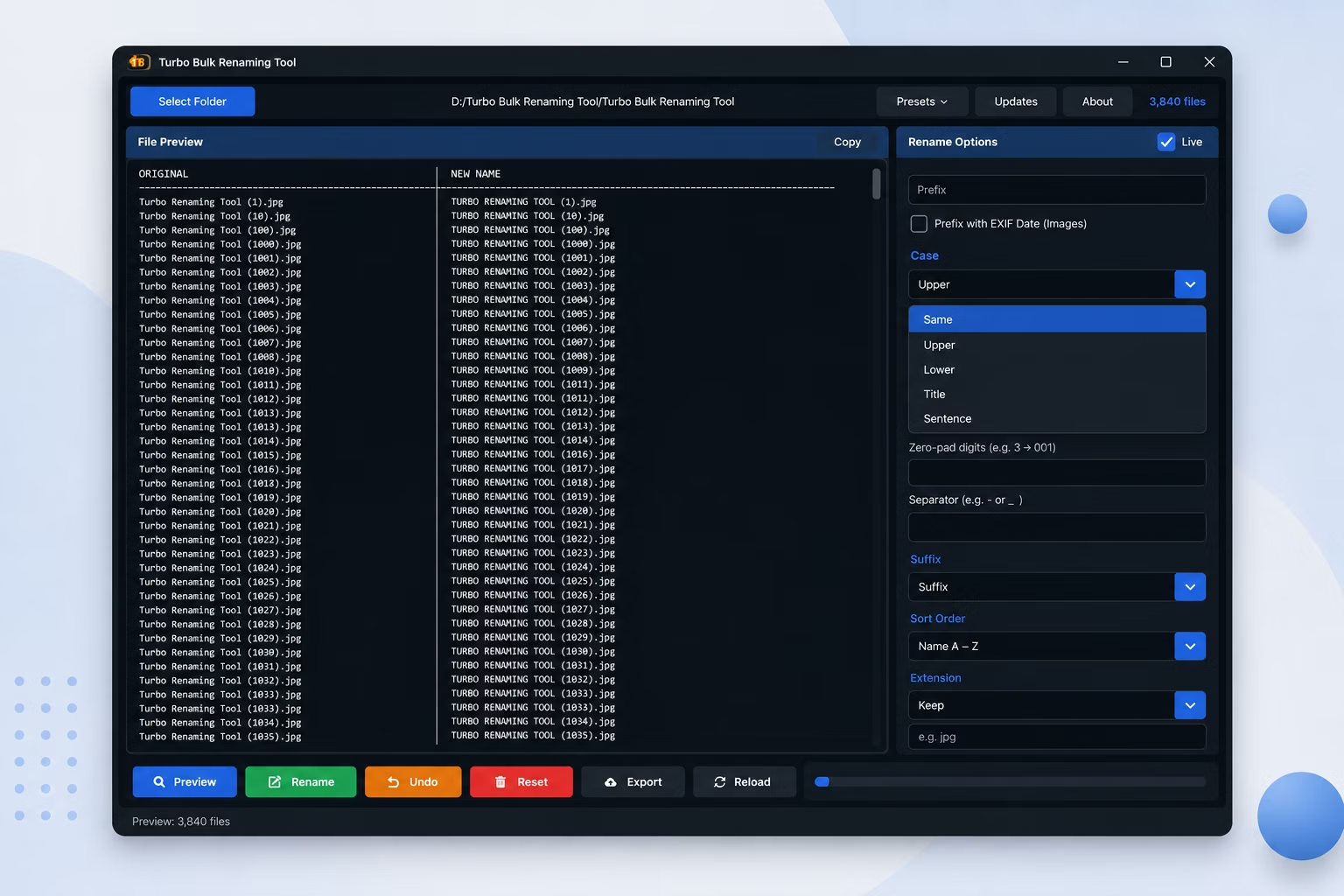
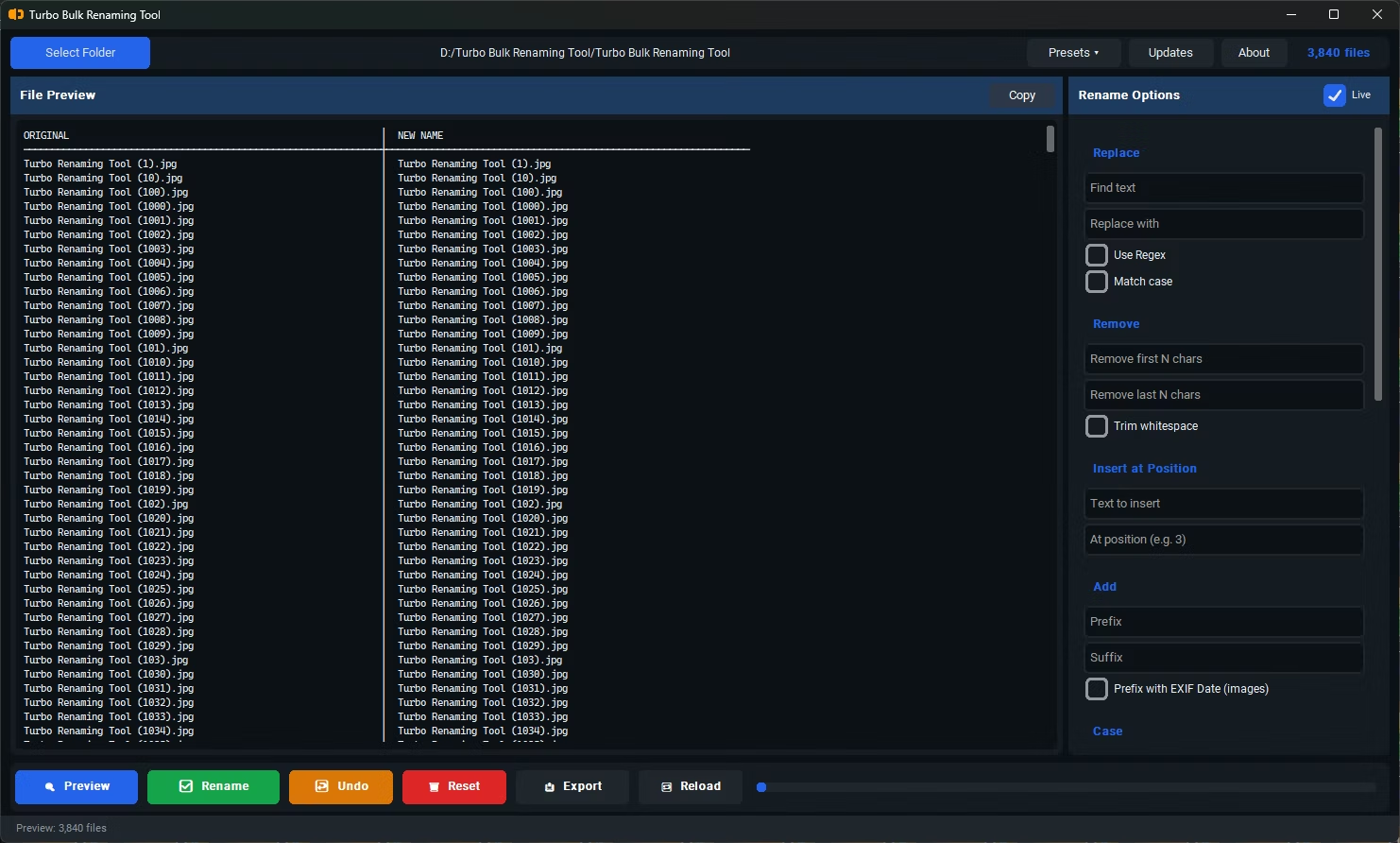
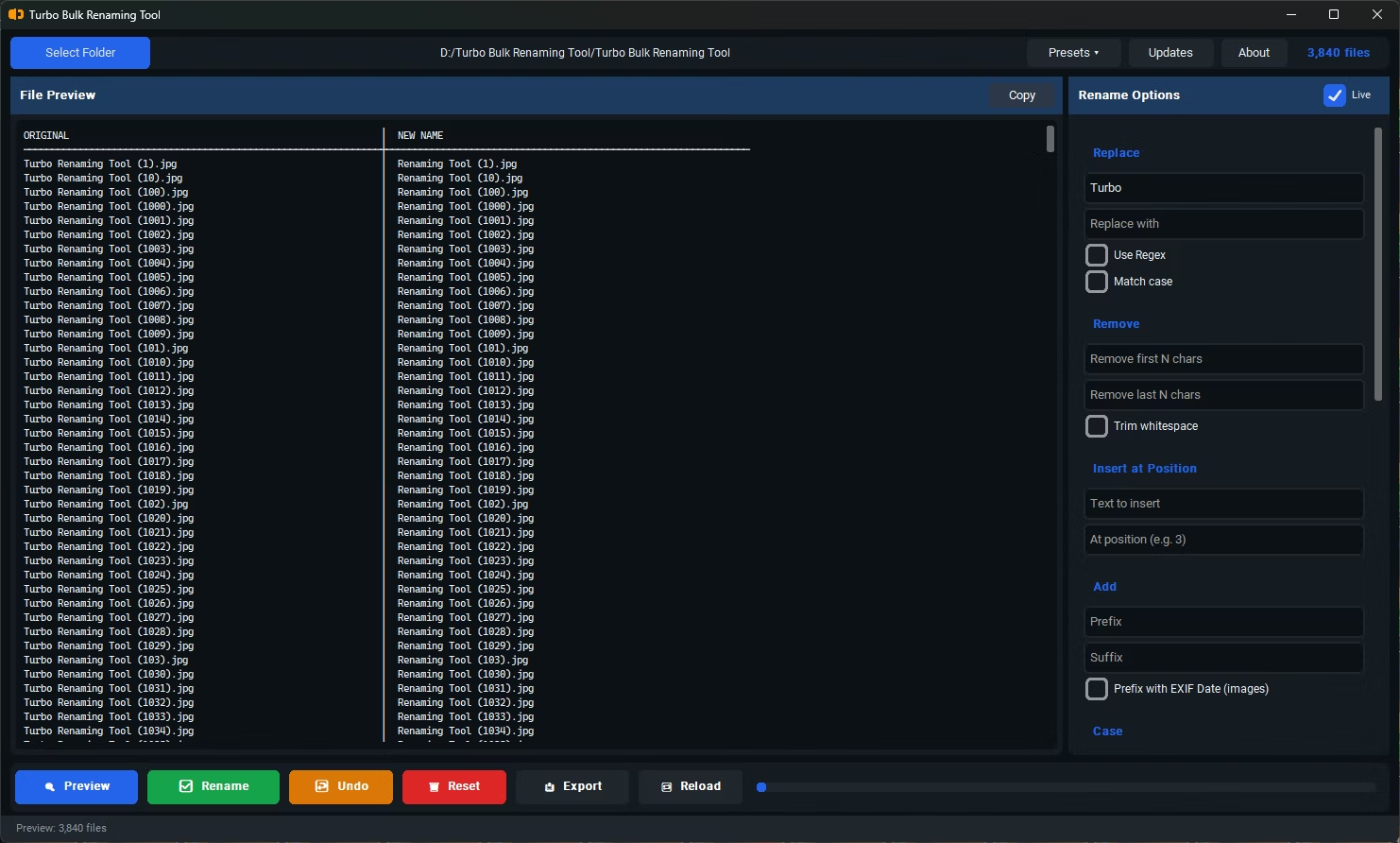
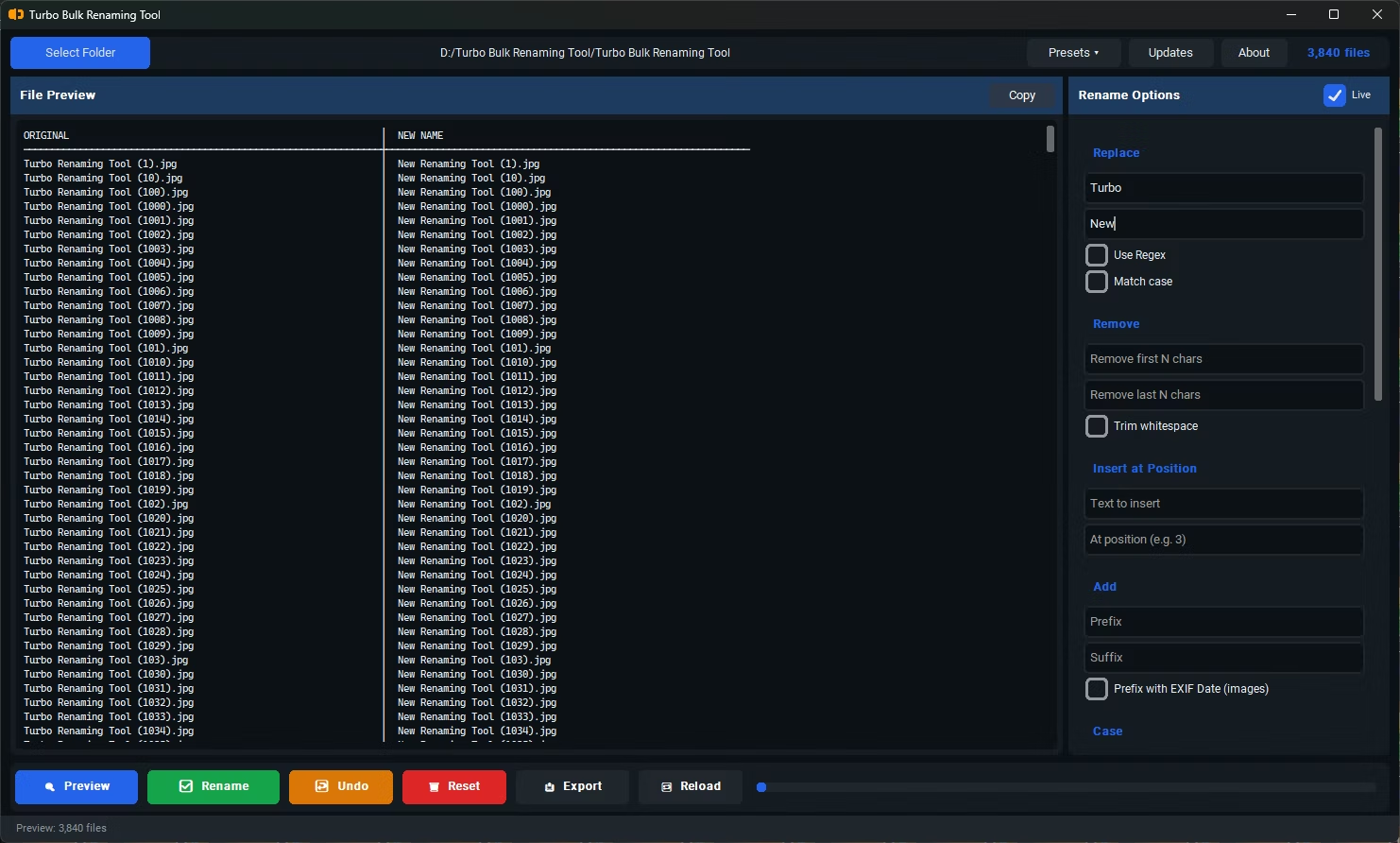
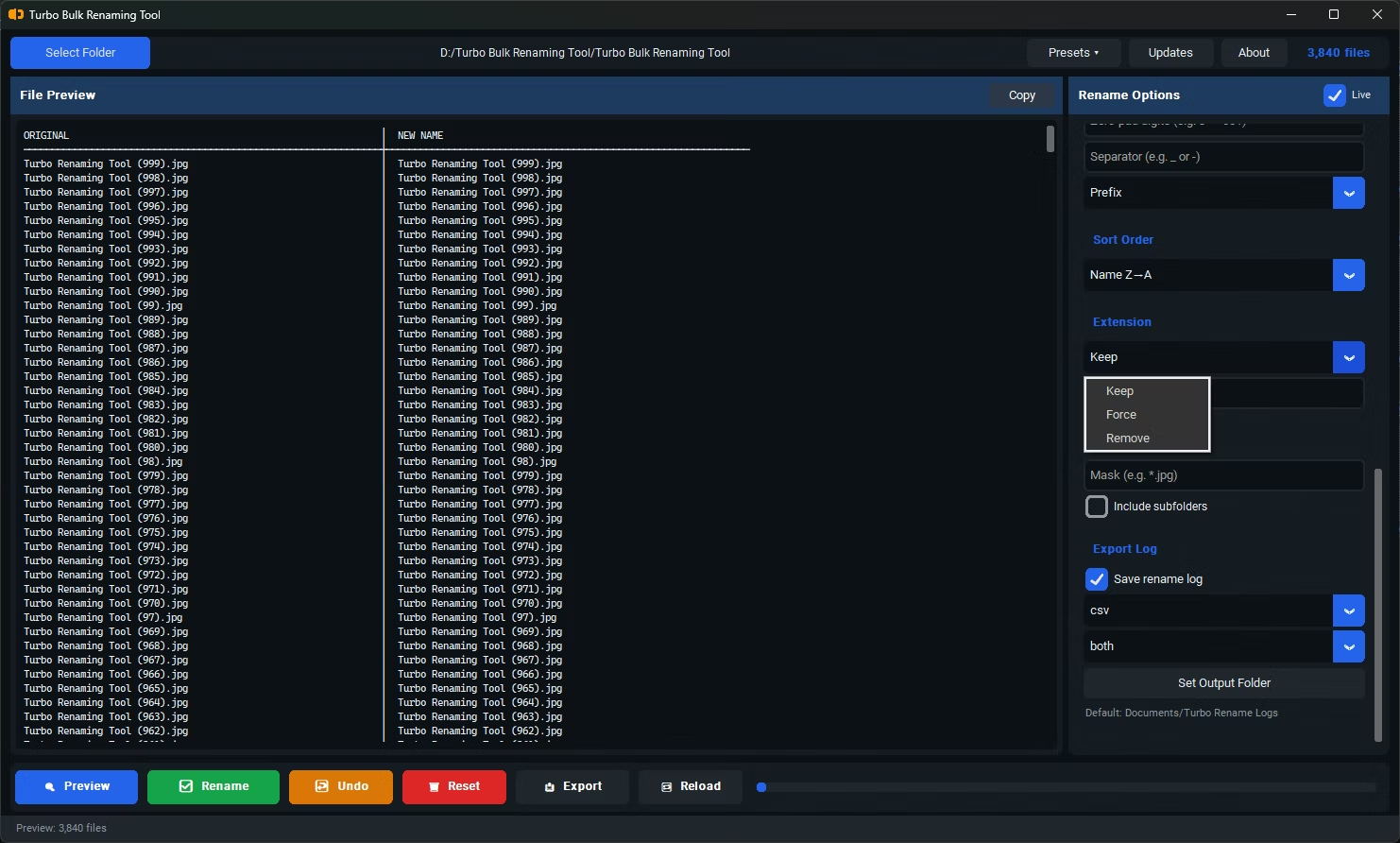
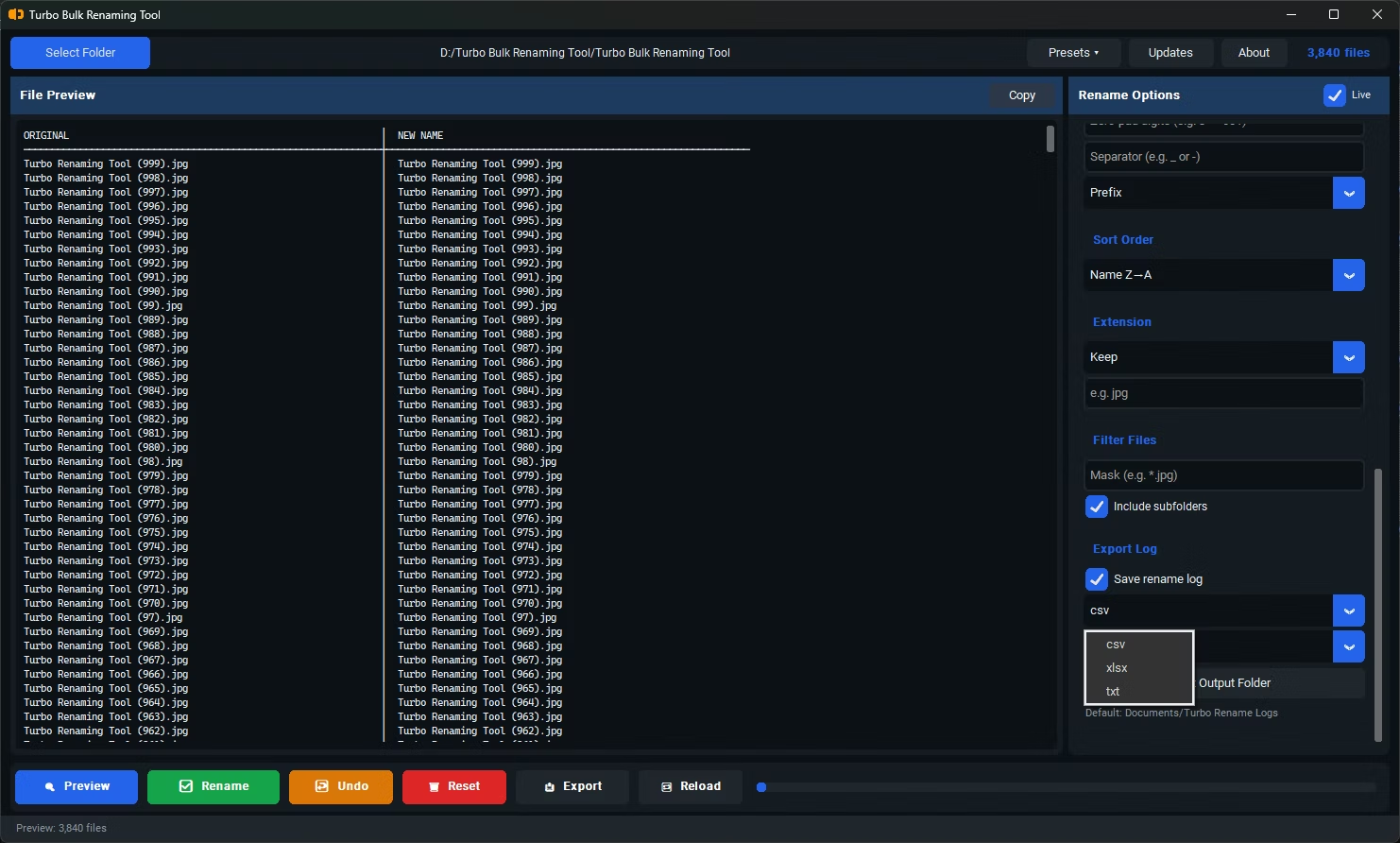
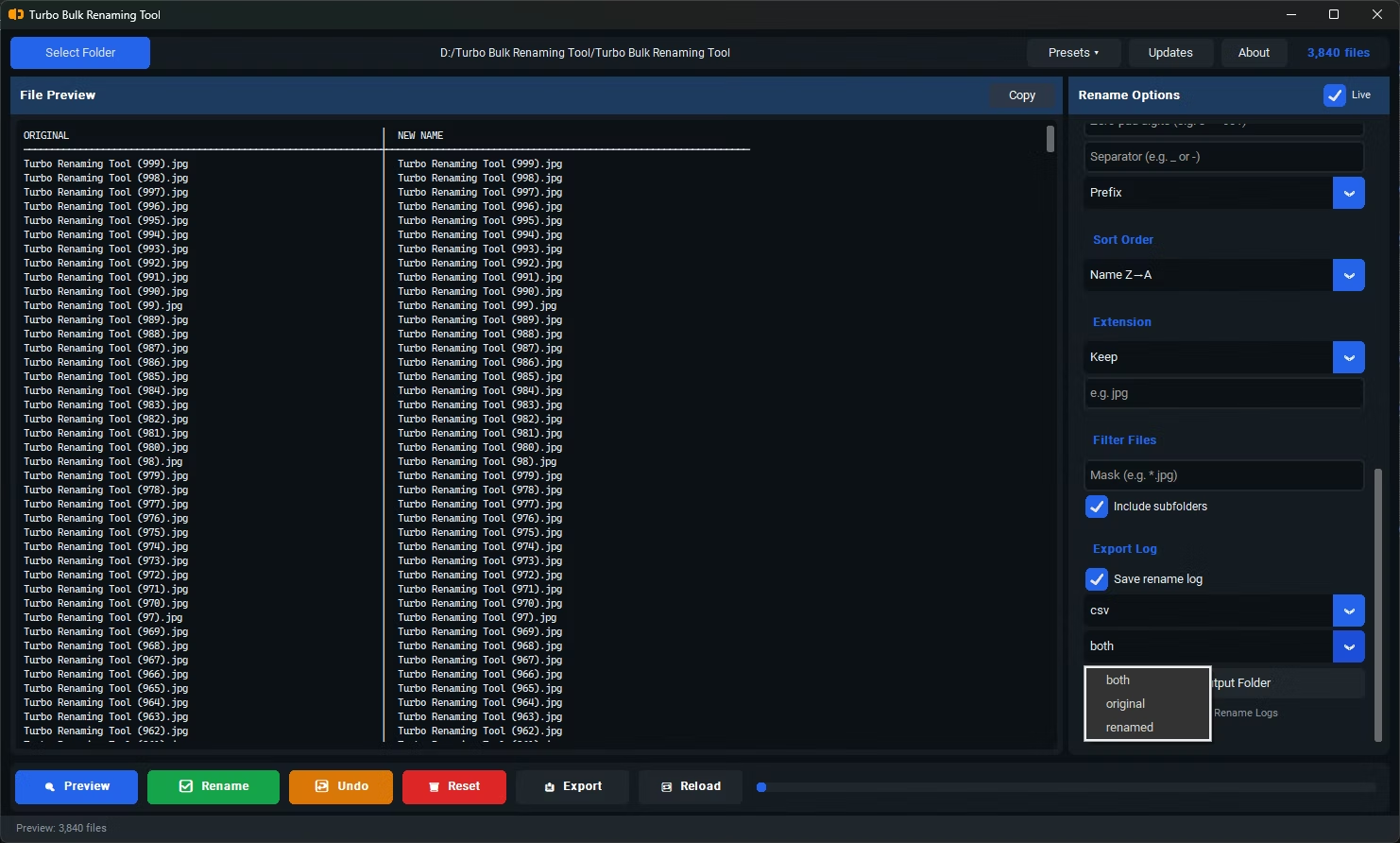
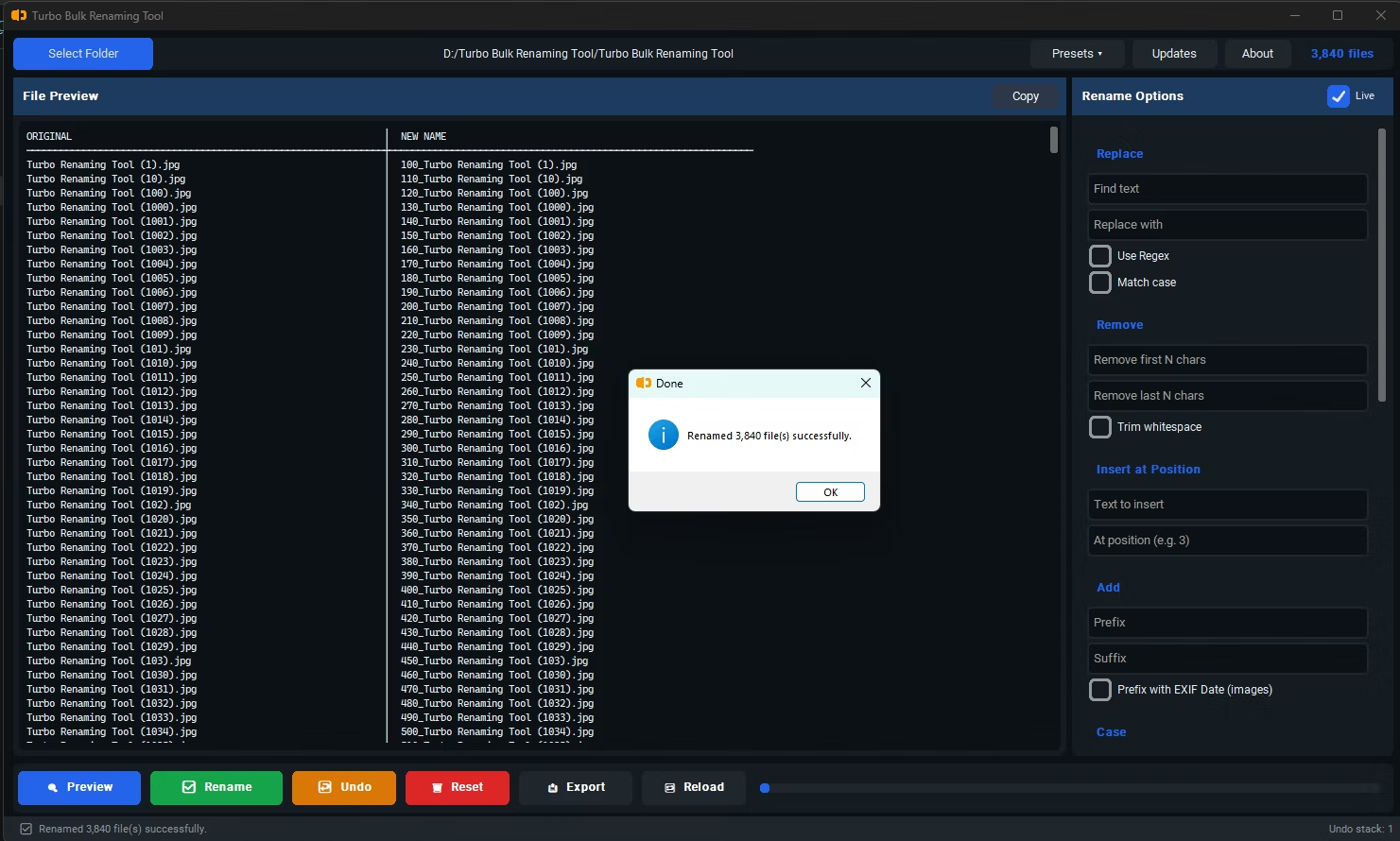
Turbo Bulk Renaming Tool supports this kind of repeatable batch process directly. Its 15 renaming rules can be applied consistently across recurring folder structures, and recursive sub-folder scanning means the same naming convention reaches every nested directory without manual repetition. The Export Only feature generates a CSV, XLSX, or TXT record of original names, renamed names, or both side by side, which is useful for documenting exactly what changed in a given batch.
Combined with conflict detection and one-level Undo, it gives you both the consistency a structured workflow needs and a safety net for when a batch doesn't go exactly as planned, all without requiring an internet connection or third-party upload.
What's the difference between batch renaming and just renaming a lot of files?
Batch renaming usually implies a consistent rule applied as part of a structured or recurring process, rather than a one-time manual cleanup, which makes predictability and documentation more important.
Can I keep a record of what filenames changed during a batch?
Yes, the Export Only feature can generate a file listing both original and renamed filenames side by side, useful for documentation or auditing purposes.
Is offline processing important for organizational file batches?
It often is, particularly for client or internal files that shouldn't be uploaded to a third-party server as part of a routine renaming task.
Ready to rename your files in bulk, offline, with full privacy?