Turbo Batch Image Converter Pro
Turbo Batch Image Converter Lite
Turbo RAW Image Converter
Turbo Bulk Renaming Tool
Turbo Batch PDF Converter
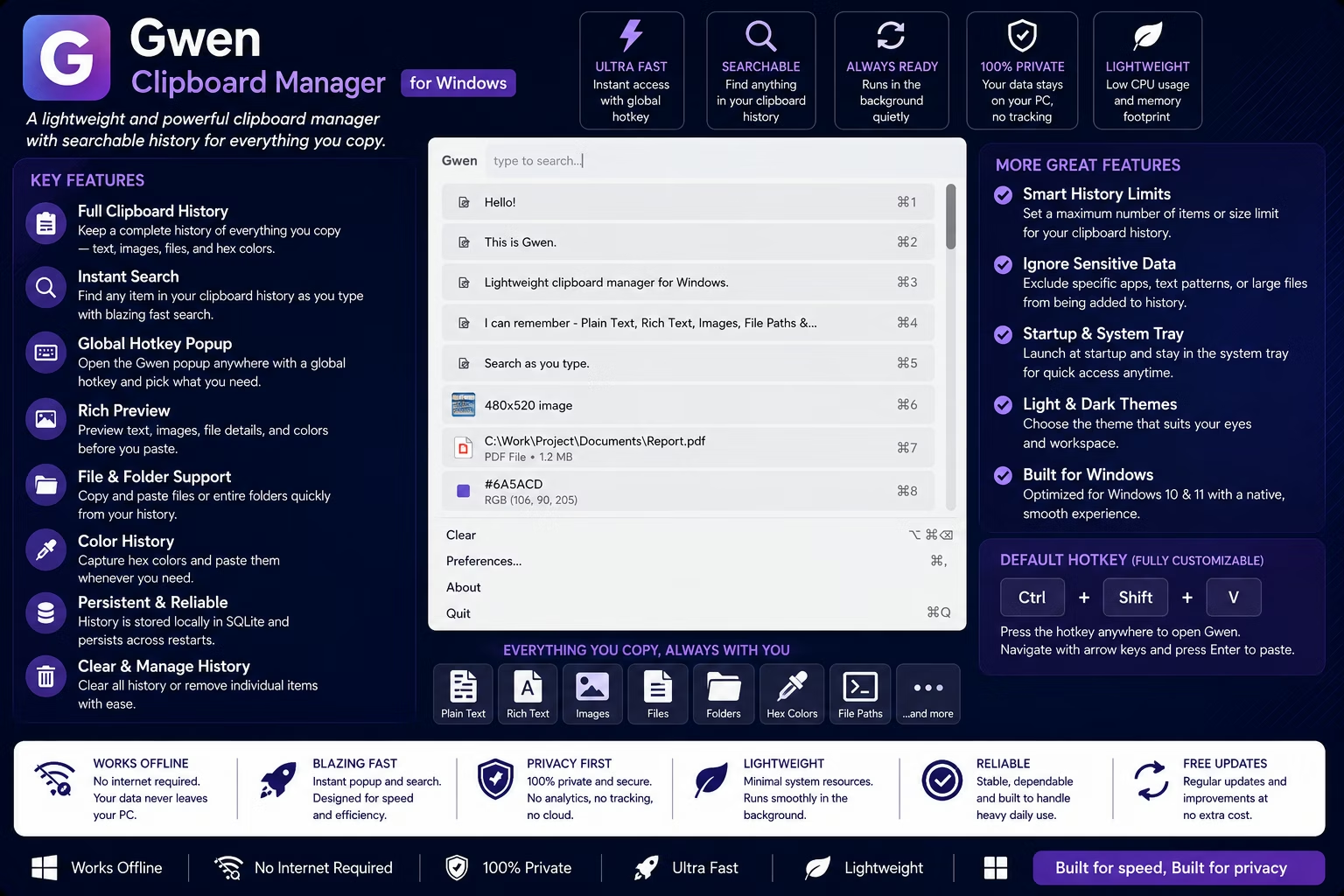
Gwen - Clipboard Manager
Million by Million Rows Copier
Turbo Batch Image Converter Pro
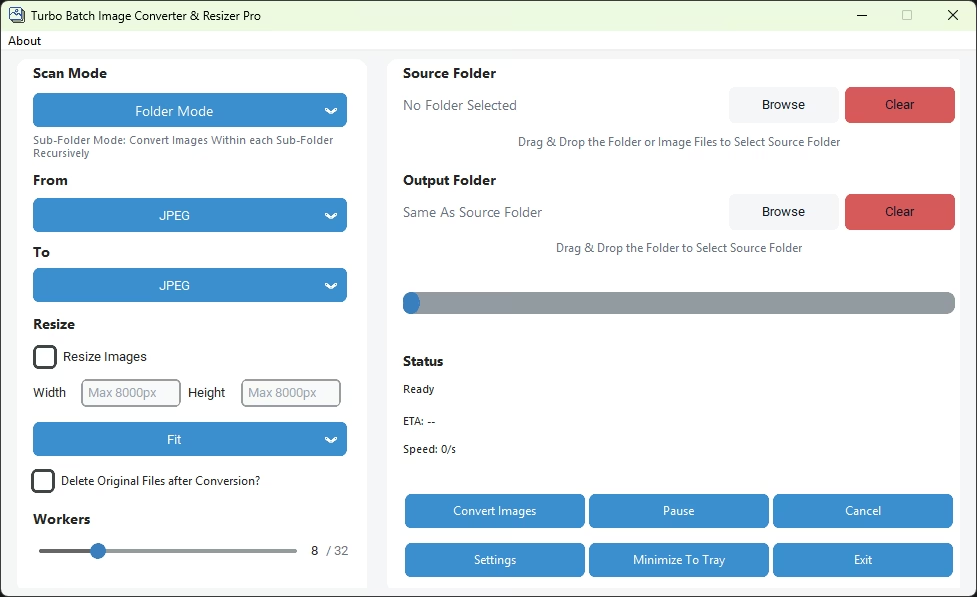
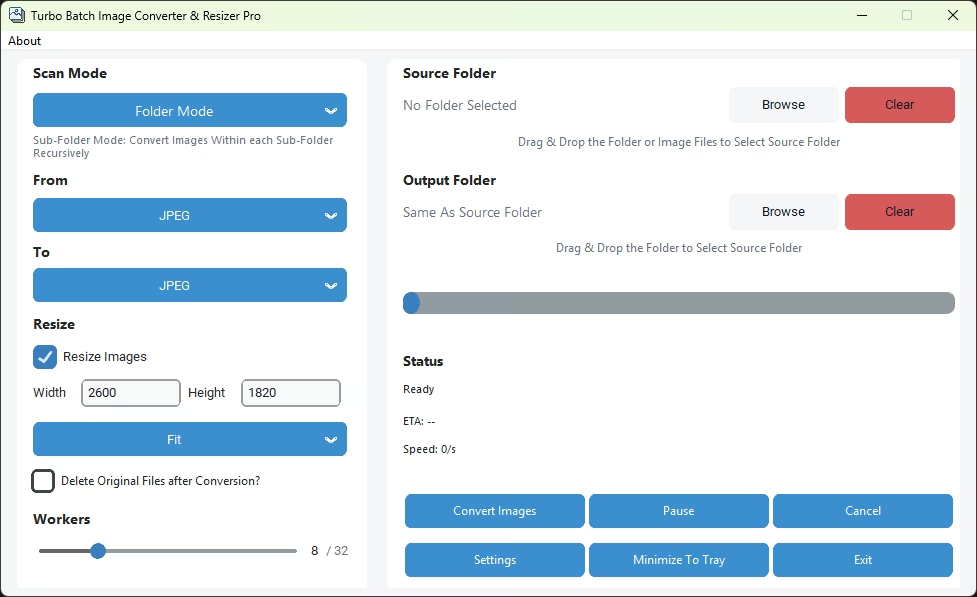
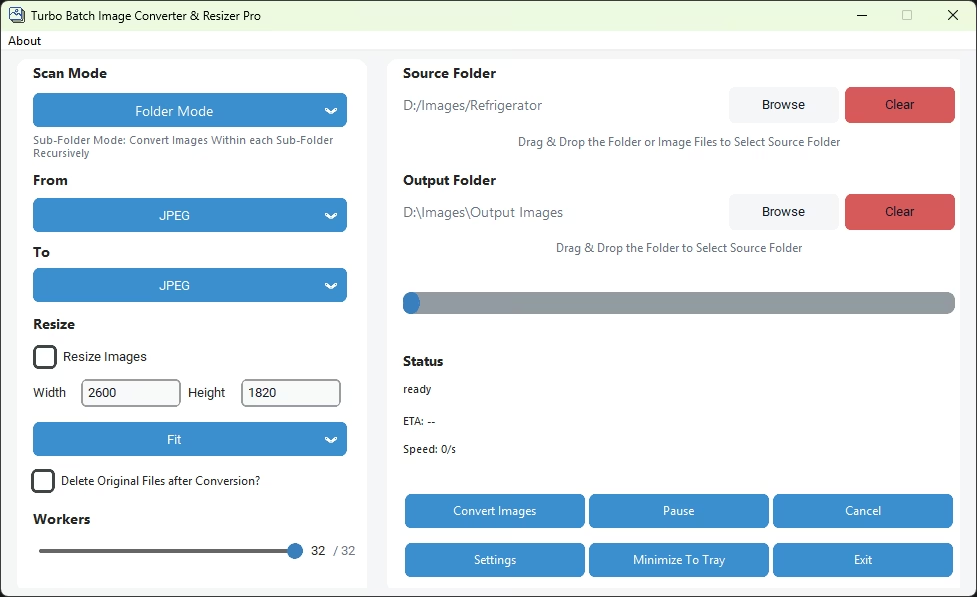
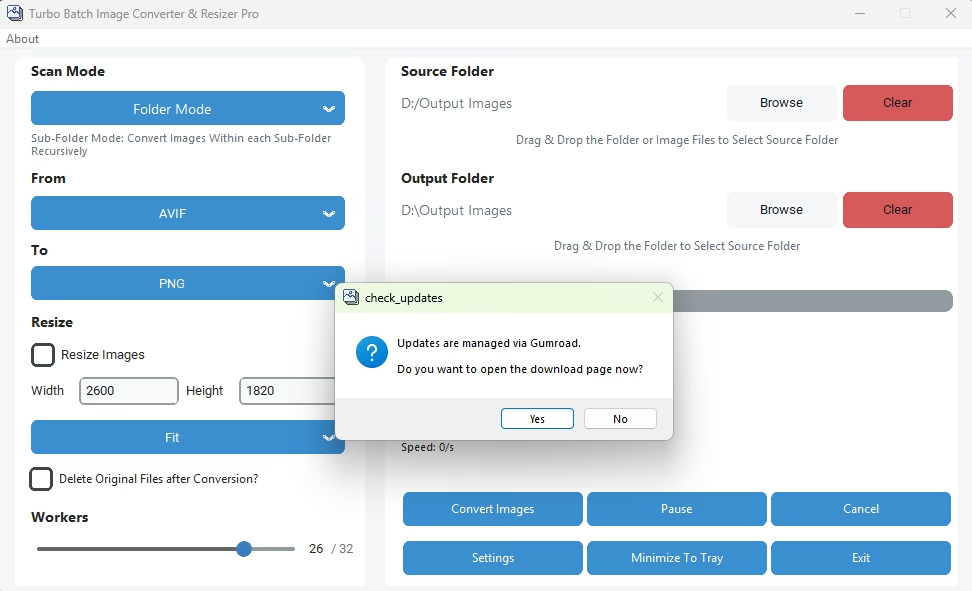
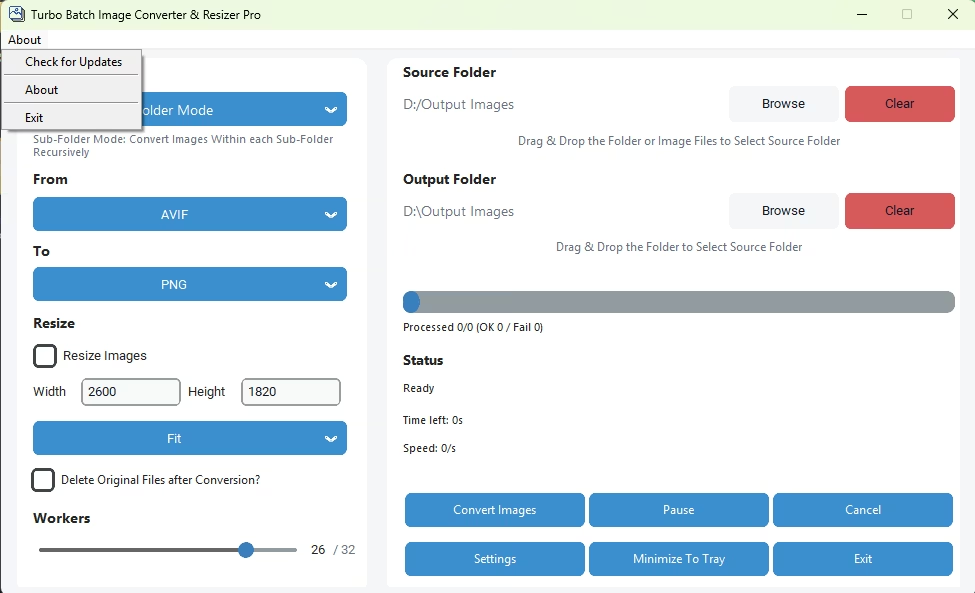
Home Screen
App Home Screen in Individual Mode
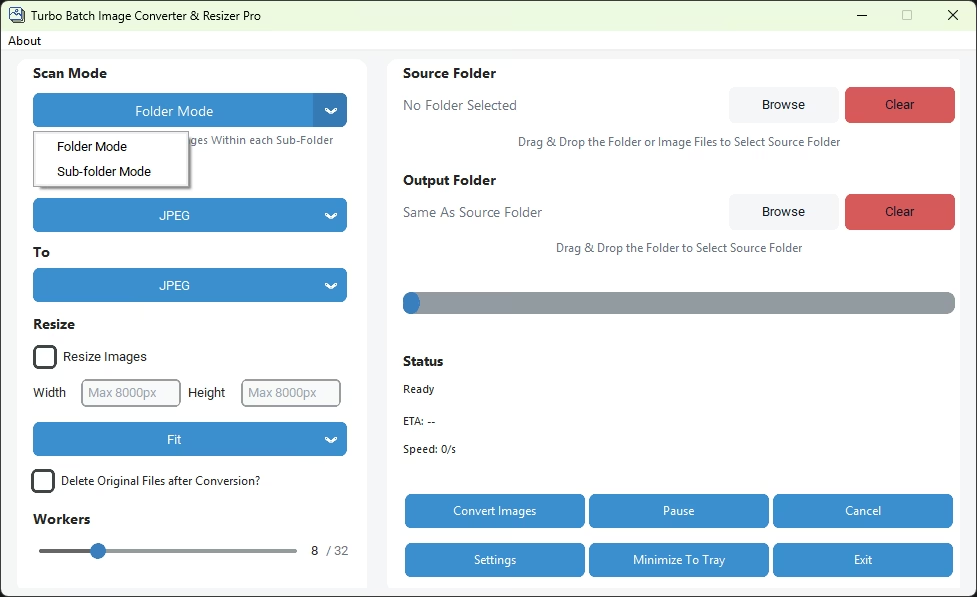
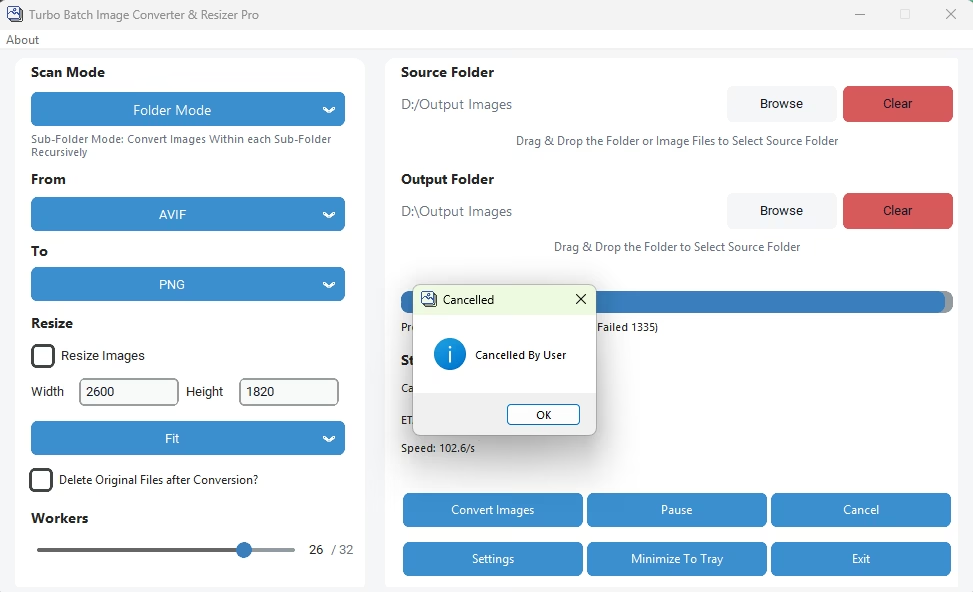
Folder and Sub-Folder Mode Selection
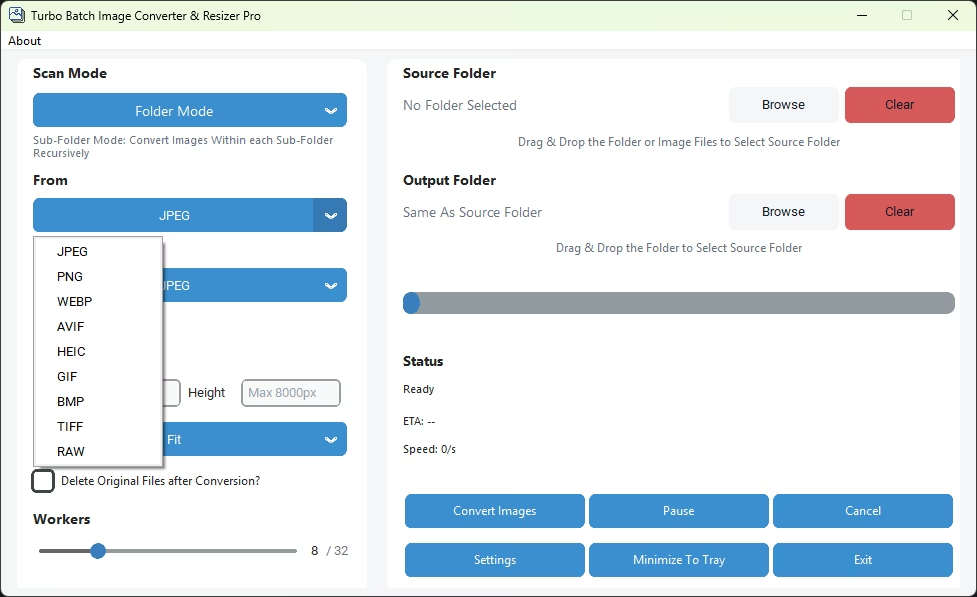
Input Format Selection
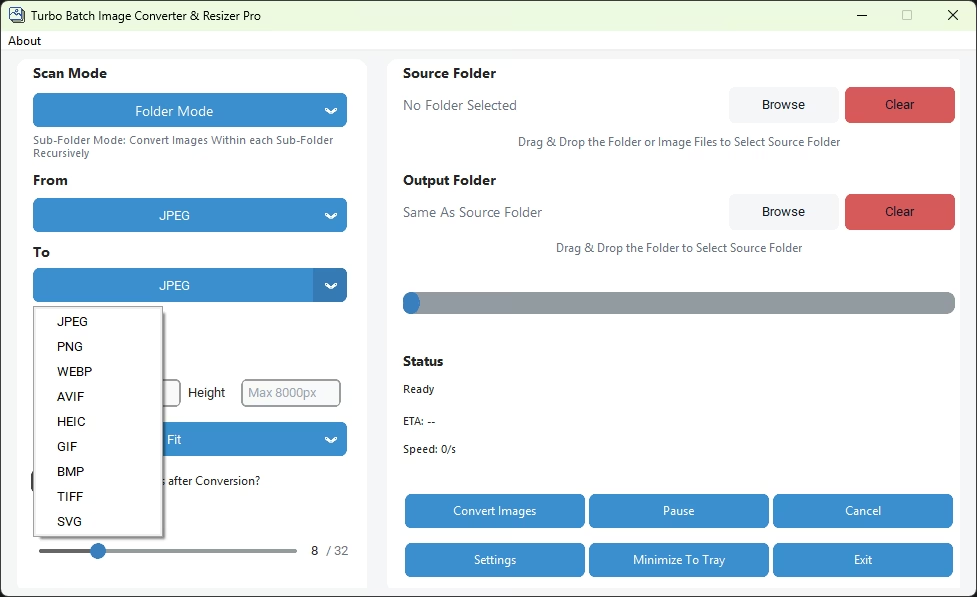
Output Format Selection
Resize Images Checkbox
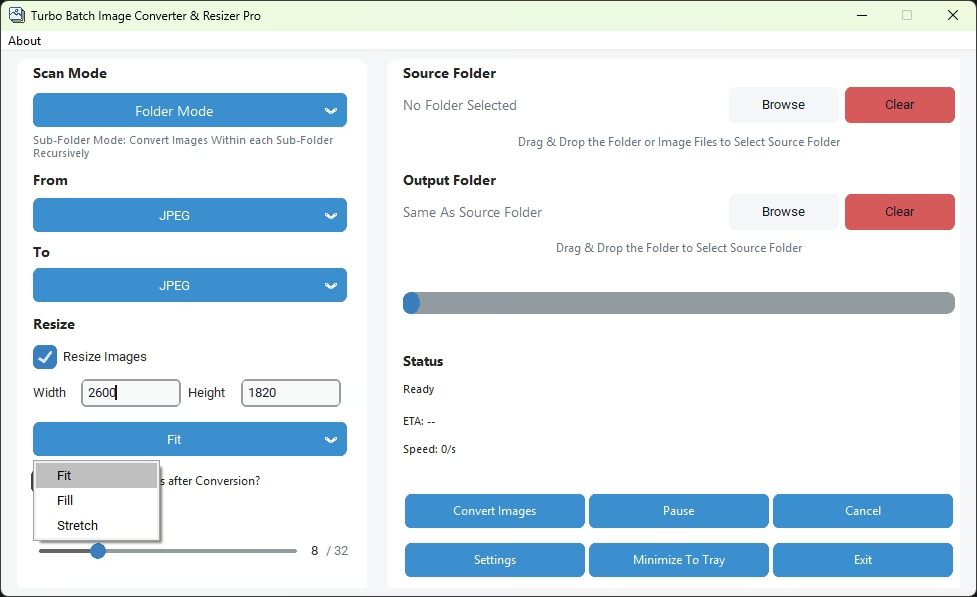
Fit, Fill or Stretch Resize Selection
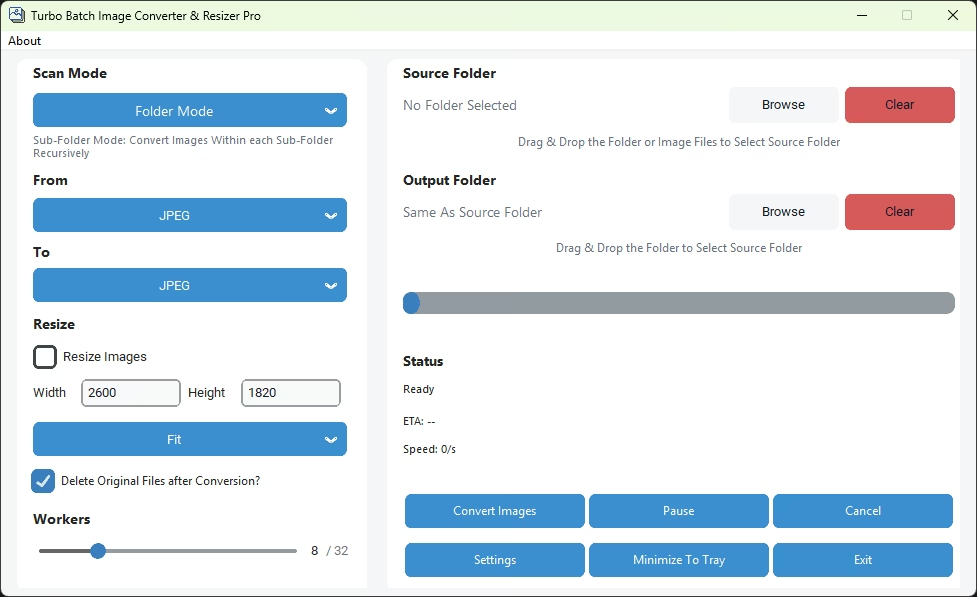
Delete Original Files after Conversion
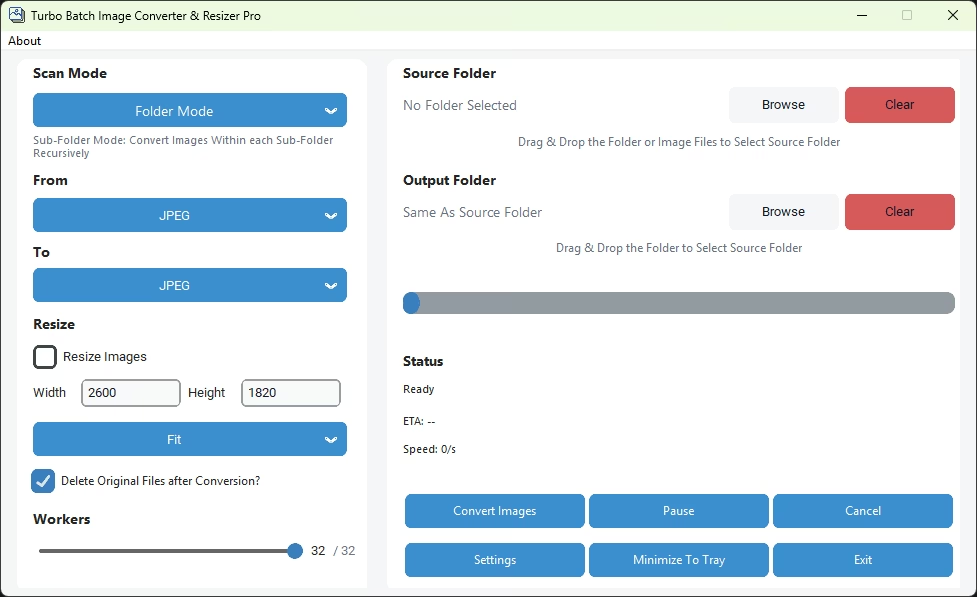
Concurrent Workers Selection
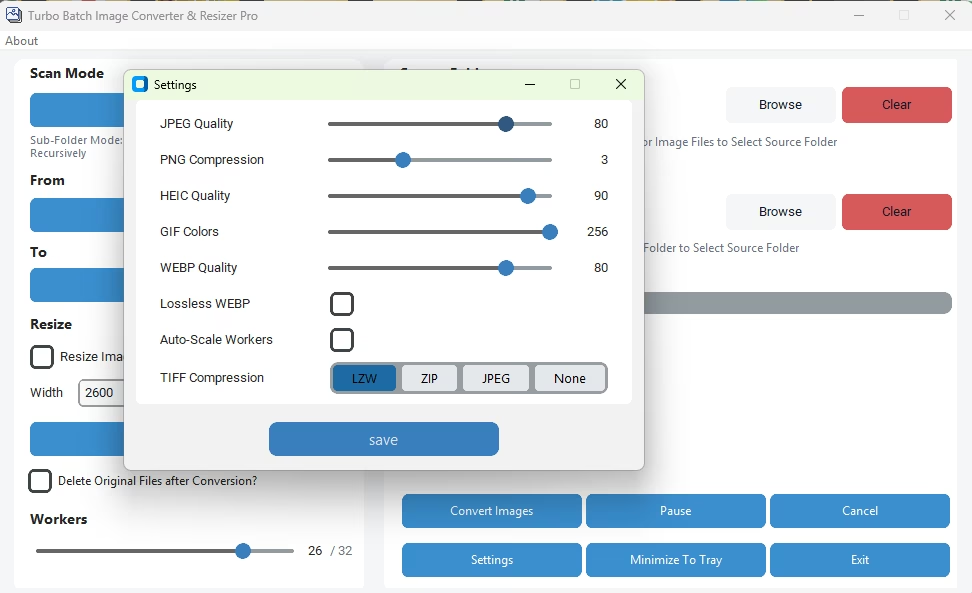
Settings Window
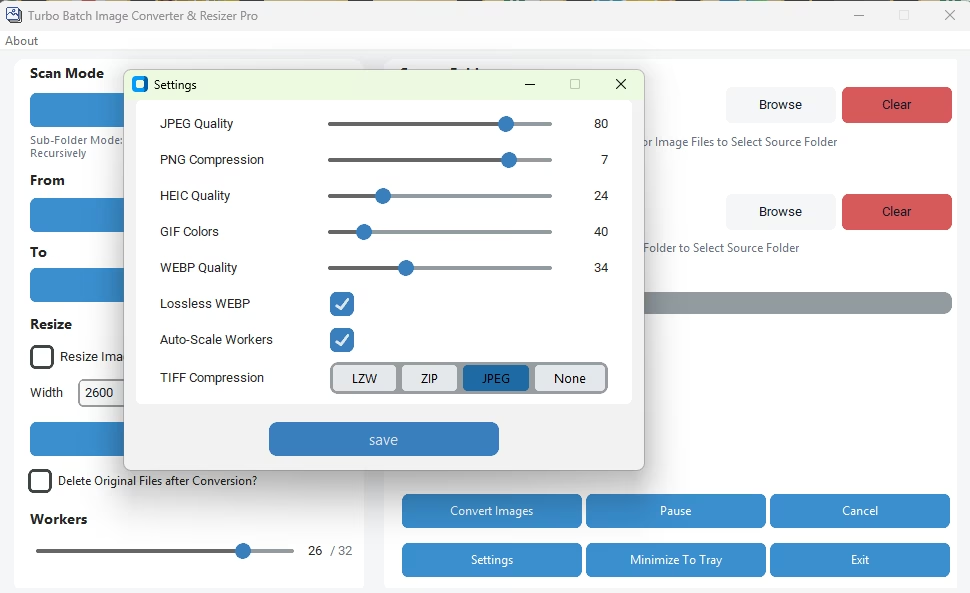
Settings Window
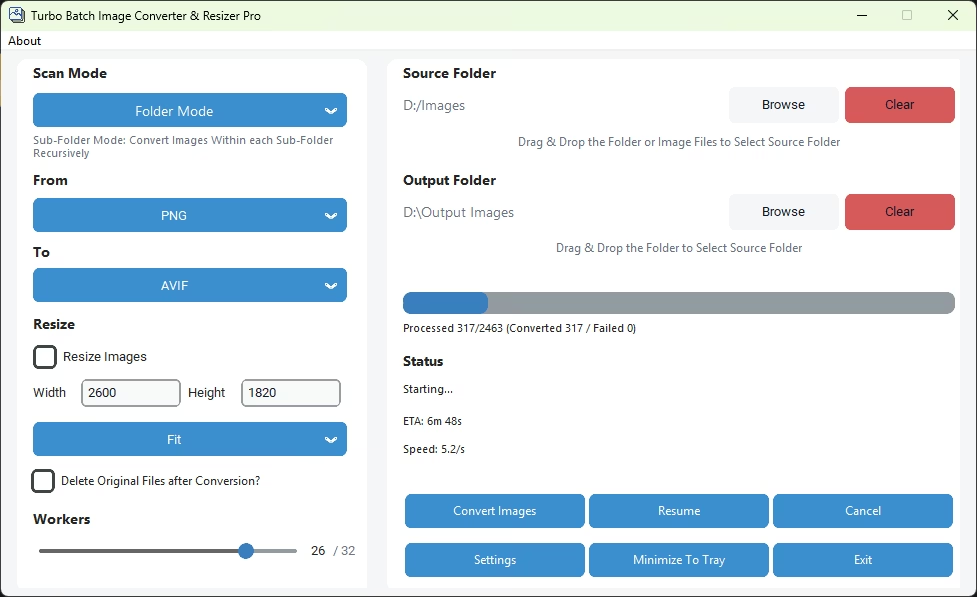
JPG to PNG Conversion in Progress
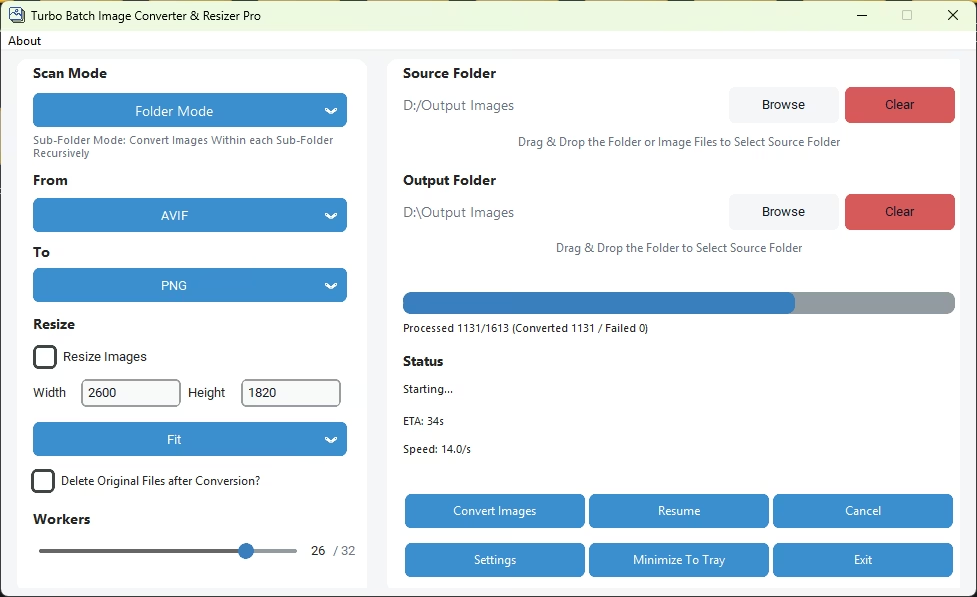
Image Conversion in Progress
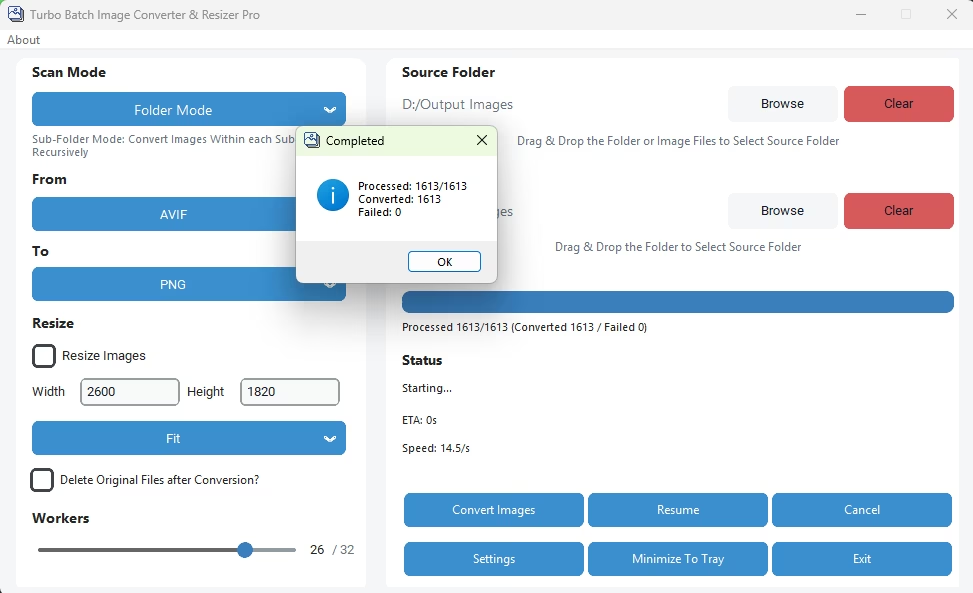
Conversion Completion Pop-Up
Cancel Conversion Pop-Up
Image Conversion in Individual Mode
Conversion Completion Pop-Up
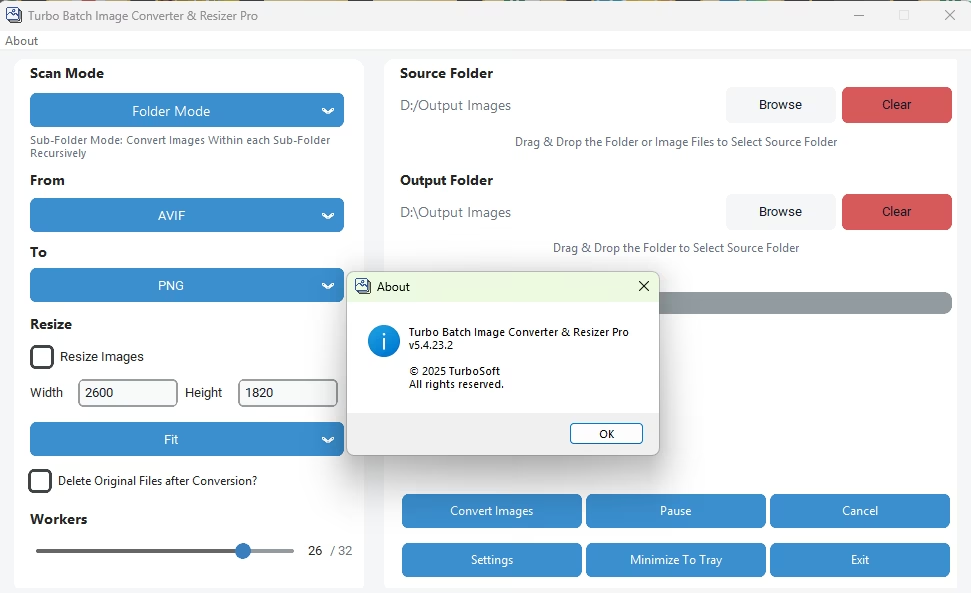
About Section
Turbo Batch Image Converter Lite
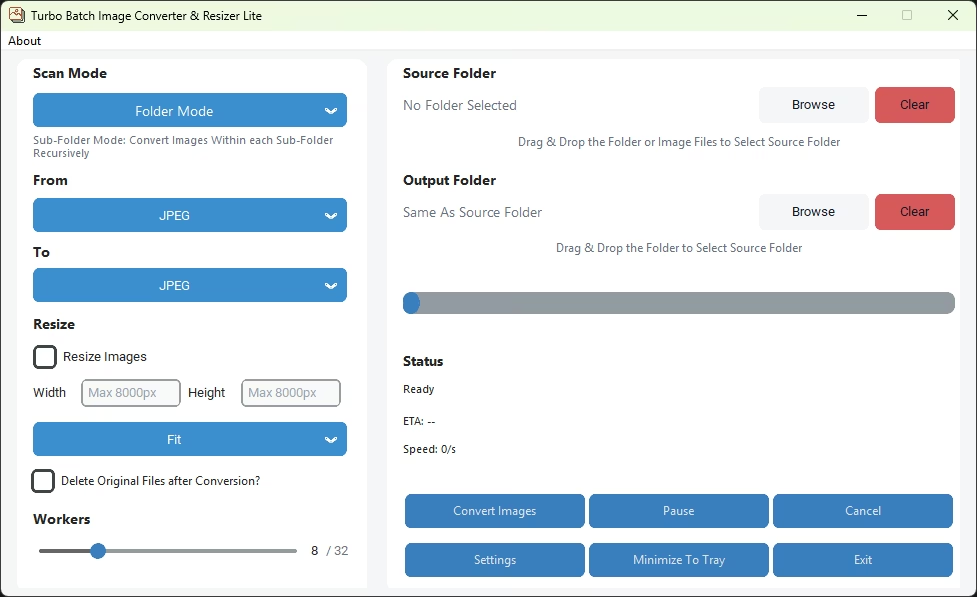
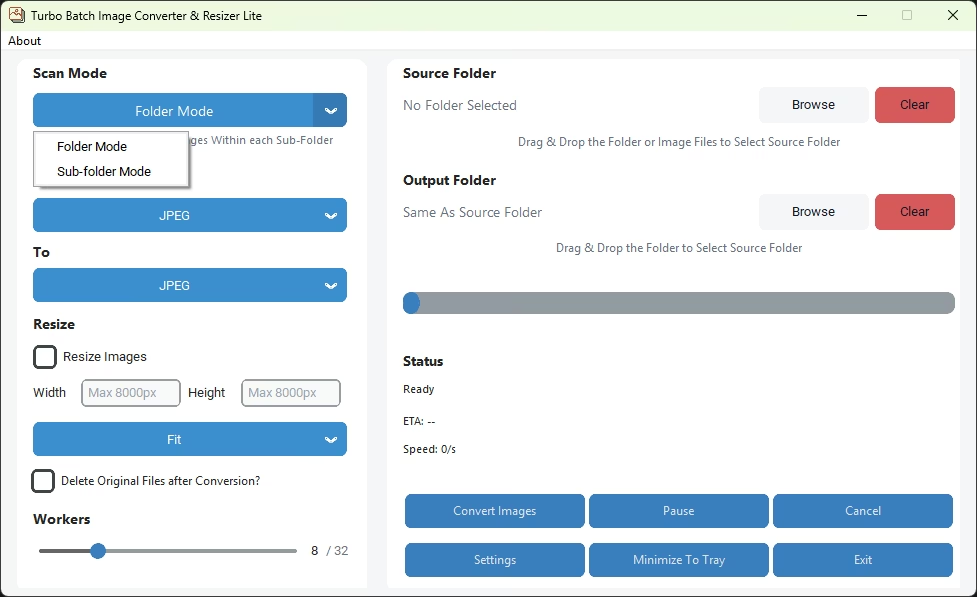
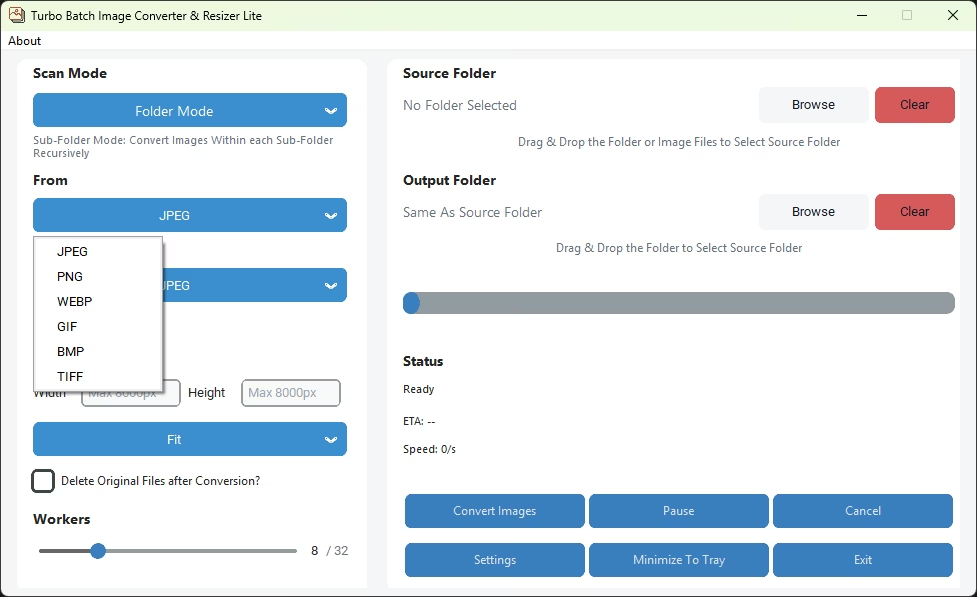
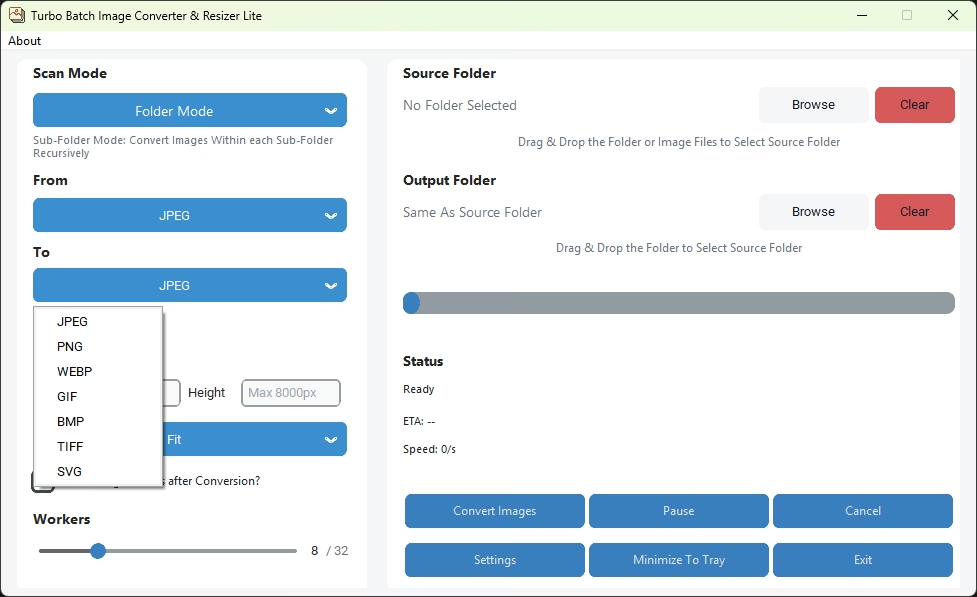
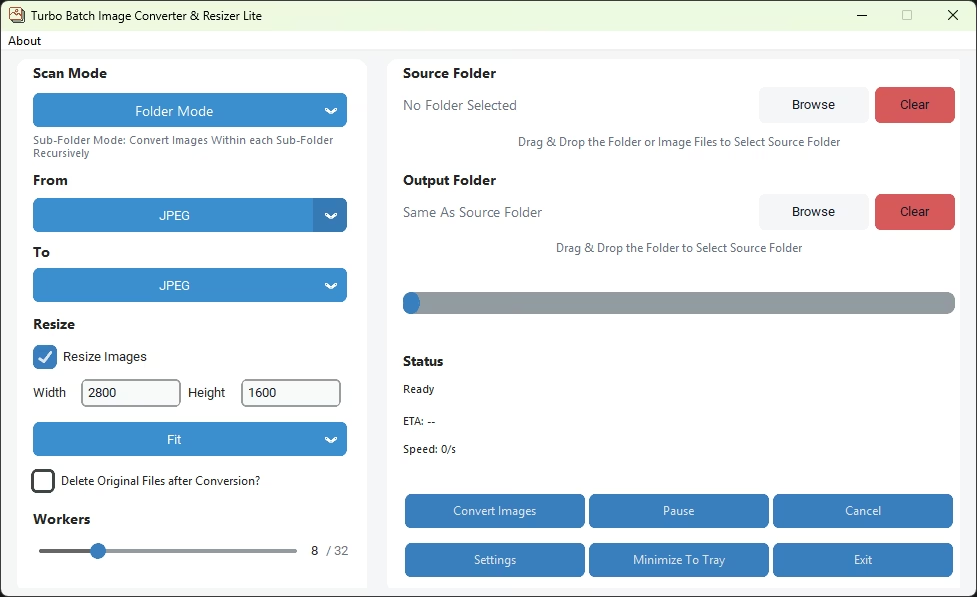
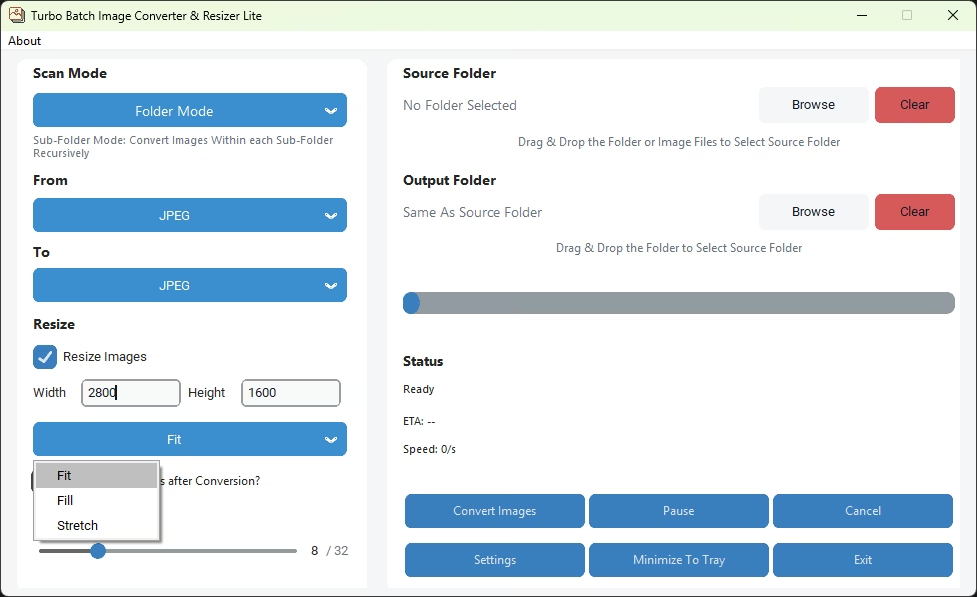
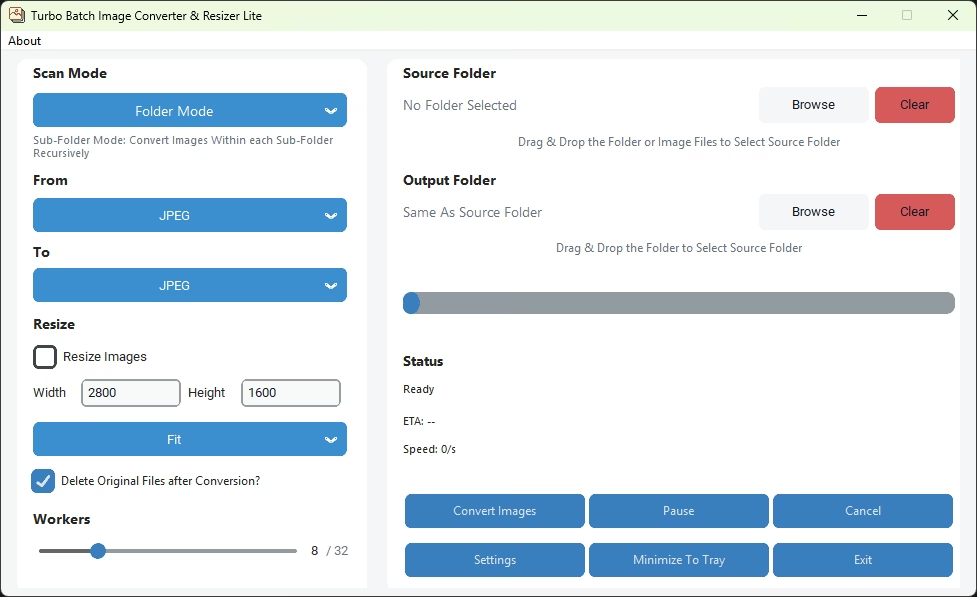
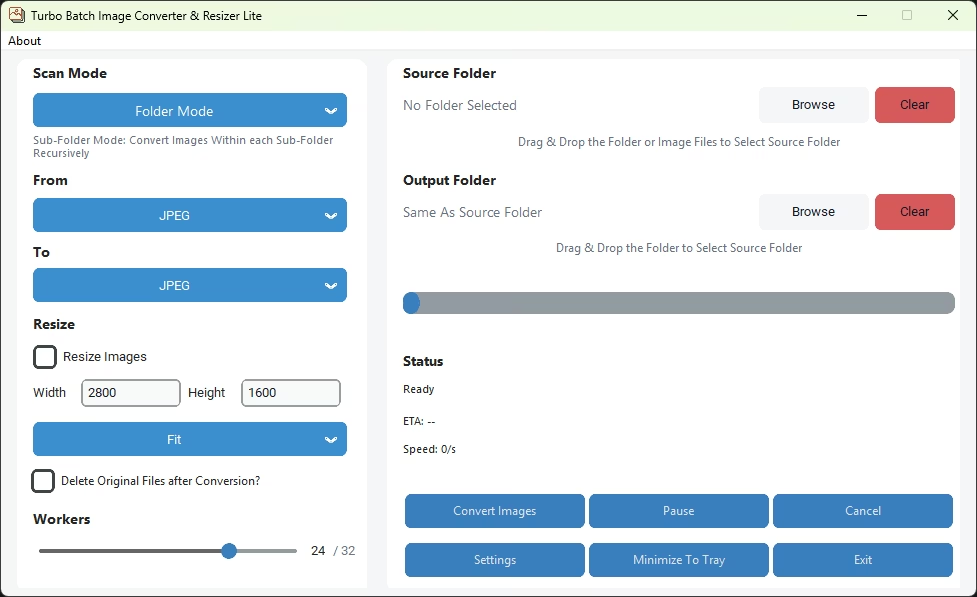
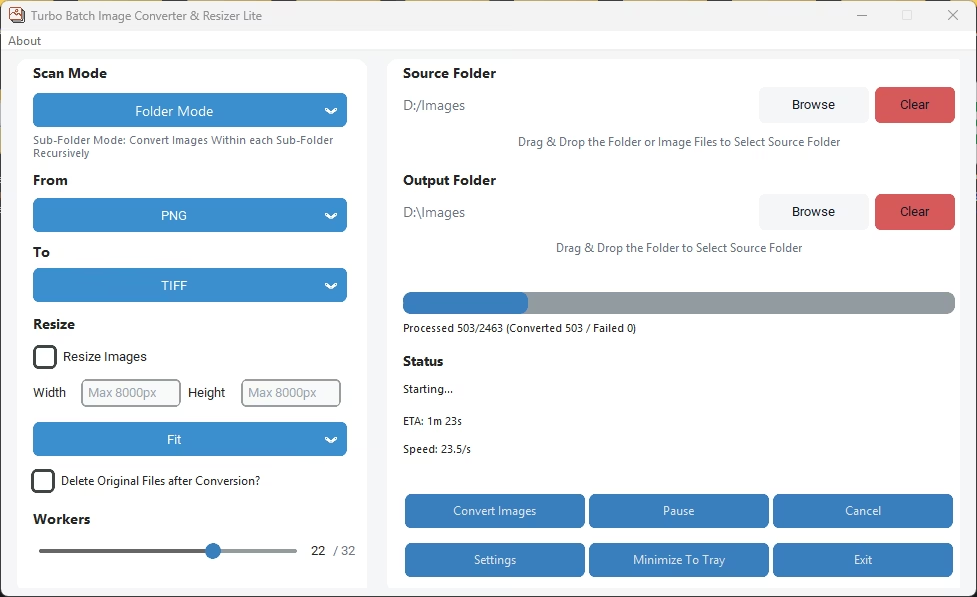
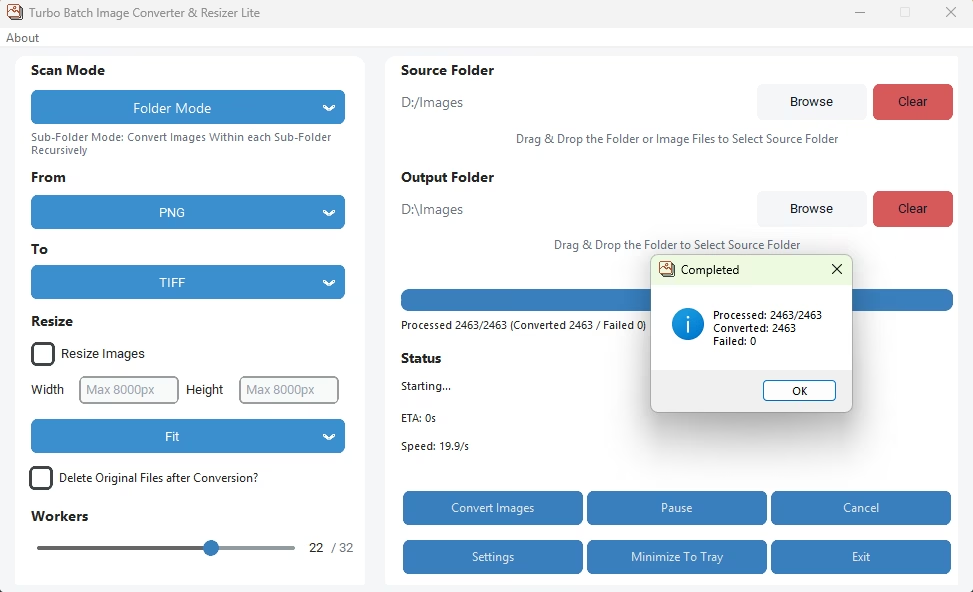
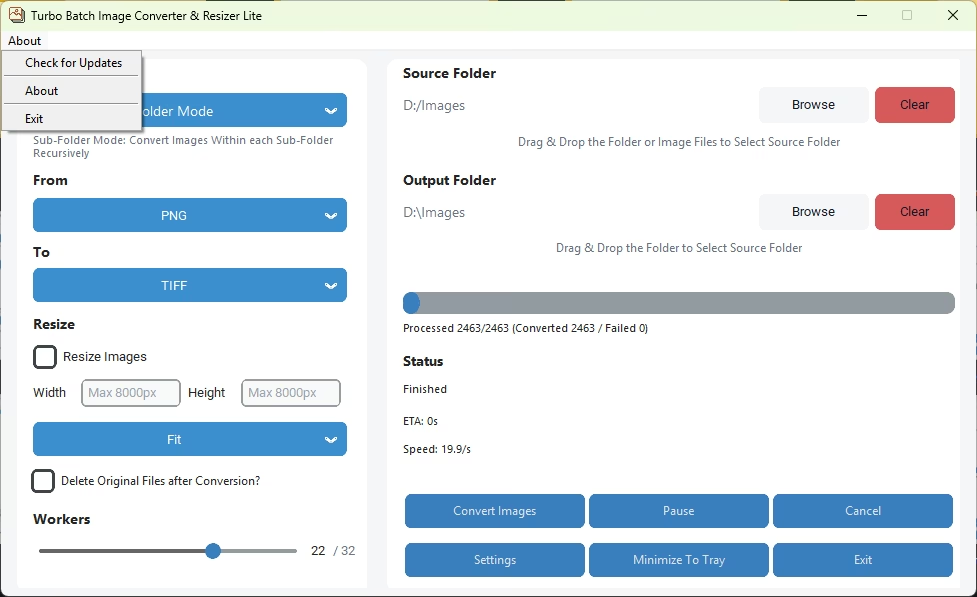
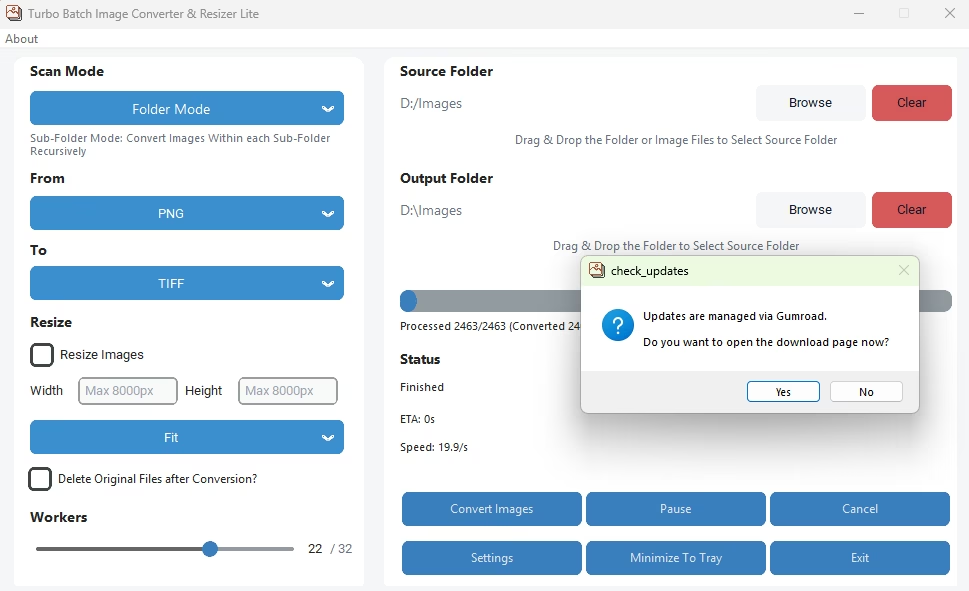
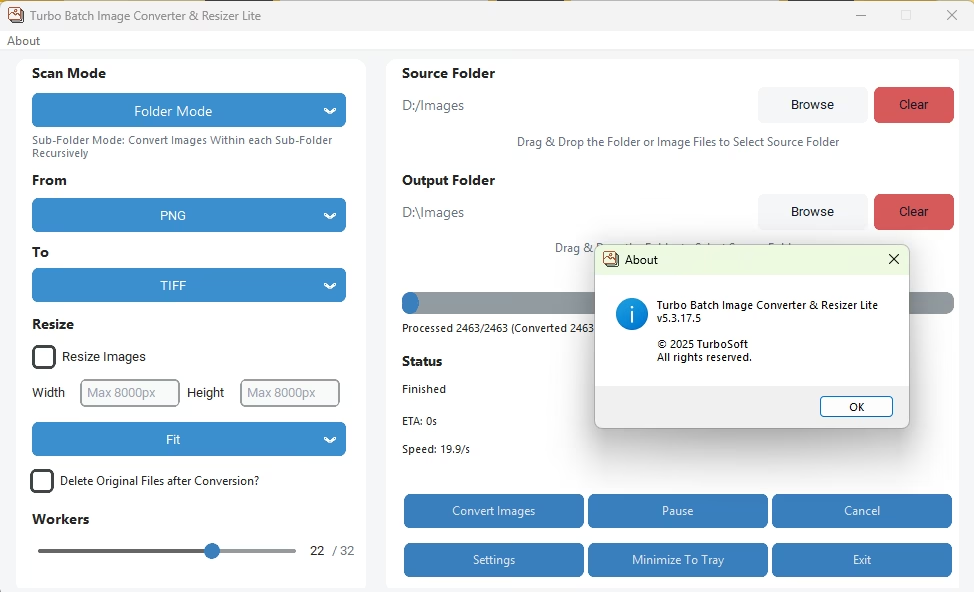
Home Screen - Batch Mode
Home Screen - individual Mode
Folder and Sub-Folder Mode Selection
Input Format Selection
Output Format Selection
Resize Images Checkbox
Fit, Fill or Stretch Resize Selection
Delete Original Files after Conversion
Concurrent Workers Selection
JPEG to WEBP Conversion in Progress
JPEG to WEBP Conversion in Progress
Conversion Completion Pop-Up
Image Conversion in Individual Mode
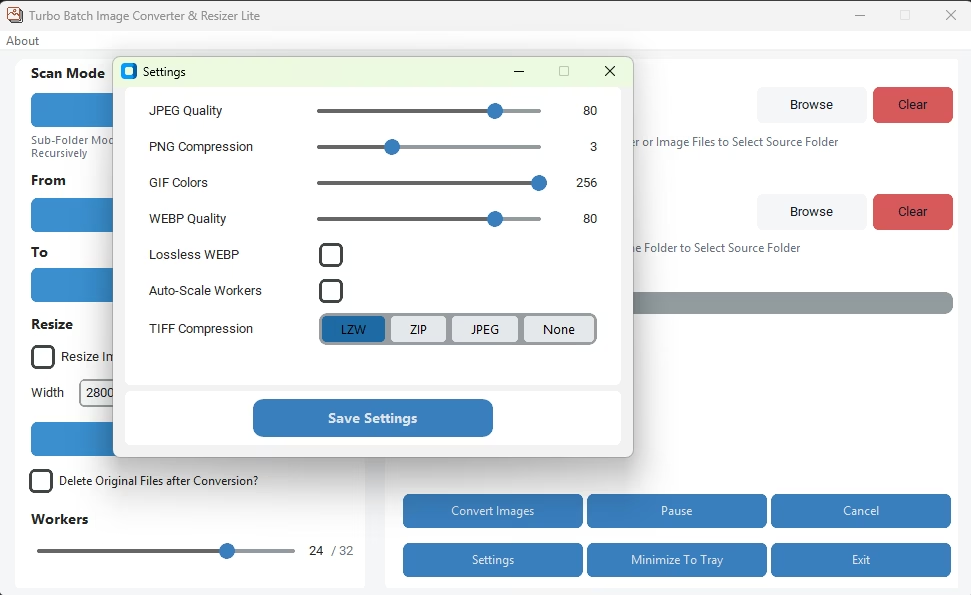
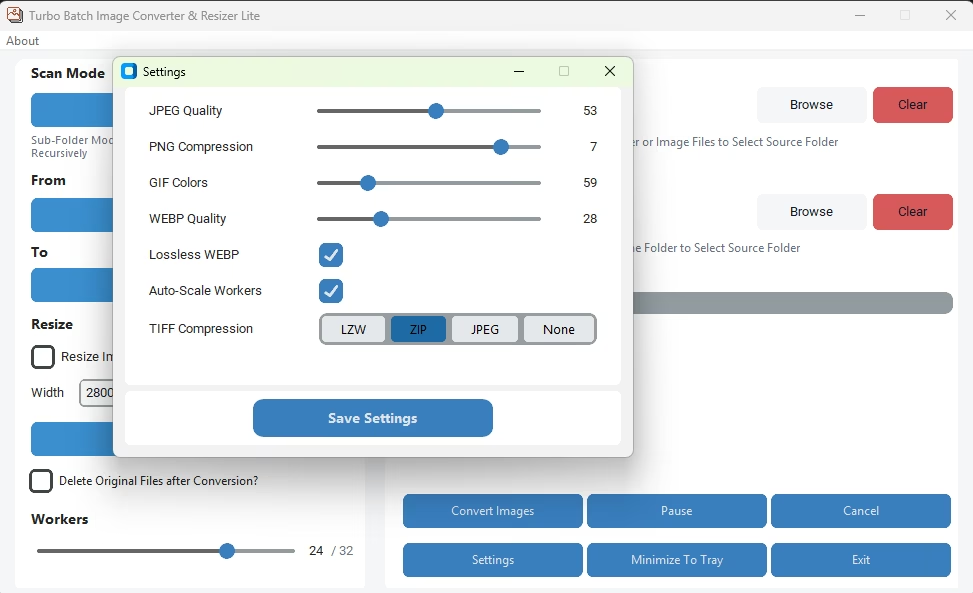
Settings Window
About Section
Turbo Raw Image Converter
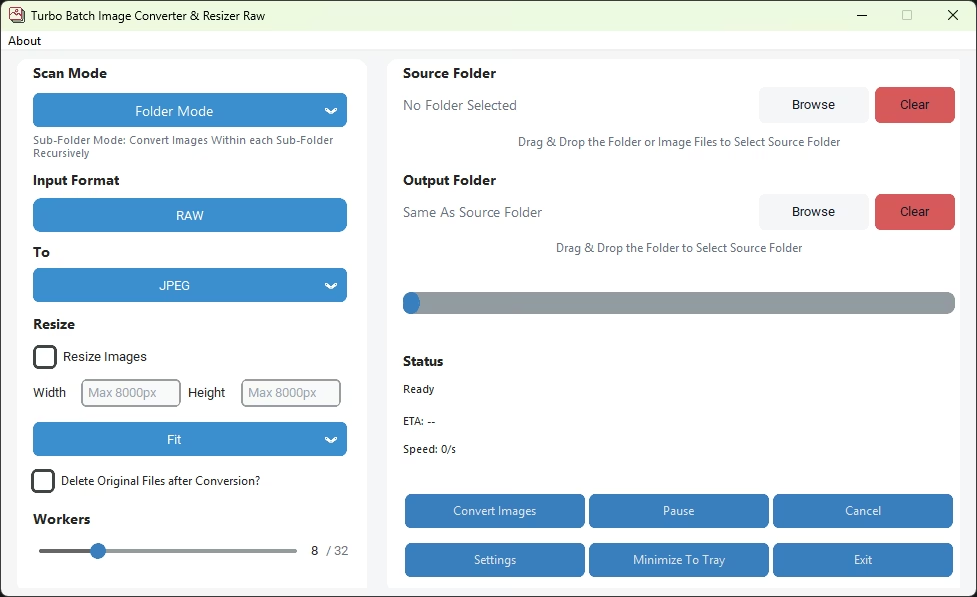
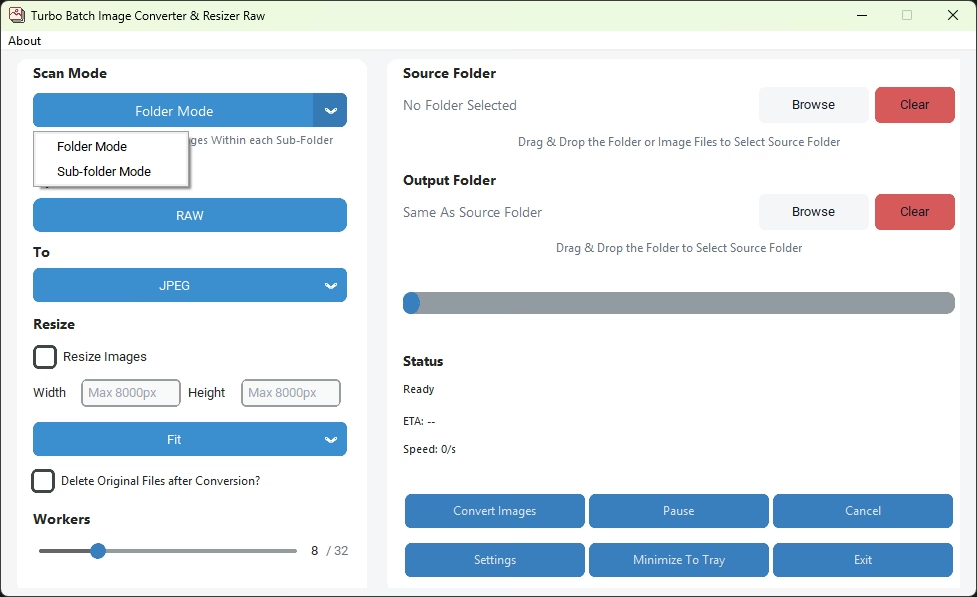
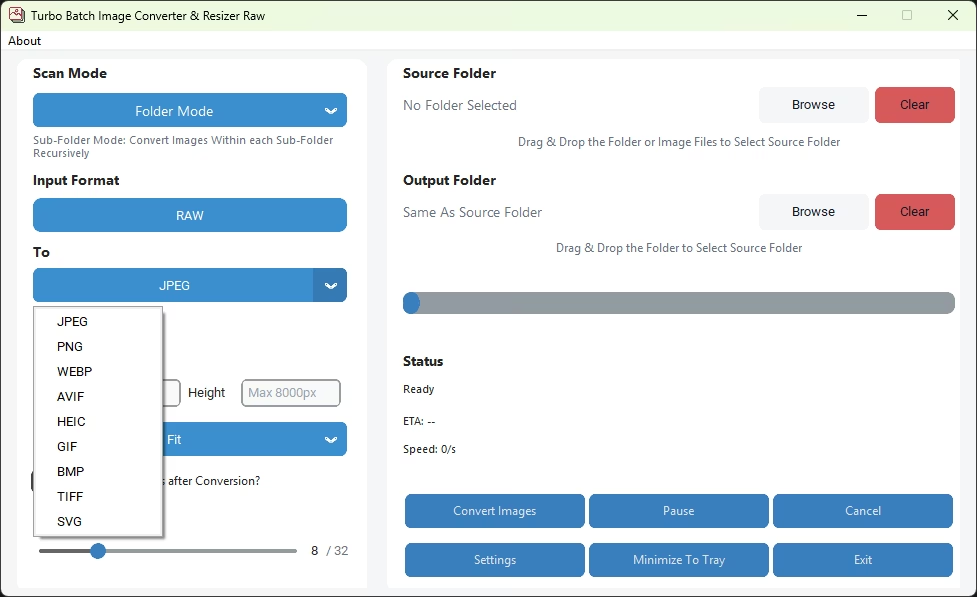
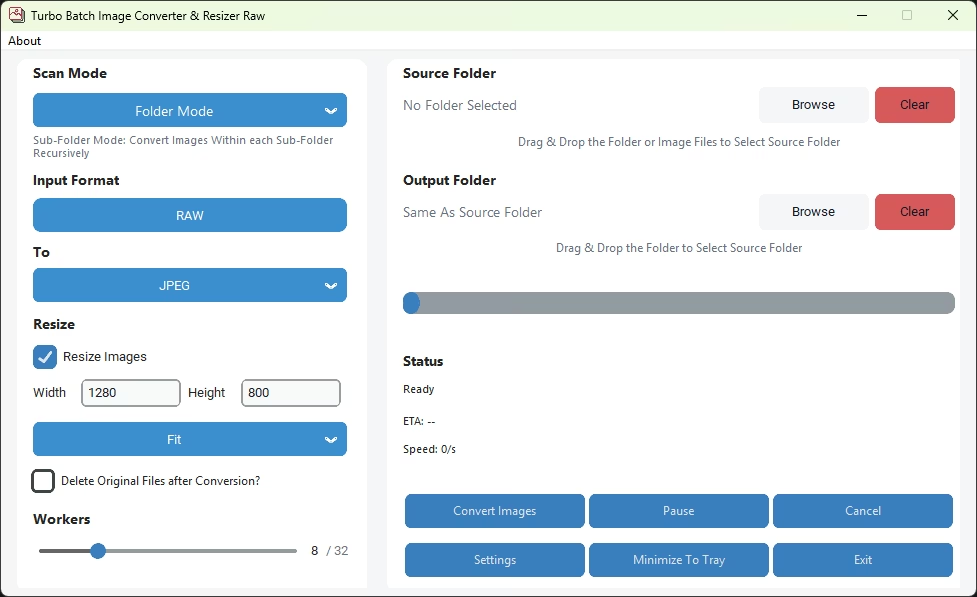
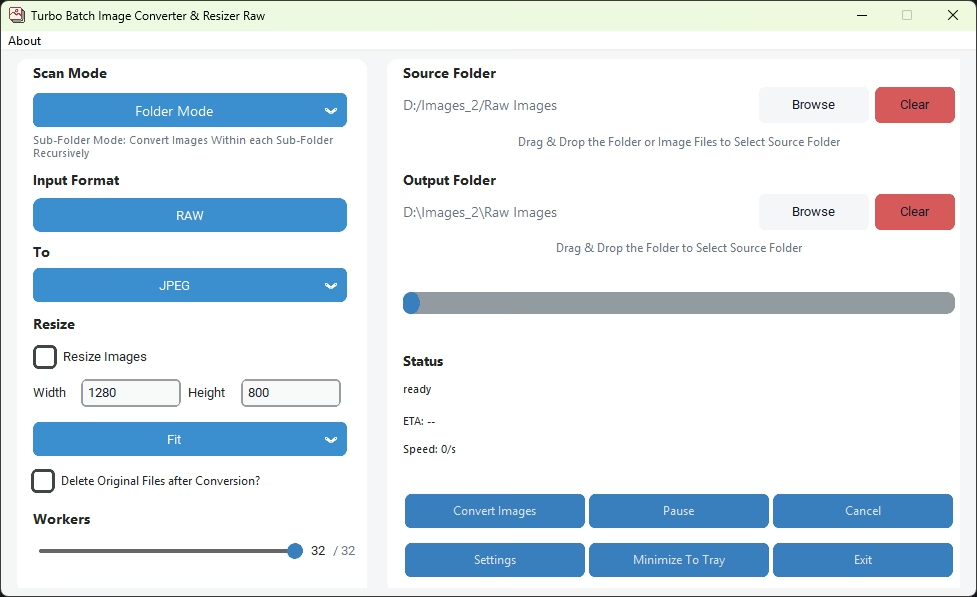
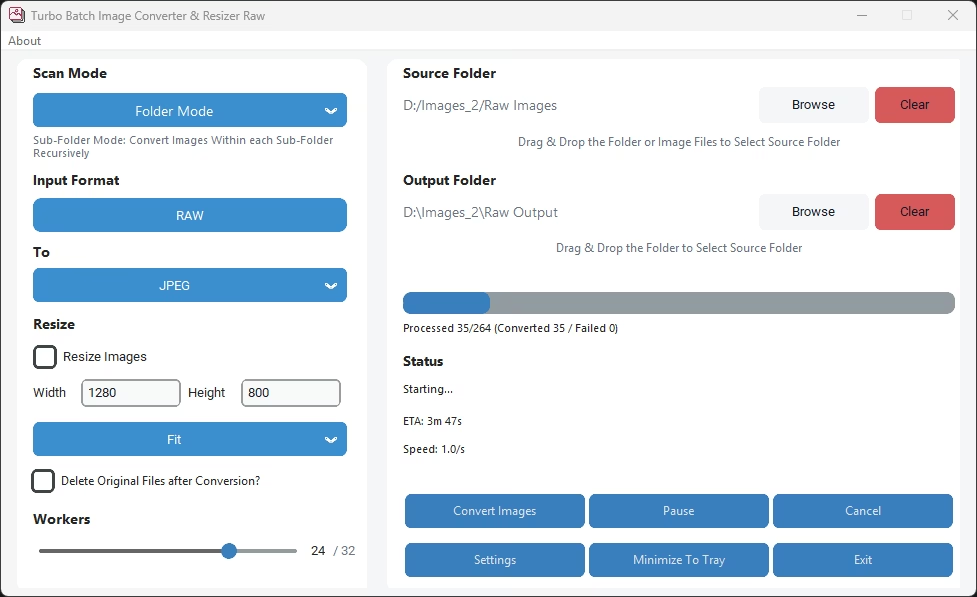
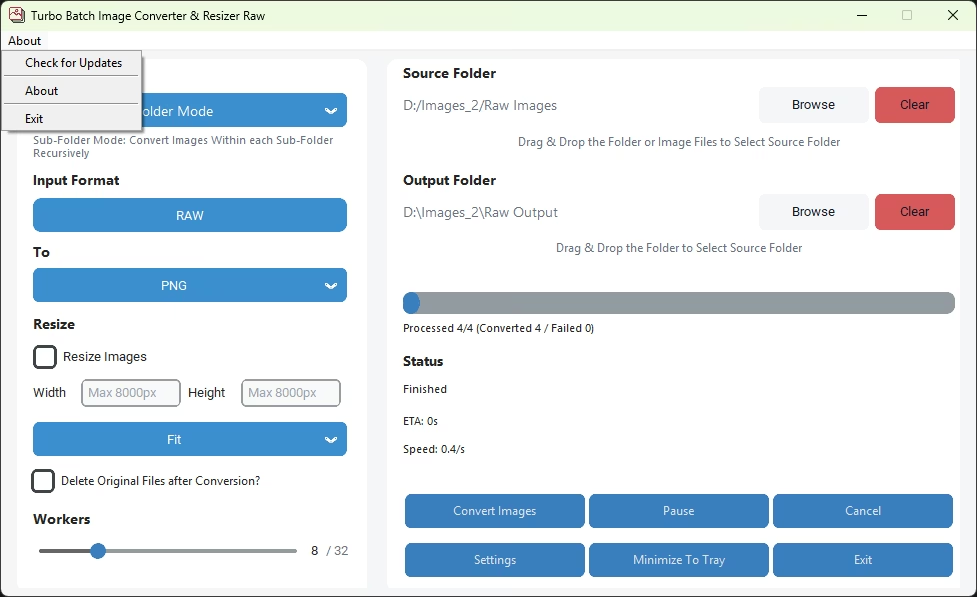
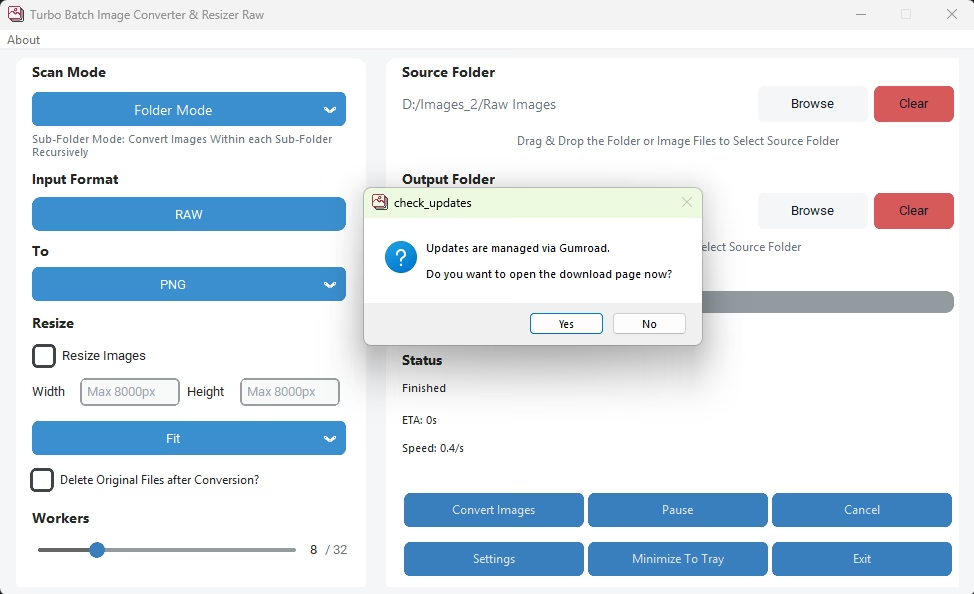
Home Screen - Batch Mode
Home Screen - Individual Mode
Folder and Sub-Folder Mode Selection
Output Format Selection
Resize Images Checkbox
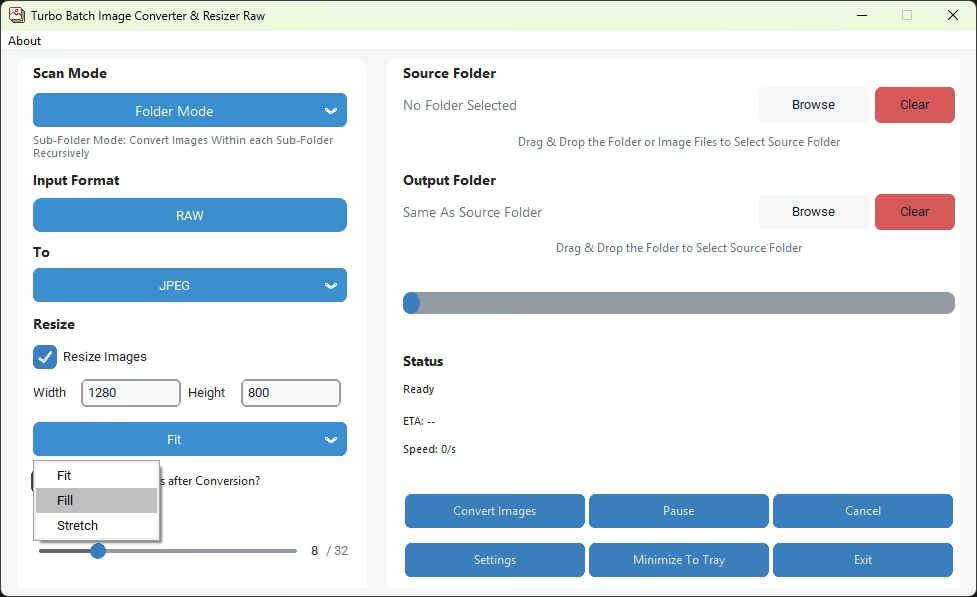
Fit, Fill or Stretch Resize Selection
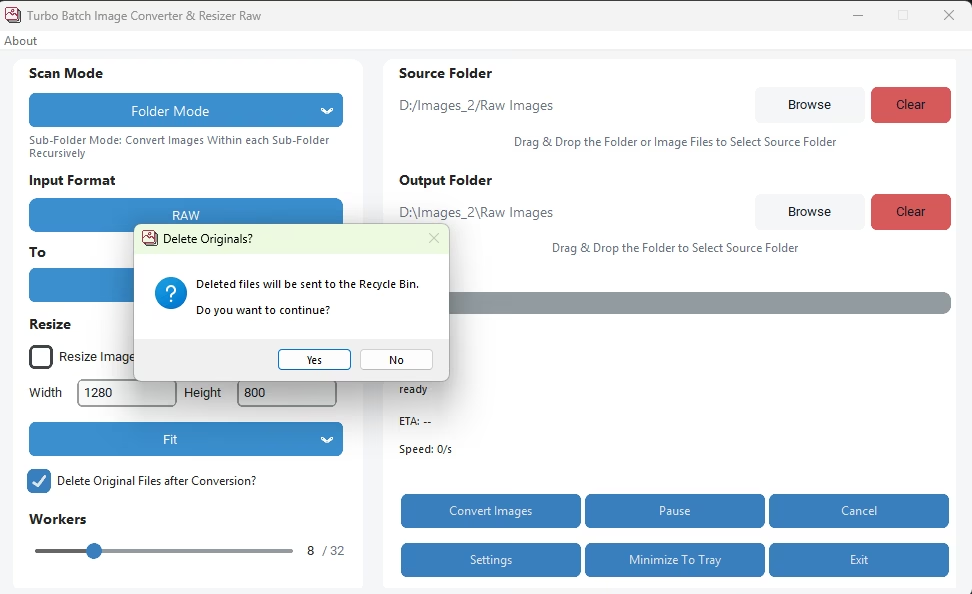
Delete Original Files after Conversion
Concurrent Workers Selection
RAW to PNG Conversion in Progress
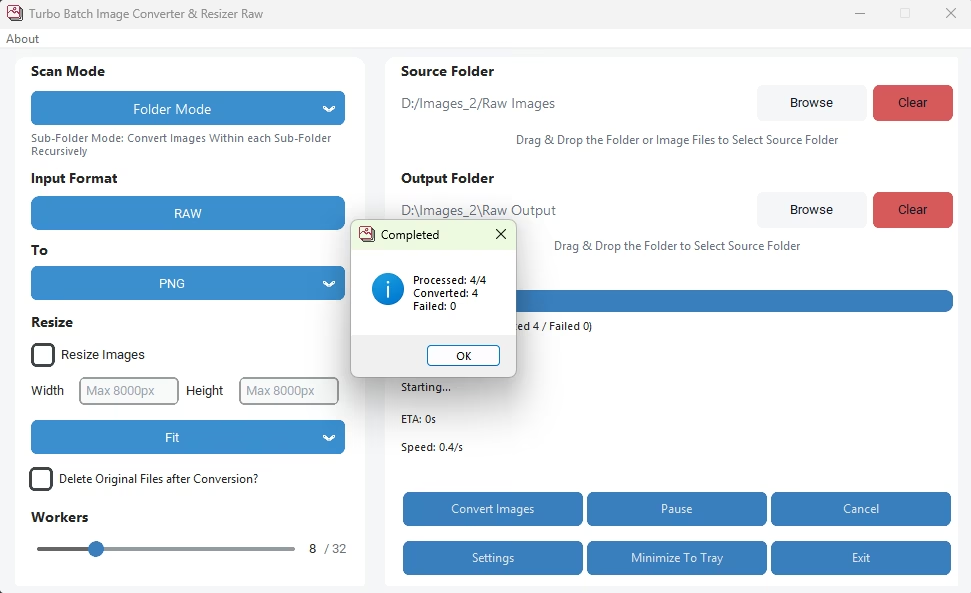
Conversion Completion Pop-Up
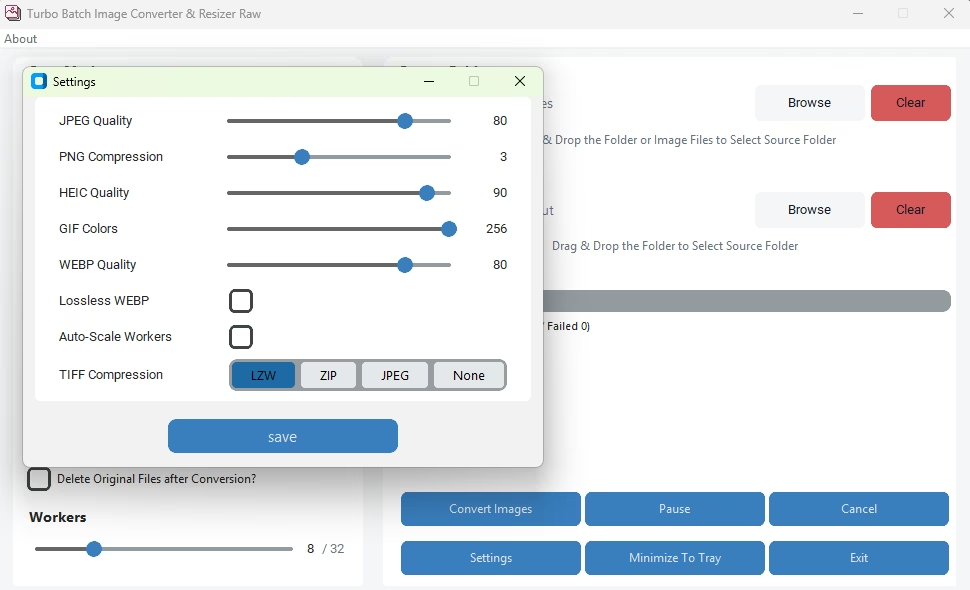
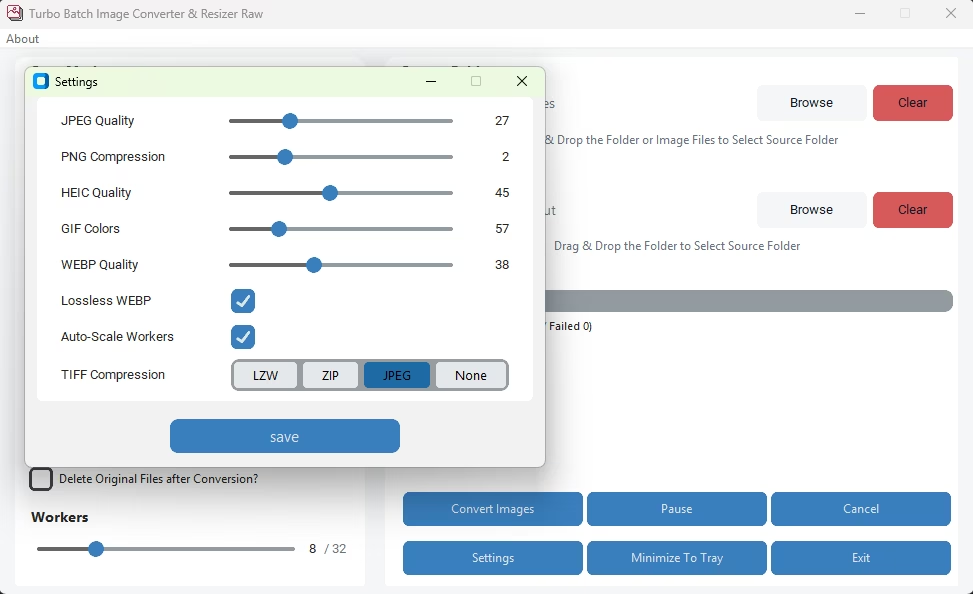
Settings Window
Conversion in Progress in Individual Mode
Conversion Completion Pop-Up
Turbo Bulk Renaming Tool
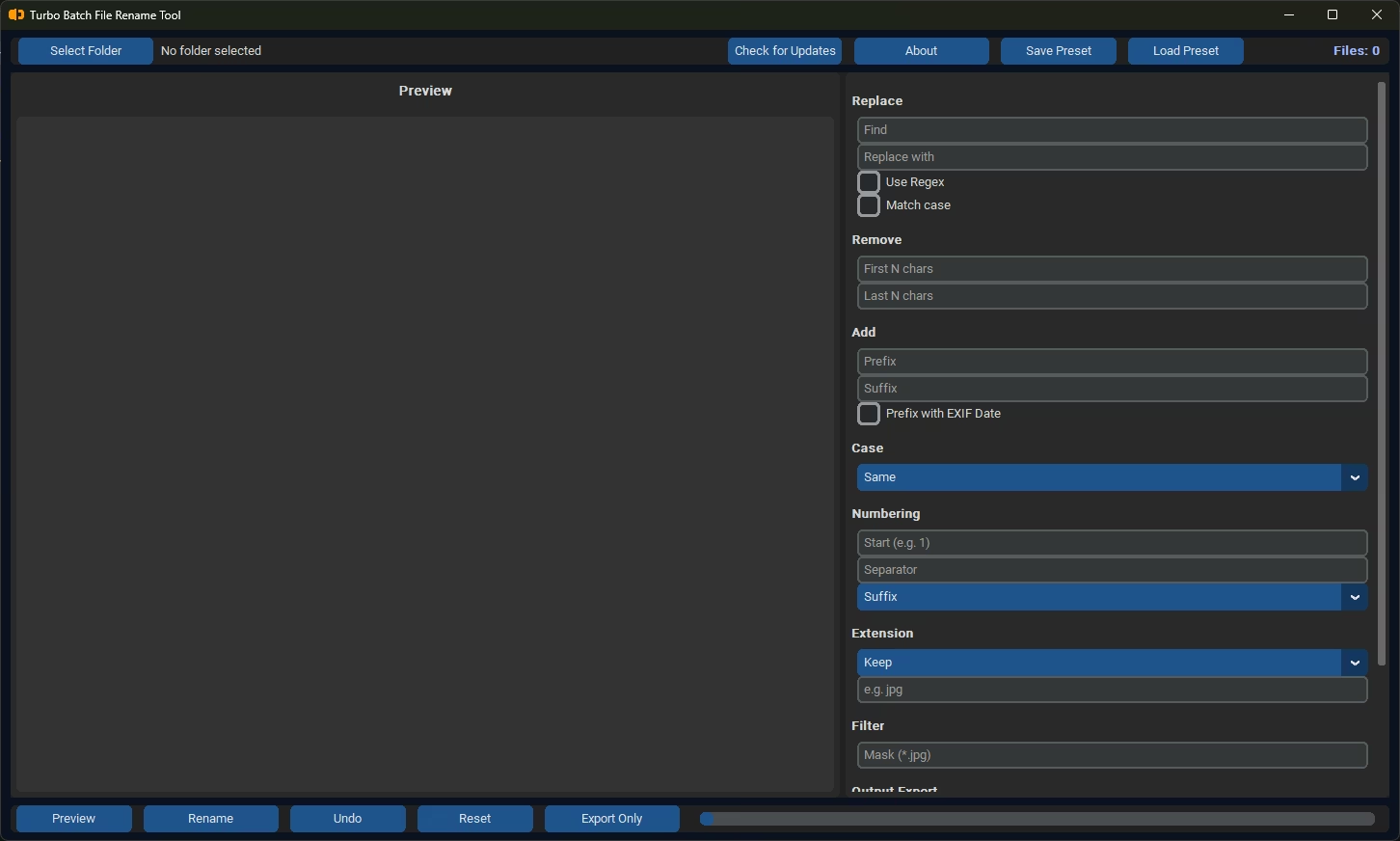
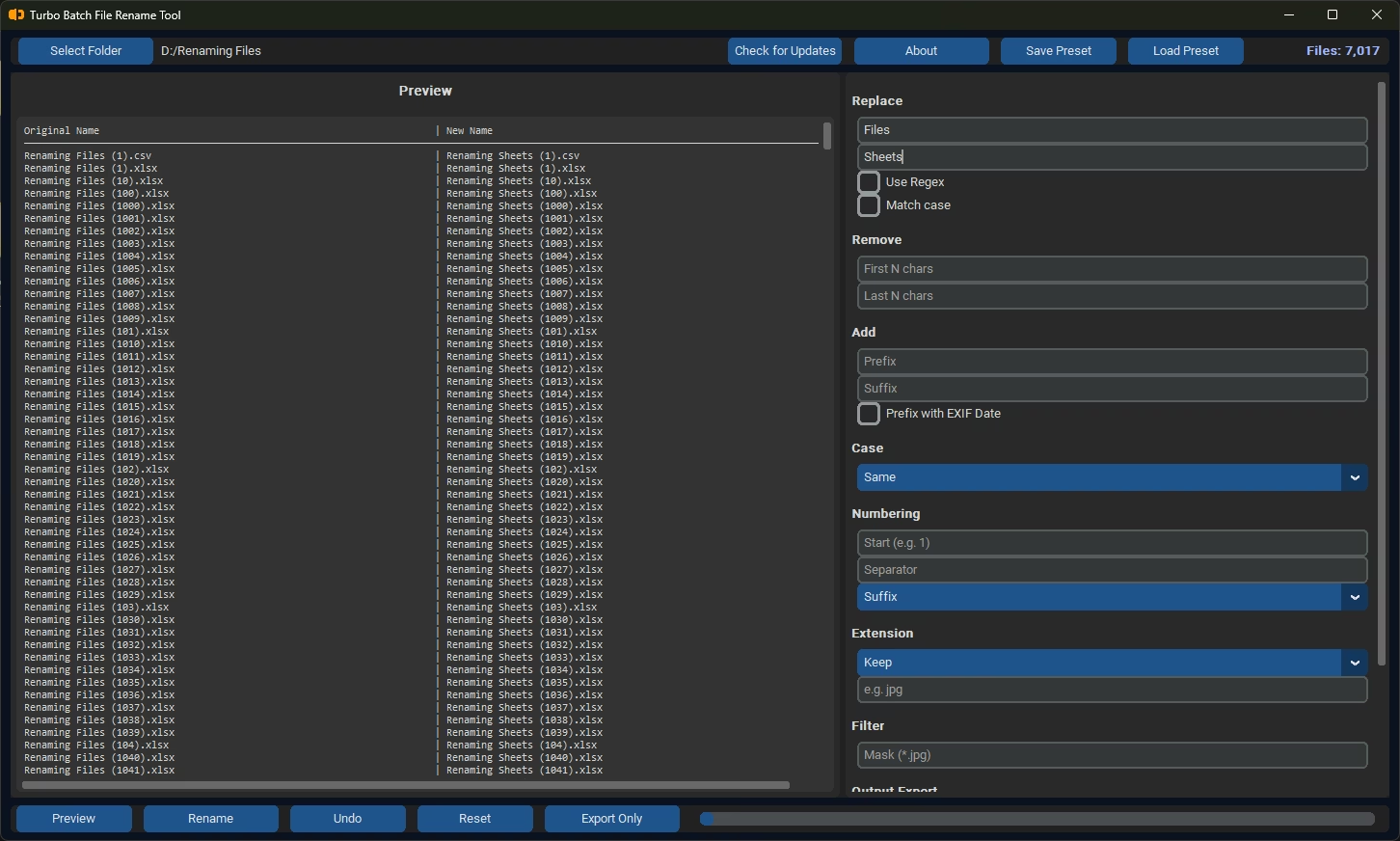
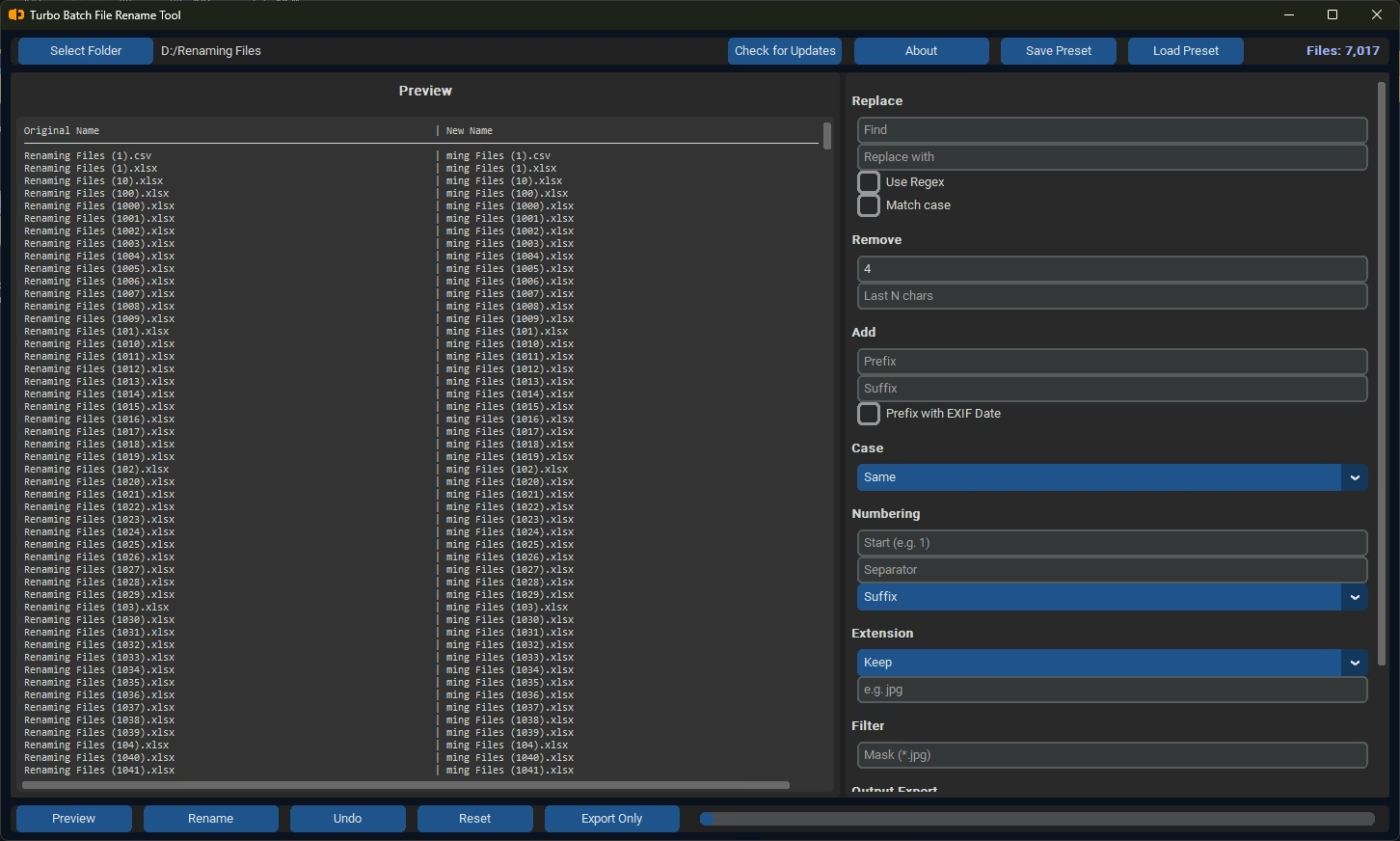
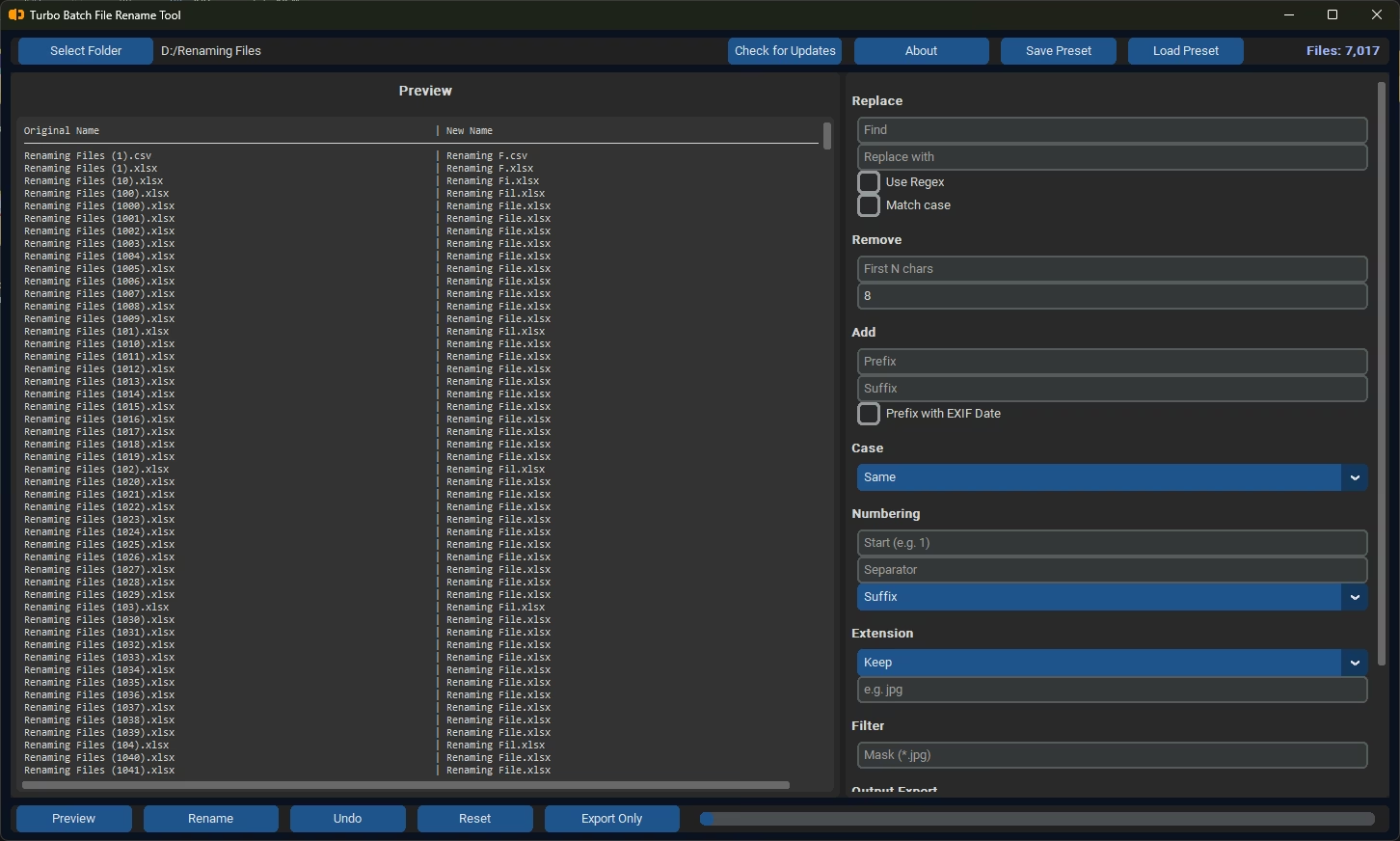
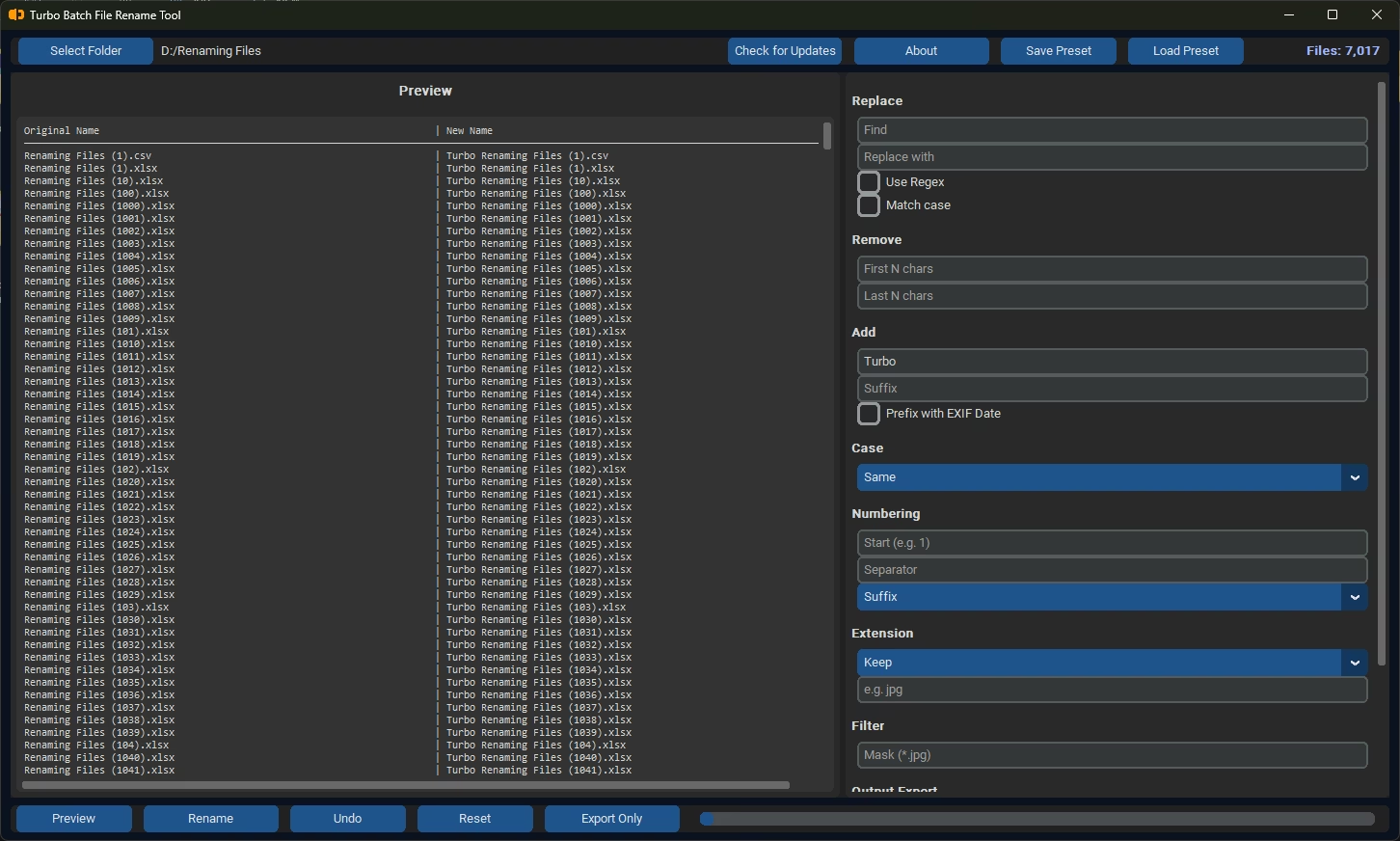
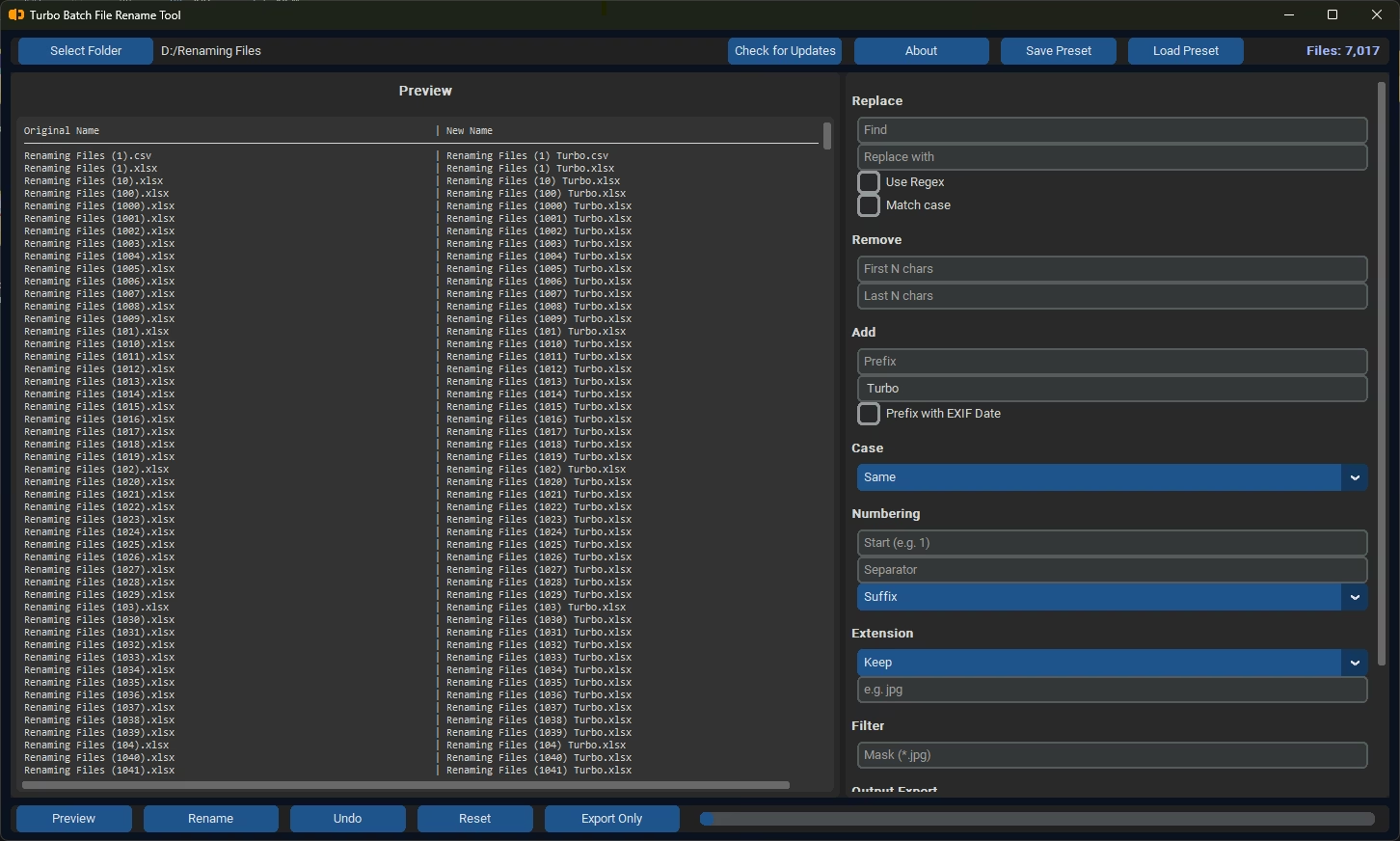
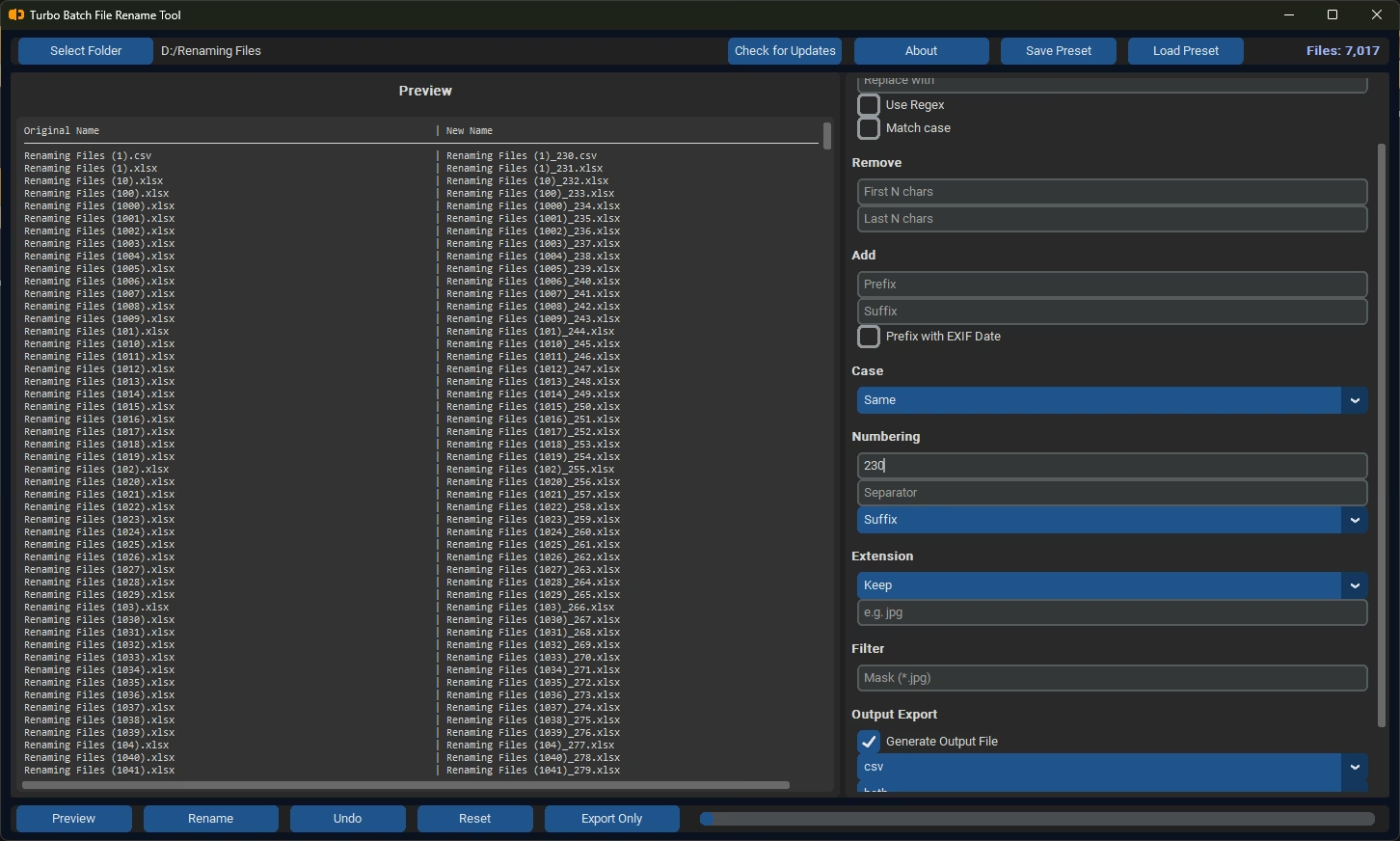
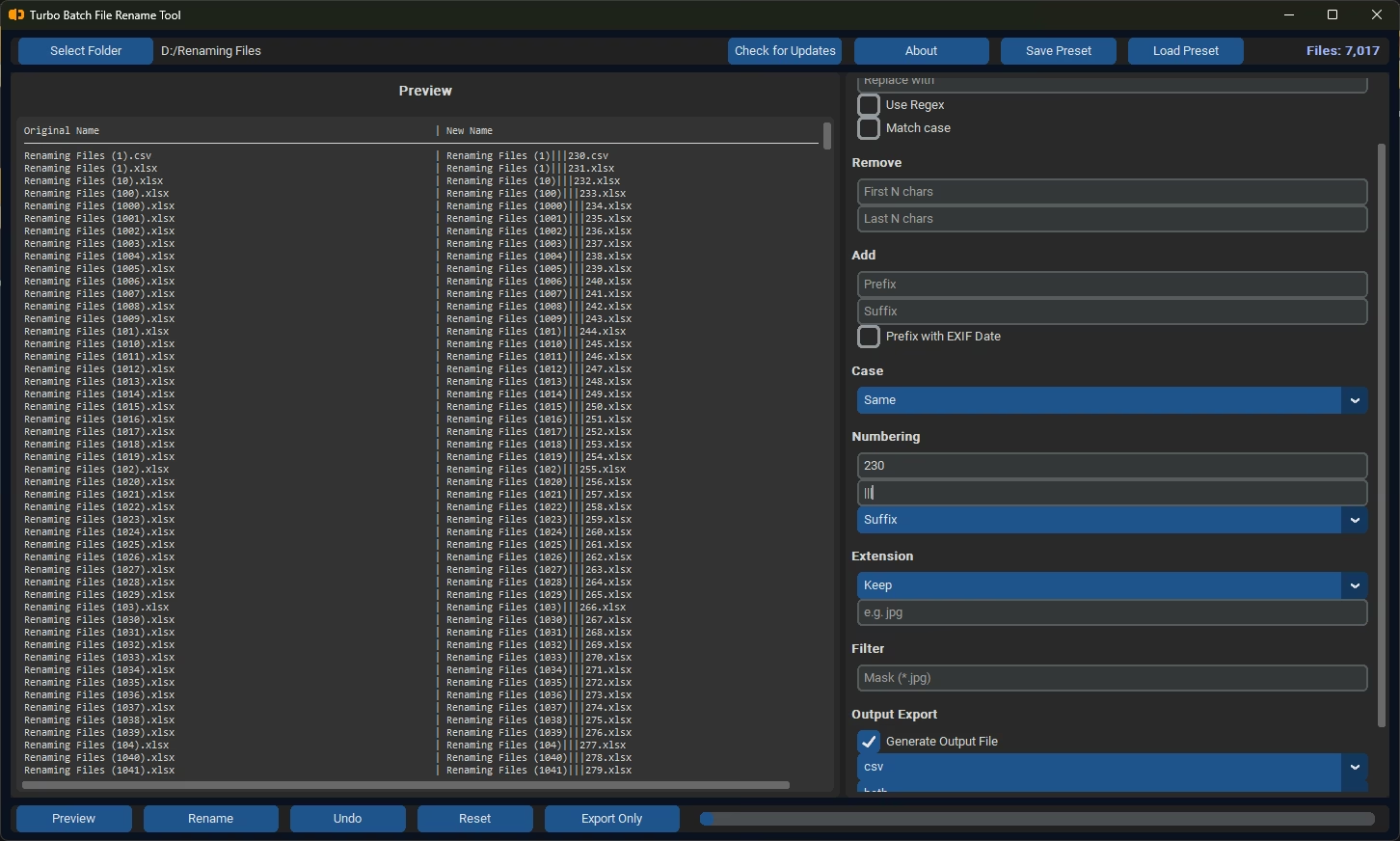
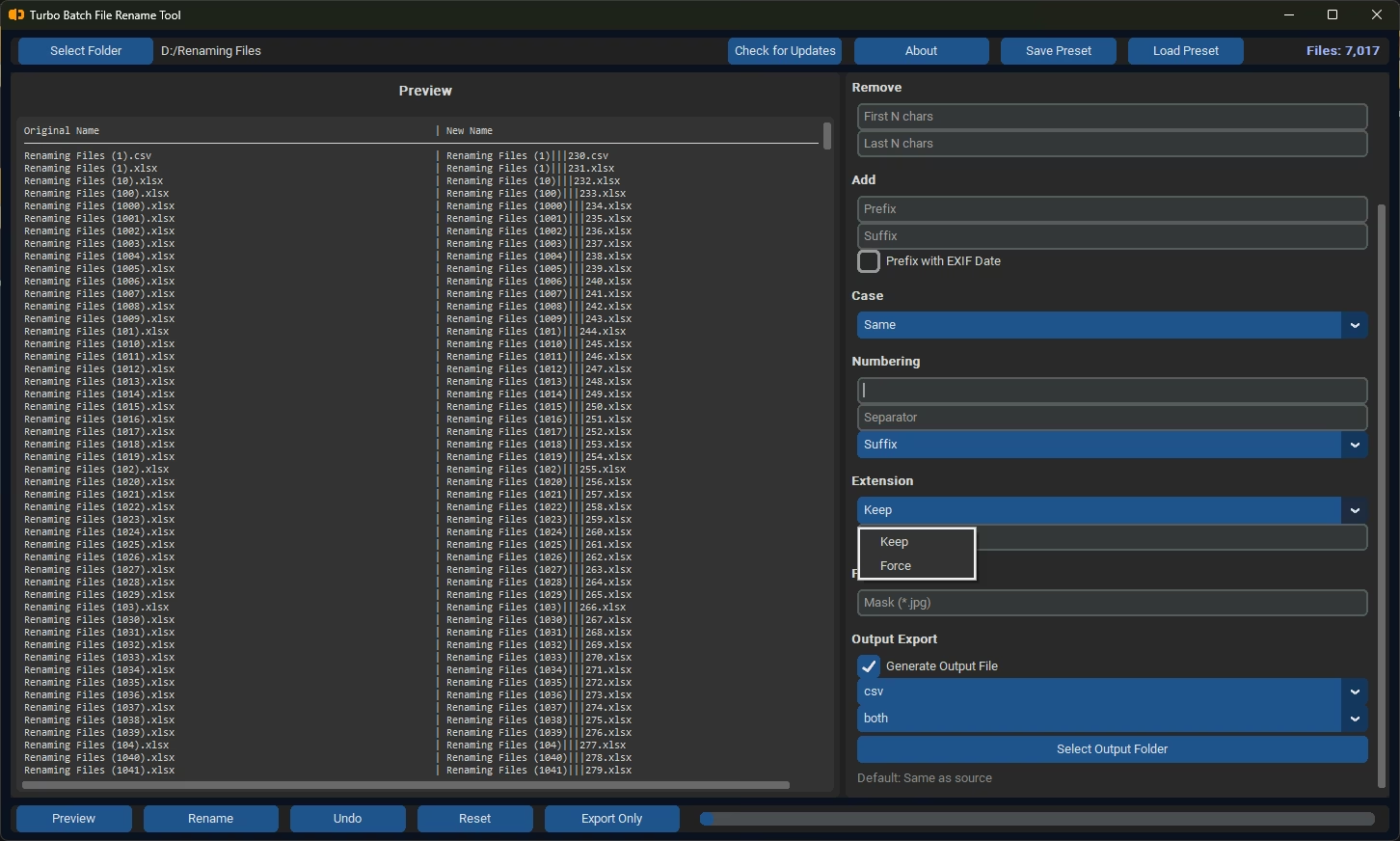
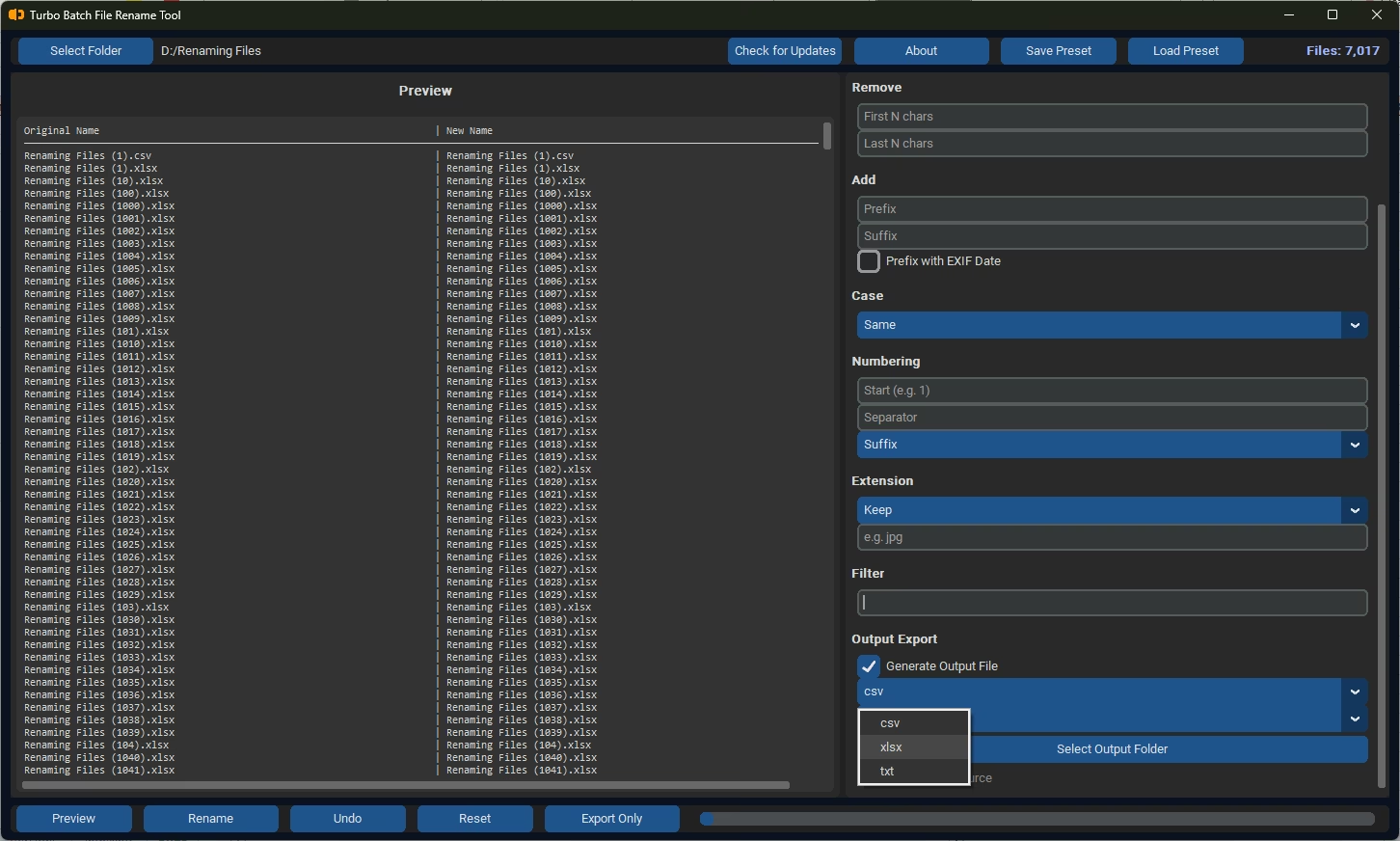
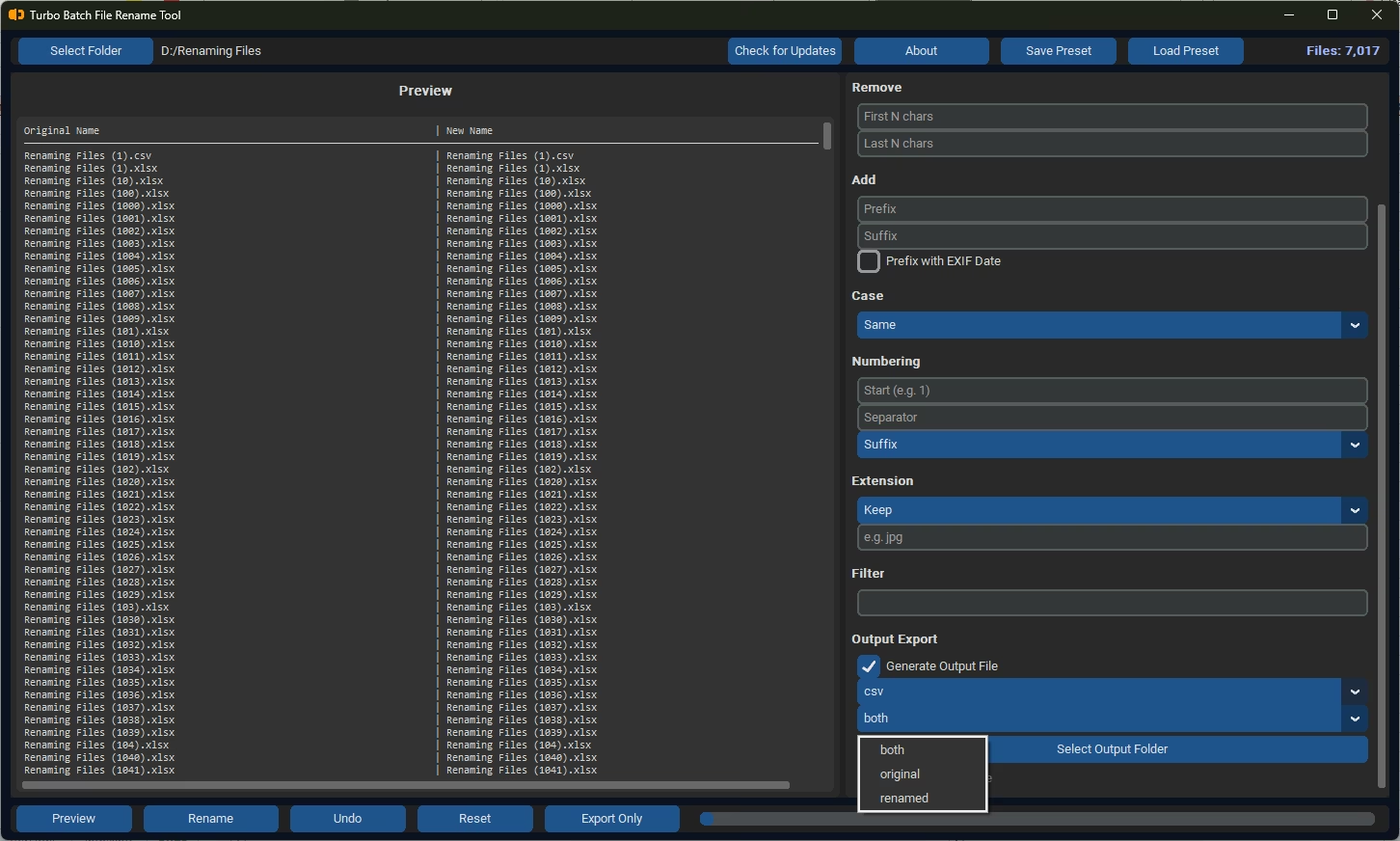
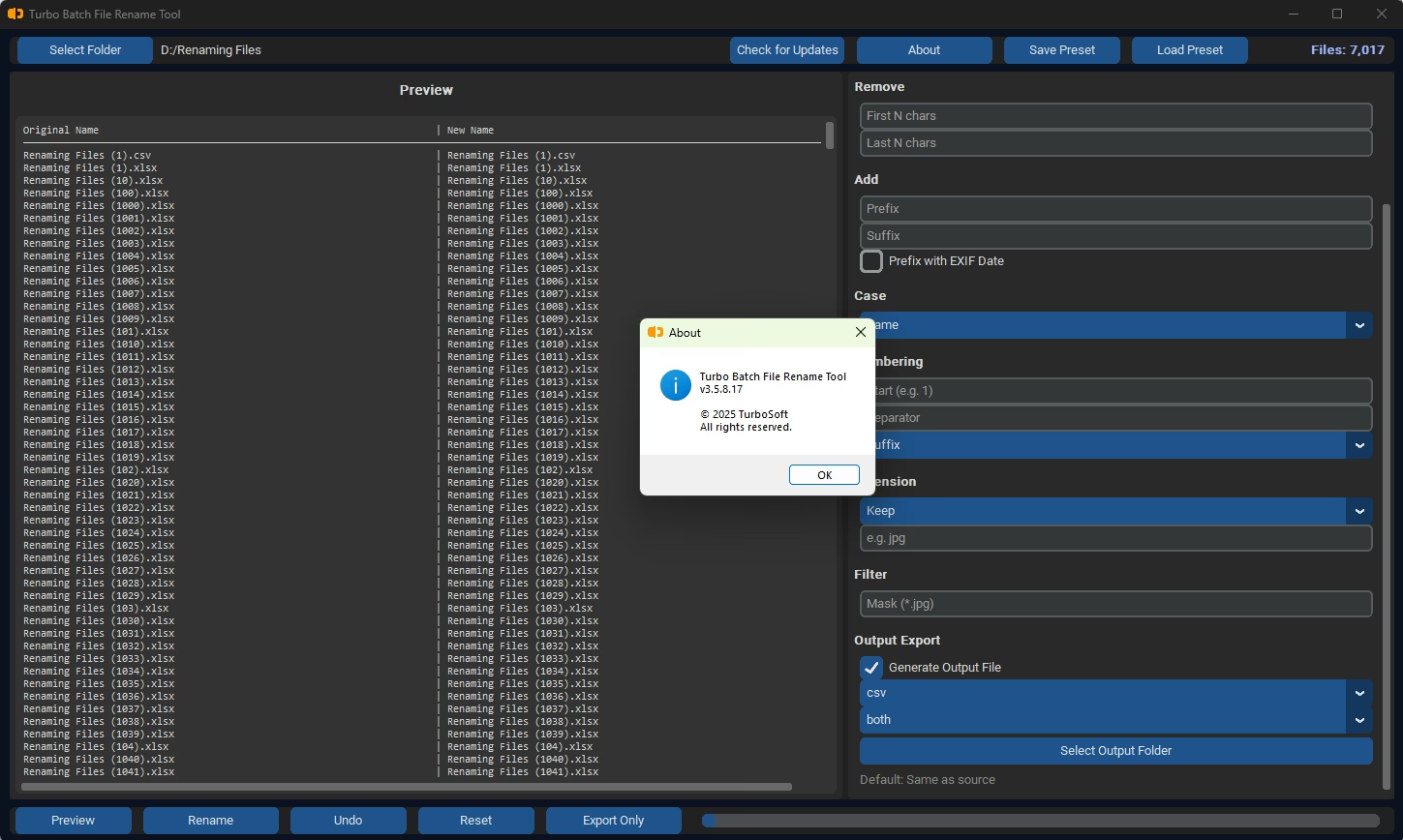
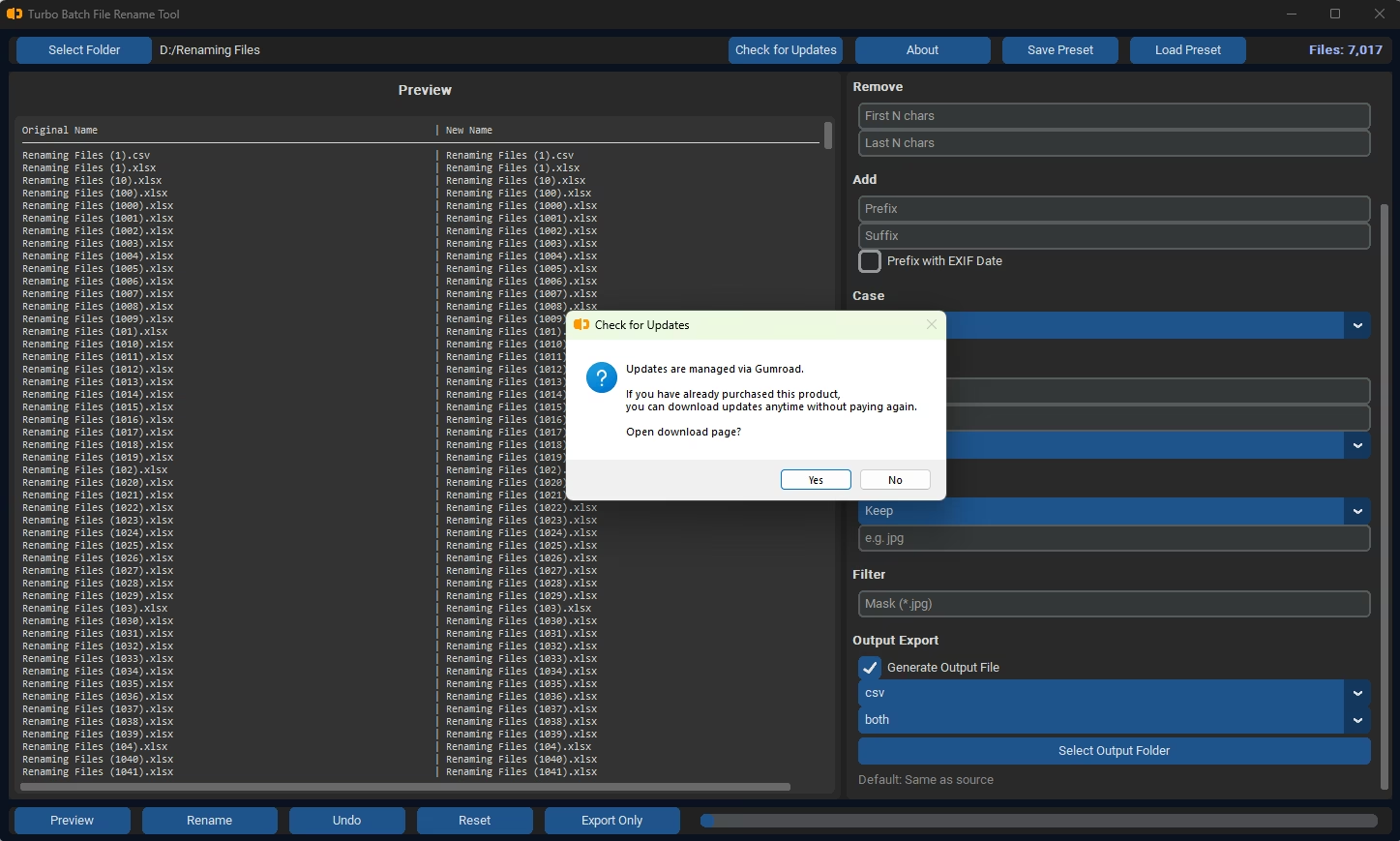
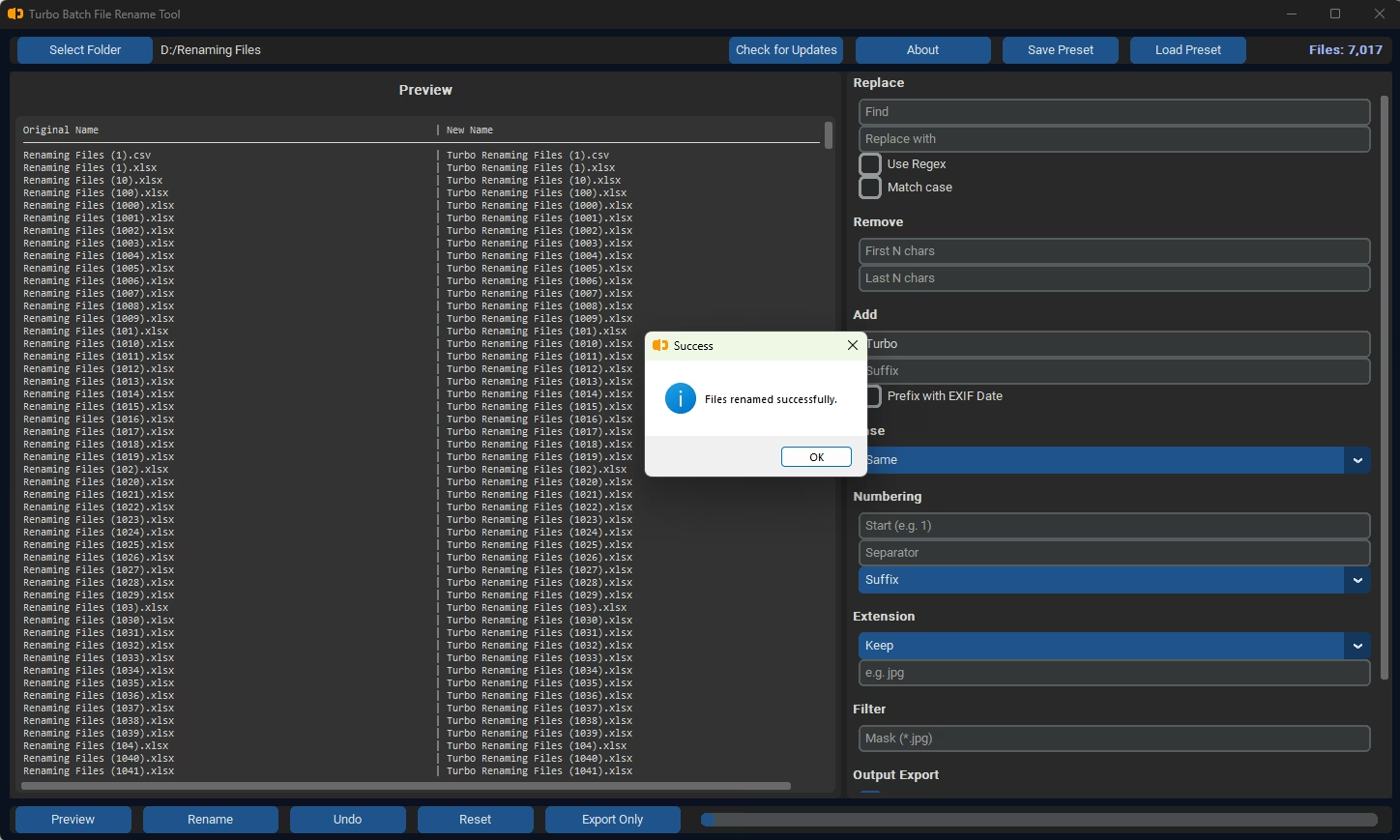
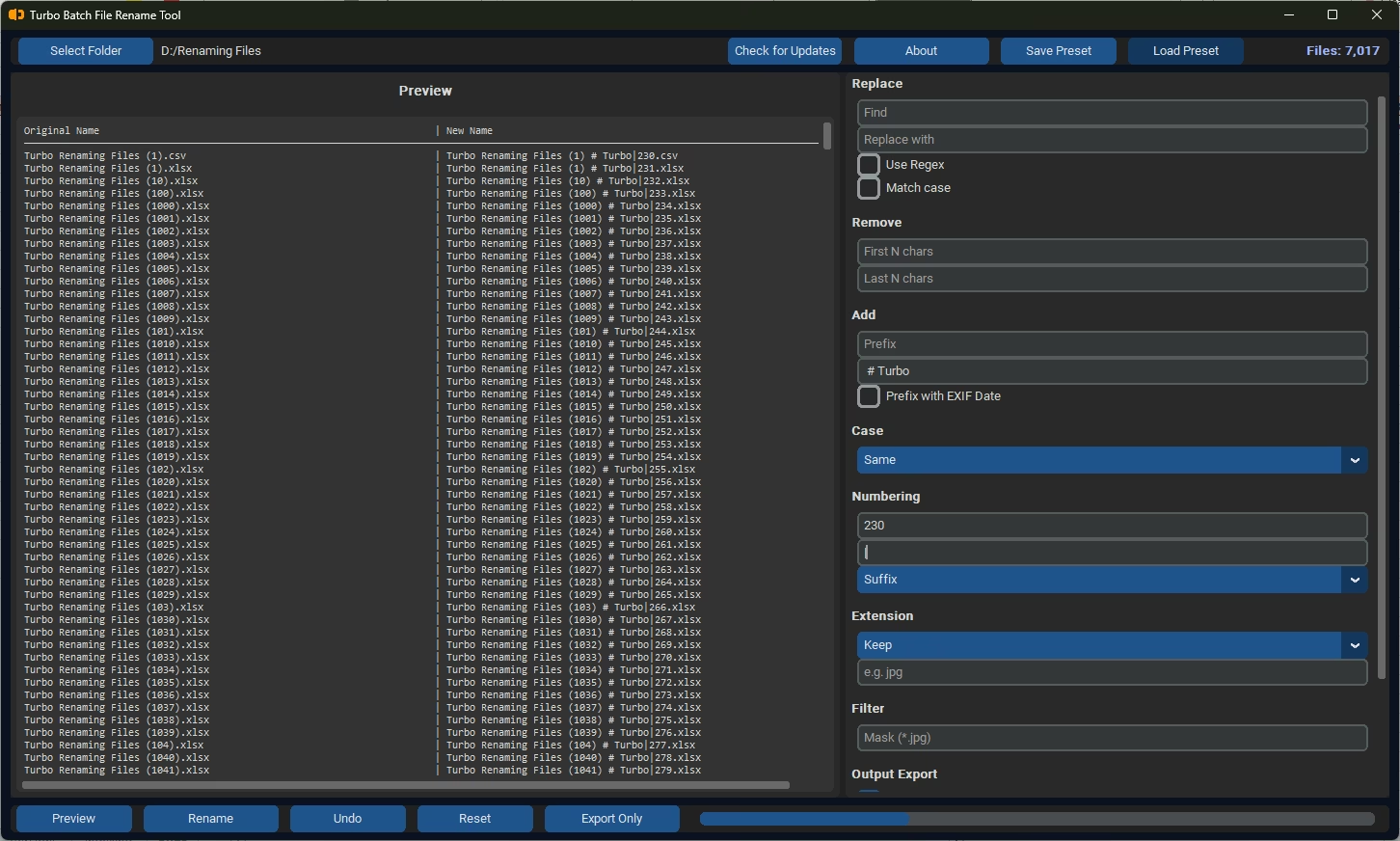
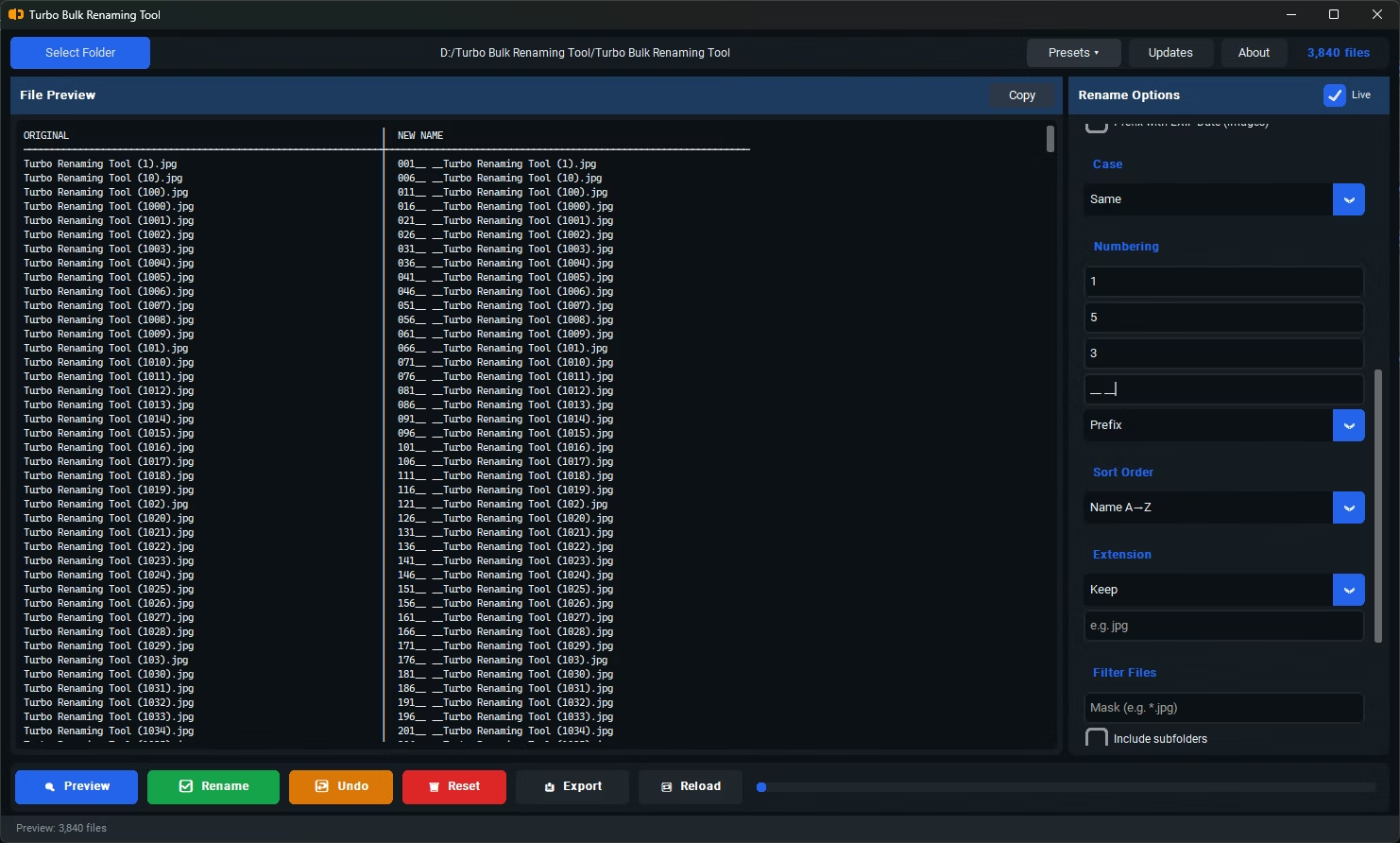
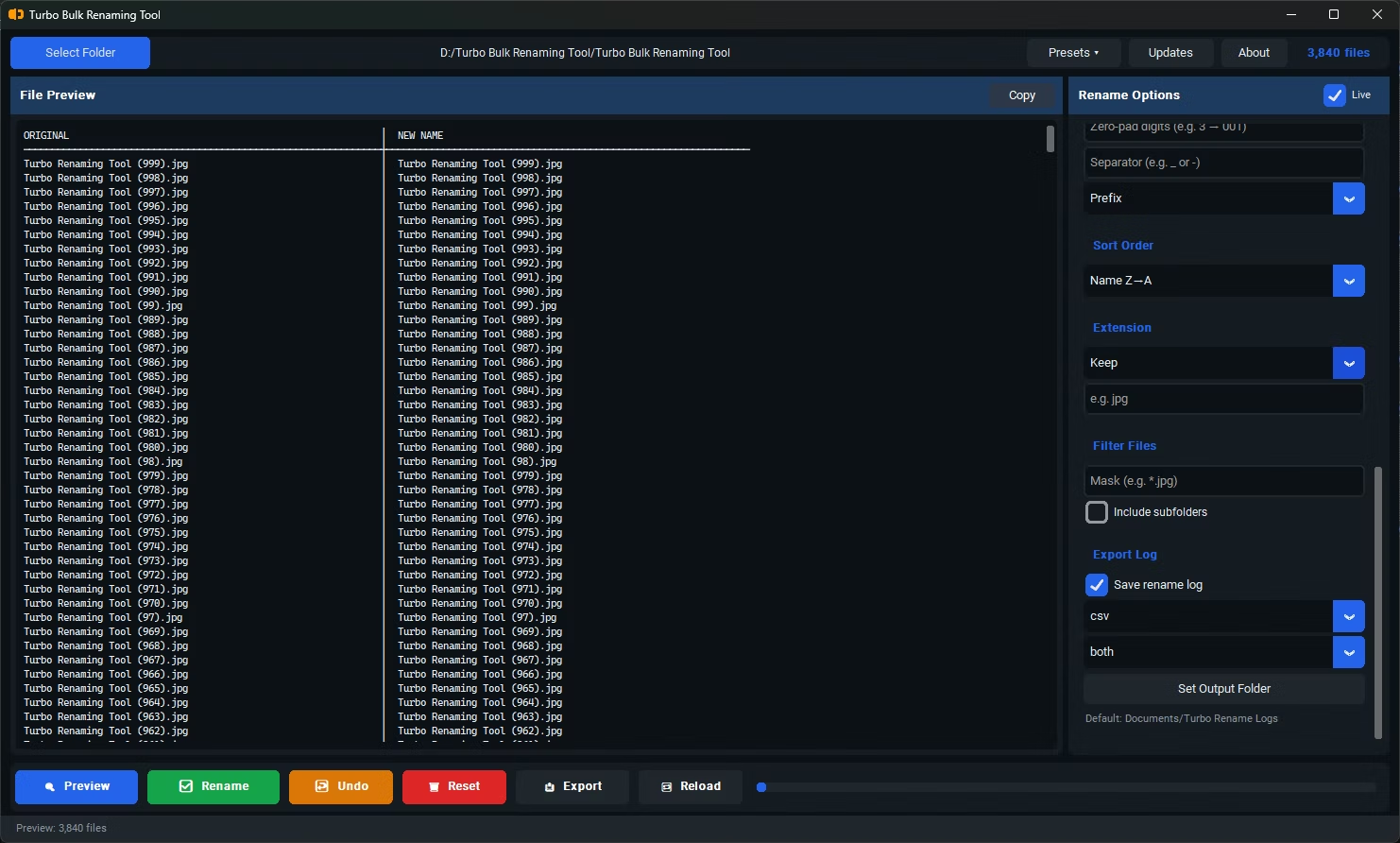
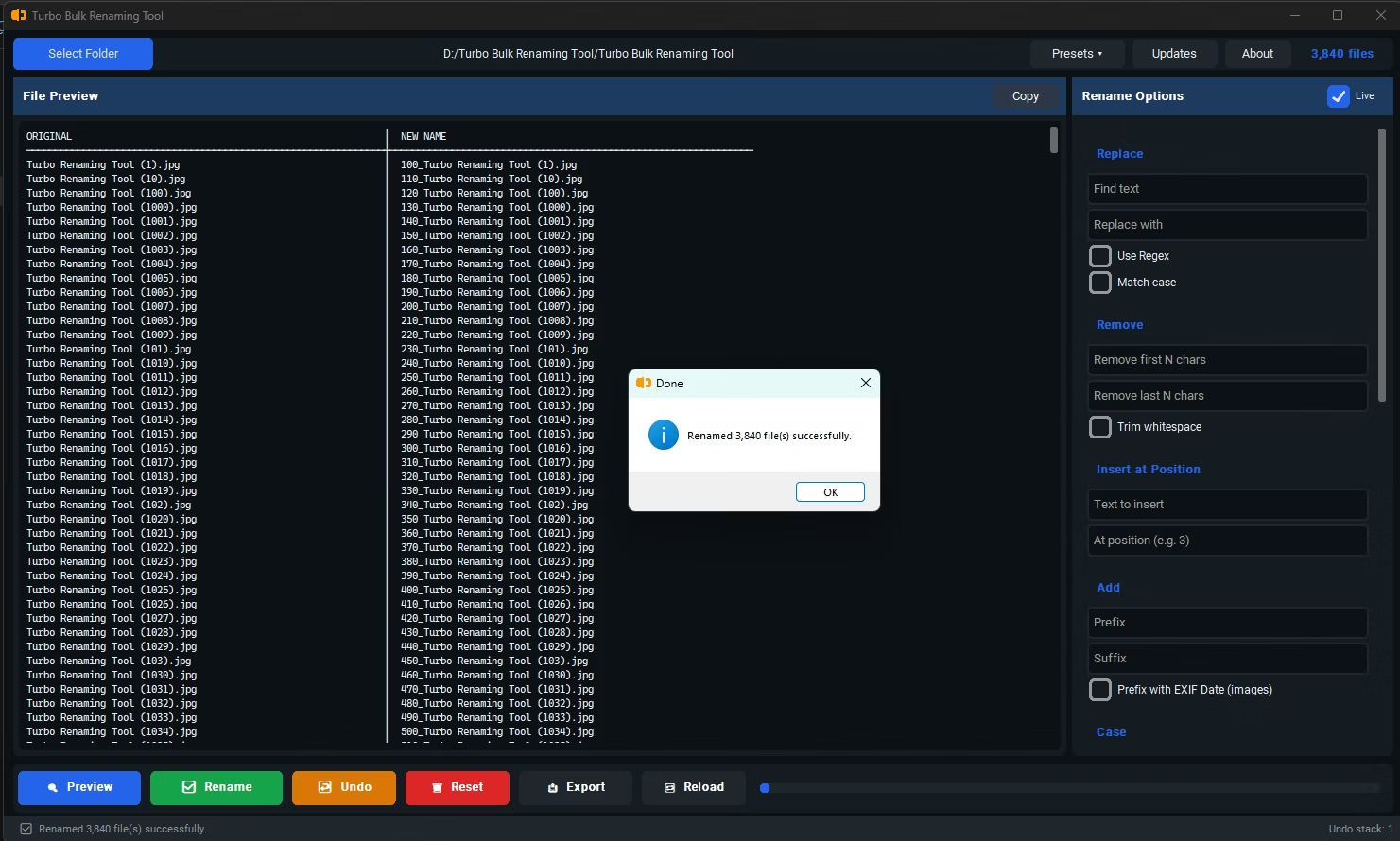
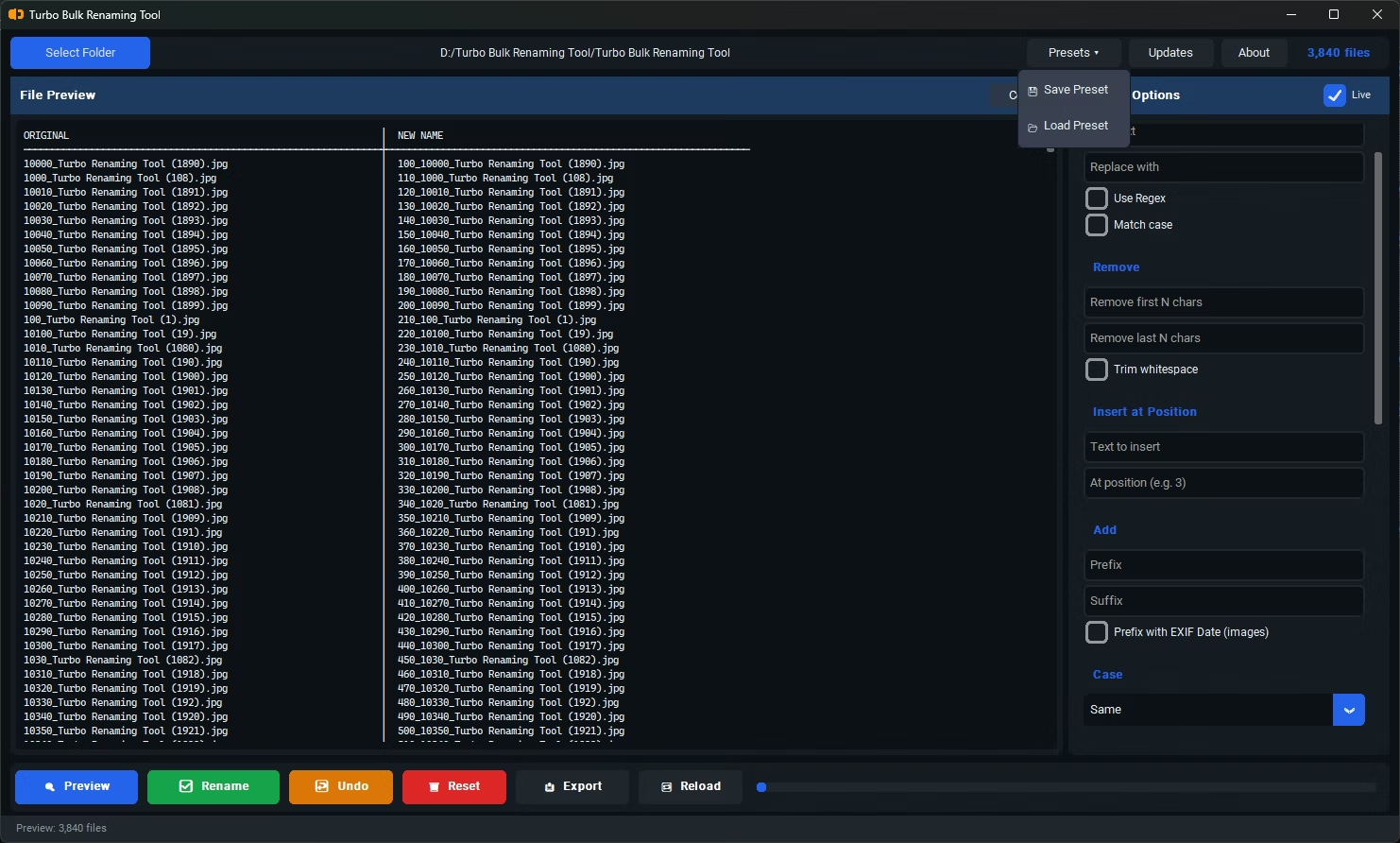
Live Preview Feature
Find and Replace
Replace With
Use Regex / Match Case
Remove First N Characters
Remove Last N Characters
Trim Whitespace
Insert at Position
Insert at Position
Add Prefix
Add Suffix
Preview with EXIF Date
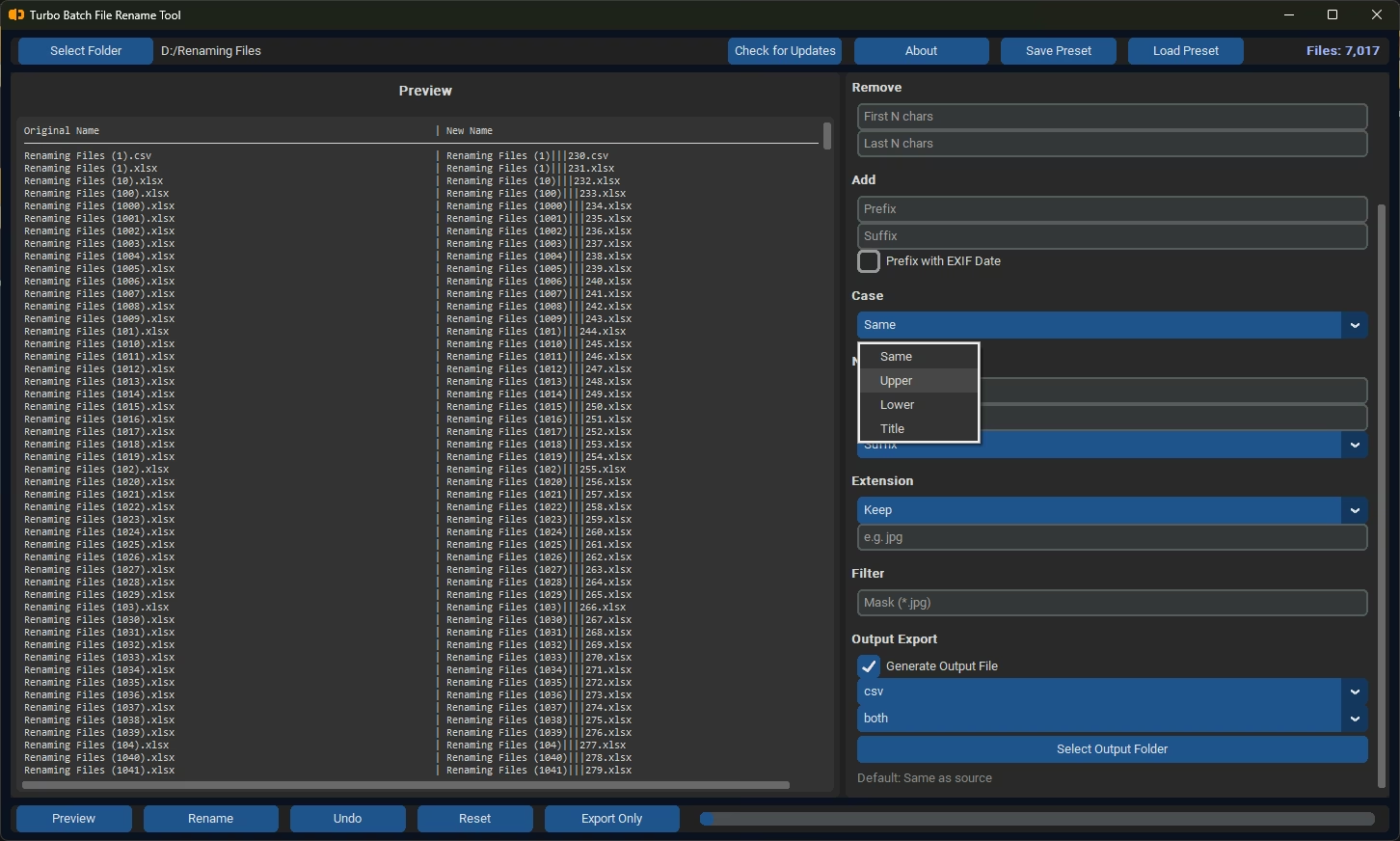
Case Conversion
Case Conversion
Numbering -Start Number and Step
Zero-pad Digits and Seperator
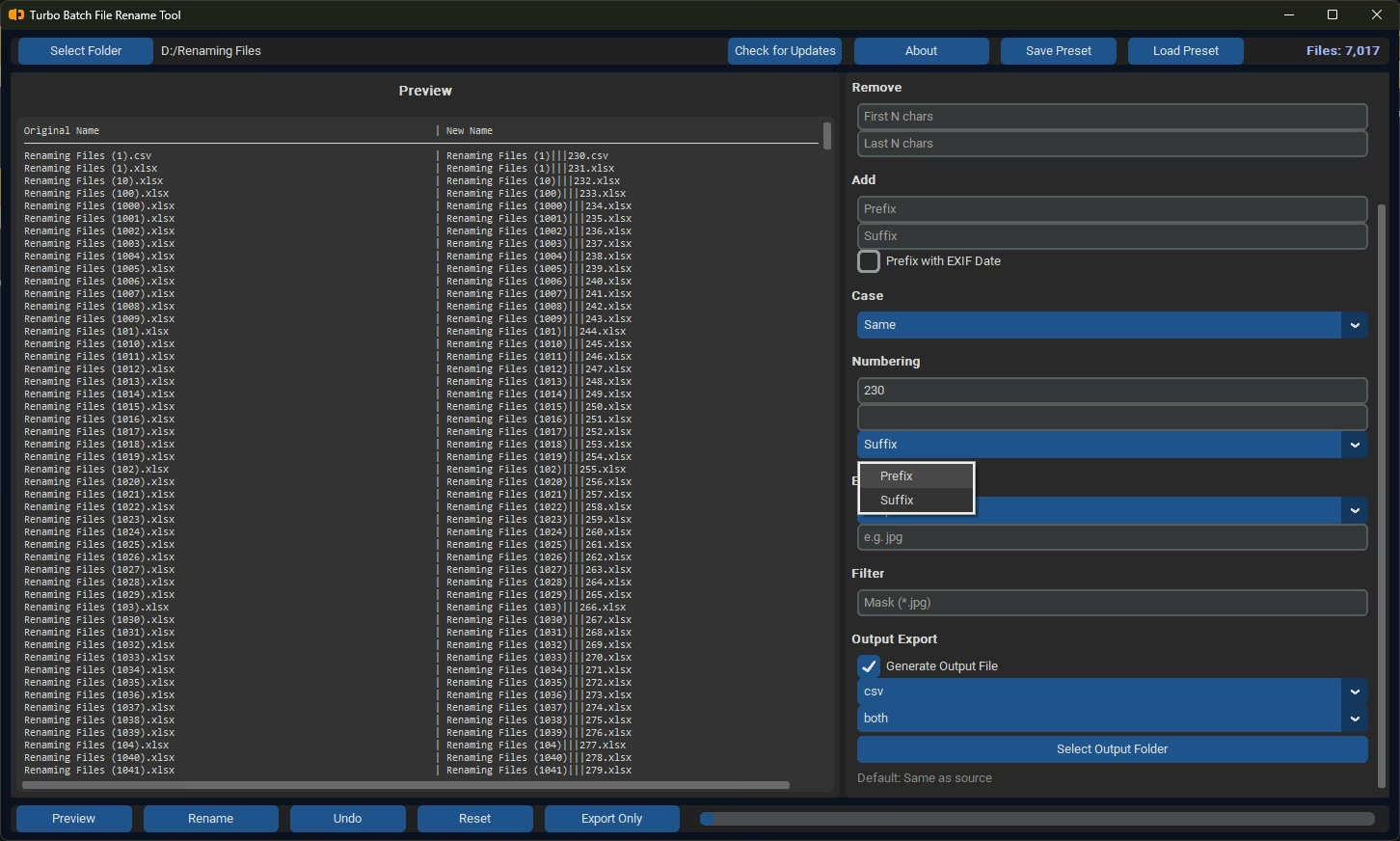
Numbering
Numbering
Sort Order
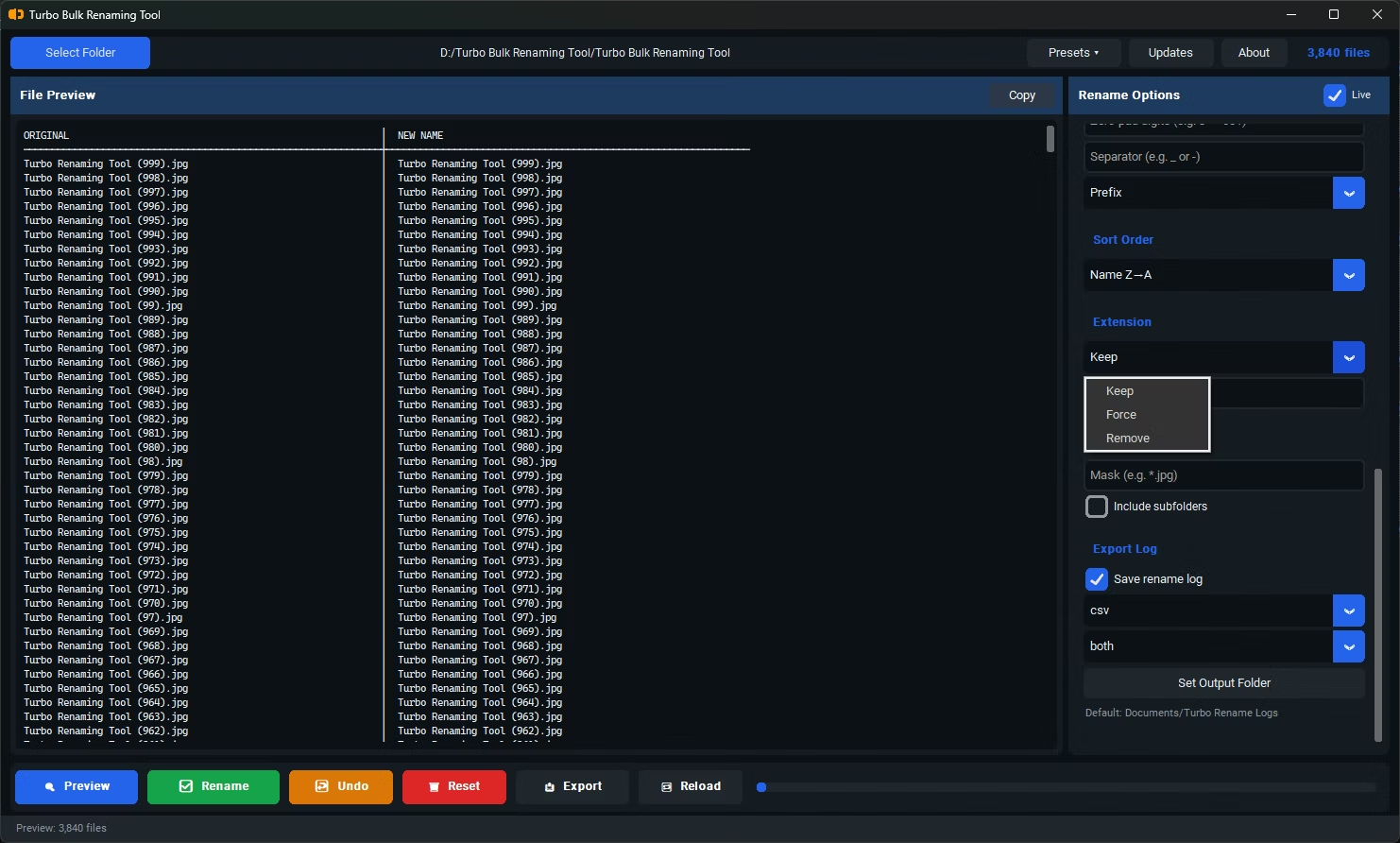
Keep, Force, Remove Extensions
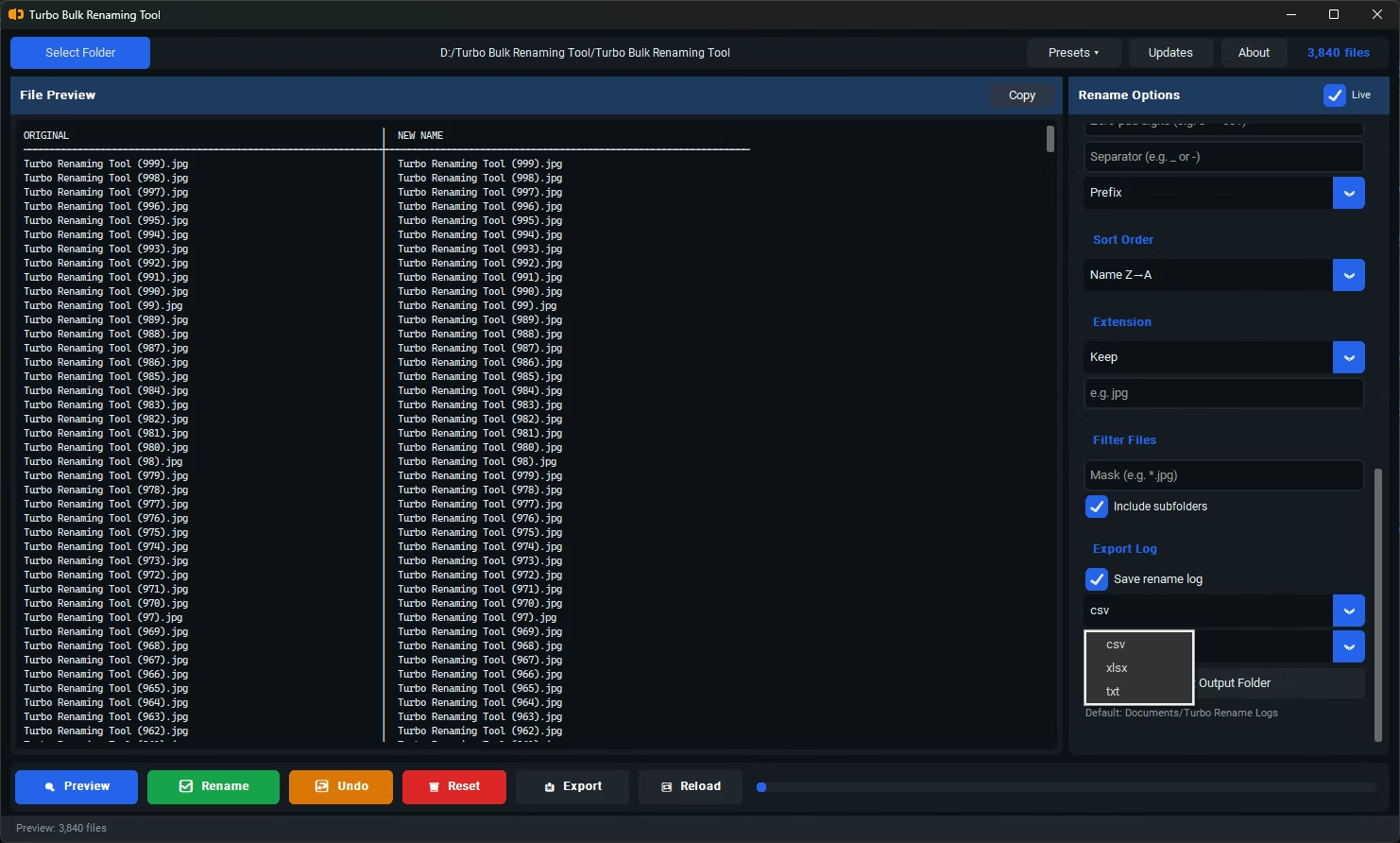
Export Rename Logs to CSV, SLSX or TXT
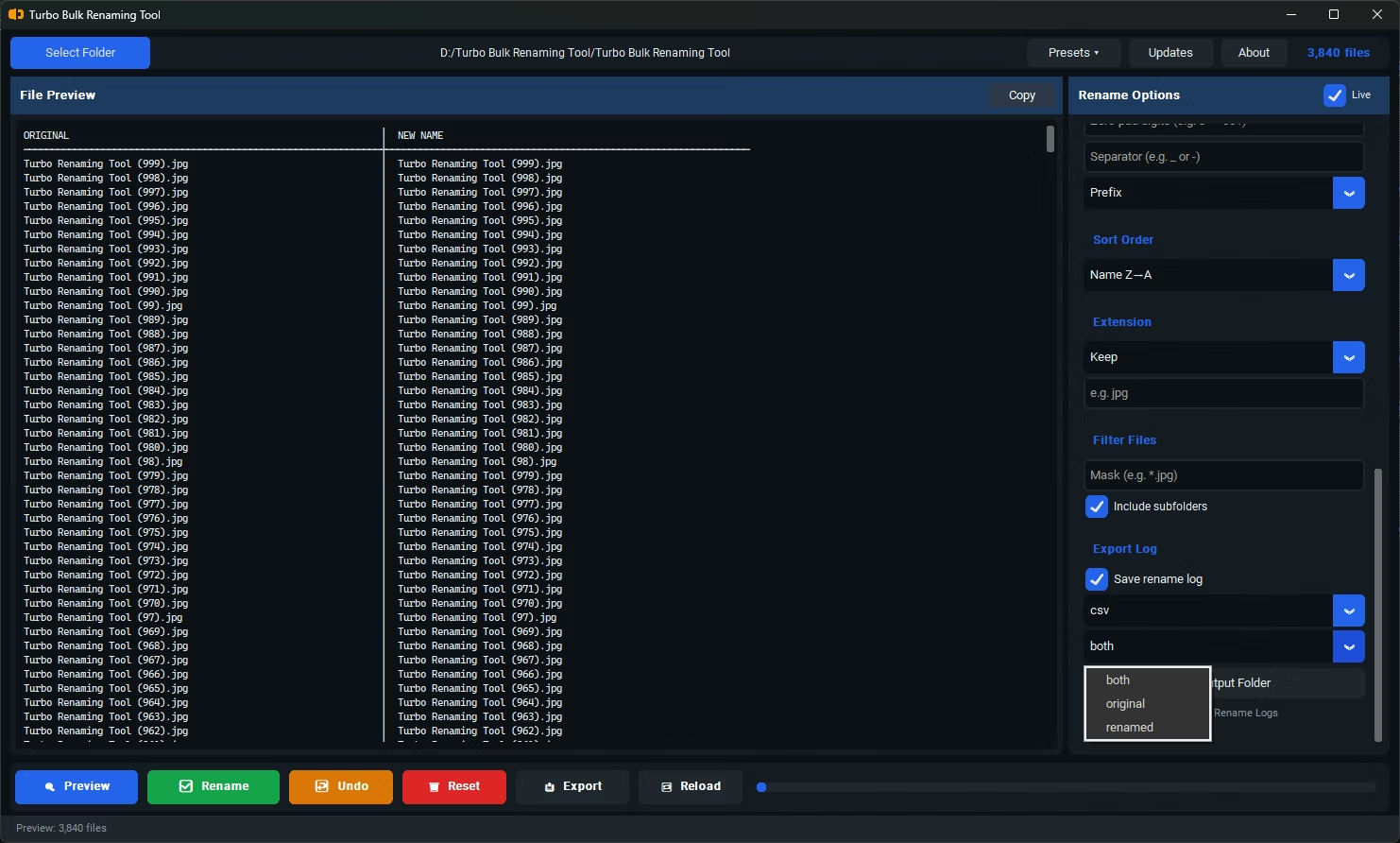
Both, Original or Renamed Logs
Rename Completion Pop-Up
Save or Load Preset
Turbo Batch PDF Converter & Compressor
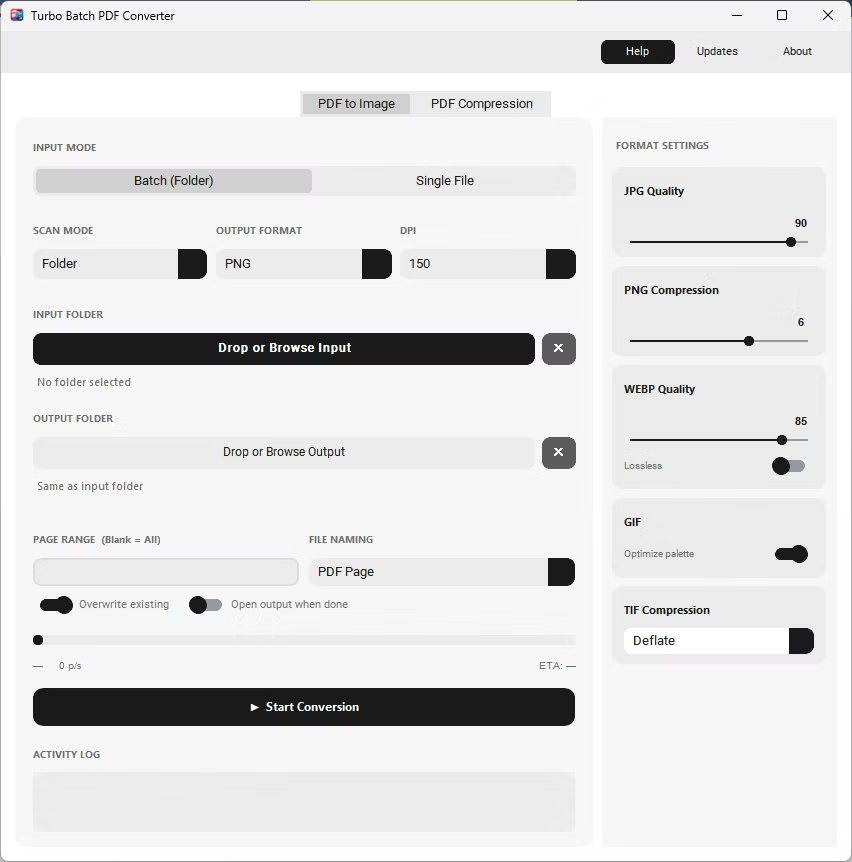
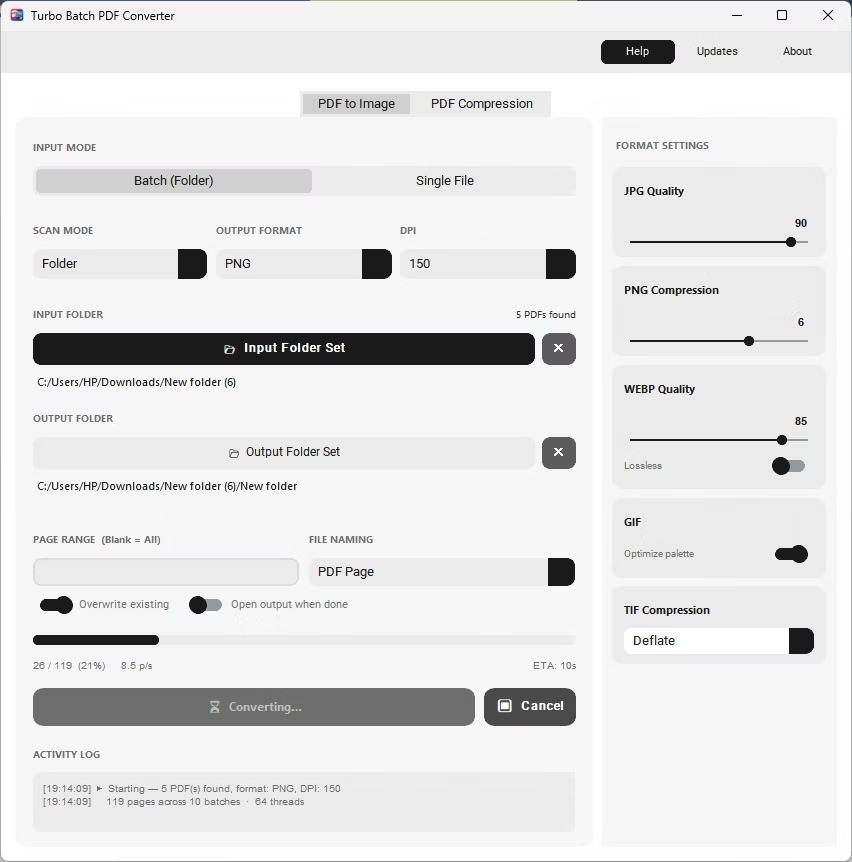
PDF to Image - Batch Mode
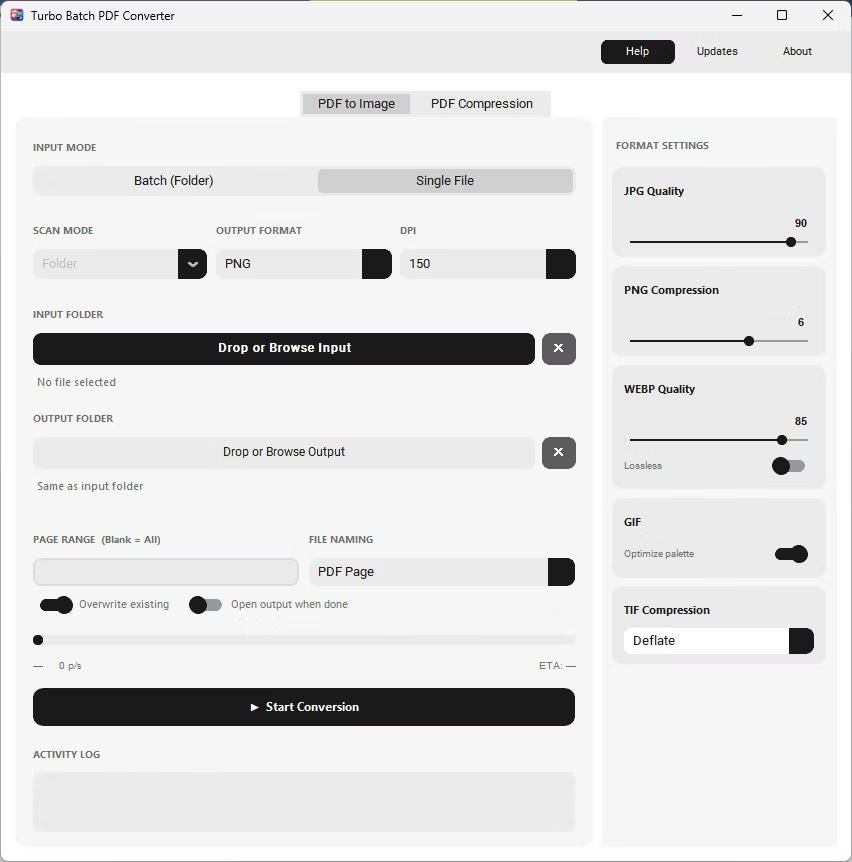
PDF to Image - Single File Mode
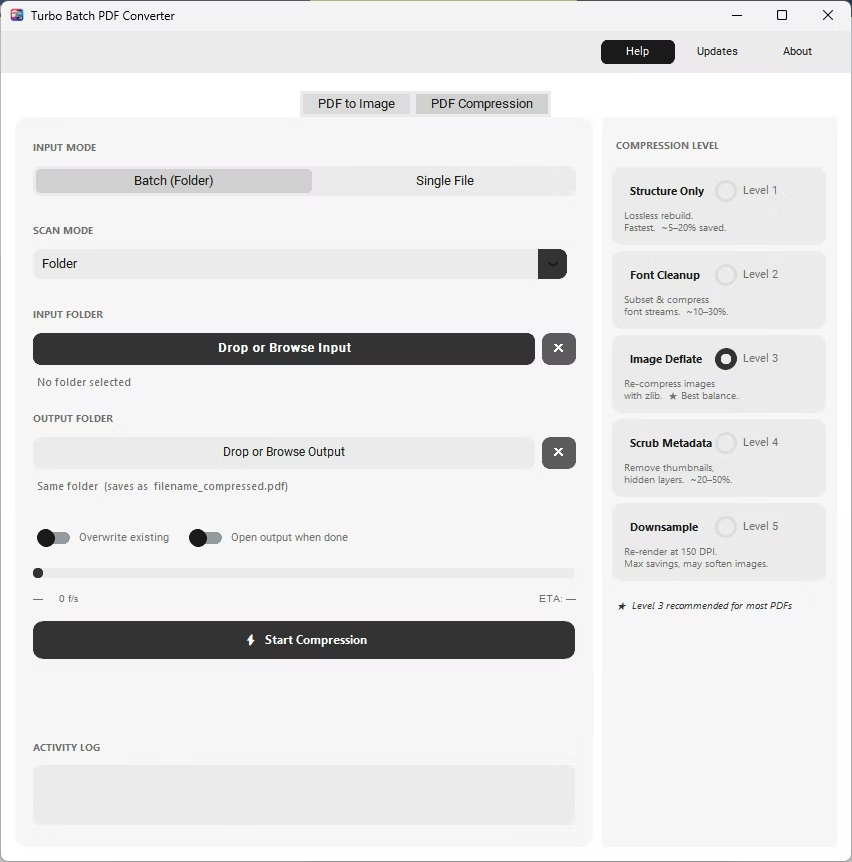
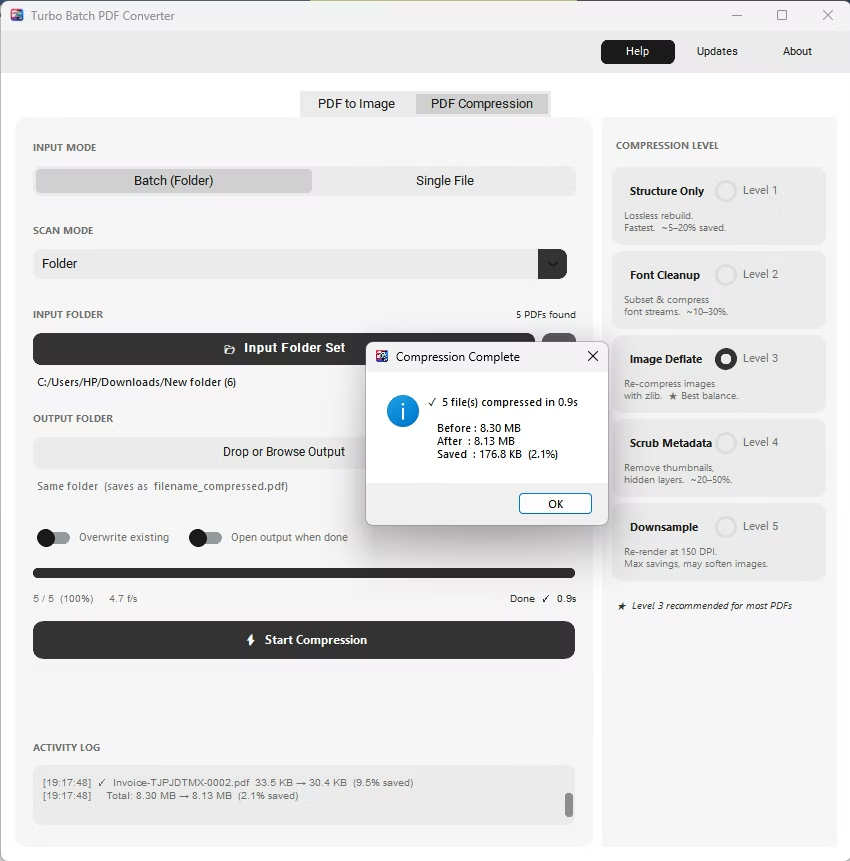
PDF Compression Batch Mode
Conversion Running
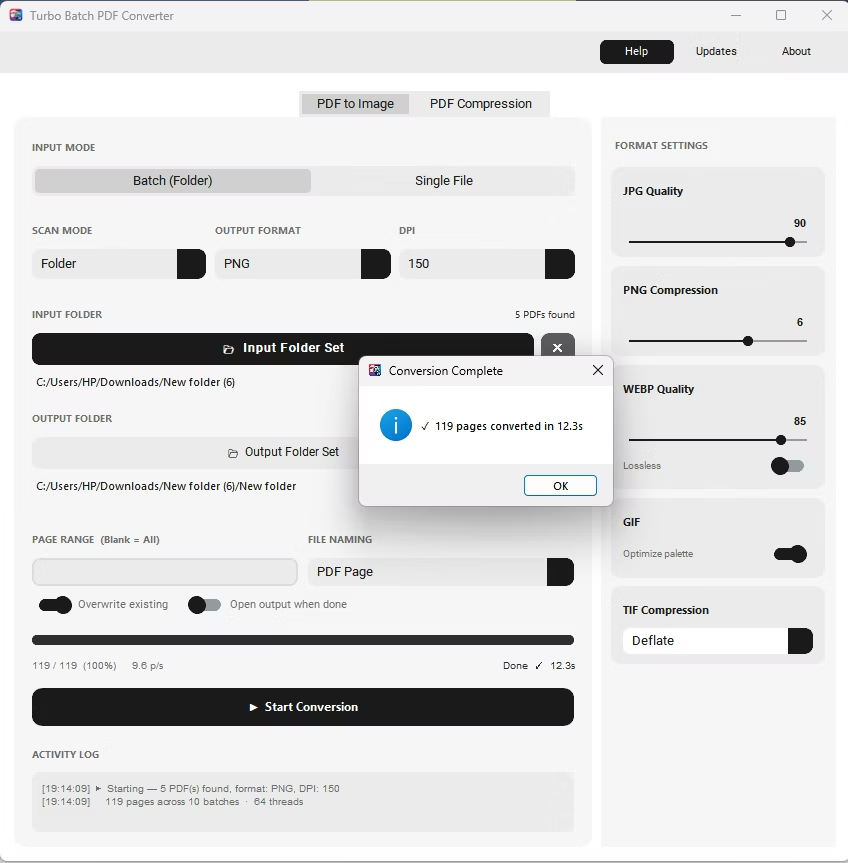
Successful Conversion
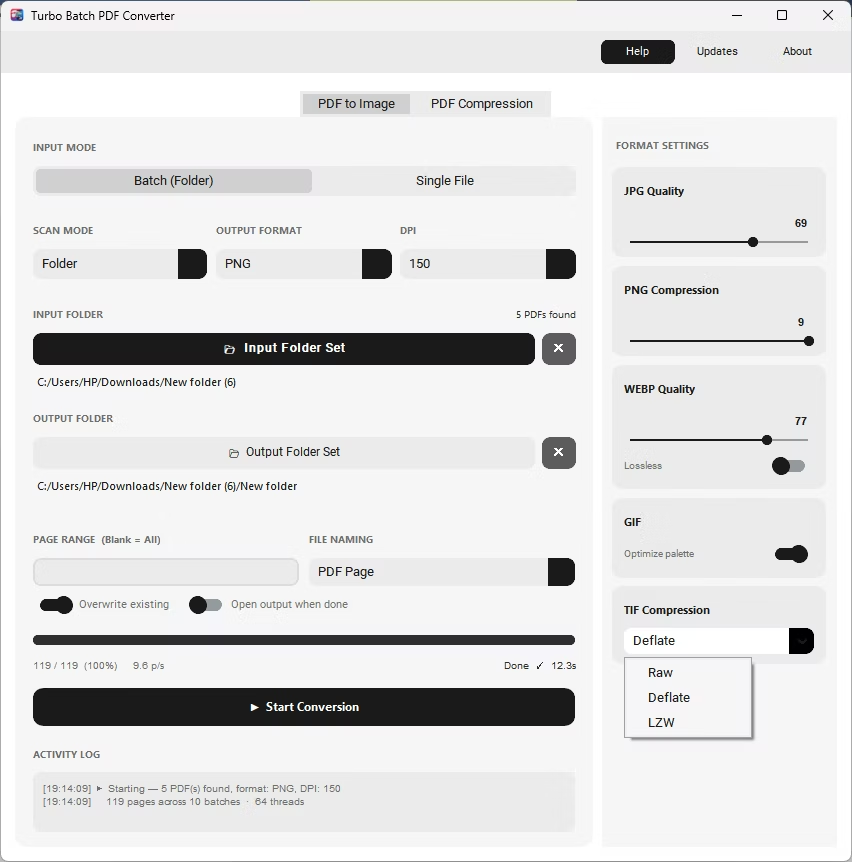
TIFF Comression Settings
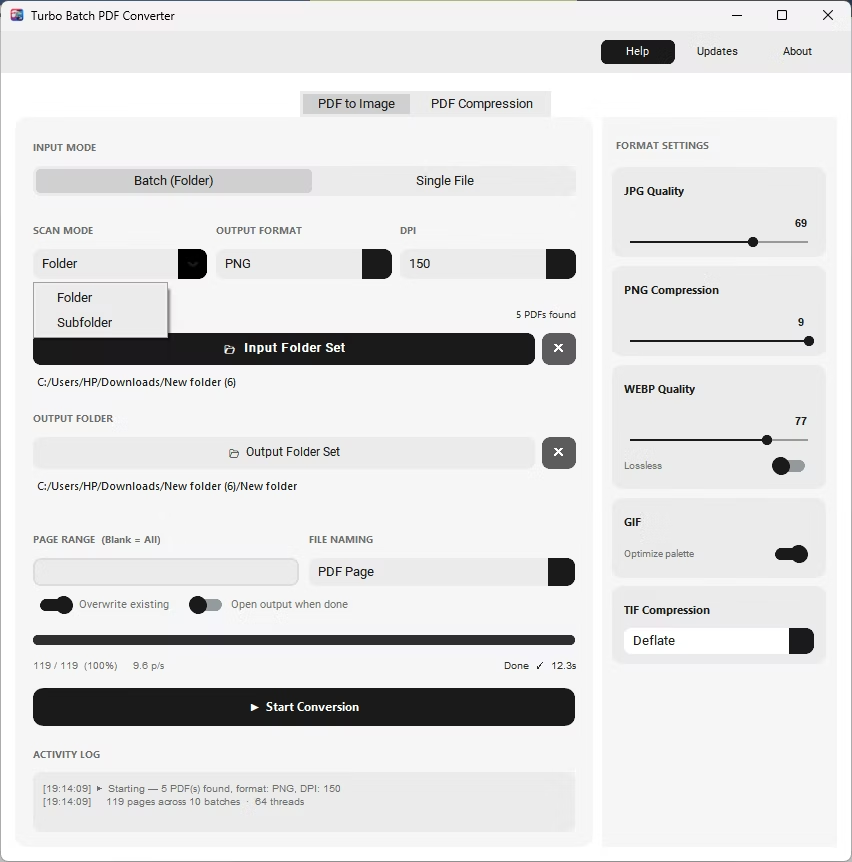
Folder/ SubFolder Recursive Conversion
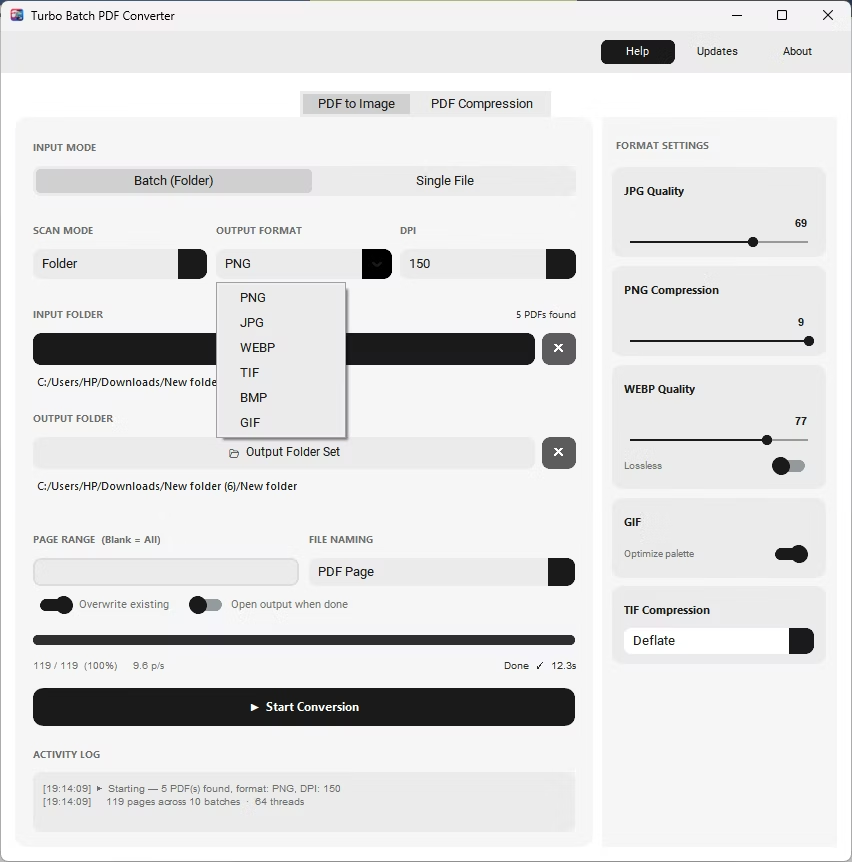
Output Formats Selection
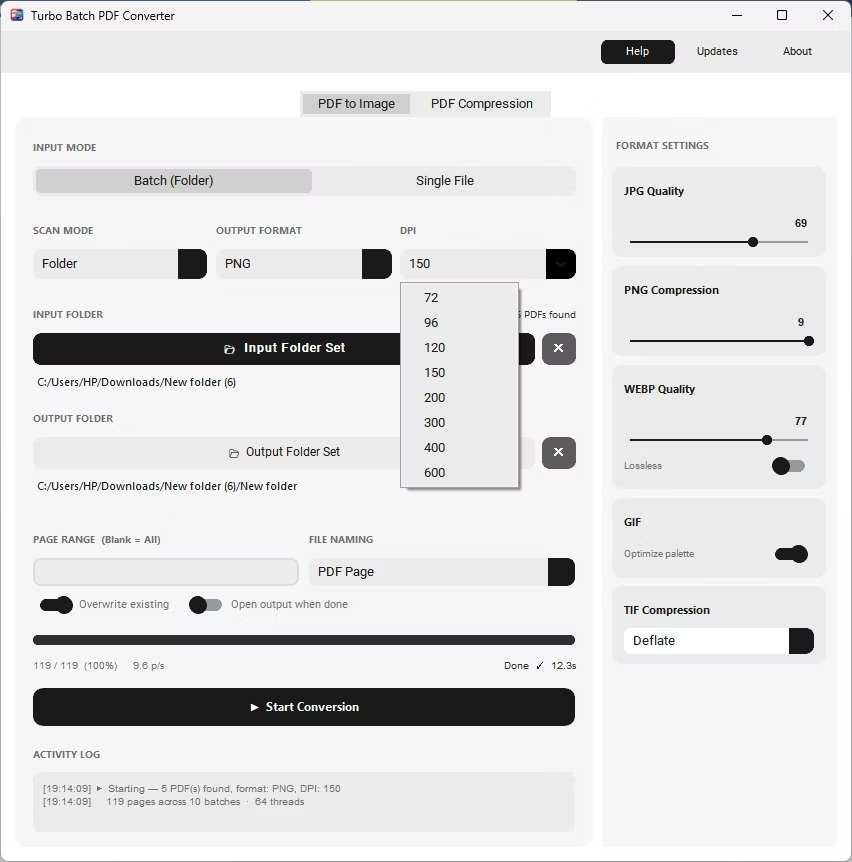
DPI Selection up to 600
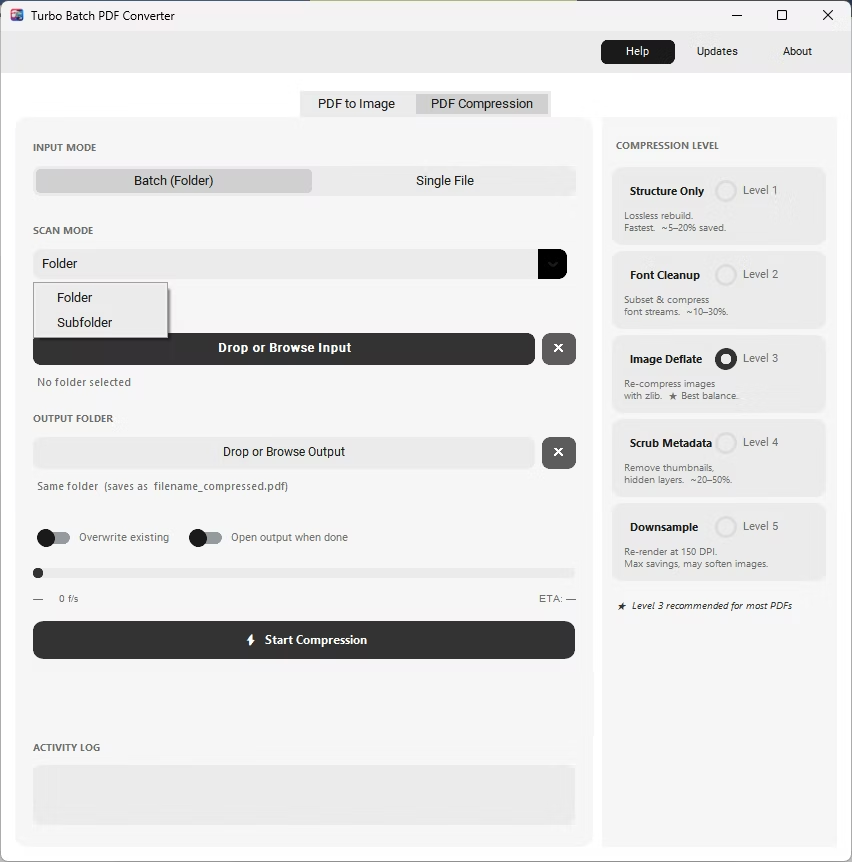
PDF Compression - Folder/ SubFolder Recursive Conversion
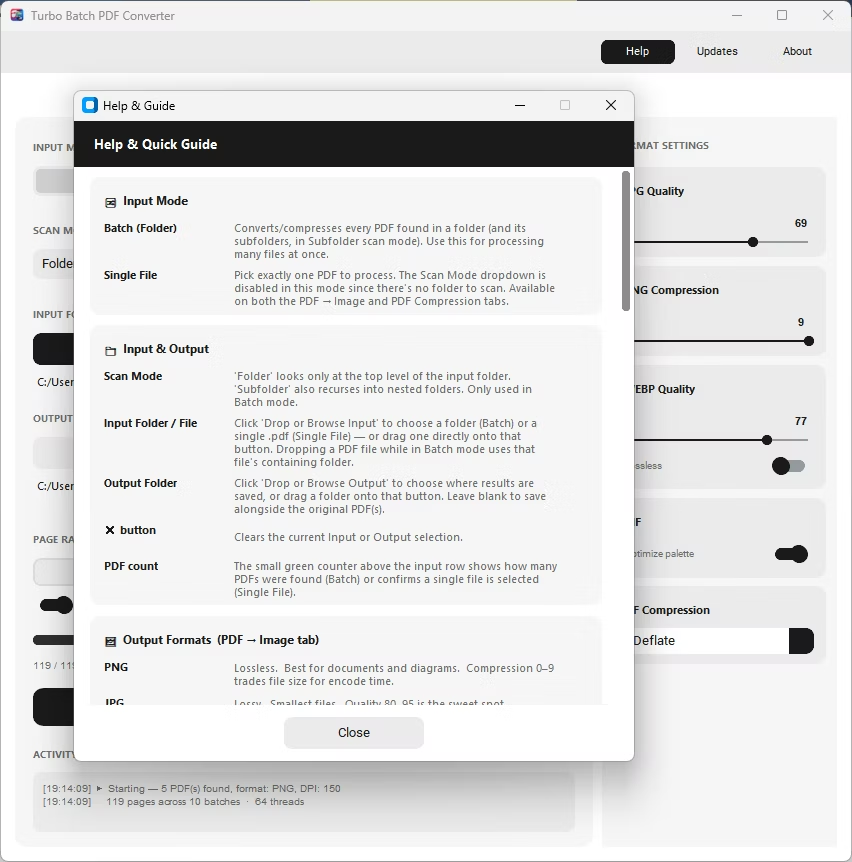
Help & Guide
Compression Completion
Million by Million Rows Copier
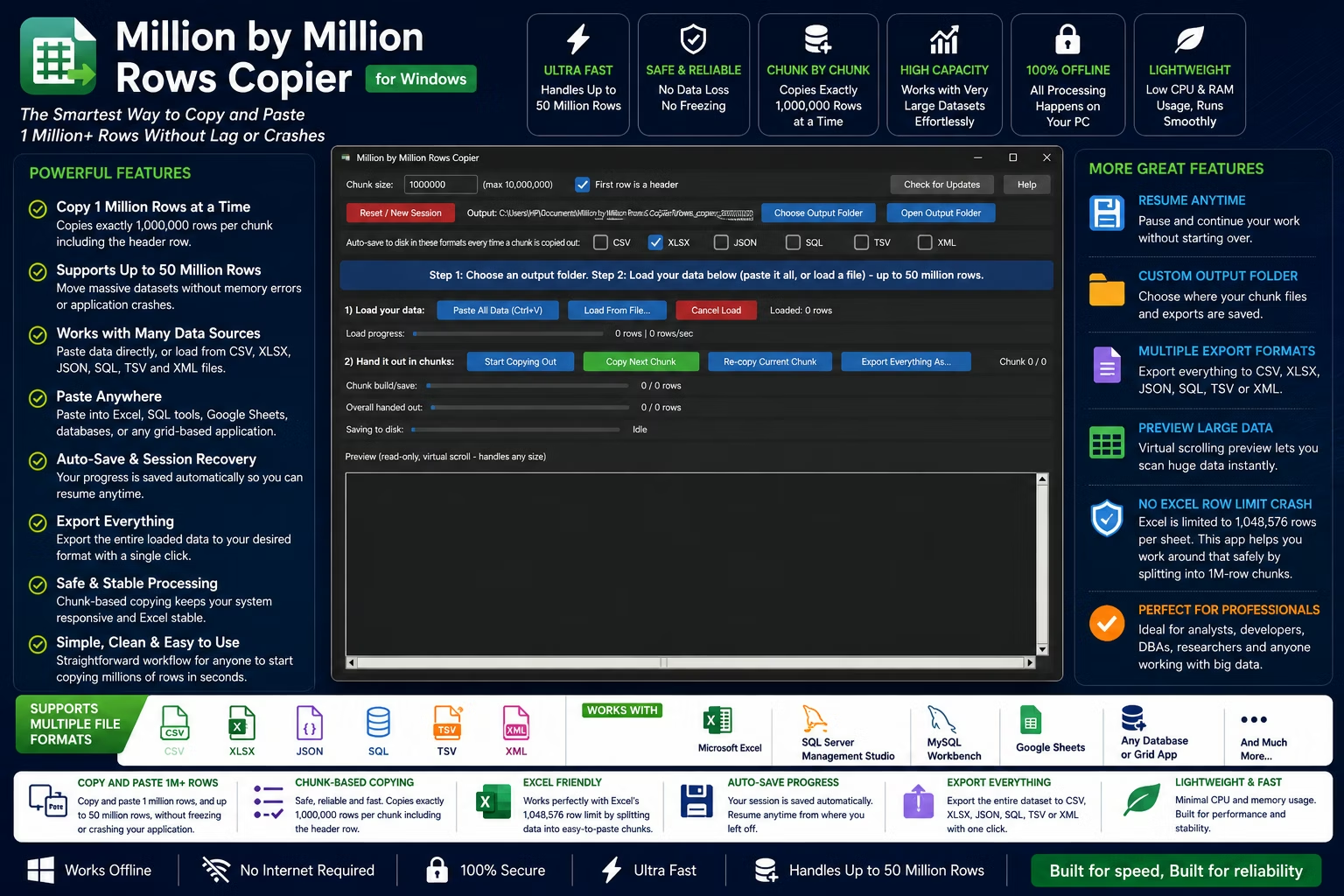
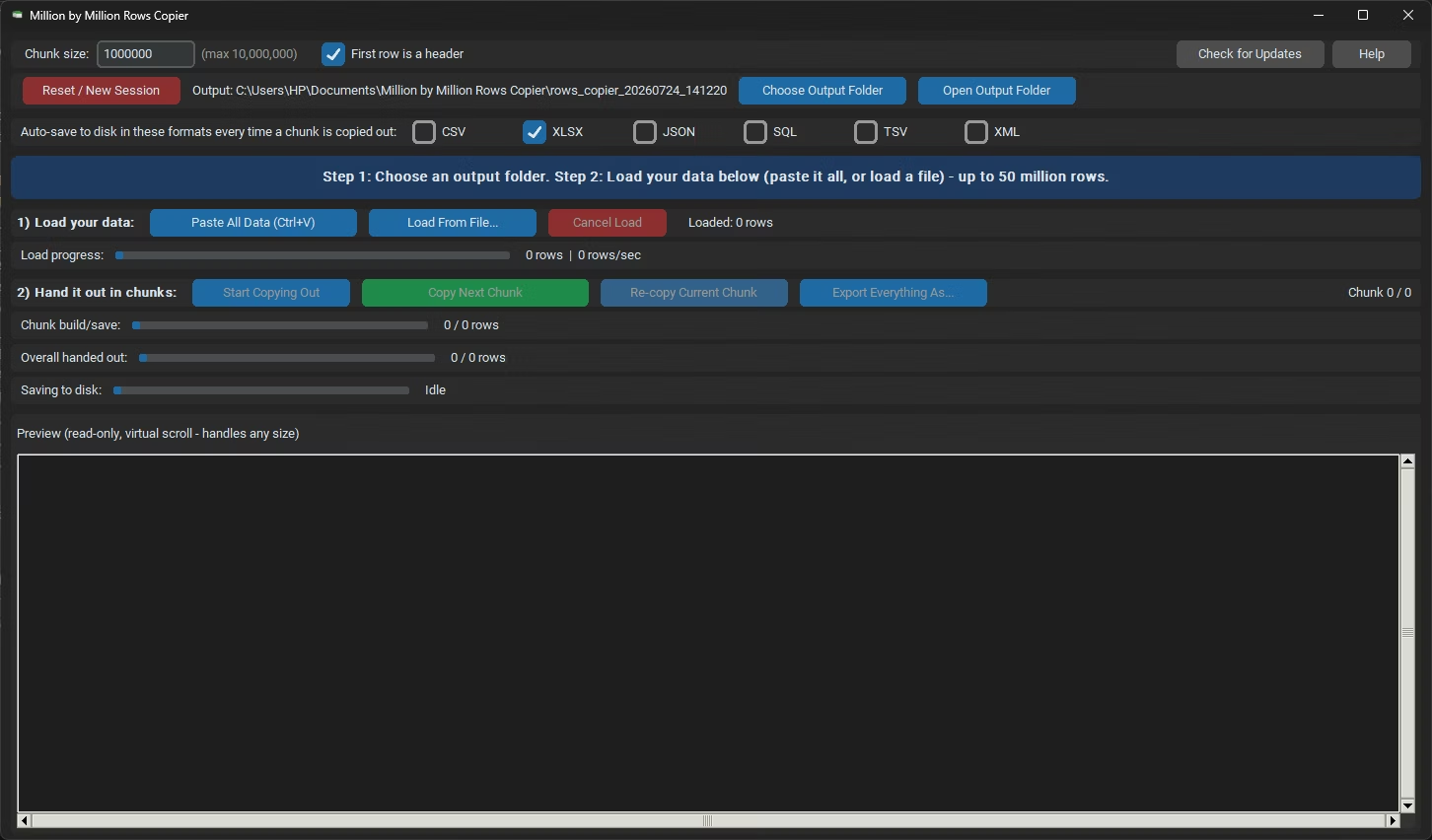
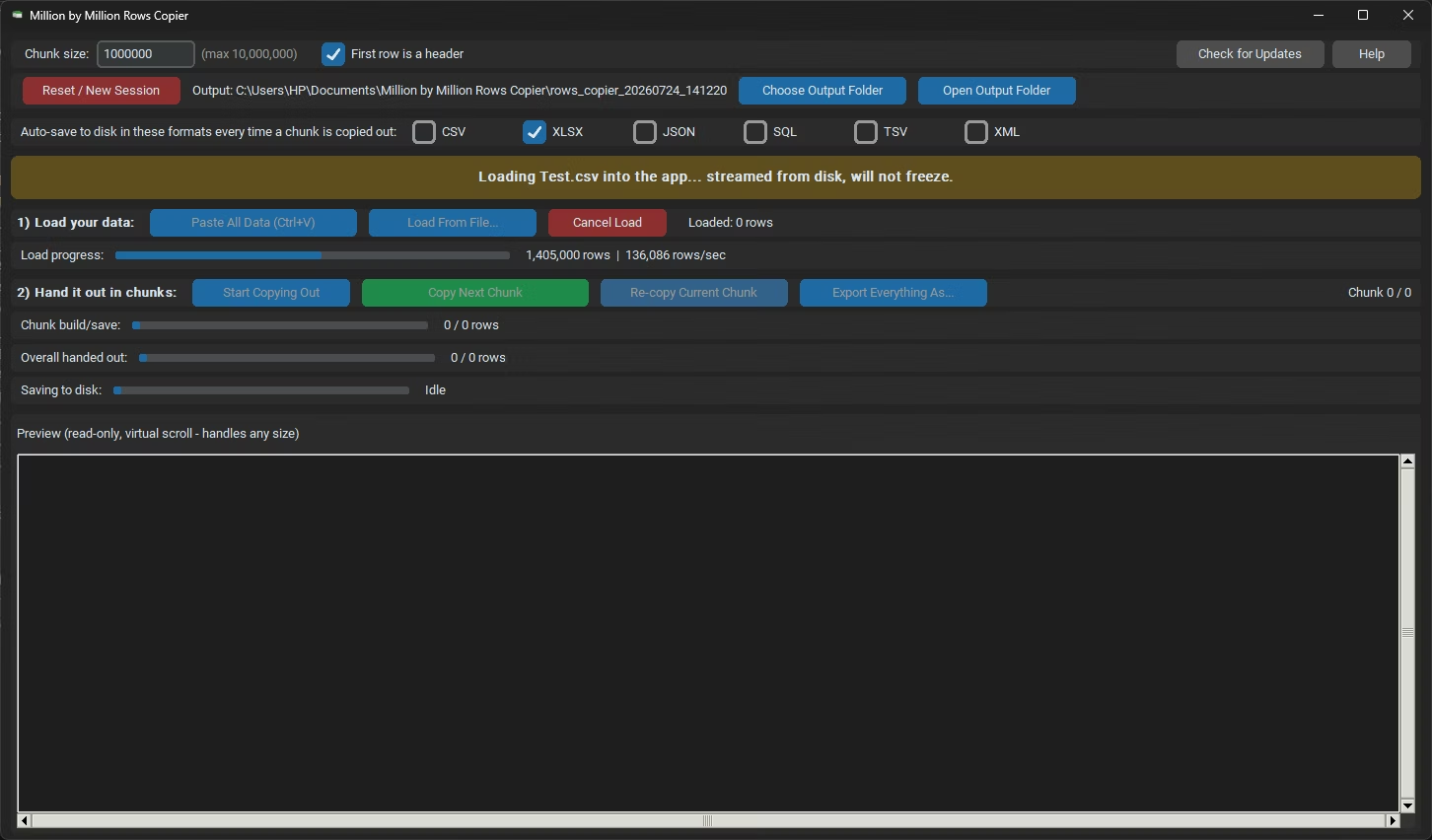
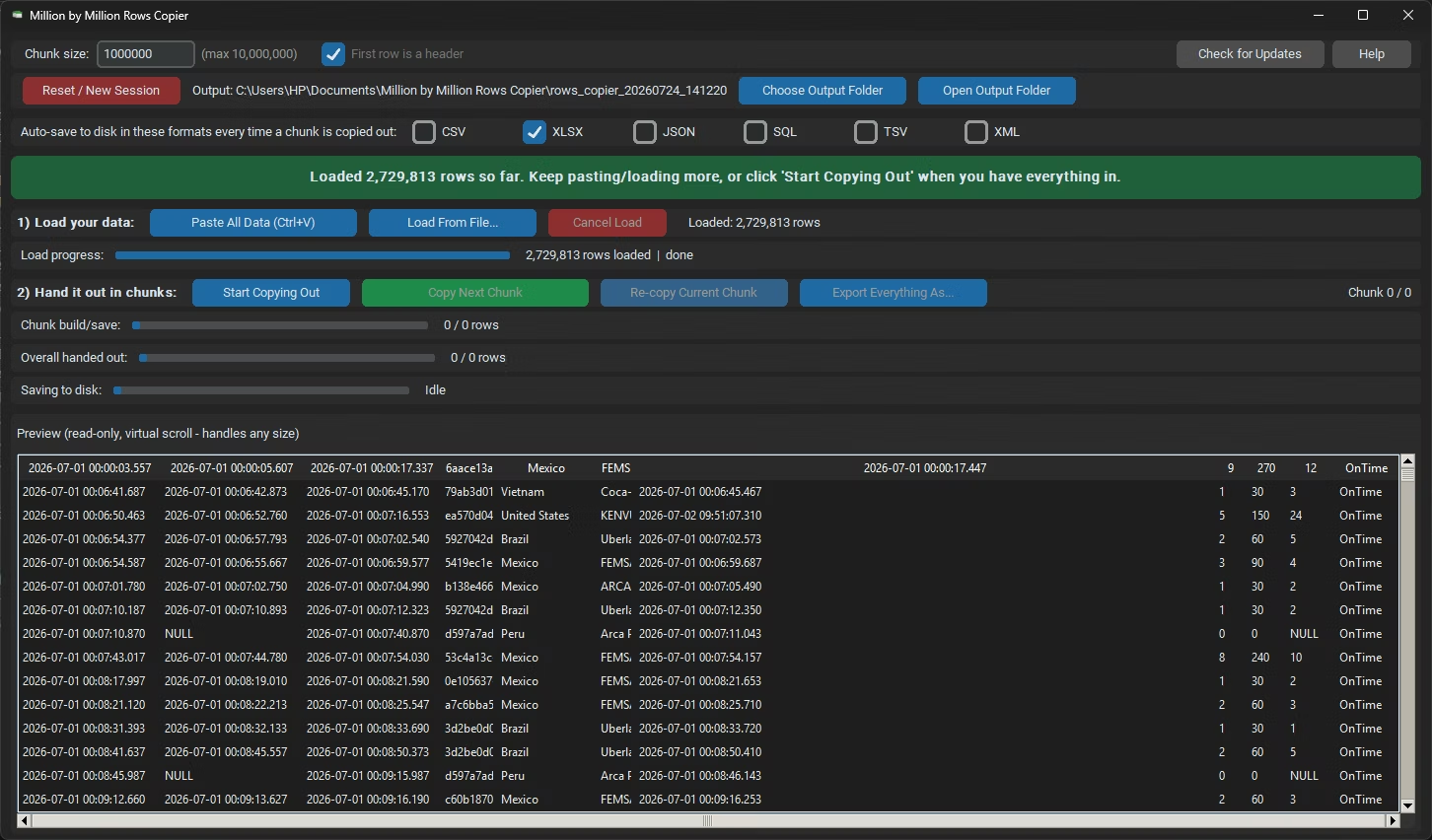
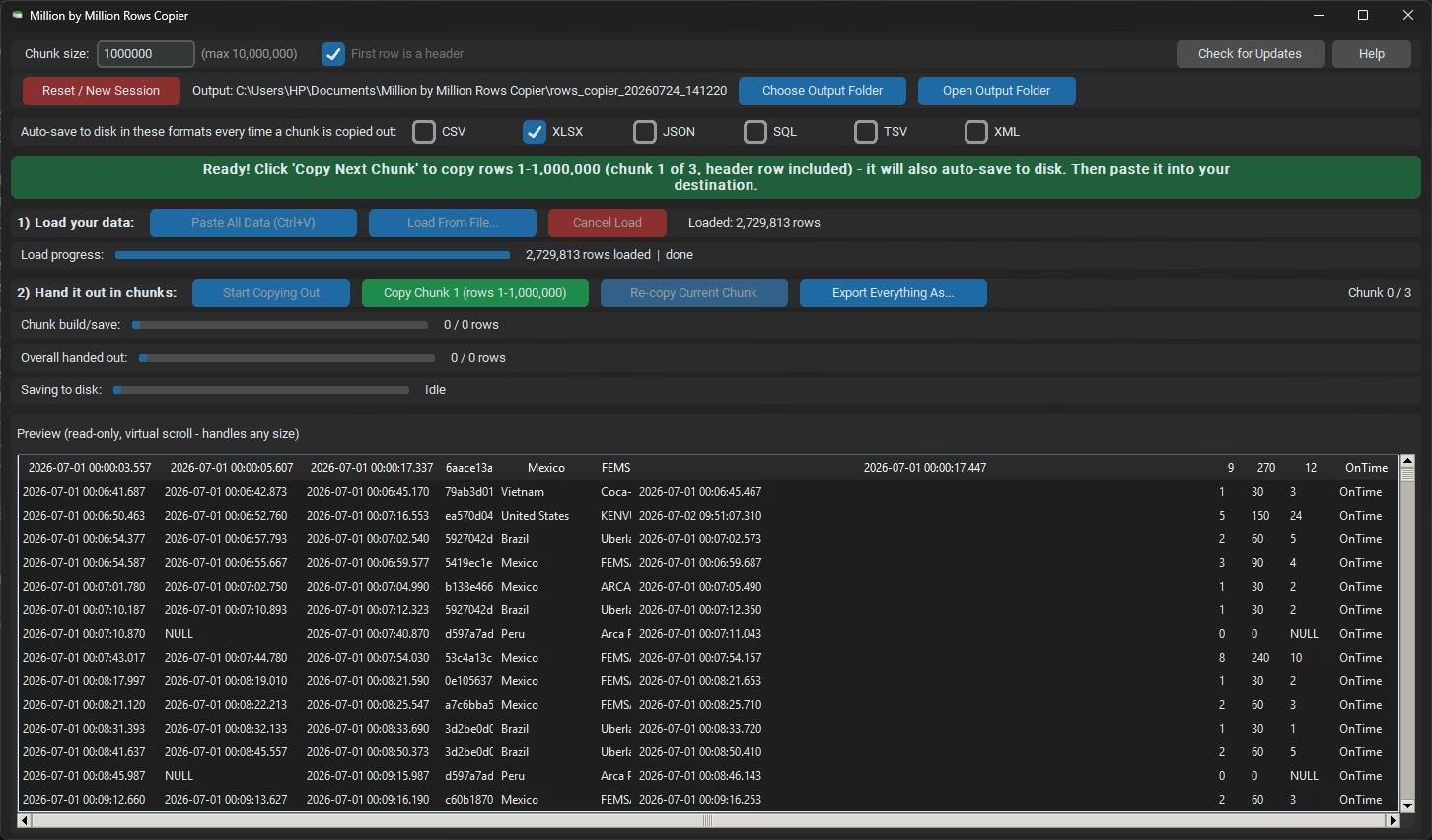
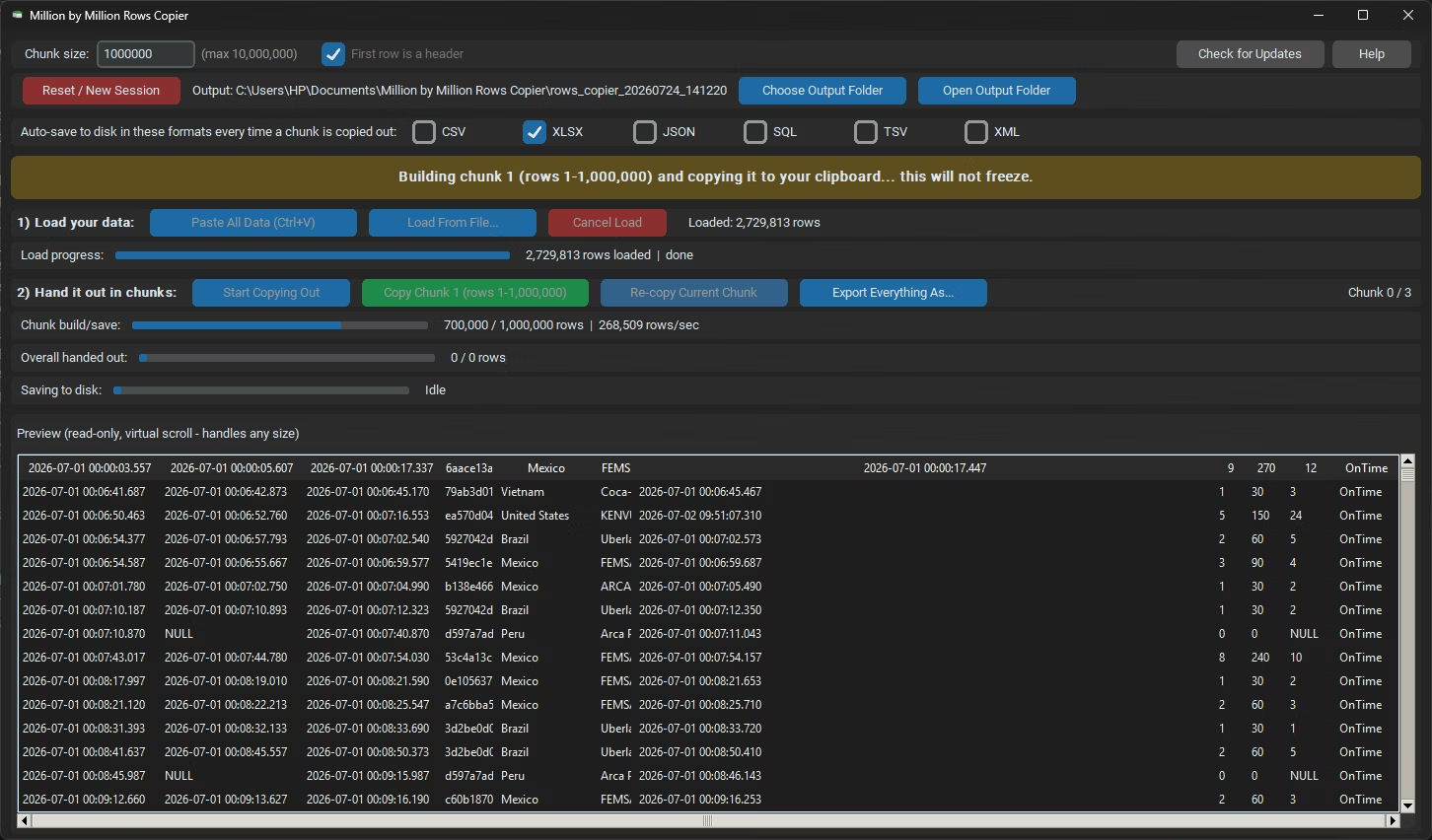
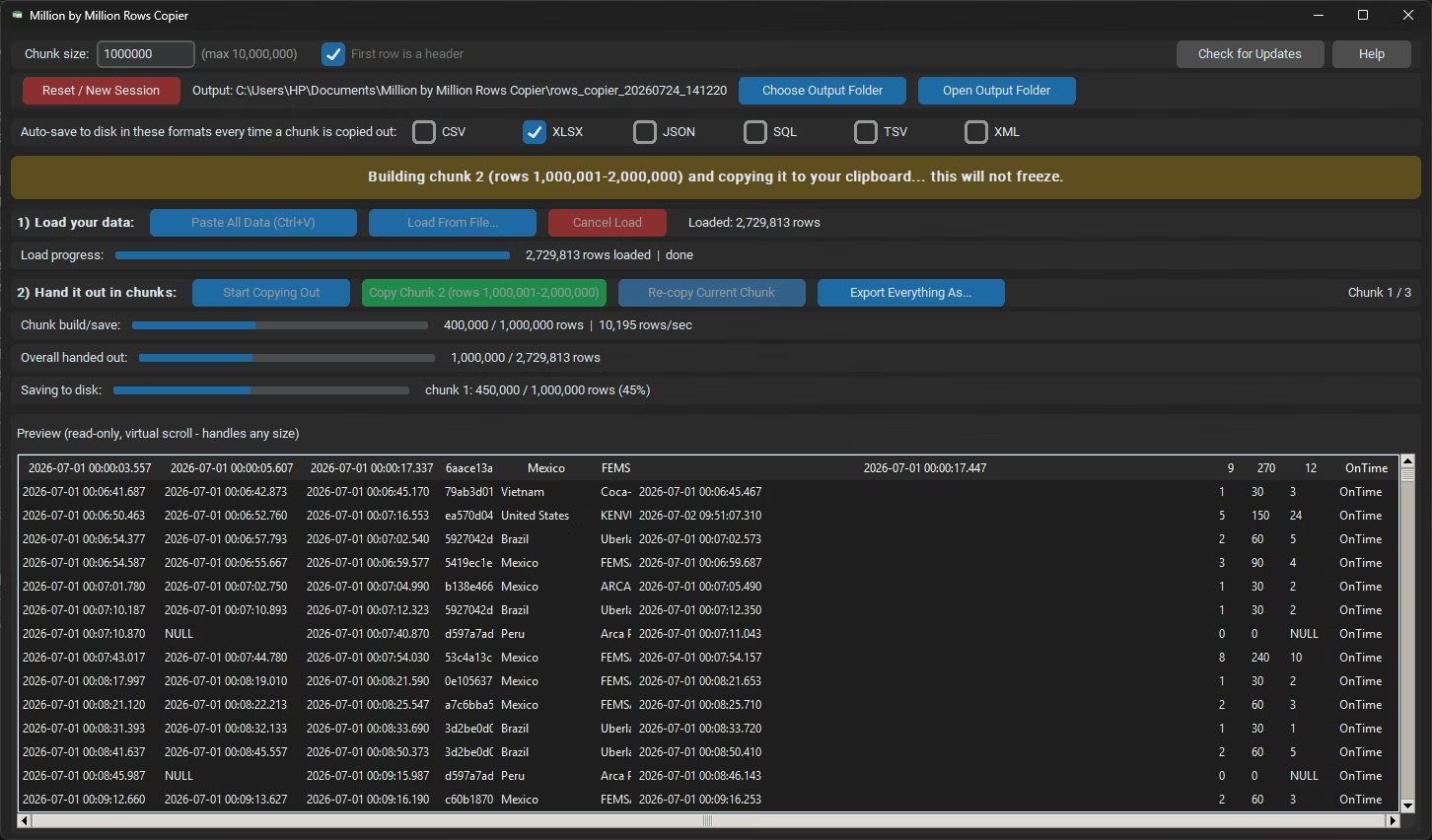
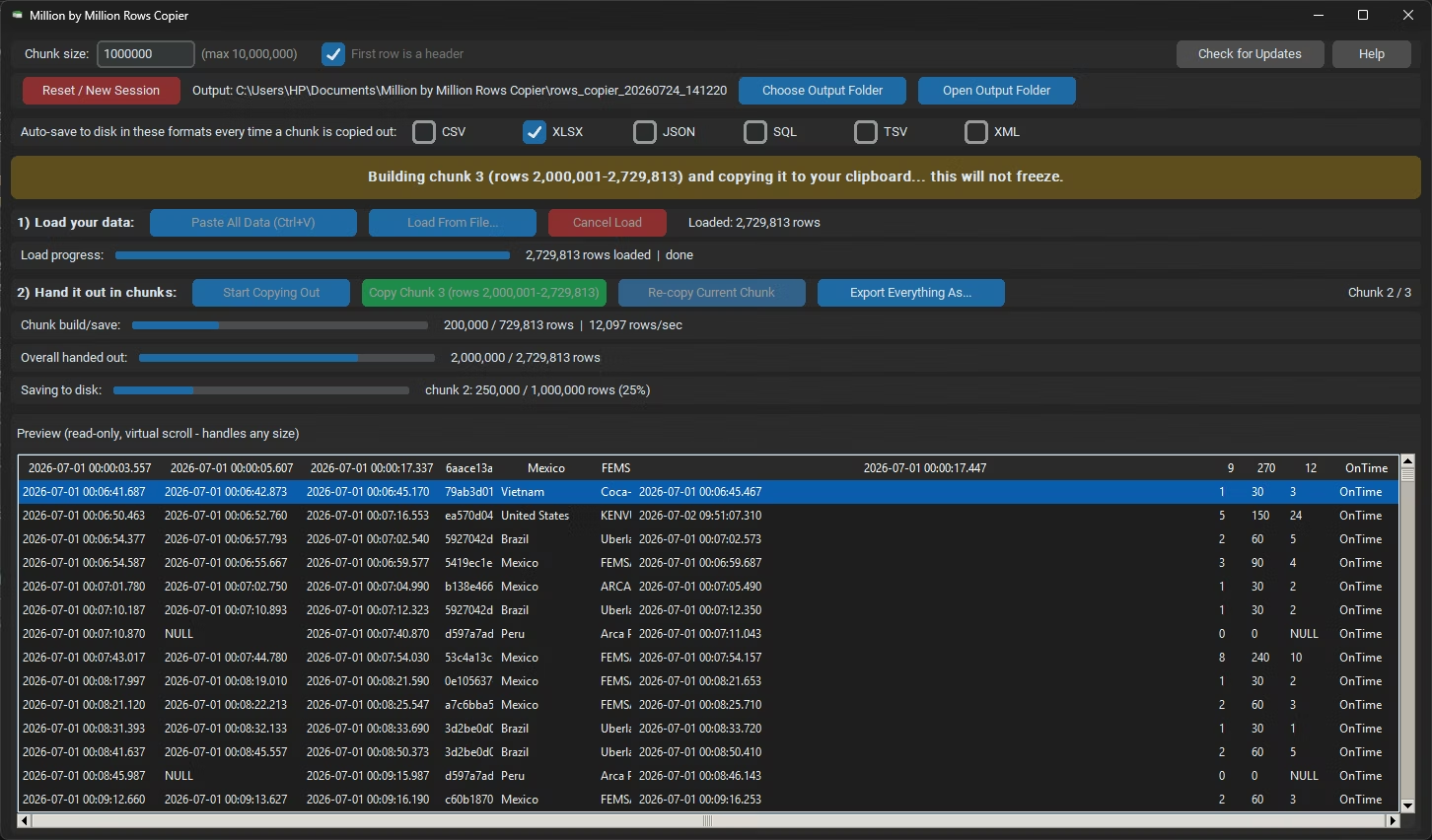
Million by Million Rows Copier - Main Window
Home Screen - Before Loading Data
Load Controls - Paste or Load From File
Choosing an Output Folder
Chunk Size and Header Row Options
Auto-Save Format Checkboxes
Loading a Large Dataset - Progress Bar
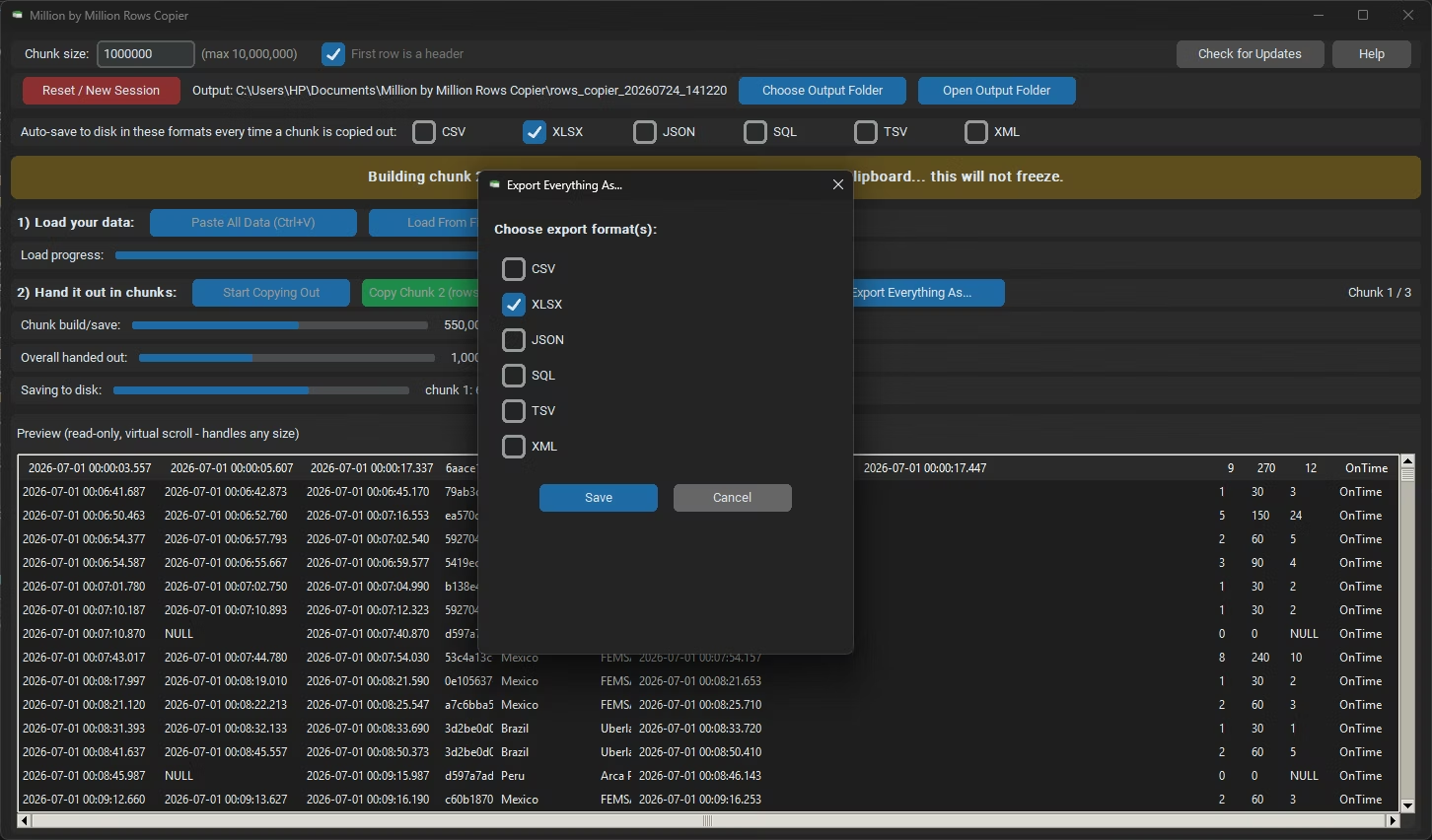
Export Everything as pop-up
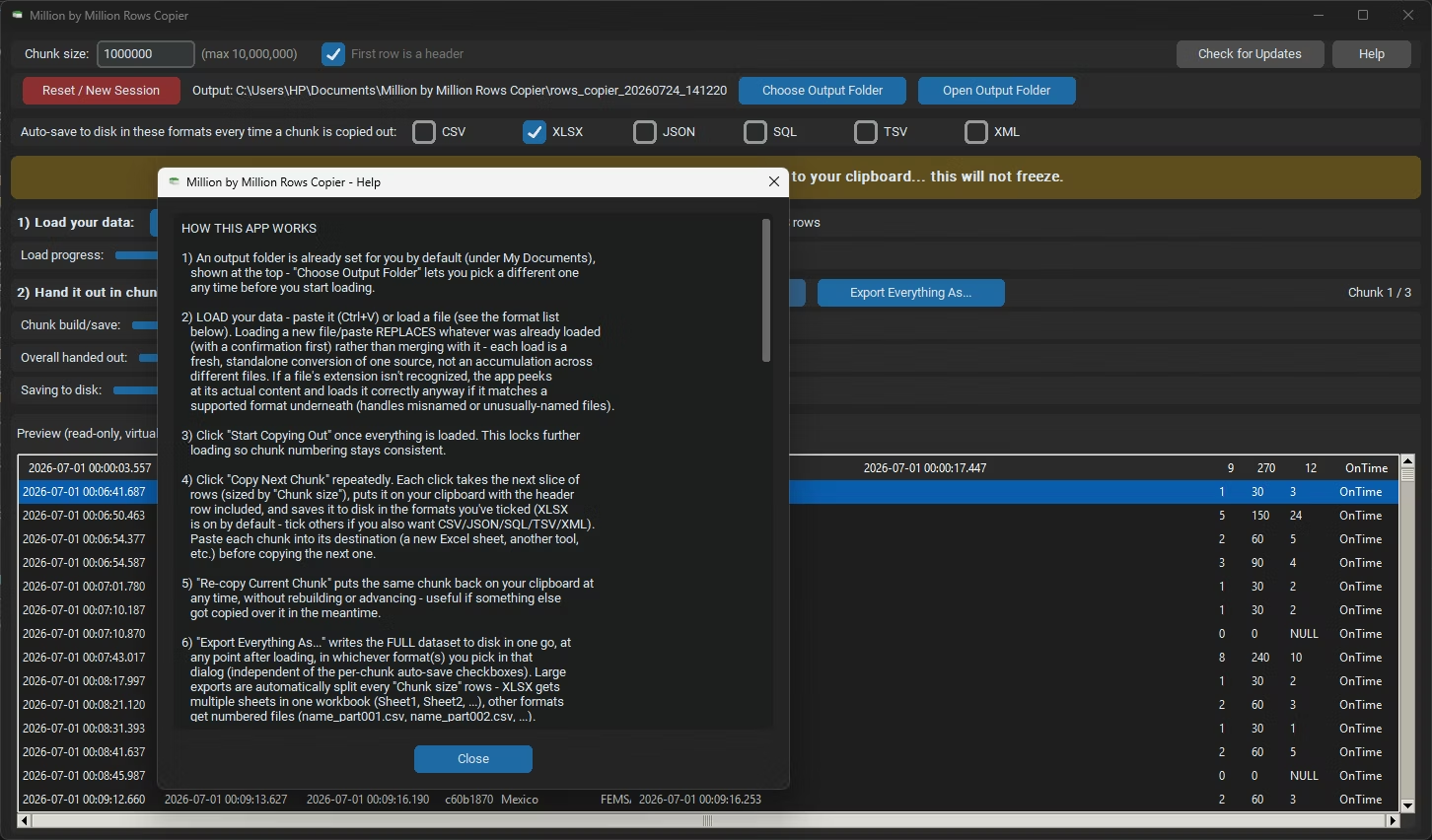
Help & Guide
Loaded Data