
TurboSoftlogo TurboSoft
Turbo Batch PDF Converter & Compressor

Batch PDF Converter + PDF Compressor

Fast Offline Windows Software

  • Fast Batch PDF Converter & Compressor
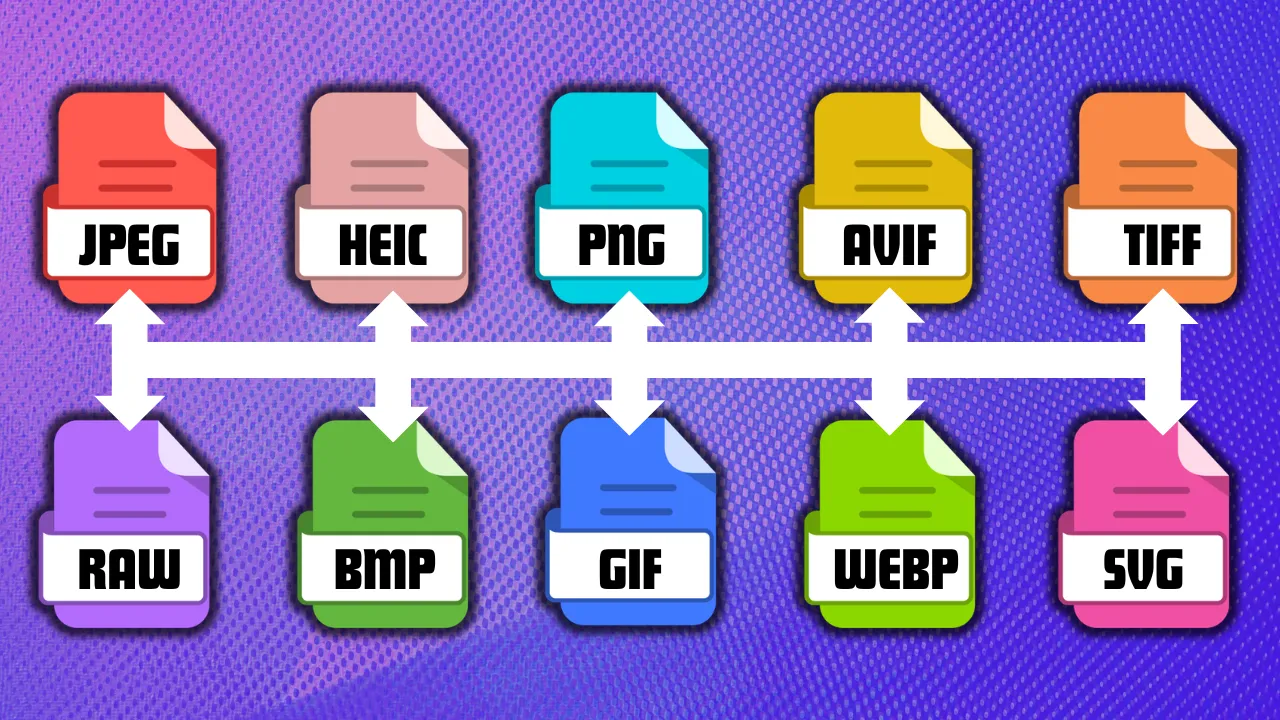
  • Convert PDF to JPG, PNG, TIFF, BMP & GIF
  • High-Speed Multi-Threaded Processing Engine
  • Batch PDF Compressor Included
  • Nested Sub-Folder Auto Conversion
  • Drag & Drop Input & Output Folders
  • Portable Application – No Installation Needed
  • 100% Offline Processing
  • Real-Time ETA & Conversion Speed Monitor
  • Lossy & Lossless Compression Settings
  • Custom JPG Quality & PNG Compression Controls
  • TIFF Compression Modes Included
  • Bulk Convert Thousands of PDF Pages
  • Original PDF Files Remain Untouched
  • Low RAM Usage Optimized Engine
  • Lifetime License Validity
  • Windows Desktop Application
Download Setup Download Portable One-time · Lifetime License
pdf to jpg converter pdf to tiff 1200 dpi pdf to tiff converter app pdf to jpg compressor to 100kb pdf to bmp converter
PDFInput Format
5Output Formats
100K+Pages / Batch
MultiThreaded Engine
Offline · No Limits
Supported Input Formats
PDF
Supported Output Formats
JPG PNG BMP GIF TIFF
Output Quality Settings
FormatQuality Control
JPGQuality 1–100
PNGCompression 0–9
GIFOptimize Mode
TIFFRaw · Deflate · LZW compression
Major Features

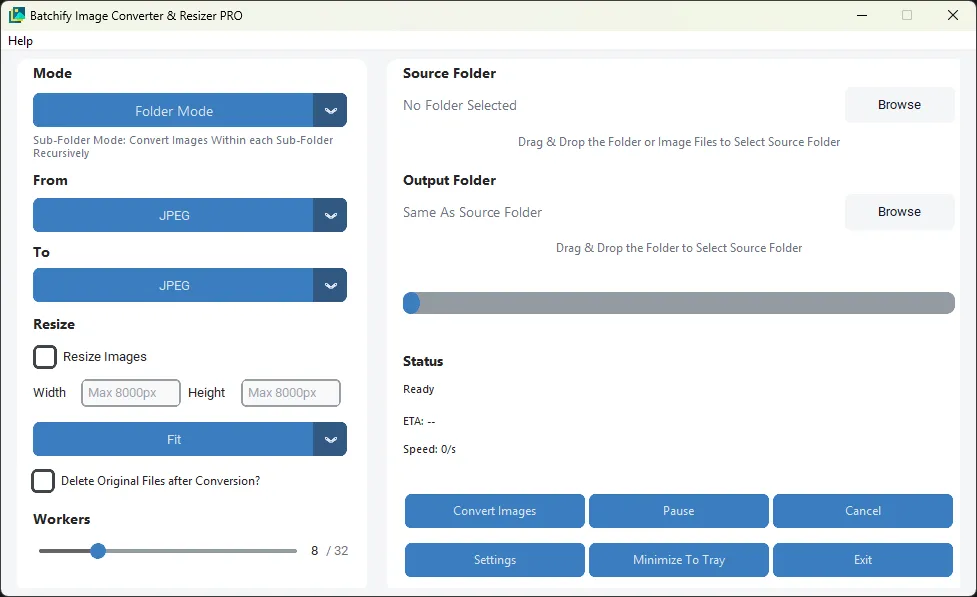
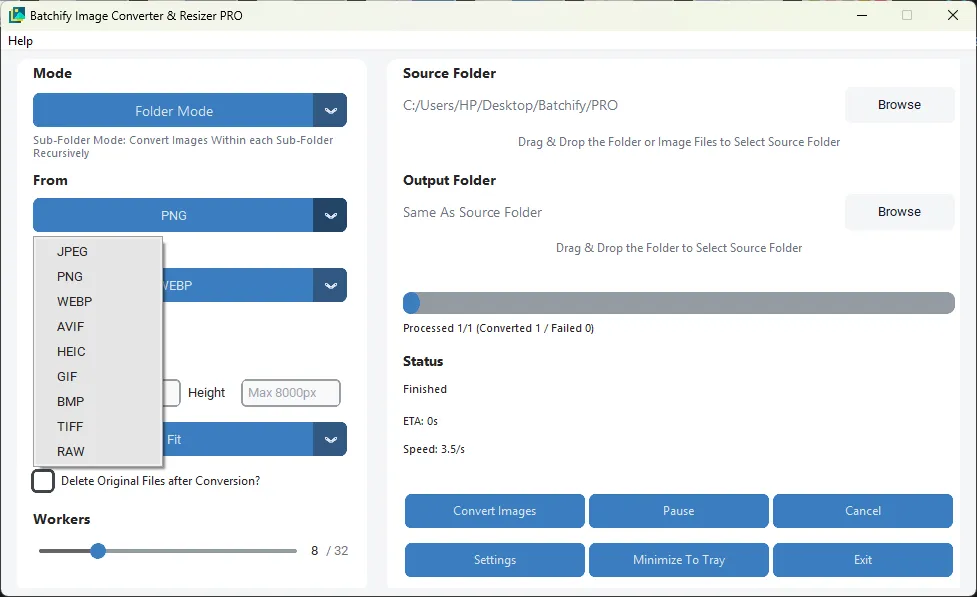
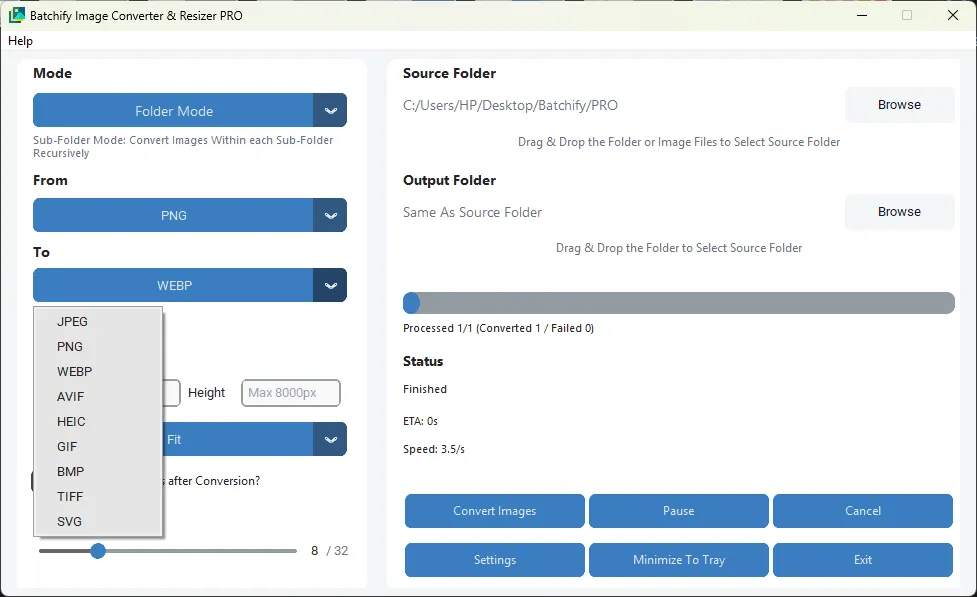
Batch PDF to Image Conversion

Convert single or multiple PDF files into image formats in one operation. Export pages to JPG, PNG, TIFF, BMP, or GIF with fast and reliable processing.

Batch PDF Compression

Reduce PDF file sizes in bulk for easier sharing, storage, and upload. Maintains usable visual quality for office documents, image-heavy PDFs, and archived files.

Automatic Nested Sub-Folder Conversion

Enable Sub-Folder Mode to scan and process PDFs recursively inside all nested folders. Automatically detects supported files throughout the directory tree.

Drag & Drop Input / Output Folders

Quickly assign source and destination folders using drag-and-drop. Speeds up daily workflows and eliminates repetitive folder browsing steps.

High-Speed Multi-Core Processing

Built with a powerful parallel processing engine that utilizes available CPU cores. Multiple PDF pages or files can be processed simultaneously.

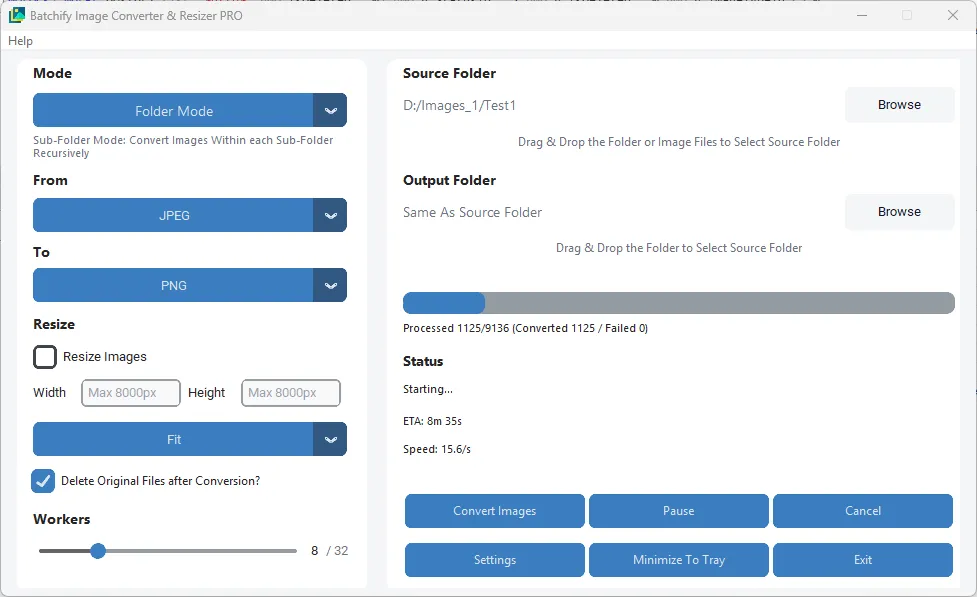
Real-Time Progress, ETA & Speed Monitor

Track live page progress, estimated completion time, and current conversion speed while processing. Helpful for long-running jobs and high-volume batches.

Cancel · Pause · Resume

Full job control during any conversion run. Pause large batches, resume where you left off, or cancel any ongoing operation instantly.

Same Folder or Custom Output

Save converted files beside the original PDFs or choose a separate output location. Useful for organized workflows, team environments, and archival projects.

Portable Windows Application

Lightweight desktop software that runs without complex setup. Easy to deploy across multiple systems and convenient for office or technician use.

Handles Large Workloads

Optimized for converting hundreds to 100,000+ pages with dependable performance. Ideal for scanning centers, print shops, offices, and enterprise bulk tasks.

Safe & Stable Operation

If one file is corrupted or locked, the remaining tasks continue without interrupting the entire batch. No race conditions during read/write operations.

Low RAM Usage Engine

Efficient memory handling manages large PDF documents and high-page-count files without excessive RAM usage. Runs smoothly on entry-level systems.

Conversion Pairs
PDF JPGPNGTIFFBMPGIF
Performance & Processing Efficiency
Automatically utilizes available CPU cores to improve conversion speed, scaling efficiently from low-end dual-core systems to high-performance multi-core processors.
Supports intelligent concurrent worker allocation, allowing multiple PDF pages or files to be processed simultaneously for faster overall completion times.
If a single PDF file is corrupted or fails, only that specific task is skipped while the remaining batch continues without interruption.
Designed to maintain responsiveness during heavy workloads, minimizing freezing or crashes even during long conversion sessions.
Efficient memory handling helps manage large PDF documents and high-page-count files without excessive RAM usage.
Ideal for home users, office environments, scanning departments, publishers, and bulk archival workflows handling hundreds to 100,000+ pages.
Safety, Privacy & Reliable Operation
100% Offline processing — all PDF conversions take place locally on your Windows system. No cloud uploads, no internet connection required, no external data transfer.
Ideal for privacy-sensitive workplaces such as offices, finance teams, healthcare, legal, education, and restricted internal networks.
Safe multi-threaded architecture prevents conflicts between simultaneous conversion tasks, enabling stable operation even during large batch jobs.
Input files remain untouched during conversion — original PDFs are preserved while generating new output files separately.
Optional Safe Delete to Recycle Bin feature allows controlled file removal instead of permanent deletion.
No third-party advertising trackers, cloud scanners, telemetry tools, or intrusive background analytics required for core software operation.
Demo Videos
Demo Video 1

Batch Conversion & Nested Sub-Folder Conversion

Demo Video 2

PDF Compression Workflow

Demo Video 3

PDF to JPG & PNG Conversion

Minimum System Requirements
Operating SystemWindows 8 or later
Processor (CPU)Dual-Core Processor or equivalent
Memory (RAM)2 GB RAM
StorageAt least 500 MB free disk space
Recommended System Requirements
Operating SystemWindows 10 or Windows 11 (64-bit)
Processor (CPU)Intel i5 / AMD Ryzen 5 or better (4+ cores recommended)
Memory (RAM)4 GB RAM or more
StorageSSD recommended for faster batch processing
Free Disk SpaceAt least 2 GB available for temporary files and outputs
AdditionalMulti-core CPU recommended for maximum conversion speed
App Info
Versionv1.4.3.13
PlatformWindows
CategoryPDF Converters
LicenseLifetime
ModeOffline / Portable
Ratings & Reviews
Leave a Review
Community Reviews