
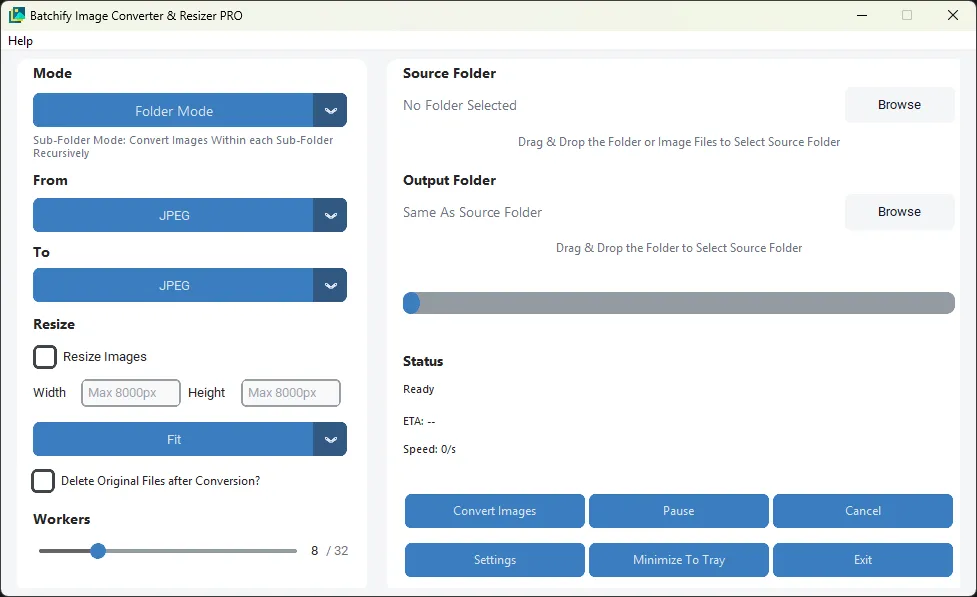
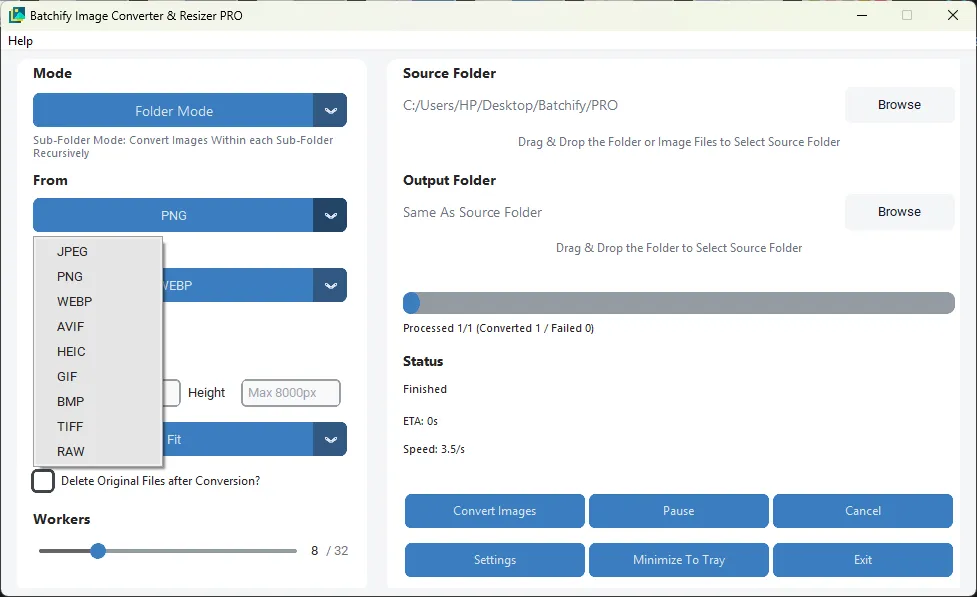
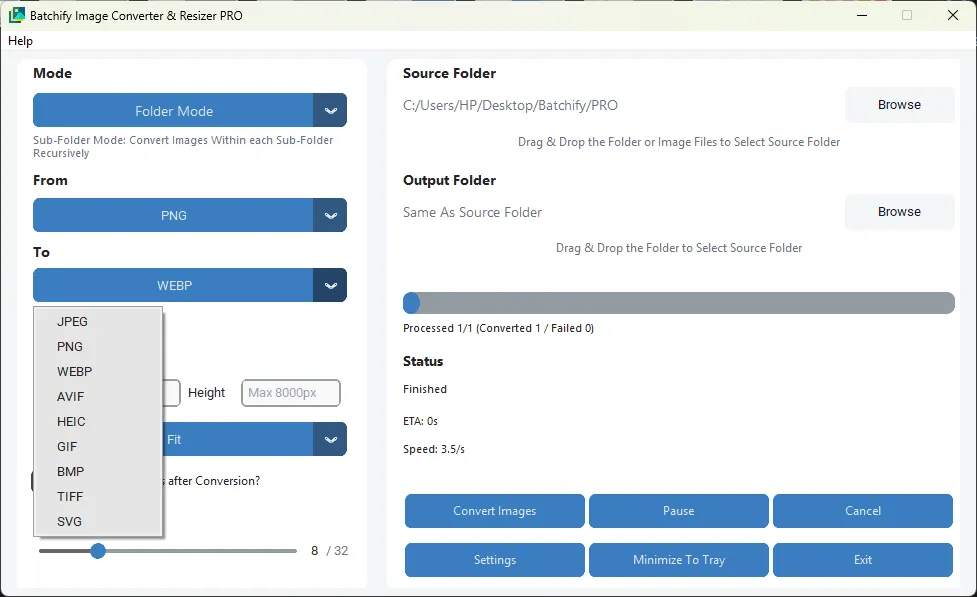
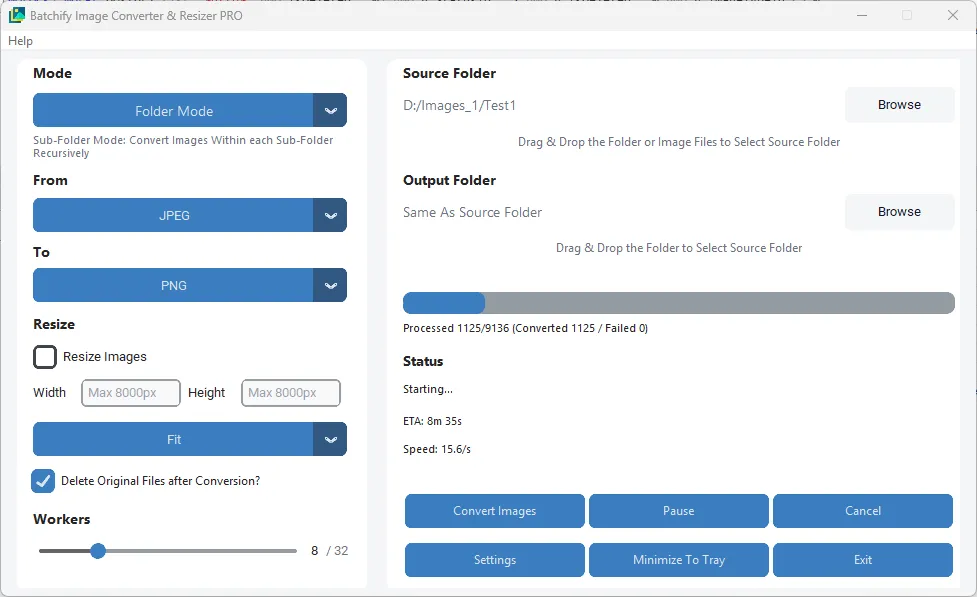
| Format | Quality Control |
|---|---|
| JPG | Quality 1–100 |
| PNG | Compression 0–9 |
| GIF | Optimize Mode |
| TIFF | Raw · Deflate · LZW compression |
Batch PDF to Image Conversion
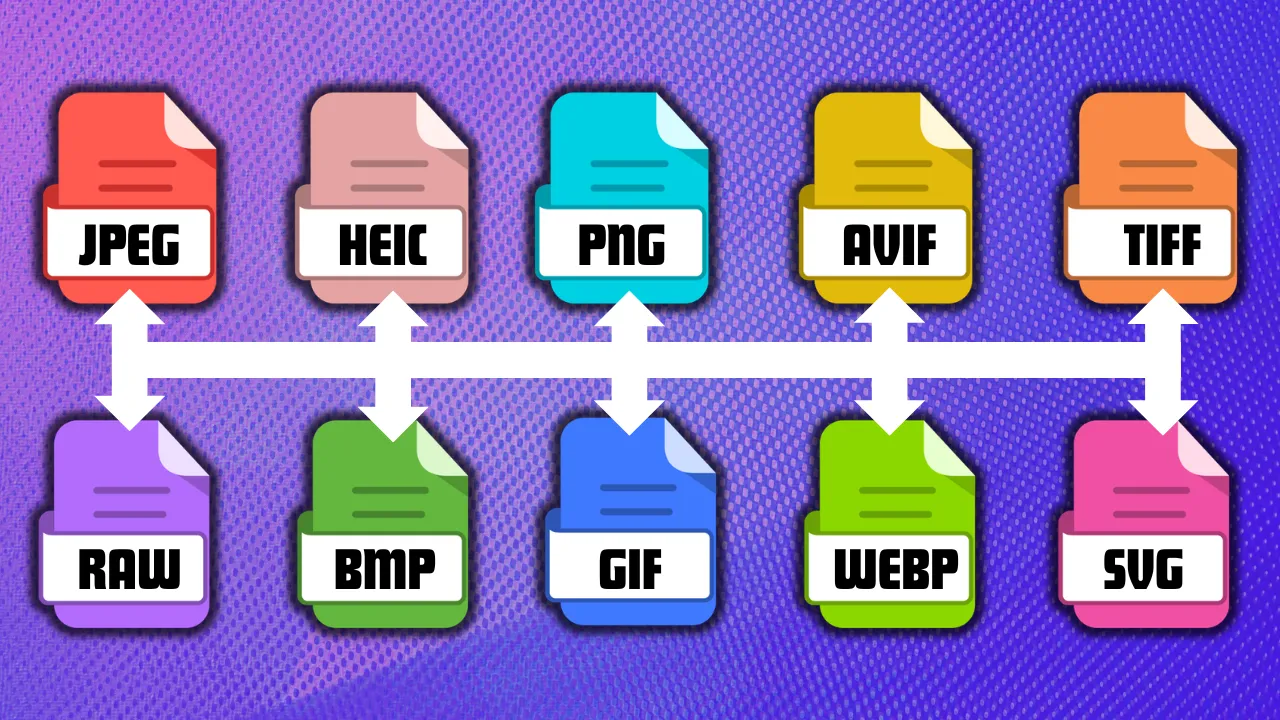
Convert single or multiple PDF files into image formats in one operation. Export pages to JPG, PNG, TIFF, BMP, or GIF with fast and reliable processing.
Batch PDF Compression
Reduce PDF file sizes in bulk for easier sharing, storage, and upload. Maintains usable visual quality for office documents, image-heavy PDFs, and archived files.
Automatic Nested Sub-Folder Conversion
Enable Sub-Folder Mode to scan and process PDFs recursively inside all nested folders. Automatically detects supported files throughout the directory tree.
Drag & Drop Input / Output Folders
Quickly assign source and destination folders using drag-and-drop. Speeds up daily workflows and eliminates repetitive folder browsing steps.
High-Speed Multi-Core Processing
Built with a powerful parallel processing engine that utilizes available CPU cores. Multiple PDF pages or files can be processed simultaneously.
Real-Time Progress, ETA & Speed Monitor
Track live page progress, estimated completion time, and current conversion speed while processing. Helpful for long-running jobs and high-volume batches.
Cancel · Pause · Resume
Full job control during any conversion run. Pause large batches, resume where you left off, or cancel any ongoing operation instantly.
Same Folder or Custom Output
Save converted files beside the original PDFs or choose a separate output location. Useful for organized workflows, team environments, and archival projects.
Portable Windows Application
Lightweight desktop software that runs without complex setup. Easy to deploy across multiple systems and convenient for office or technician use.
Handles Large Workloads
Optimized for converting hundreds to 100,000+ pages with dependable performance. Ideal for scanning centers, print shops, offices, and enterprise bulk tasks.
Safe & Stable Operation
If one file is corrupted or locked, the remaining tasks continue without interrupting the entire batch. No race conditions during read/write operations.
Low RAM Usage Engine
Efficient memory handling manages large PDF documents and high-page-count files without excessive RAM usage. Runs smoothly on entry-level systems.
Batch Conversion & Nested Sub-Folder Conversion
PDF Compression Workflow
PDF to JPG & PNG Conversion
| Operating System | Windows 8 or later |
| Processor (CPU) | Dual-Core Processor or equivalent |
| Memory (RAM) | 2 GB RAM |
| Storage | At least 500 MB free disk space |
| Operating System | Windows 10 or Windows 11 (64-bit) |
| Processor (CPU) | Intel i5 / AMD Ryzen 5 or better (4+ cores recommended) |
| Memory (RAM) | 4 GB RAM or more |
| Storage | SSD recommended for faster batch processing |
| Free Disk Space | At least 2 GB available for temporary files and outputs |
| Additional | Multi-core CPU recommended for maximum conversion speed |