How to Copy and Paste From Clipboard History on Windows
Never lose a copied item again — reach back into your clipboard history anytime
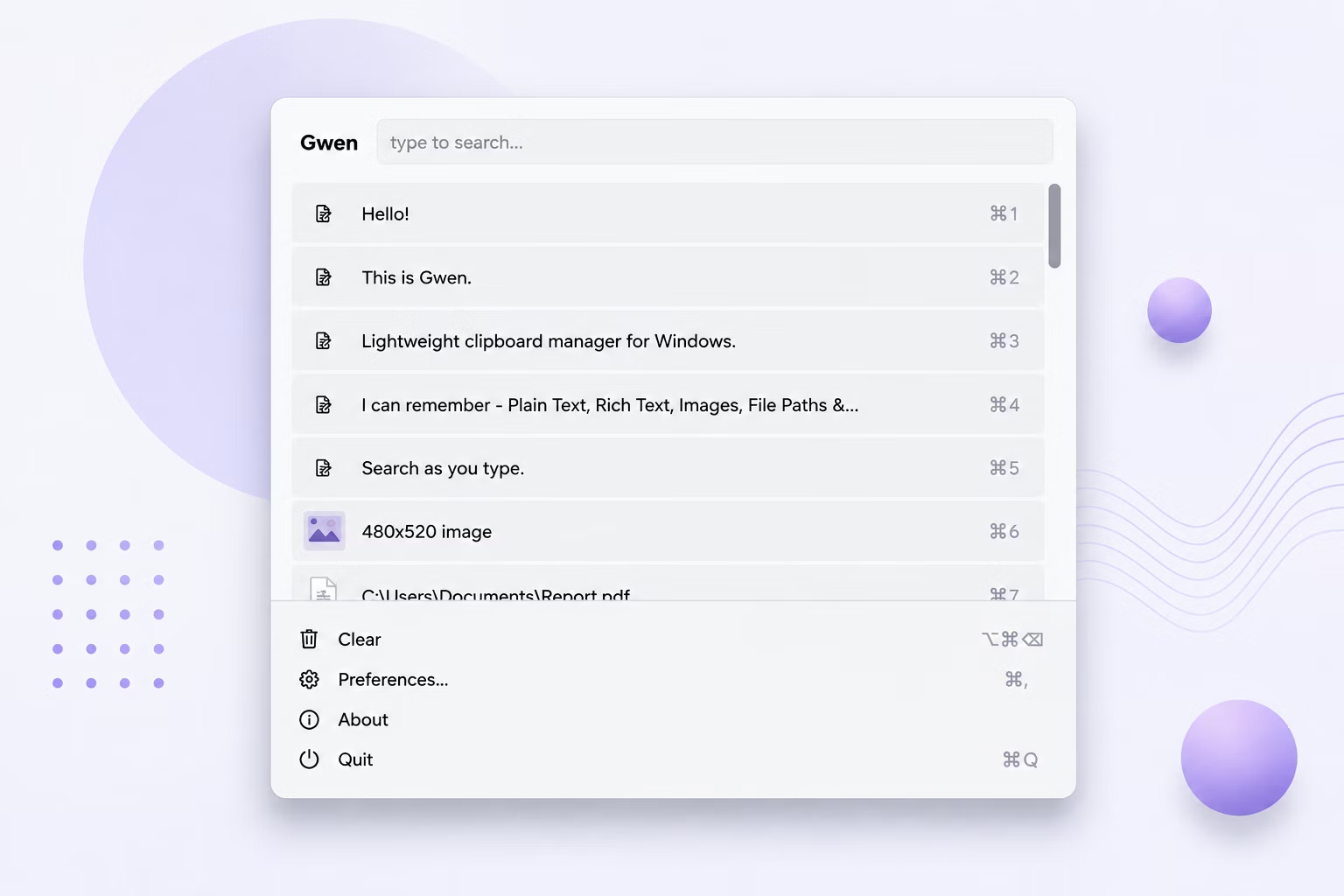
Windows' built-in clipboard only remembers the single most recent thing you copied. Copy something new, and the previous item is gone for good — a real problem if you're switching between multiple snippets of text, image assets, or file paths throughout the day.
Gwen solves this by keeping a running, searchable history of everything you copy, so pasting an item from ten minutes ago is just as easy as pasting the last thing you copied.
How to Copy and Paste From Clipboard History
- Install and license Gwen on your Windows PC — it runs quietly in the system tray afterward.
- Copy anything as normal (Ctrl+C, right-click Copy, or a screenshot) — Gwen captures it automatically in the background.
- Press Ctrl+Shift+V (configurable) to open the Gwen popup near your cursor.
- Use the arrow keys or your mouse to find the item you want, going back as far as your history allows.
- Press Enter or click the item — it's copied back to the clipboard and pasted automatically into your active window.
What Makes Gwen's Clipboard History Useful
- Keeps a full running history, not just the single most recent copy
- Works with text, images, files, and hex color codes alike
- Number keys 1–9 let you jump straight to a recent item and paste it instantly
- History persists across restarts by default, so nothing is lost when you reboot
- 100% offline — your copied content never leaves your PC
Frequently Asked Questions
Does Gwen replace the Windows clipboard?
No, Gwen works alongside the normal Windows clipboard. Ctrl+C and Ctrl+V still work exactly as before; Gwen simply adds a searchable history on top.
How far back does clipboard history go?
As far as your configured maximum history size allows — this is adjustable in Preferences, and older entries are trimmed automatically once you exceed it.
Can I paste an item from several days ago?
Yes, as long as it's still within your history limit and you haven't cleared it manually, items from days ago are just as pasteable as the most recent copy.
Related guides and tools
This guide is part of TurboSoft’s clipboard management resources. Gwen Clipboard Manager handles all of these tasks offline on Windows.